Want more mods for Lethal Company? Explore our entire collection!
Fly
"Fly freely around moons with adjustable movement and boost speeds."
/LethalCompanyGhostEmployeeFly1.jpg)
How do I install Fly?
Download the free ProjectMods desktop app, then install Fly for Lethal Company in one click.
</>What does Fly do?
Fly freely around moons, facilities, and outdoor areas without being held down by gravity. Use WASD to move, Space to rise, and Left Control to descend. Fly Speed controls normal movement, while Shift Speed provides a faster boost whenever you hold Left Shift. Both speeds can be adjusted independently during play. Turn Fly Enabled off to return to normal walking and gravity. Stored falling speed is cleared before flight ends, preventing a long flight from causing sudden fall damage when you land.
</>What is Fly?
Fly for Lethal Company adds free aerial movement for exploring moons, crossing outdoor terrain, and moving vertically through open areas. Normal flight speed and the Left Shift boost have separate settings, letting you choose comfortable movement for careful positioning or fast travel. Flight can be disabled at any time to restore normal walking and gravity without carrying over dangerous falling speed.
</>Common questions about Fly
What are the flight controls?
Use WASD to move, Space to rise, Left Control to descend, and Left Shift to boost.
Can I fly faster while travelling across a moon?
Yes. Hold Left Shift to use the separately adjustable Shift Speed.
Can I set normal and boosted speeds separately?
Yes. Fly Speed and Shift Speed are independent settings.
Will I take stored fall damage when flight ends?
No. Falling speed is cleared before normal gravity and movement return.
What options does Fly include?
Shift Speed
Set your faster flying speed while holding Left Shift.
Fly Speed
Set your normal flying speed.
Fly Enabled
Enable flight using WASD, Space, and Left Control.
Fly around Lethal Company with WASD, rise with Space, descend with Left Control, and hold Left Shift for a faster boost.
System Requirements
What features does Fly include?
- Use WASD to move, Space to rise, Left Control to descend, and Left Shift to activate the faster flight speed.
- Set normal Fly Speed and the faster Left Shift boost independently.
- Return safely to normal movement without stored fall damage.
Best For
- Cross large outdoor areas quickly while searching for entrances, scrap, or teammates.
- Rise above obstacles or descend carefully when exploring open vertical spaces.
More Mods for Lethal Company
/LethalCompanyDuracellInfiniteBattery1.jpg)
Infinite Battery
Keeps batteries full for every powered item carried in your inventory.
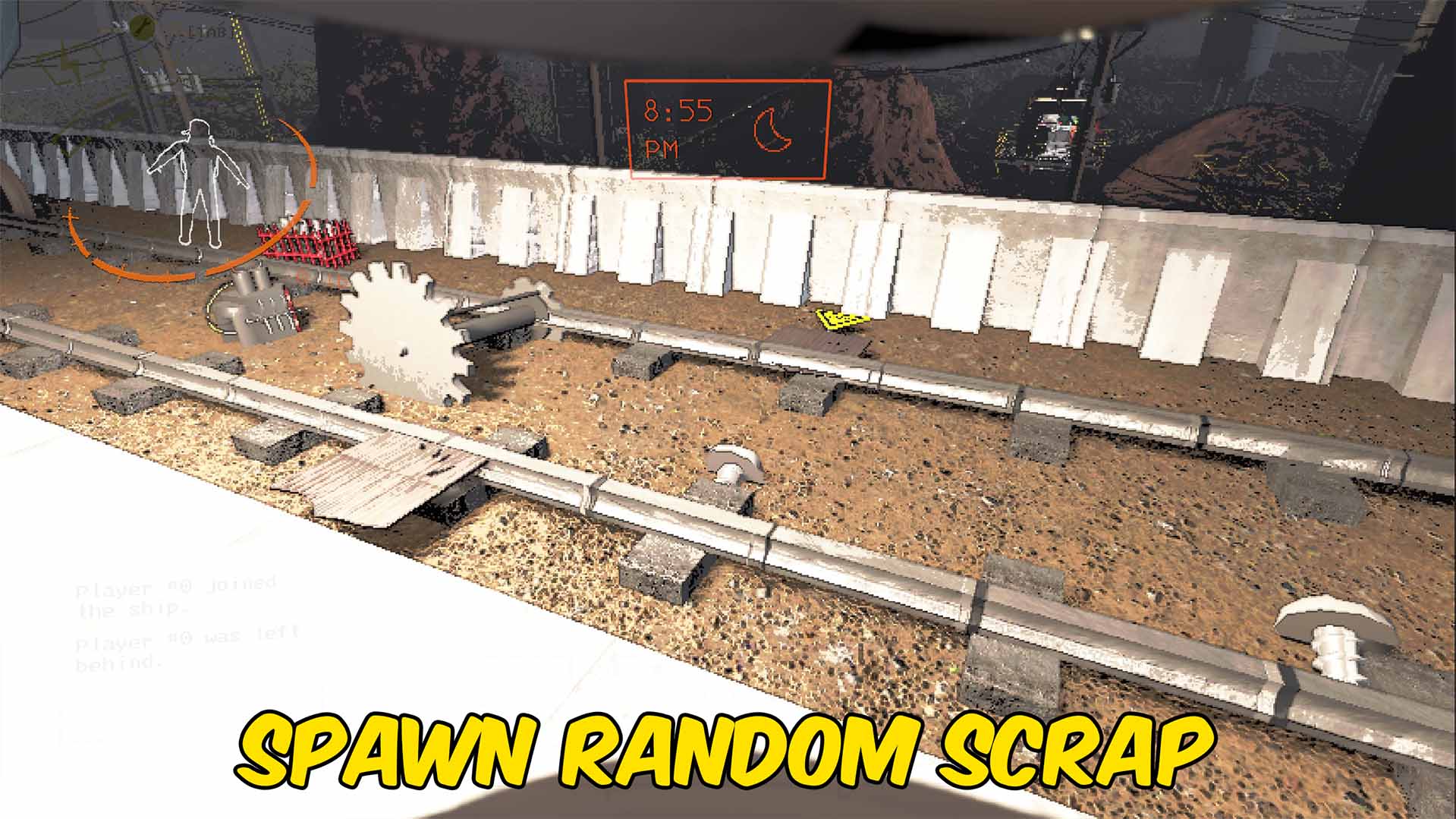
Spawn Random Scrap
Spawns one random scrap item from the current moon near the host player.
/LethalCompanyImmortalInternHealth1.jpg)
Infinite Health
Prevents damage and keeps the local player at full health while enabled.







