Want more mods for Lethal Company? Explore our entire collection!
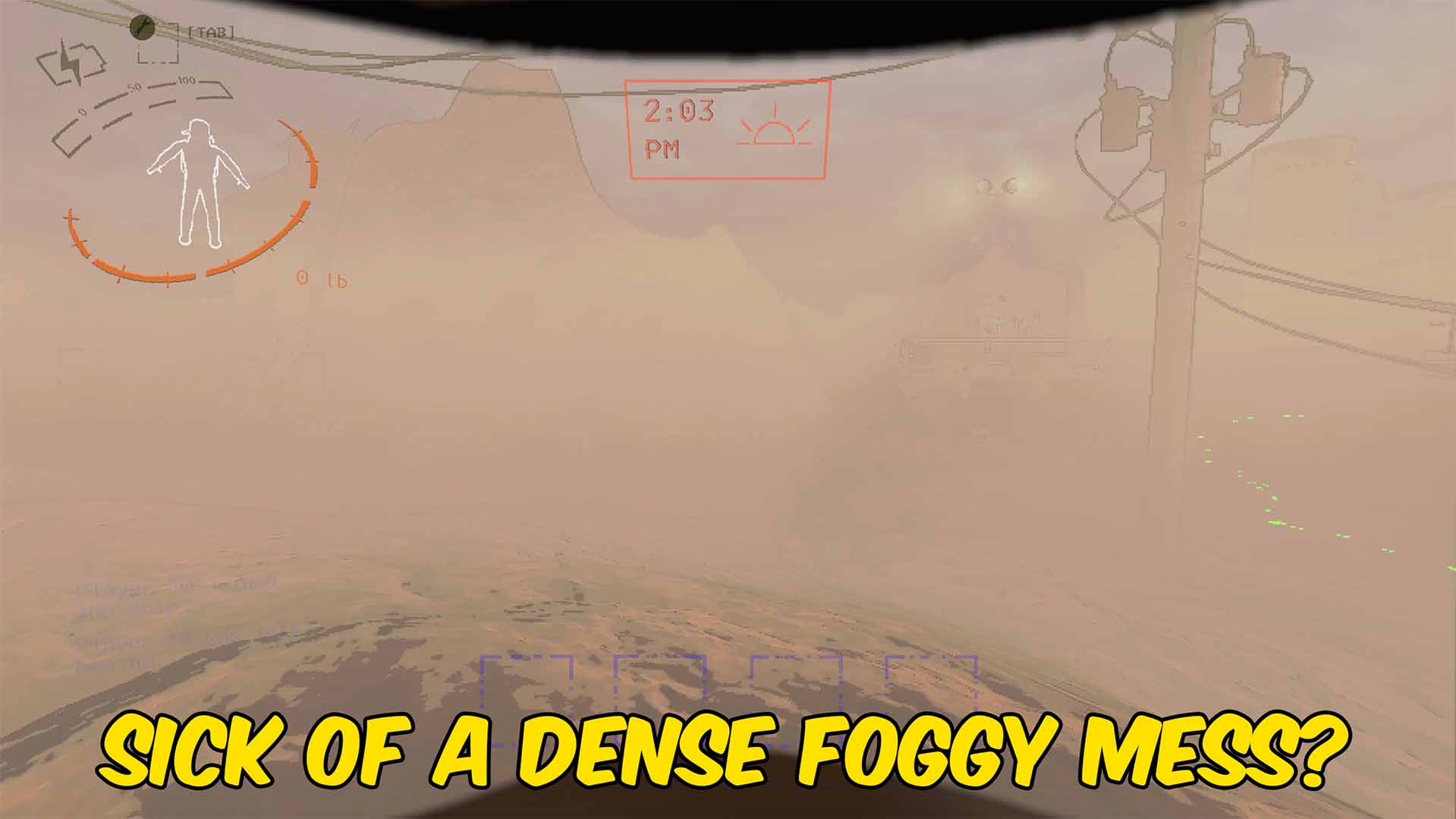
Remove Fog
"Clear heavy fog for a cleaner view across each moon."
How do I install Remove Fog?
Download the free ProjectMods desktop app, then install Remove Fog for Lethal Company in one click.
</>What does Remove Fog do?
See routes, terrain, entrances, and nearby hazards more clearly instead of looking through dense haze. Turn the option off to restore the game's original fog and atmosphere. Use the included controls whenever you want this change during a Lethal Company session. The mod stays focused on remove fog and does not add unrelated progression or economy changes.
</>What is Remove Fog?
Looking for a Lethal Company remove fog mod? See routes, terrain, entrances, and nearby hazards more clearly instead of looking through dense haze. Turn the option off to restore the game's original fog and atmosphere. The controls are available through ProjectMods and can be changed during play.
</>Common questions about Remove Fog
What fog does the mod remove?
It disables the game's environmental and foggy-weather haze while enabled.
Can I restore the original atmosphere?
Yes. Disable Remove Fog and the previous fog state is restored.
Does it change darkness inside facilities?
No. It removes fog but does not add night vision or replace facility lighting.
Does it alter moon weather selection?
No. It changes fog visibility without rerolling the selected weather.
What options does Remove Fog include?
Remove Fog
Remove environmental fog while enabled and restore it when disabled.
Removes environmental fog while enabled to improve visibility indoors and outside. Use the listed option controls after loading into a game.
System Requirements
What features does Remove Fog include?
- See routes, terrain, entrances, and nearby hazards more clearly instead of looking through dense haze.
- Turn the option off to restore the game's original fog and atmosphere.
- Includes dedicated controls for remove fog during active sessions.
Best For
- Use it during moon expeditions when you want fog support.
- Adjust the mod during solo or crew sessions without changing unrelated game systems.
More Mods for Lethal Company
/LethalCompanyImmortalInternHealth1.jpg)
Infinite Health
Prevents damage and keeps the local player at full health while enabled.
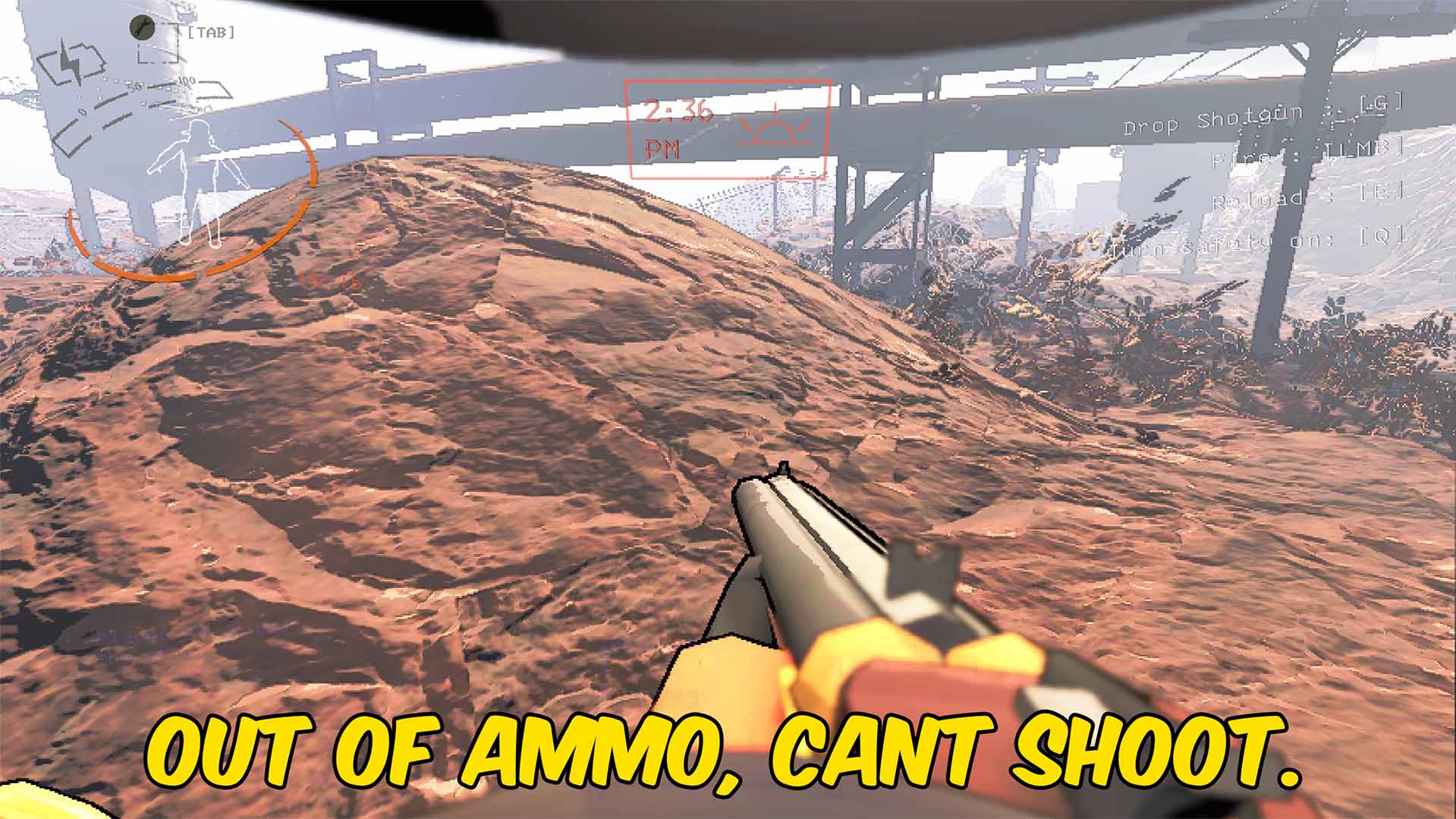
Infinite Ammo
Keeps shotguns in your inventory fully loaded while the option is enabled.
/LethalCompanyRoboArmsInfiniteReach1.jpg)
Infinite Pickup Range
Extends your pickup range so distant items can be grabbed while they remain in view.







