Want more mods for Liquor Store Simulator? Explore our entire collection!
Customer Flow Manager
"Tune crowd size, arrival pace, and how often invalid IDs show up."
How do I install Customer Flow Manager?
Download the free ProjectMods desktop app, then install Customer Flow Manager for Liquor Store Simulator in one click.
</>What does Customer Flow Manager do?
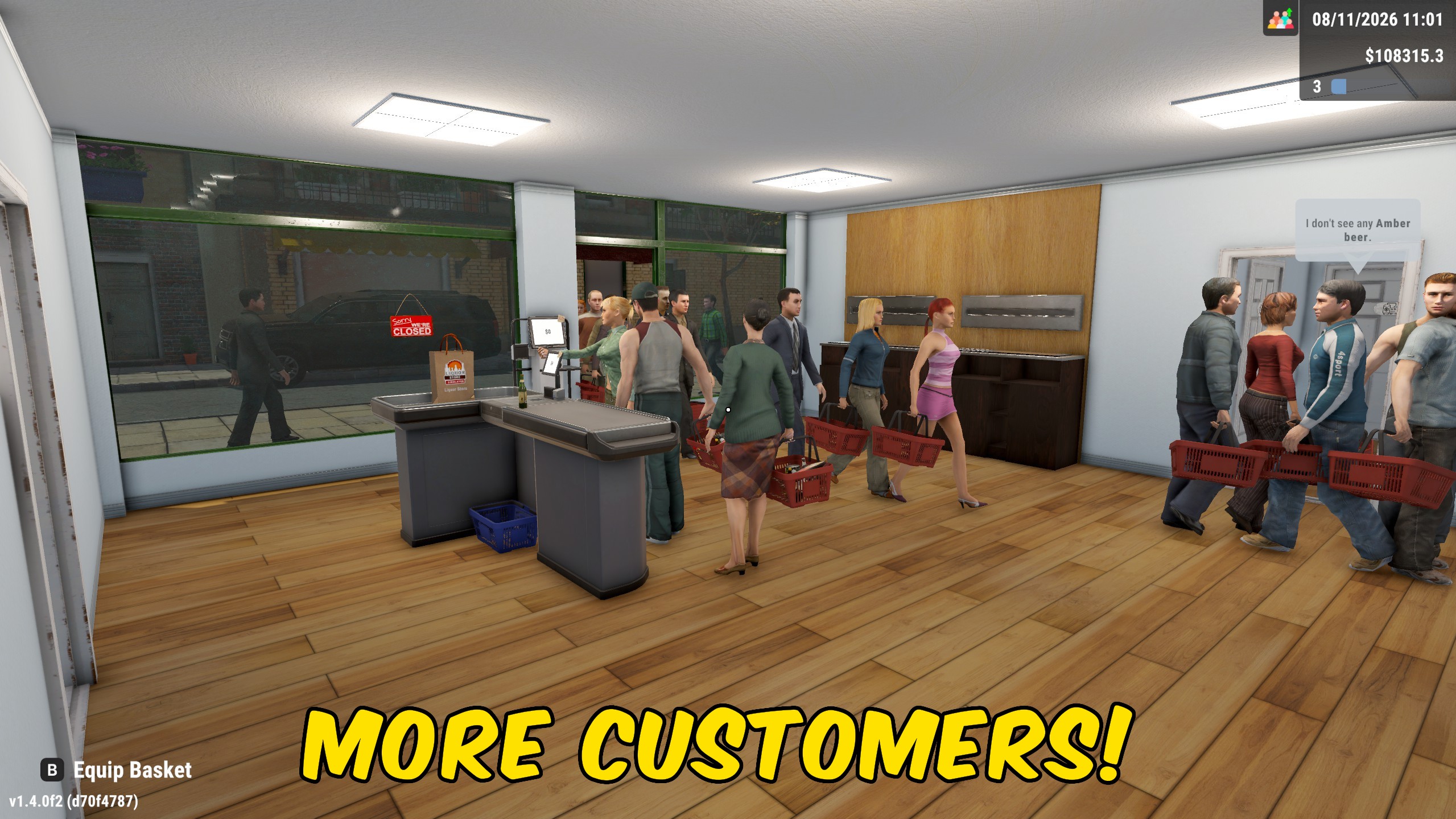
Customer Flow Manager lets you dial Liquor Store Simulator foot traffic up or down without waiting on the default spawn rhythm. Maximum Customers caps how many shoppers can be active at once, while Arrival Speed shortens or stretches the wait between new arrivals. Invalid ID Chance sets what share of ordinary customers show up with bad identification, which is useful for ID-check practice or calmer days with fewer rejects. All of these settings apply only while Customer Flow Enabled is on. Disable the main toggle whenever you want the store's original crowd and ID values restored.
</>What is Customer Flow Manager?
Customer Flow Manager is a Liquor Store Simulator crowd-control mod for maximum customers, arrival pace, and invalid-ID frequency. Players can create quiet stocking days or packed checkout tests, then restore default customer settings by turning the mod off. It is aimed at layout testing, challenge runs, and paced management sessions.
</>Common questions about Customer Flow Manager
What does Arrival Speed change?
Higher values bring new customers in with shorter waits. Lower values space arrivals further apart.
Does Invalid ID Chance affect every customer type the same way?
It changes the percentage of ordinary customers who arrive with an invalid ID.
How do I restore default crowds?
Turn Customer Flow Enabled off to restore the store's normal customer settings.
Is this the same as Liquor Store Chaos?
No. Chaos adds drunk customers and a rush trigger. This mod focuses on crowd size, arrival pace, and invalid IDs.
What options does Customer Flow Manager include?
Maximum Customers
Choose the maximum number of customers that can be active at once.
Arrival Speed
Choose how quickly new customers arrive. Higher values mean shorter waits between shoppers.
Invalid ID Chance
Choose the percentage of ordinary customers who arrive with an invalid ID.
Customer Flow Enabled
Apply the customer settings below. Turn this off to restore the store's normal crowd and ID values.
Enable Customer Flow Enabled, then set Maximum Customers, Arrival Speed, and Invalid ID Chance. Turn the toggle off to restore normal values.
System Requirements
What features does Customer Flow Manager include?
- Set the maximum number of active customers.
- Speed up or slow down how quickly new customers arrive.
- Control how often ordinary customers arrive with an invalid ID, with restore on disable.
Best For
- Run a quiet store while redesigning shelves and checkouts.
- Stress-test a busy checkout layout with larger crowds and faster arrivals.
More Mods for Liquor Store Simulator
Give Upgrade Points
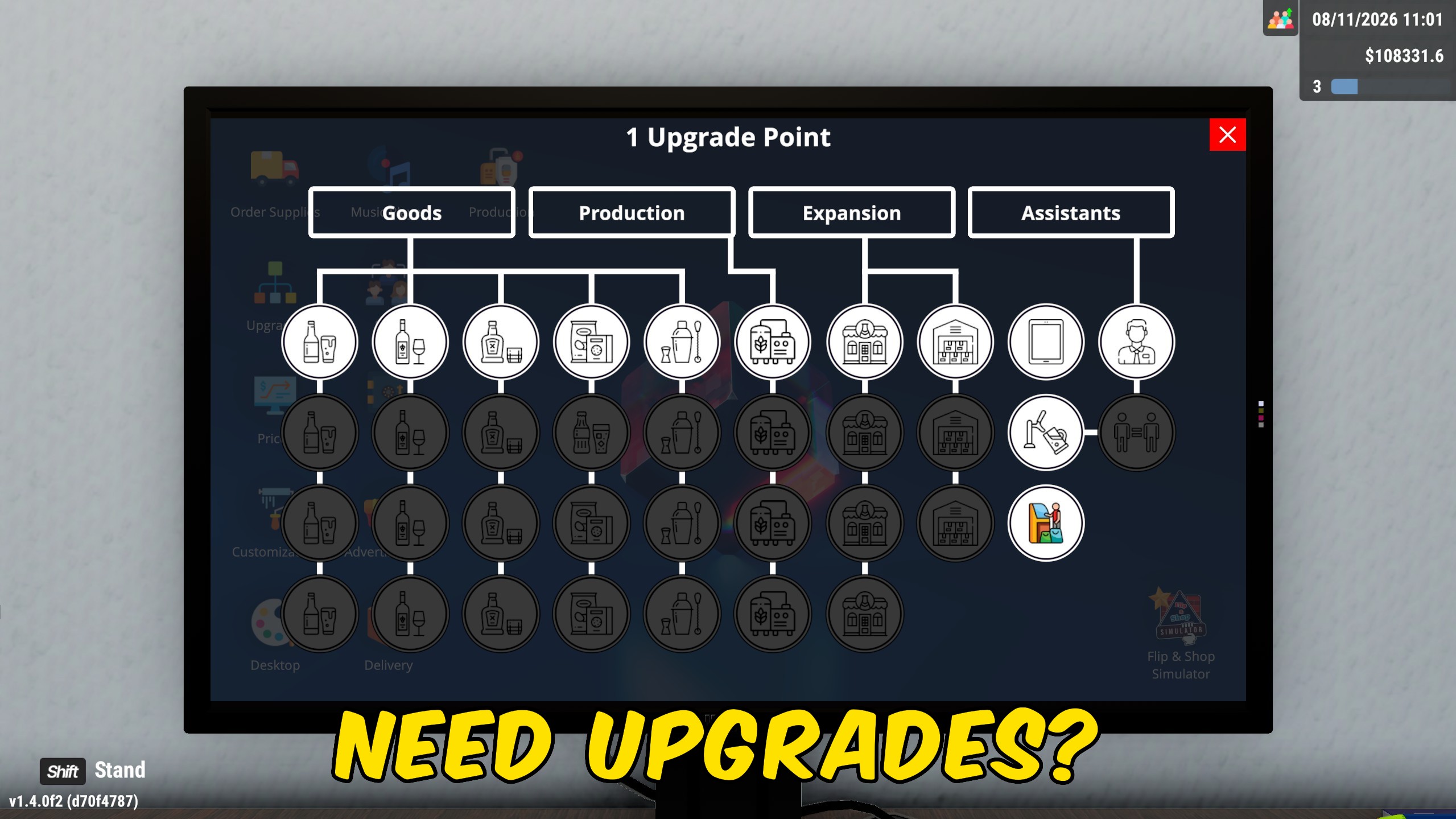
Add the exact number of upgrade points you want, or reset your available points to zero with a separate action.
Delivery Jobs Manager
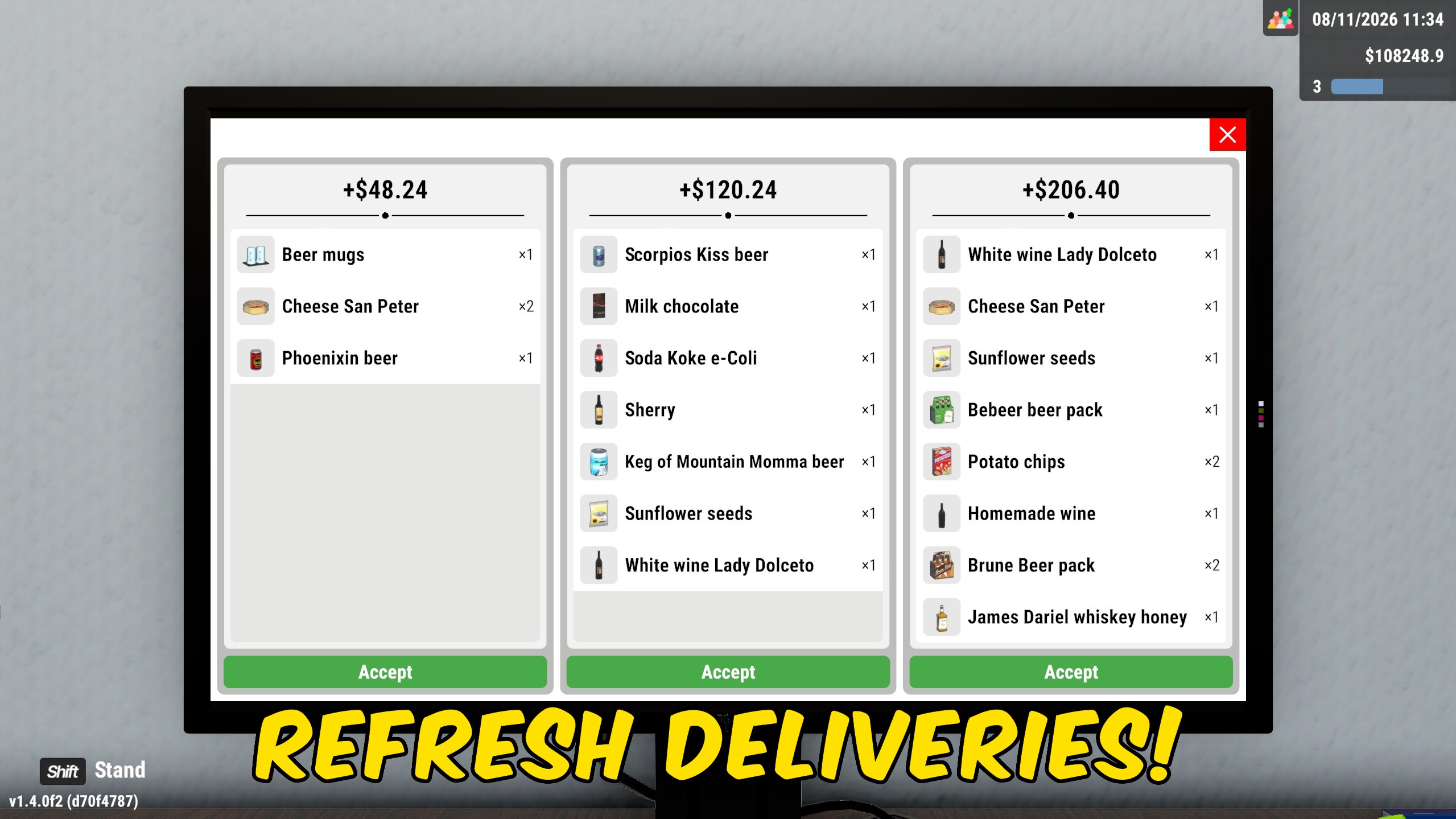
Generate a fresh set of delivery jobs, or complete every accepted delivery and collect its reward in one action.
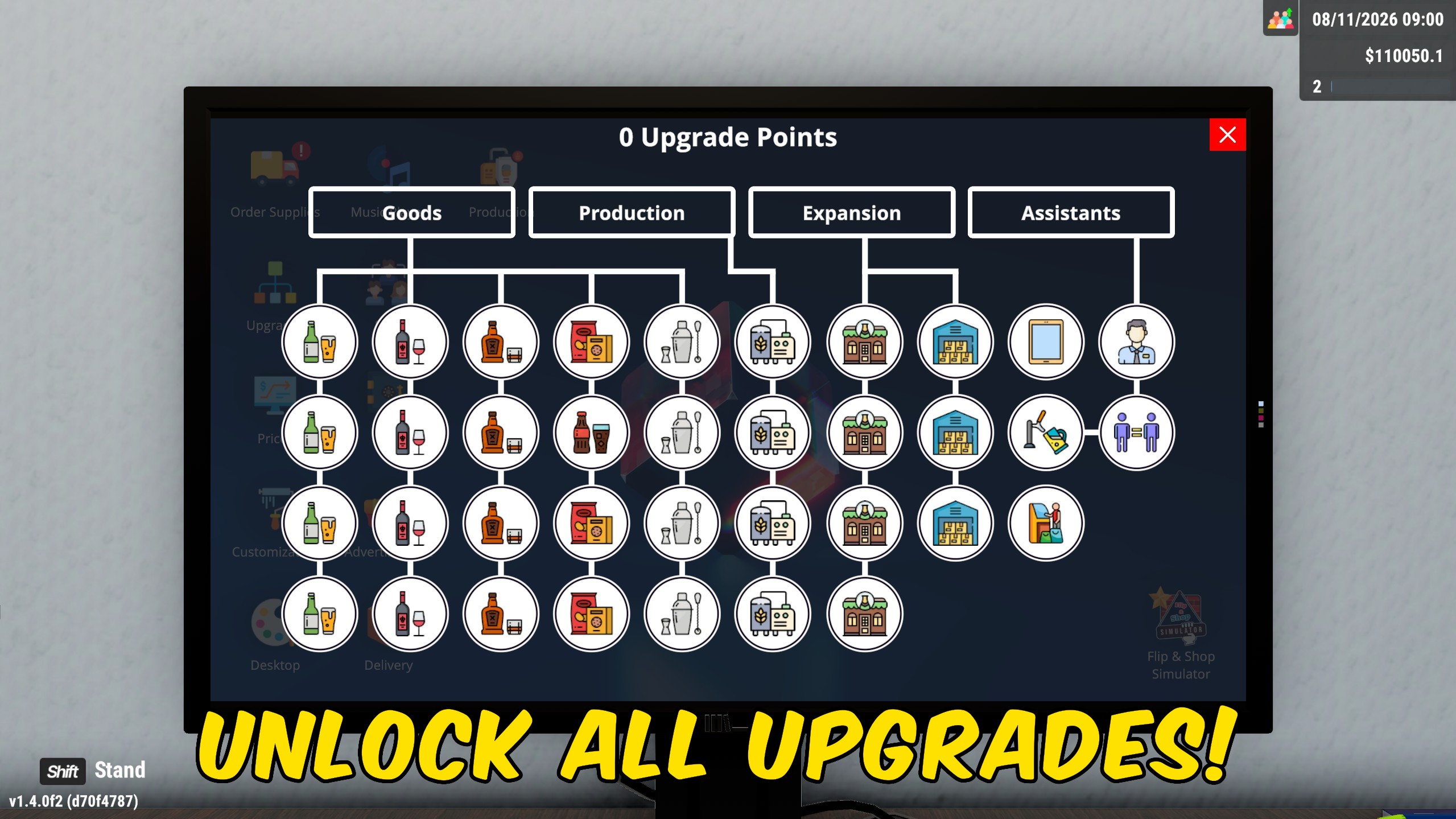
Unlock All Licenses & Upgrades
Unlock all available product licenses and skill-tree upgrades without paying for each one separately, with combined or separate actions.