Want more mods for Luma Island? Explore our entire collection!
Item Conjurer
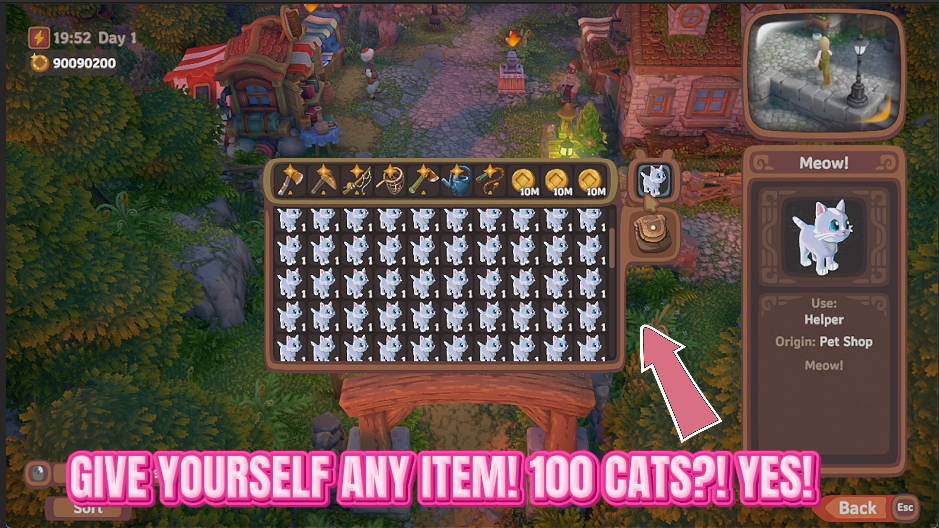
"Name any item. It's already in your bag."
How do I install Item Conjurer?
Download the free ProjectMods desktop app, then install Item Conjurer for Luma Island in one click.
</>What does Item Conjurer do?
Short a few planks for that build, lost a rare tool, or just want to skip the hunt for one specific seed? Item Conjurer puts the island's whole item catalog at your fingertips. Press Refresh List once you're in-game and every item loads into a tidy menu grouped by type - seeds with seeds, tools with tools - so it's easy to scan or type-to-search. Pick what you want, set how many, and press Give Item. The items drop straight into your bag, so you can restock in seconds instead of grinding for them. Want more? Press it again. If your bag is full you'll get a friendly heads-up instead of losing anything. It works in single-player and as a client in online co-op, because the items go into your own bag.
</>What is Item Conjurer?
Item Conjurer puts Luma Island's whole item catalogue at your fingertips. Press Refresh List once you're in-game and every item loads into a tidy menu grouped by type, so you can scan or type-to-search. Pick what you want, set how many, and press Give Item to drop it straight into your bag. From ProjectMods, the community-first PC mod manager.
</>Common questions about Item Conjurer
What does Item Conjurer do in Luma Island?
Item Conjurer puts Luma Island's entire item catalogue at your fingertips and drops anything from it straight into your bag. Once you are in-game you press Refresh List and every item loads into a tidy menu grouped by type, seeds with seeds and tools with tools, so it is easy to scan or type-to-search. Pick the item you want, set how many copies with the Amount field, and press Give Item. The items appear in your bag instantly, so you can restock a lost tool, top up materials for a build, or grab one specific seed in seconds instead of grinding for it the long way.
How do I find a specific item in Item Conjurer's list?
Item Conjurer organises Luma Island's whole catalogue into a menu grouped by type, so related things sit together, with all the seeds in one place, all the tools in another, and so on. That grouping makes it quick to scan for what you want, and you can also type to search the list to jump straight to a name. Set the Amount field to however many copies you want, then press Give Item to drop that many into your bag. If you want a different item next, just pick it and press again. The tidy, searchable layout is what makes summoning one exact item fast rather than fiddly.
Why is Item Conjurer's dropdown empty when I first load in?
That is expected, and the fix takes one click. Item Conjurer's Item dropdown starts empty because it waits until you are actually on your Luma Island before it reads the full catalogue. Press the Refresh List button once after you load into your island and every item populates the menu, grouped by type and ready to search. You only need to do this once per session, and after that the list stays filled so you can pick and press Give Item freely. So if the menu looks blank at first, do not worry that anything is broken; just hit Refresh List and the whole catalogue appears for you.
How many copies of an item can Item Conjurer give at once?
Item Conjurer's Amount field controls how many copies of the chosen item land in your bag each time you press Give Item on Luma Island. Type a small number to grab just one or two of something, or a larger number to stock up on a material in bulk for a big build. Because Give Item is repeatable, you can press it several times to pile on even more. There is one sensible limit: if your bag is full, the mod gives you a friendly heads-up rather than letting anything vanish, so you never lose items by over-summoning. Clear some space and press again to continue topping up.
Does Item Conjurer work in online co-op?
Yes, with one detail worth knowing. Item Conjurer works in single-player and as a client in online co-op on Luma Island, because the items it summons always go into your own bag rather than the shared world. That means you can top up your own supplies whether you are hosting or you have joined a friend's island, without spawning items into anyone else's inventory. It is perfect for replacing a rare tool you lost, grabbing the last few planks for a build, or skipping the hunt for one specific seed. Everyone who wants it runs their own copy and stocks their own bag independently.
What options does Item Conjurer include?
Item
Pick the item you want. Press Refresh List first to fill this menu with everything on the island.
Refresh List
Loads every Luma Island item into the menu above. Do this once after you load into your island.
Give Item
Drops your chosen Amount of the selected item into your bag.
Amount
How many copies of the chosen item to drop into your bag each time you press Give Item.
Item Conjurer is a Luma Island mod from ProjectMods that spawns any item straight into your bag, so you pick it from a searchable list, choose how many, and press Give Item.
System Requirements
What features does Item Conjurer include?
- Press Refresh List once you're in-game to load every Luma Island item into a tidy, searchable menu
- Browse items grouped by type, seeds with seeds and tools with tools, or just type to search
- Set any amount, press Give Item, and your picks drop straight into your bag in seconds
- Restock a lost tool, a rare seed or the last few planks for a build without grinding for them
- Full bag? You get a friendly heads-up instead of losing anything, solo or as a client in co-op
Best For
- Builders a few planks short of finishing a project who want the exact materials without another gathering run
- Players who lost or sold a rare tool by accident and just want to get it straight back
- Anyone who wants to skip the hunt for one specific seed or ingredient a recipe calls for
- Co-op players topping up their own bag with what a group build needs without slowing everyone down
- Creators setting up a demo who need specific items on hand before they start recording
More Mods for Luma Island
Full Codex
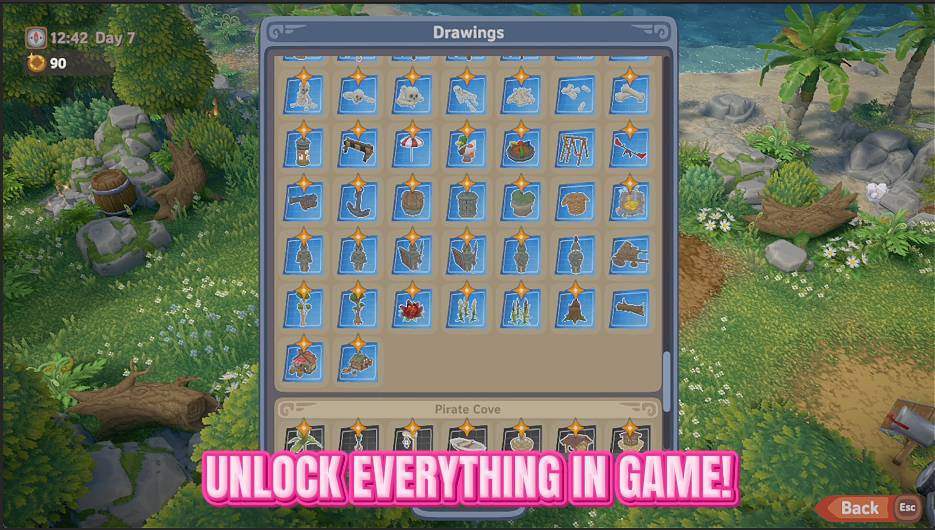
Unlock every recipe, building blueprint, profession and food in one click. Your crafting menus, build list and job board fill right up — no more hunting for that one missing recipe.
/LumaIslandFreeWorkshop1.jpg)
Free Workshop (No-Ingredient Crafting)
Craft at any Luma Island station without spending the ingredients. Flip on Free Crafting, set a recipe, and the bench turns out the finished item from an empty hopper.
Green Thumb
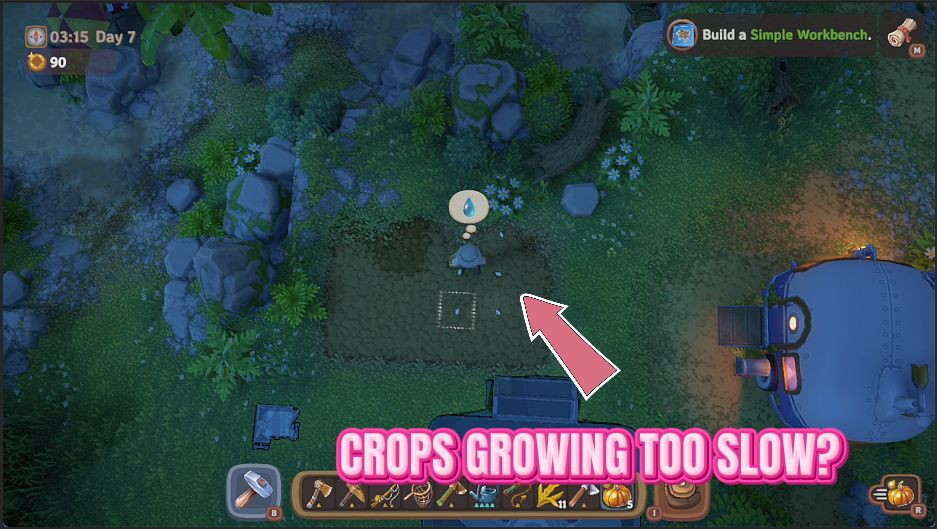
Skip the wait between planting and harvest. One button finishes off every crop you've got in the ground, so you can gather the whole lot right now.