Want more mods for Megastore Simulator? Explore our entire collection!
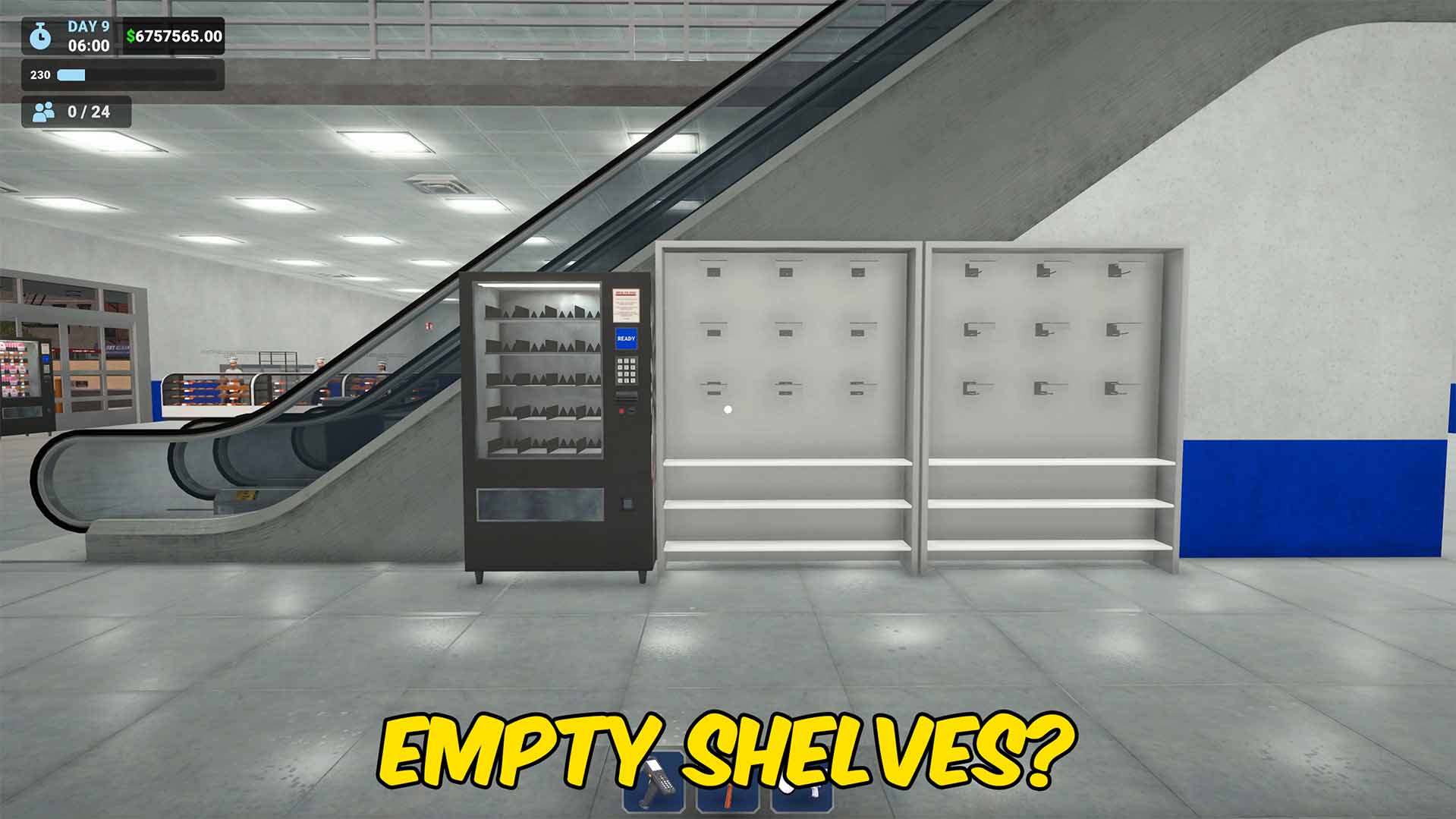
Auto Stock Shelves
"Stock shelves faster without placing every item by hand."
How do I install Auto Stock Shelves?
Download the free ProjectMods desktop app, then install Auto Stock Shelves for Megastore Simulator in one click.
</>What does Auto Stock Shelves do?
Auto Stock Shelves speeds up store management in Megastore Simulator by moving sell-ready items from product boxes onto compatible shelves. Instead of placing every item manually, you can keep shelves filled faster and spend more time running the bigger parts of your store. The mod only stocks products that are ready for customer shelves. Cookable items stay out of the auto flow, and butcher meat that still needs cutting, grinding, or packing is skipped so raw meat does not get stuck on stands you cannot empty or sell. Turn Enabled on for continuous stocking, or use Stock Shelves Now when you want a one-time pass after unpacking deliveries. It is a practical utility for smoother inventory flow without the risky placements that can break a butcher stand.
</>What is Auto Stock Shelves?
Download Auto Stock Shelves for Megastore Simulator to automatically place boxed products onto compatible shelves while avoiding unprepared butcher meat and cookable items. This PC utility mod is ideal for players searching for Megastore Simulator stocking mods, safer auto restock tools, shelf filling shortcuts, butcher stand protection, and faster inventory management without manual item placement.
</>Common questions about Auto Stock Shelves
What does Auto Stock Shelves do in Megastore Simulator?
It automatically places sell-ready items from product boxes onto compatible shelves.
Will it stock uncut butcher meat onto stands?
No. Meat that still needs cutting, grinding, or packing is skipped so it does not get stuck on stands.
Does it place products on any shelf?
No. Items are only placed onto compatible shelves that can accept that product.
How do I run stocking once without leaving it on?
Use Stock Shelves Now for a single pass, or turn Enabled on for continuous stocking.
What options does Auto Stock Shelves include?
Stock Shelves Now
Run one stocking pass now for sell-ready products only.
Enabled
Automatically stock compatible shelves from product boxes and trays. Skips uncut/unpacked butcher meat and uncooked bakery items.
Auto Stock Shelves places sell-ready boxed products onto compatible shelves in Megastore Simulator and skips unprepared butcher meat that would get stuck.
System Requirements
What features does Auto Stock Shelves include?
- Automatically places sell-ready items from product boxes onto compatible shelves
- Skips cookables and butcher meat that still needs cutting, grinding, or packing
- Supports continuous stocking or a one-time Stock Shelves Now action
Best For
- Stock shelves faster after unpacking product boxes
- Avoid putting uncut or unpacked butcher meat onto stands that become stuck
More Mods for Megastore Simulator
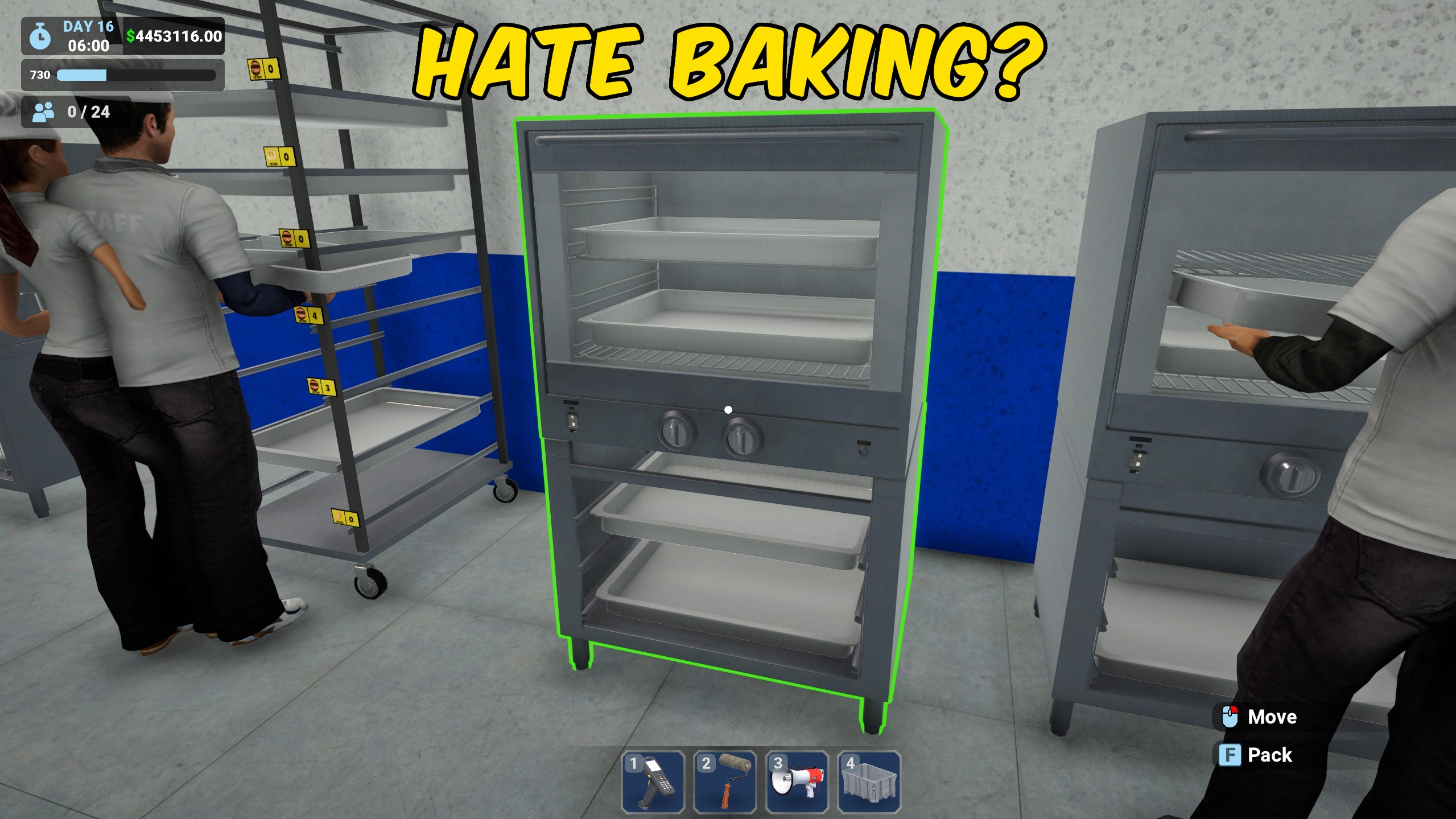
Bakery Prep Assist
Loads raw bakery items into oven trays and starts cooking in Megastore Simulator, either automatically or with one click.
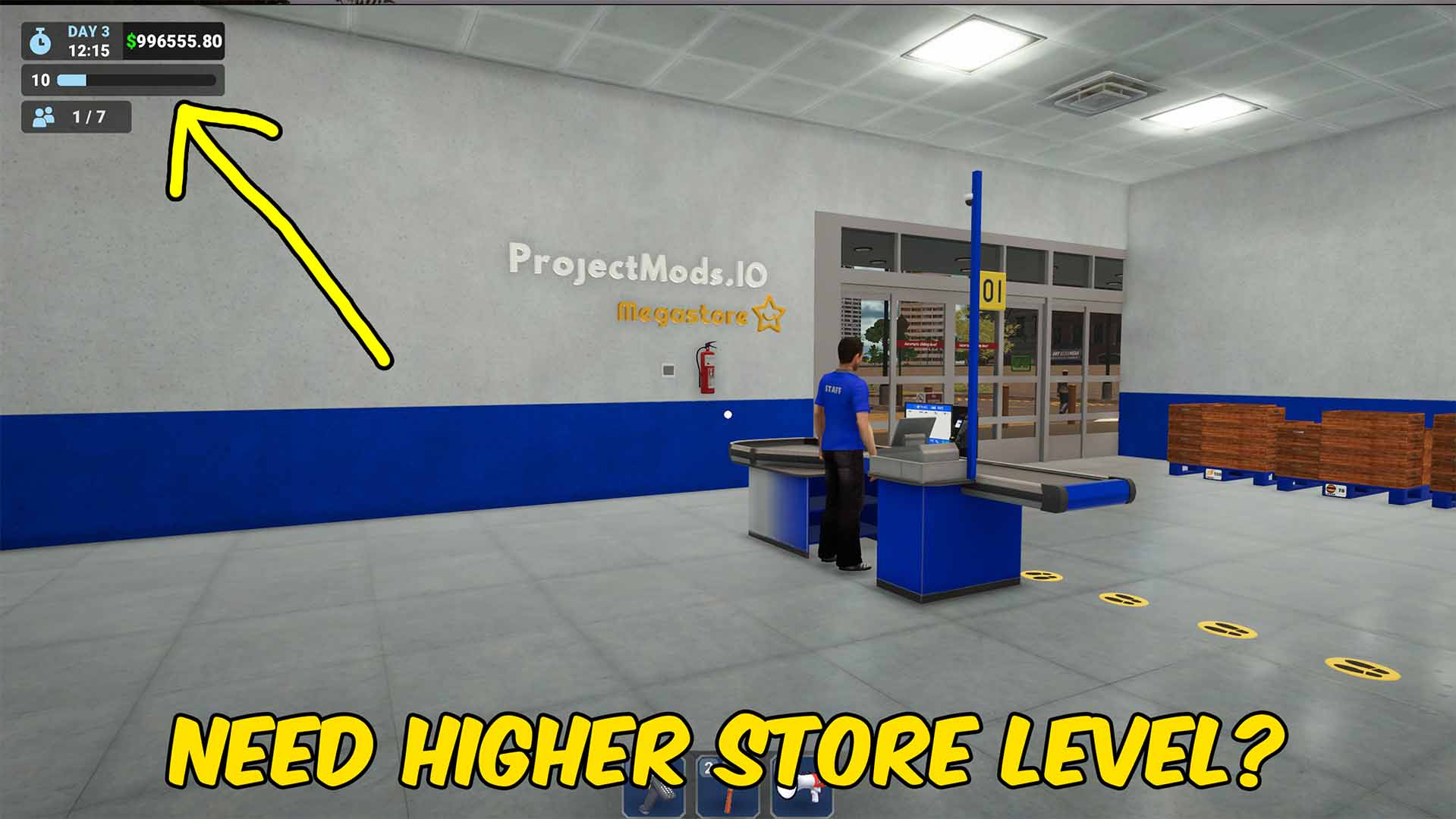
Level Up
Give yourself levels in Megastore Simulator so you can progress faster and test higher level gameplay instantly.
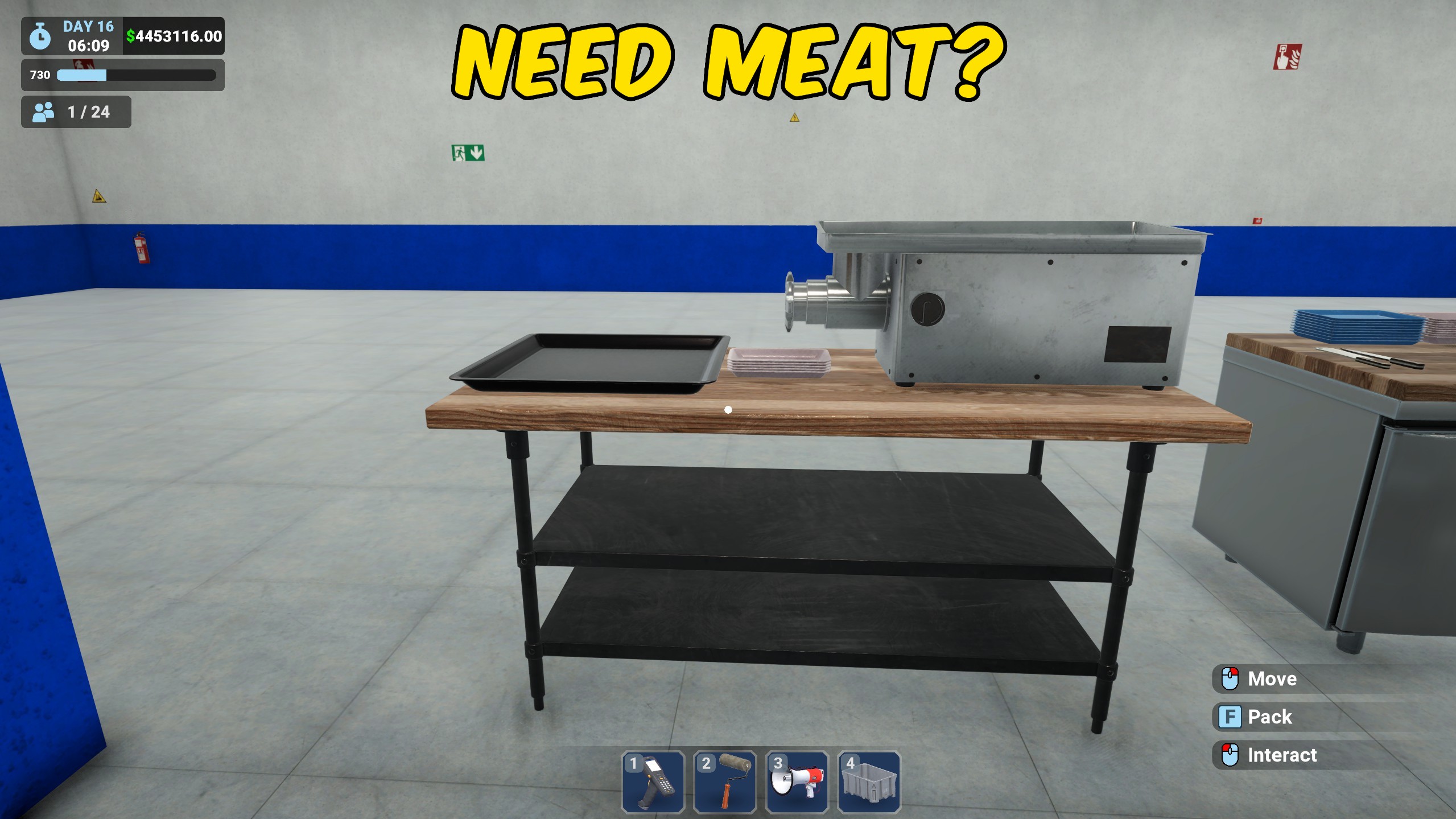
Butcher Prep Assist
Prepares whole and bulk ground butcher meat on cutting tables and grinders in Megastore Simulator, then packs the finished cuts onto trays.







