Want more mods for Megastore Simulator? Explore our entire collection!
Free Store Orders
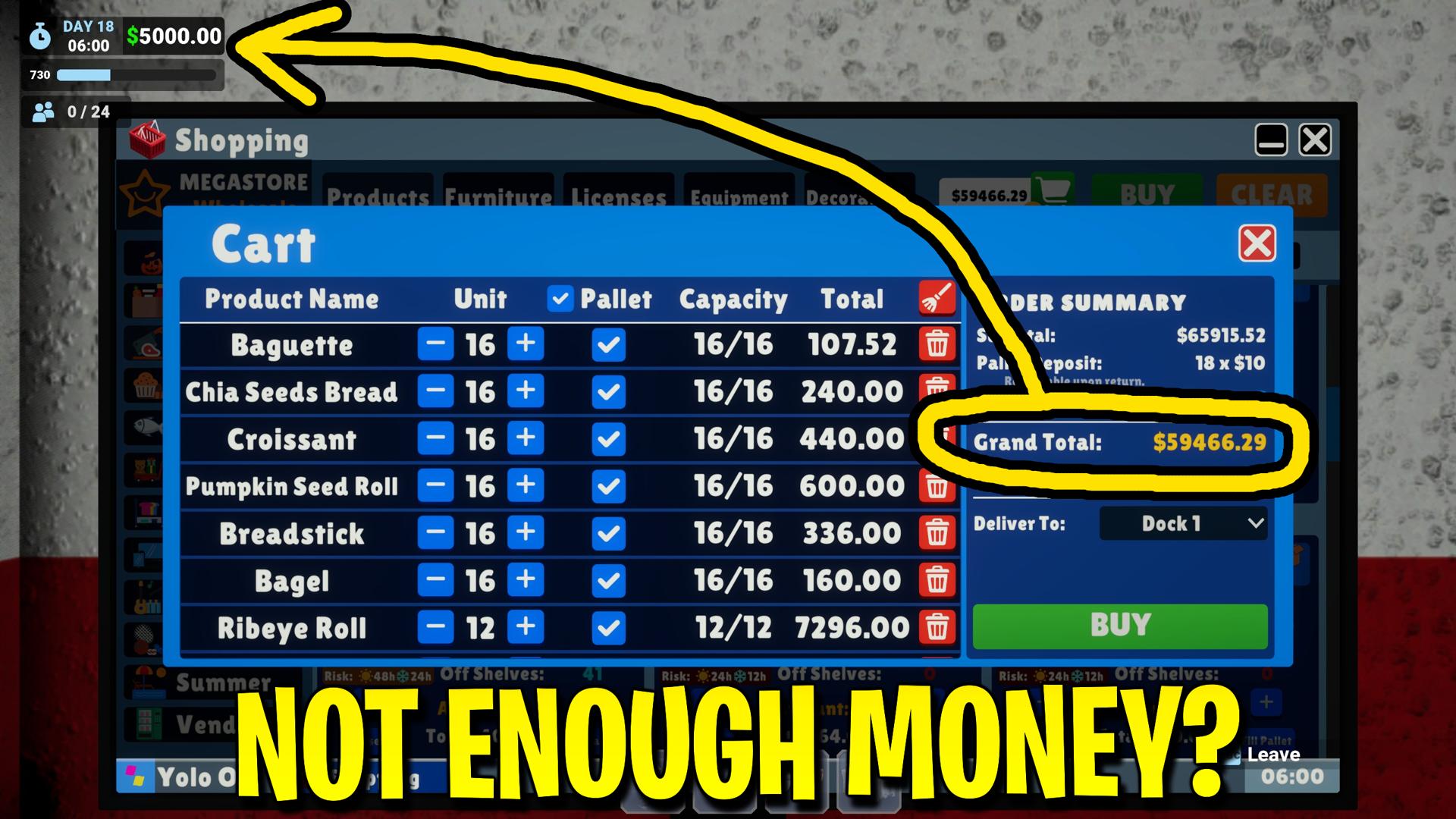
"Order stock without spending your store cash."
How do I install Free Store Orders?
Download the free ProjectMods desktop app, then install Free Store Orders for Megastore Simulator in one click.
</>What does Free Store Orders do?
Turn on Free Orders and place an order from the shopping computer or handheld scanner. You can check out with any balance, including zero, and the order adds nothing to your supply costs. Pick your usual delivery area and receive the stock through the regular delivery process. The game still checks whether you can place the order. Turn Free Orders off when you want to pay for stock again.
</>What is Free Store Orders?
Fill your shelves on a tight budget by ordering products at the computer or scanning them while you walk the store. Both carts support free checkout, with the usual order limits and delivery locations.
</>Common questions about Free Store Orders
Does Free Orders work with the handheld scanner?
Yes. Add products with the handheld scanner, open its cart and place the order while Free Orders is enabled. The checkout can go through with a zero balance. It still checks the order limits and sends approved orders to the delivery area you selected.
What happens to my supply costs when I order?
Orders placed with Free Orders on add zero to your supply costs. Your cash balance stays the same for the order, even if the cart shows the normal product prices. Turn the option off when you want the cart total to be charged and recorded as a normal supply expense.
Where do the products arrive?
The order goes to the delivery area selected in the cart. You receive the products through the usual delivery process and can unpack them when they arrive. If the game rejects an order because of a stock or delivery limit, adjust the cart or wait for room before checking out again.
What options does Free Store Orders include?
Free Orders
Make stock orders free on the computer and handheld scanner.
Free Store Orders for Megastore Simulator makes computer and handheld scanner stock orders free through ProjectMods.
System Requirements
What features does Free Store Orders include?
- Order stock through the shopping computer or handheld scanner.
- Place eligible stock orders even with a zero balance.
- Receive stock at the delivery location you choose.
Best For
- Scan items for restocking during a walk through the aisles.
- Order your opening stock while saving cash for store upgrades.
- Try a seasonal product range with your usual deliveries.
More Mods for Megastore Simulator
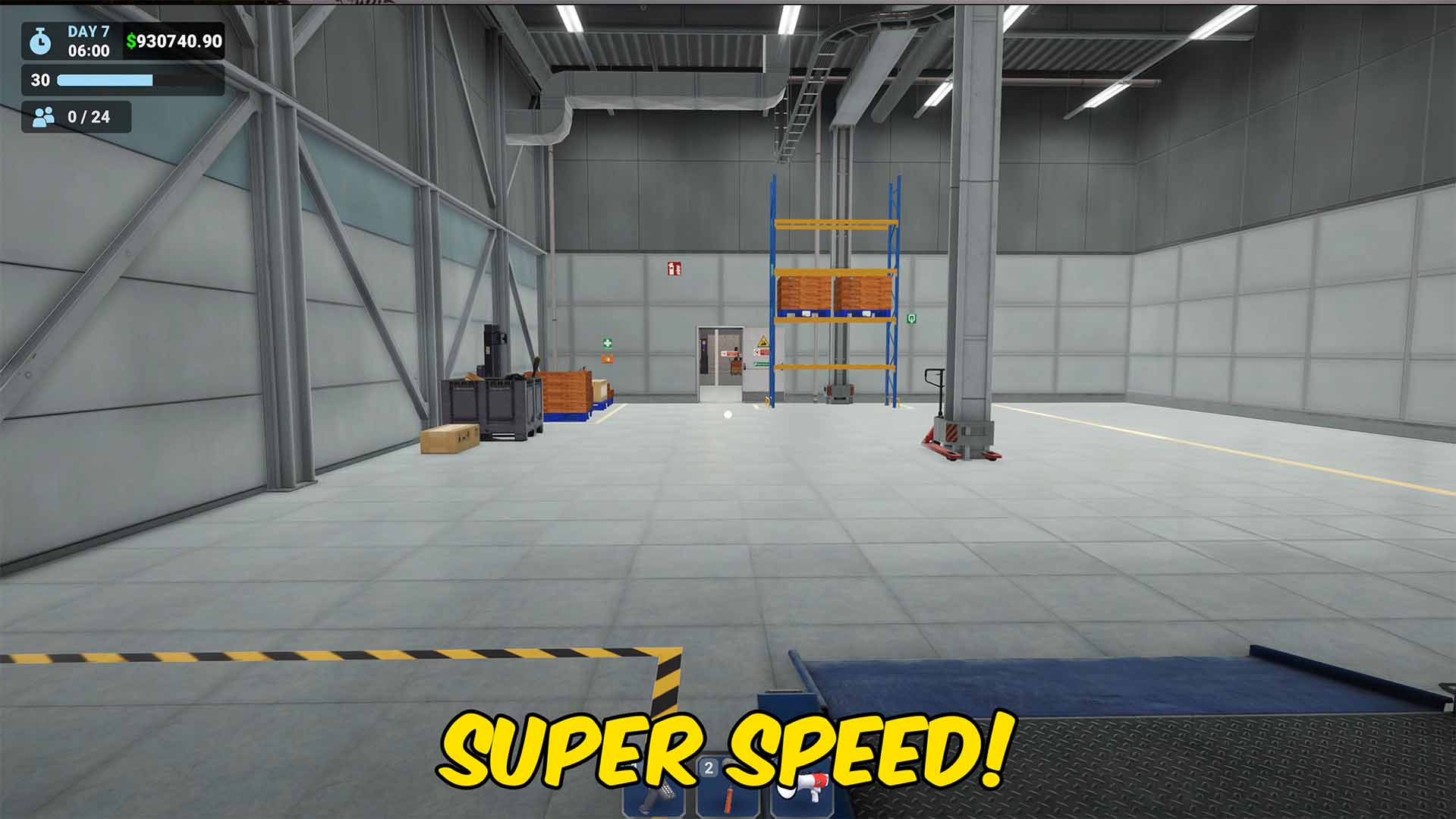
Player Speed
Boosts player movement speed in Megastore Simulator so you can move around the store and complete tasks faster.
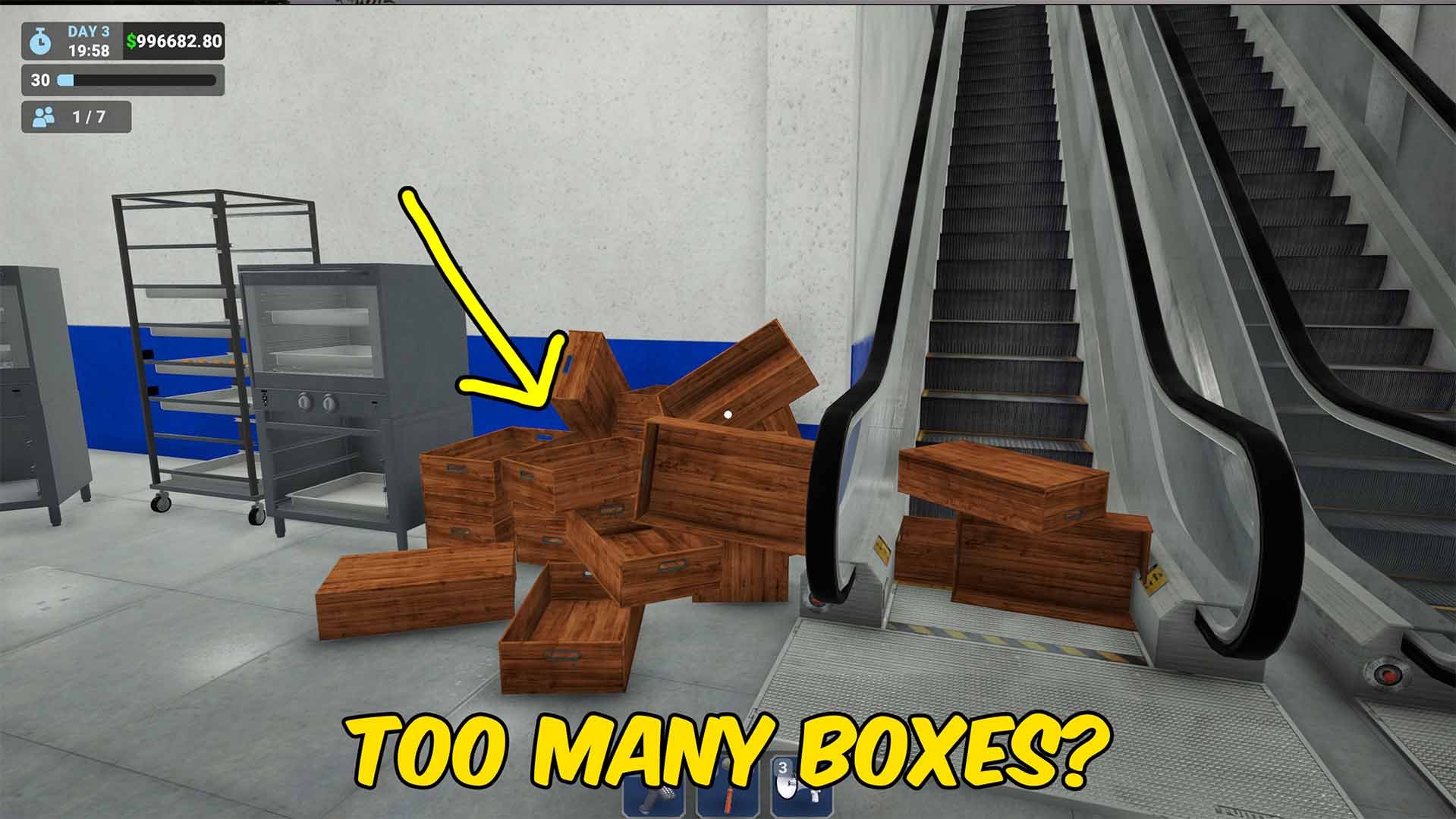
Clear Empty Boxes
Remove empty boxes and empty pallets from your store in Megastore Simulator so leftover packaging does not clutter the floor.
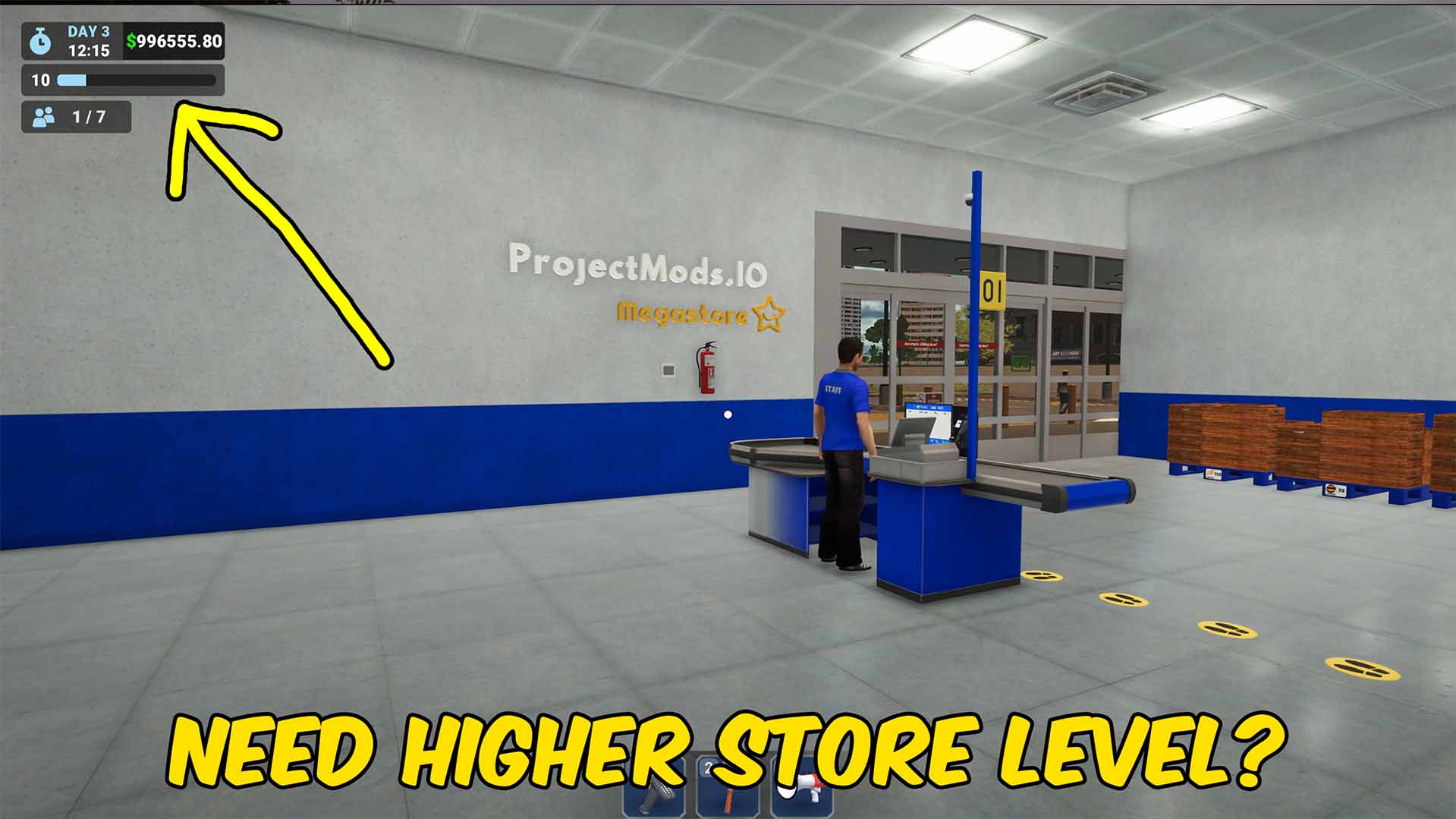
Level Up
Give yourself levels in Megastore Simulator so you can progress faster and test higher level gameplay instantly.







