Want more mods for Megastore: Tidy Up Together? Explore our entire collection!
Shelf Help
"Look at a shelf. Consider it stocked."
How do I install Shelf Help?
Download the free ProjectMods desktop app, then install Shelf Help for Megastore: Tidy Up Together in one click.
</>What does Shelf Help do?
Restocking shelves is the job in Megastore, but doing it box by box gets old fast. Shelf Help cuts the whole chore down to a glance: look at the shelf you want sorted, press once, and it fills with the right product. The clever bit is the empty shelves. Walk up to a bare spot that hasn't been assigned anything yet, and Shelf Help works out what kind of product belongs there, assigns it, and stocks it for you, so there's no digging through a category picker first. Full aisles in the time it takes to look down each one. Great for the mid-game crunch when your store's expanding faster than you can keep the shelves full, or for co-op sessions where you'd rather split up and design the place than spend the whole shift hauling stock. Flip it on when the restocking grind stops being fun.
</>What is Shelf Help?
Shelf Help turns Megastore: Tidy Up Together's restocking grind into one press — aim at any shelf to fill it with the correct product, while empty shelves get the right product line assigned and stocked. From ProjectMods, the community-first PC mod manager for 400+ games across Unity, Unreal, and Godot, with one-click install for store sims like Supermarket Together and Supermarket Simulator.
</>Common questions about Shelf Help
What does Shelf Help do in Megastore: Tidy Up Together?
Shelf Help lets you finish any shelf in Megastore: Tidy Up Together with a single press. Aim at the shelf you want sorted and trigger the mod: if that shelf already has a product assigned, it fills it back up to full with the correct item. If the shelf is completely empty with nothing assigned yet, Shelf Help works out the right kind of product for that spot, assigns it, and stocks it for you. That turns the game's constant restocking chore into a one-button job, so you spend your shift running the store instead of hauling boxes shelf by shelf. It only touches the shelf you're looking at, so you stay in control of what gets filled and when.
How does Shelf Help fill a shelf that's completely empty with no product assigned?
When you aim at a bare shelf that has no product assigned, Shelf Help figures out the right kind of product for that location, assigns it, and stocks it in one press. Empty shelves in Megastore: Tidy Up Together normally need you to pick a category, place the product type, and then haul stock over before anything sells. Shelf Help collapses all of that into a single action, matching the shelf to a sensible product line based on where it sits and what belongs there. You end up with a fully assigned, fully stocked shelf ready for customers, without opening menus or deciding the category yourself. It's the fastest way to bring a brand-new or freshly cleared section of the megastore online during a busy shift.
Does Shelf Help work on shelves that already have a product, or only empty ones?
Shelf Help works on both, and it decides what to do based on the shelf you're aiming at in Megastore: Tidy Up Together. If the shelf already has a product assigned to it, one press refills it to full with that same correct item, so half-empty and picked-over shelves are topped back up instantly. If the shelf is empty with nothing assigned, the mod instead works out the right product for that spot, assigns it, and stocks it. Either way you get a finished shelf from a single action. This means you can walk the aisles and clear every kind of gap the same way, whether a shelf is running low, completely sold out, or brand new and never set up. You never have to check the shelf's state first.
How does Shelf Help know which shelf to fill?
Shelf Help fills whatever shelf you are looking at, using the single action called Finish The Shelf I Am Looking At. You point your view at the shelf you want handled in Megastore: Tidy Up Together and trigger the action, and only that shelf is affected. There are no coordinates to enter and no list to scroll through — the shelf you are facing is the target. This aim-based control keeps you fully in charge of the pace: you decide the order shelves get finished, so you can prioritise the section customers are crowding, work one aisle at a time, or leave certain displays alone. Because it acts on exactly one shelf per press, it never blanket-fills the whole store, which keeps things predictable when you are sharing the floor with teammates.
Why would I use Shelf Help during a busy shift in Megastore: Tidy Up Together?
Shelf Help is for the moments when the megastore is packed and shelves are emptying faster than you can restock them by hand. Instead of grabbing boxes and filling products slot by slot, you look at a shelf, press once, and it's finished — then move straight to the next one. In Megastore: Tidy Up Together that means you can keep a whole aisle stocked during a rush, open a fresh section the instant you unlock it, and stop losing sales to shelves that sat empty too long. It's also handy for content creators and streamers who want the store looking full and camera-ready without spending the clip restocking. If the restocking loop is the part of the game you'd rather skip, Shelf Help hands that time back to you so you can focus on running the place.
What options does Shelf Help include?
Finish The Shelf I Am Looking At
Fills the shelf you're looking at with its proper product. If the shelf is empty, it assigns the right kind and stocks it for you.
Shelf Help, a ProjectMods mod for Megastore: Tidy Up Together, fills the shelf you're aiming at with its correct product in one press — and on empty shelves it works out the right product line, assigns it, and stocks it for you.
System Requirements
What features does Shelf Help include?
- Aim at any shelf and press once to fill it with its proper product, no box-by-box hauling
- Handles empty shelves too: works out the right product for that spot, assigns it, and stocks it in the same press
- Skips the category picker entirely, since it figures out what belongs on a bare shelf for you
- Keeps up during expansions when new shelves go up faster than you can fill them by hand
- Toggle it on and off whenever you like, and flip it off to go back to stocking the vanilla way
Best For
- Store owners hitting the mid-game wall, with a dozen half-empty aisles to fill and manual restocking turned into pure busywork
- Co-op crews who'd rather split up to design and expand the shop than spend the shift carrying boxes to shelves
- Builders laying out a brand-new section who want every fresh shelf assigned and stocked the moment it goes up
- Streamers showing off a fully stocked megastore on camera without the dead air of restocking one shelf at a time
- Returning players who've already done the restocking grind and just want to focus on the fun parts of running the place
More Mods for Megastore: Tidy Up Together
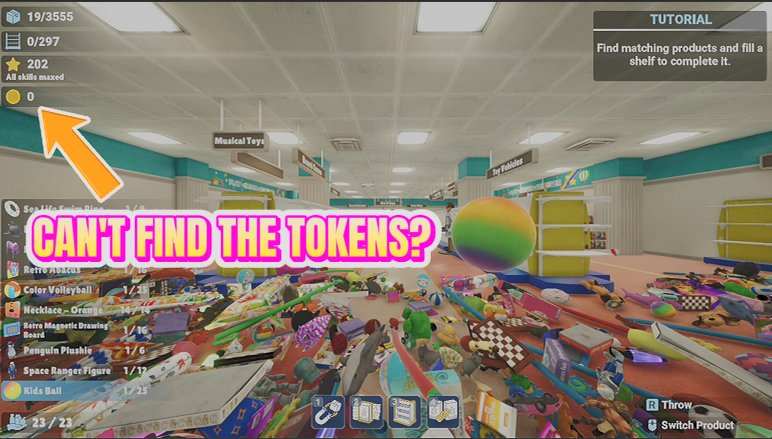
Coin Magnet
Sweep up every arcade coin hidden around the level in a single press, and top up your stash whenever you want to splash out at the arcade machines.
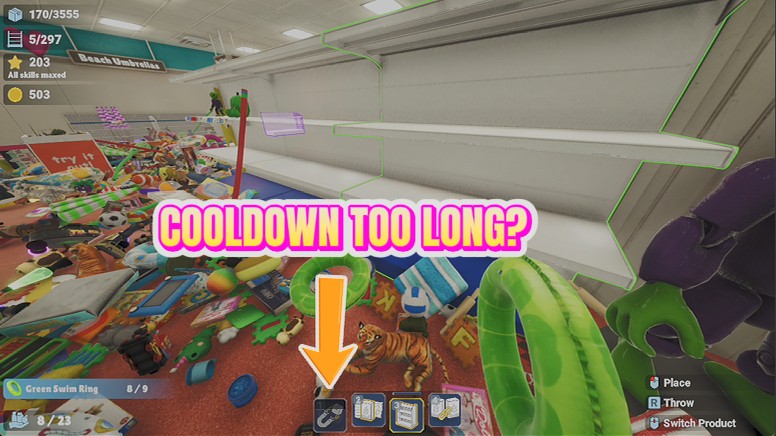
No Sweat
Skill cooldowns vanish, so magnet pull and your other active skills are ready every single time you reach for them.
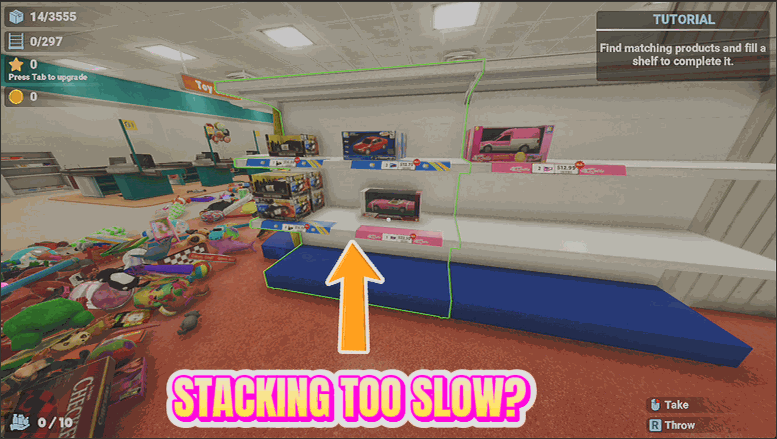
Tidy Wave
Send every loose item near you flying onto its correct shelf in one satisfying wave.







