Want more mods for Minecraft Dungeons II? Explore our entire collection!
WASD Movement
"Steer with the keys. Fight with the mouse."
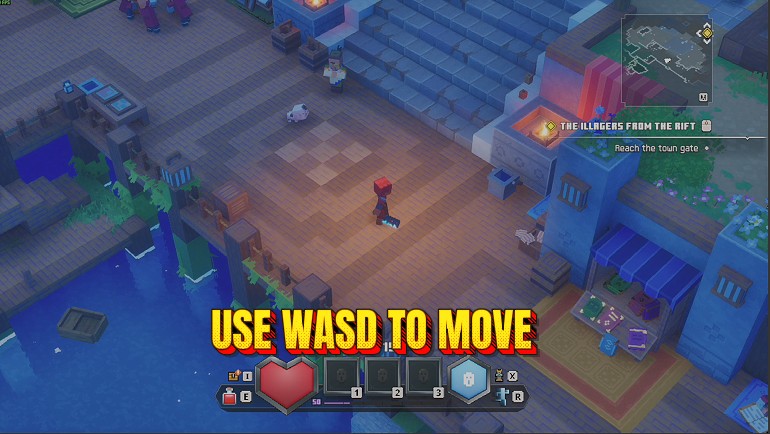
How do I install WASD Movement?
Download the free ProjectMods desktop app, then install WASD Movement for Minecraft Dungeons II in one click.
</>What does WASD Movement do?
Clicking the ground for every step keeps your mouse hand busy steering when it should be choosing what to hit next. WASD Movement hands walking to the keyboard for player 1 with an offline hero. Switch on WASD Movement and W, A, S and D walk your hero around the screen while your mouse is left to aim and attack. While it's on, R rolls you the way you're heading and S only walks. Two more switches spare your fingers, and each works with or without WASD Movement. Hold To Roll rolls you again every time a roll is ready, for as long as your roll key stays down. Hold To Jump does the same for Space, or whichever key you jump with, so your hero jumps again each time it lands. All three start off. Switching WASD Movement off gives S and R their usual jobs back, stops any walking it started and leaves clicking to move as it always was. Switching either hold option off brings back one roll or jump per press.
</>What is WASD Movement?
WASD Movement brings keyboard walking to Minecraft Dungeons II for player 1. Switch on WASD Movement and your hero follows the WASD keys across the screen while combat stays on the mouse, and Hold To Roll and Hold To Jump repeat a roll or a jump while the key stays down. It never speeds you up, never lets you attack on the move, never touches your saved key bindings and leaves online heroes alone.
</>Common questions about WASD Movement
What does WASD Movement do in Minecraft Dungeons II?
It moves player 1's walking from mouse clicks to the keyboard while fighting stays on the mouse, as long as your hero is an offline one. The keys only take over once your hero is out in the world, so it sits idle on menus and loading screens. With an online hero, which the game's servers host and save, it does nothing at all, and as soon as no offline hero is in play it puts everything back.
Can my hero attack while it keeps walking?
No. Hold the left or right mouse button and your hero stands still to attack or aim at the cursor, just as it does when you click, then the keys take over again once you let go. You can't aim one way while walking another, and the walking keys are fixed, so they can't be moved to the arrow keys.
What happened to the menu on S?
It needs a different key while WASD Movement is on, so give it one in the game's controls, or switch WASD Movement off and S opens it again. The one exception is another mod that set up the same walking keys first: WASD Movement leaves those in place when you switch it off. The mod never writes its keys into the bindings the game saves, so whatever you set in the game's controls stays as you set it, and your save file is left alone.
How often do the rolls come with Hold To Roll?
About every 2.5 seconds at the normal cooldown, since the next roll starts the moment one is ready. If anything in your game shortens or stretches that cooldown, the rolls speed up or slow down with it. Letting go of the key ends the run, and any key you've put on roll will do.
What happens when Fly & Noclip has my hero flying?
WASD Movement stands down for the flight. It stops any walk it started and sends no walking of its own, and Hold To Roll and Hold To Jump stop pressing anything until your hero is back on its feet, when all three pick up again. Fly & Noclip does the steering, on the arrow keys, and this mod never steers or speeds up a flight. The walking keys stay set up during the flight, so S still won't open its menu while you're up there.
What options does WASD Movement include?
WASD Movement
Walk with W, A, S and D (W goes up the screen) while the mouse keeps aiming and attacking. Hold a mouse button to attack or aim and your hero stops for it, as with clicking. While this is on, R rolls forward and S only walks: the menu the game puts on S by default needs another key, set in the game's controls. Player 1 only. Default: off.
Hold To Jump
Keep your jump key held to jump again each time you land. Works with or without WASD Movement. Default: off.
Hold To Roll
Keep your roll key held to roll again each time a roll is ready (about every 2.5 seconds at the normal roll cooldown). Works with or without WASD Movement. Default: off.
WASD Movement is a ProjectMods mod for Minecraft Dungeons II that lets player 1 walk an offline hero with the keyboard while the mouse does the fighting, with optional held-key rolling and jumping.
System Requirements
What features does WASD Movement include?
- W walks your hero towards the top of the screen, and two keys pressed together take a diagonal.
- Let go of the keys and your hero stops right where it is.
- Walking speed, roll distance and the roll cooldown all stay exactly as the game has them.
Best For
- Enemies are pouring in from the top of the screen, so switch on WASD Movement, back away with S and line up your next target with the cursor as you go.
- There's a long, empty stretch between you and the next fight, so switch on Hold To Roll and keep your roll key down instead of tapping it for every roll.
- The way ahead wants one jump after another, so switch on Hold To Jump and keep Space held until the hopping's done.
- You're player 1 on keyboard and mouse while friends hold the controllers in couch co-op, so switch on WASD Movement: the keys walk your hero and their controllers work exactly as before.
More Mods for Minecraft Dungeons II
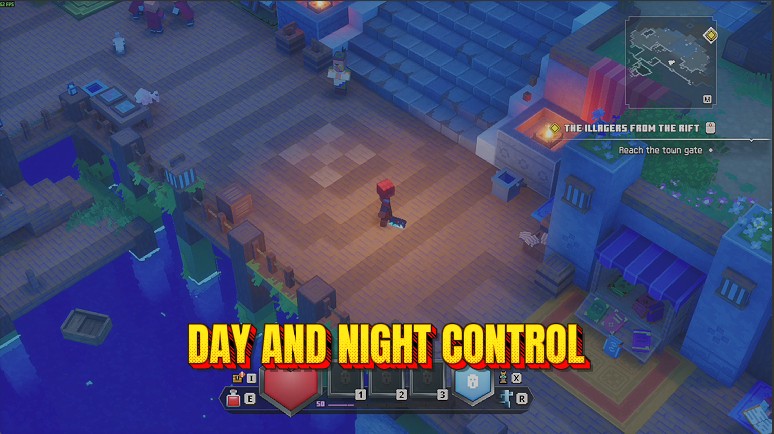
Day & Night Control
Set Time Of Day to Day or Night and the clock holds there, stop it at any hour with Freeze Time, or run each full cycle from 10 to 1000 percent of its normal length.
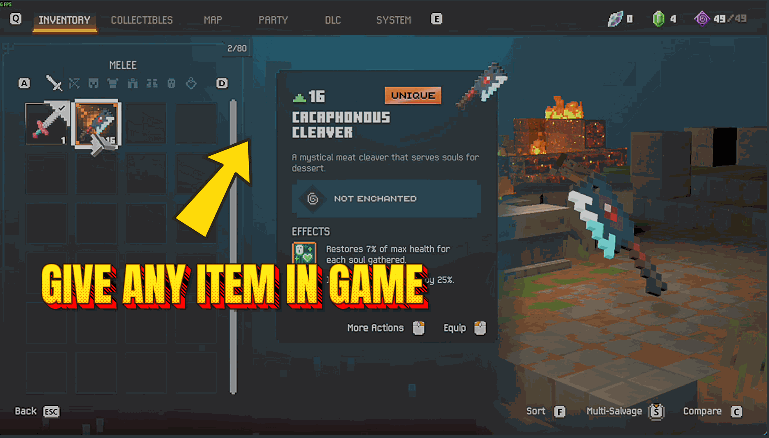
Give Item
Adds a weapon, armor piece, artifact, talisman or enchantment book of your choosing to player 1's inventory, up to 10 per press within the room you have and at the rarity you set, for offline heroes.
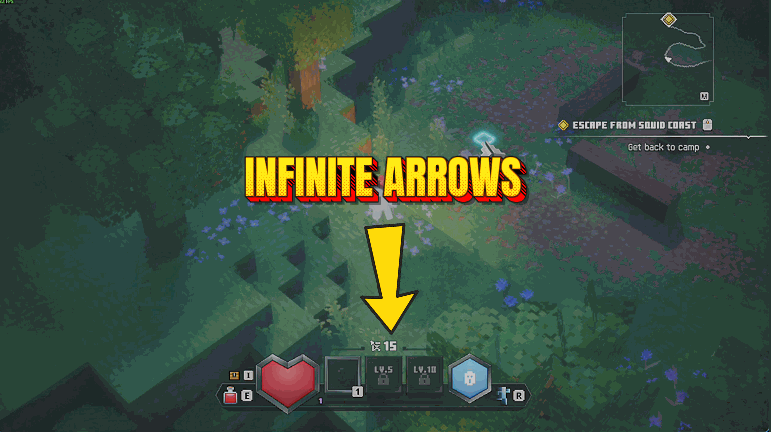
Unlimited Arrows, Souls & Potions
Three separate switches put your arrows, Souls and health potion charges back to the caps your hero already has (15, 100 and 1 on a new hero), while the potion's own cooldown still runs.







