Want more mods for Moonlighter? Explore our entire collection!
Give Items
"Stock the backpack without another culture clear."
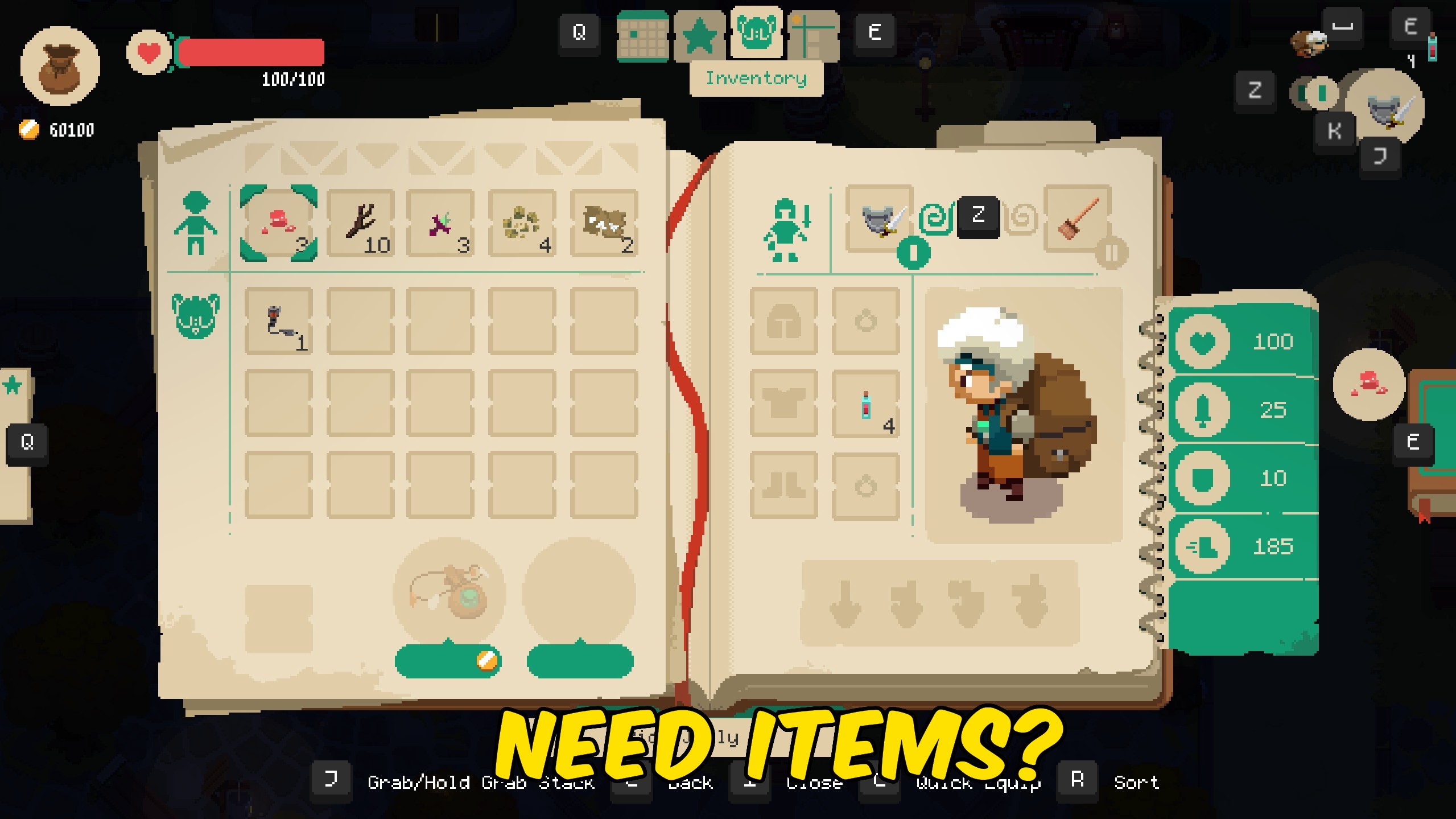
How do I install Give Items?
Download the free ProjectMods desktop app, then install Give Items for Moonlighter in one click.
</>What does Give Items do?
Give Items pulls from the live Moonlighter item database after you press Refresh Items. Choose a piece of gear, a material, a potion, or a decorative piece, set Quantity, and press Give Item to drop it into the backpack. If the bag is full, the item is dropped nearby so the gift is not lost. Refresh again after loading a save or changing New Game+ tiers so the picker stays complete. Perfect for shop staging, enchantment ingredients, or grabbing a missing weapon without another full dungeon loop.
</>What is Give Items?
ProjectMods Give Items for Moonlighter rebuilds a live item picker from the game database so you can spawn gear, materials, and shop stock without another dungeon grind.
</>Common questions about Give Items
Why is the list empty?
Load a save, then press Refresh Items.
What if my bag is full?
The item is dropped near Will instead of being lost.
Does this unlock notebook discoveries?
It adds the item to your inventory. Discovery systems still follow normal game rules.
Can I give equipment?
Yes. Refresh the list and choose the gear you want.
What options does Give Items include?
Select Item
Choose an item after refreshing the list.
Give Item
Add the selected item to Will's bag, or drop it nearby if the bag is full.
How To Use
Load a save, press Refresh Items, choose an item, set Quantity, then press Give Item.
Quantity
How many copies to add. Capped by the item stack limit when needed.
Refresh Items
Rebuild the item picker from the loaded game data.
Press Refresh Items, choose an item, set Quantity, and press Give Item to add it to your bag.
System Requirements
What features does Give Items include?
- Refresh Items builds a live picker from game data
- Give Item adds to the bag or drops nearby if full
- Quantity control with stack-aware caps
Best For
- Stage a shop showcase without farming a culture
- Grab enchantment ingredients before visiting the witch
More Mods for Moonlighter
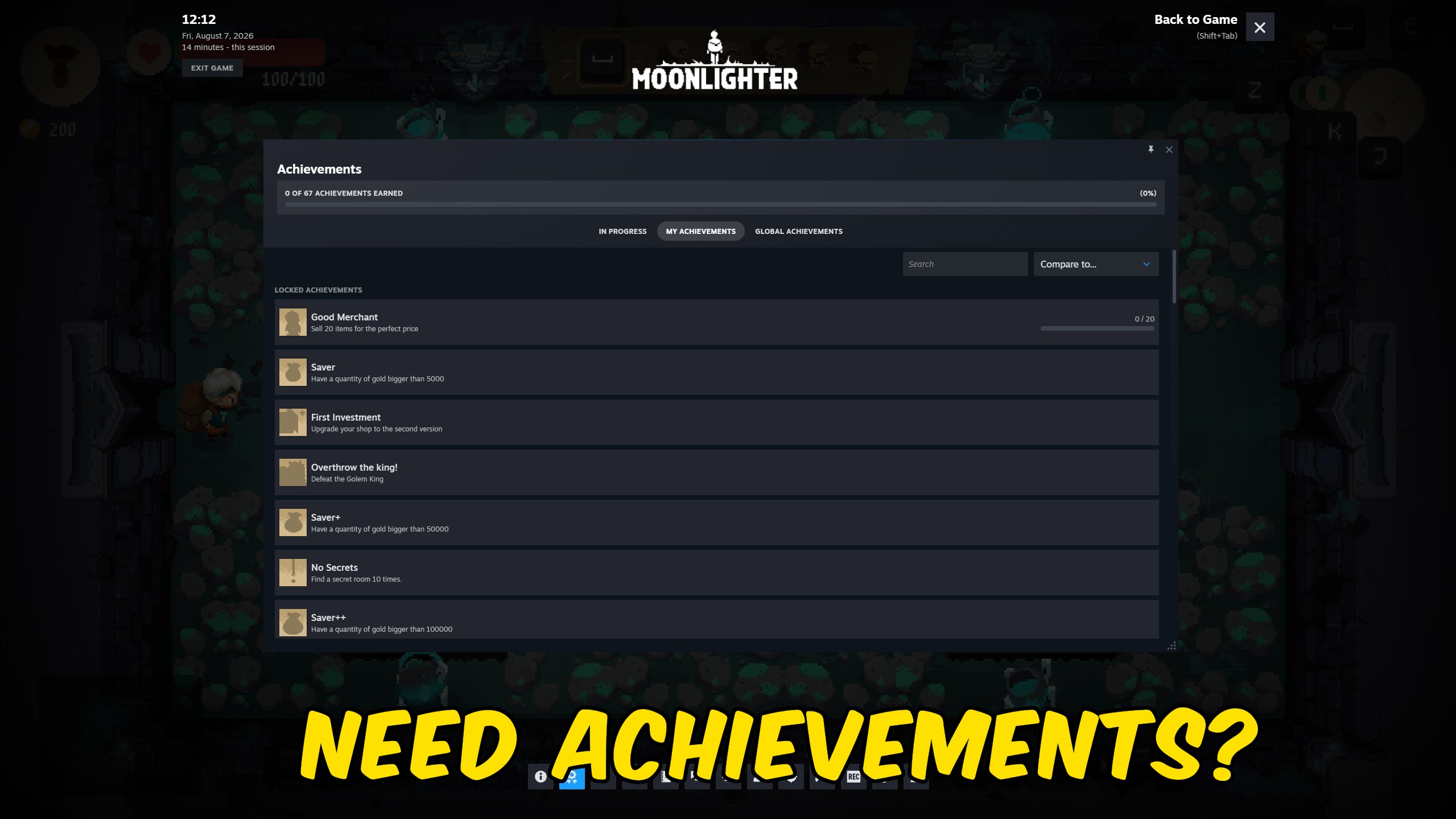
Achievement Unlocker
Unlock any Moonlighter Steam achievement instantly, unlock the full list, or reset everything.
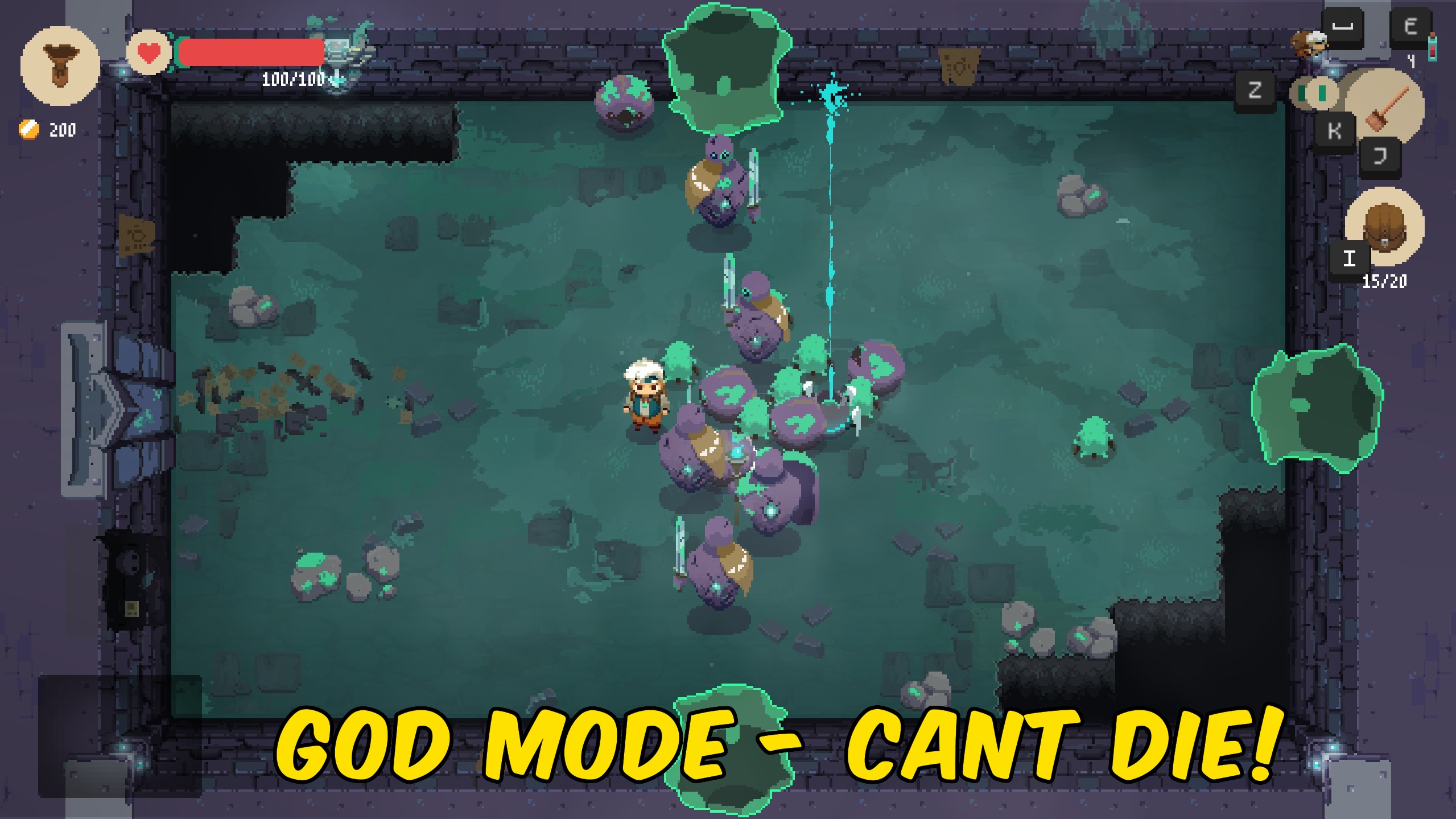
God Mode
Toggle Moonlighter's built-in god mode so Will becomes invulnerable in dungeons, then restore normal mode when you are done.
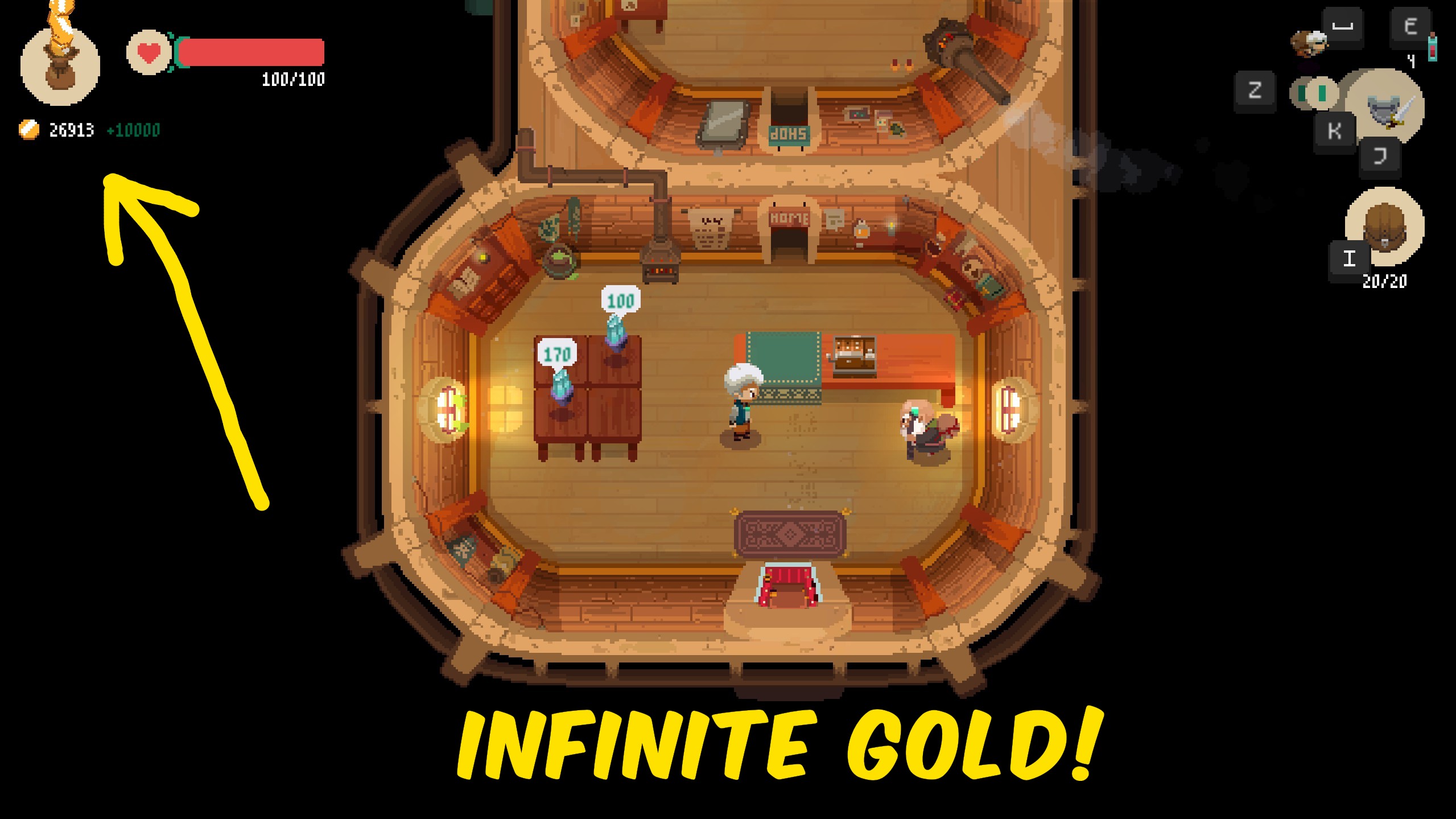
Give Gold
Add a chosen pile of gold to Will's wallet instantly, or wipe it back to zero for a tight challenge run.



























































































































































































