Want more mods for Muck? Explore our entire collection!
Quicksave (One-Press Save)
"Save whenever you want. Panic less."
/MuckCtrlSSaveGame1.png)
How do I install Quicksave (One-Press Save)?
Download the free ProjectMods desktop app, then install Quicksave (One-Press Save) for Muck in one click.
</>What does Quicksave (One-Press Save) do?
Muck saves on its own schedule, which is small comfort when the game crashes or a mob catches you off guard right after a great haul. Quicksave puts saving in your hands. Press Save Now any time to write your progress immediately, or switch on the Ctrl+S hotkey and save with a keystroke the way you would in any other app. Bank a good run before a risky boss fight, lock in your loot before logging off, or just save out of habit so a crash never costs you an hour. It uses Muck's own save system, so your saved game loads normally through the game - nothing weird, just saving on demand. Pairs well with Nine Lives and Waypoint Warp for long, ambitious runs you don't want to lose.
</>What is Quicksave (One-Press Save)?
Quicksave from ProjectMods, a free game modding platform and desktop app, adds on-demand saving to Muck. Press the Save Now button or use the Ctrl+S hotkey to save your progress at any moment. Your saved game loads normally through the regular game menu.
</>Common questions about Quicksave (One-Press Save)
What does Quicksave do in Muck?
Quicksave is a Muck mod from ProjectMods that puts manual saving in your hands. Muck normally saves on its own schedule, which means a crash or unexpected death can cost you significant progress. With Quicksave, you press the Save Now button or hit Ctrl+S at any time to immediately save your progress. Your saved game loads through the normal game menu with no special steps needed. You can save before a boss fight, after a big loot haul, or simply out of habit to make sure a crash never wipes out your session.
Does Quicksave use a special file format or the game's normal saves?
Your quicksaved game works exactly like any other save. When you load the game later, your quicksave appears in the normal save menu and loads just like any other save. There is nothing custom or special about the file. This means you never have to worry about your save becoming unreadable after a game update. It is just a normal save created on your schedule instead of the game's schedule.
Can you use the Ctrl+S keyboard shortcut for Quicksave in Muck?
Yes. Quicksave includes an optional Ctrl+S hotkey that you can toggle on in the mod settings. Once enabled, pressing Ctrl+S at any time during gameplay immediately saves your progress, just like the Save Now button in the mod menu but without needing to open any interface. This is especially convenient for players who are used to the Ctrl+S habit from other applications and want saving to feel natural and instant. You can use either the hotkey or the button interchangeably. Both trigger the exact same save action. The hotkey can be turned off if you prefer to save only through the mod menu.
When should you use Quicksave during a Muck run?
The best times to use Quicksave are before any high-risk moment and after any high-reward one. Save before entering a boss fight so you have a fallback if things go badly. Save after a productive gathering session so a crash does not erase thirty minutes of resource collection. Save before experimenting with other mods so you can revert if something unexpected happens. Save before logging off to guarantee your exact state is preserved. Save after finding rare loot or completing a major build. The key principle is that any time losing your current progress would be frustrating, that is the moment to press Save Now or Ctrl+S.
Does Quicksave work alongside other ProjectMods mods for Muck?
Quicksave works perfectly alongside every other ProjectMods mod for Muck. Because it saves your full game state, it captures everything including any changes made by other active mods. This makes it an ideal safety net during ambitious modded runs. Pair it with Nine Lives and Waypoint Warp for long exploration sessions where losing progress would be painful. Use it alongside Thin Air Crafting during big building projects to preserve your construction progress. Save frequently during Mayhem Generator chaos runs so you can always revert to a good state if the random powerups go sideways. It is the universal insurance policy for any modded playthrough.
What options does Quicksave (One-Press Save) include?
Save Hotkey (Ctrl+S)
Turn on to save with the Ctrl+S keyboard shortcut while playing.
Save Now
Save your game immediately.
Quicksave is a free Muck mod from ProjectMods that lets you save your game instantly with one button or a Ctrl+S hotkey anytime you want.
System Requirements
What features does Quicksave (One-Press Save) include?
- Save your game instantly with a single button press or Ctrl+S hotkey
- Your save file works exactly like a normal save and loads through the regular game menu
- Save before risky fights, sketchy jumps, or experimental building decisions
- No menus to navigate, no waiting, just press and it's saved
- Works at any point during gameplay without interrupting the action
Best For
- Players about to fight a boss who want a safety net before the attempt
- Builders halfway through a massive base who don't trust the auto-save timing
- Anyone who lost thirty minutes of progress to a surprise death and swore never again
- Experimenters trying risky crafting combos who want to revert if things go wrong
- Players wrapping up a session who want to save right now instead of waiting for auto-save
More Mods for Muck
Size Matters (Grow or Shrink)
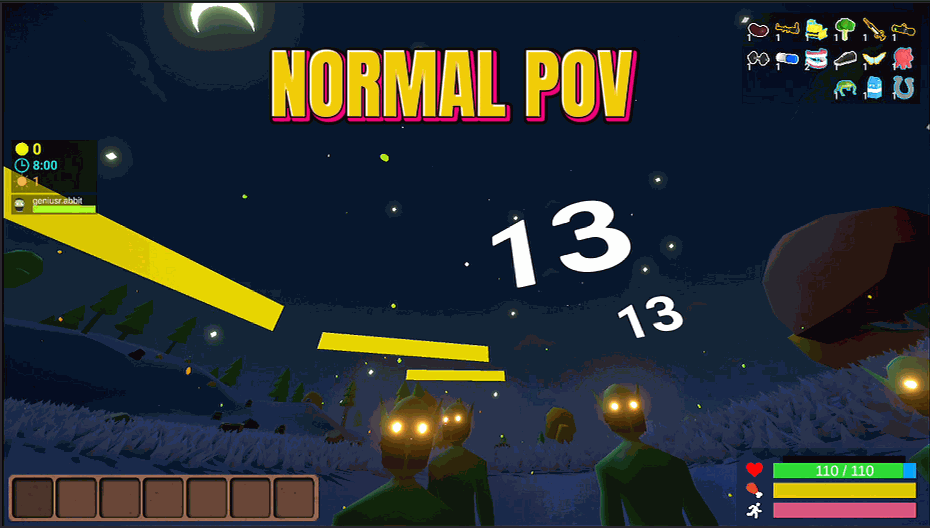
Heads up: the bigger you go the faster the world seems to rush past, and the smaller you go the more you feel like you are plodding. That is your point of view moving up and down, not a bug - your actual running speed is exactly the same at every size. Shrink down to a tiny gremlin or grow into a giant with one slider. Pure fun for exploring, screenshots, and messing with friends.
Eagle Eye (What's That?)
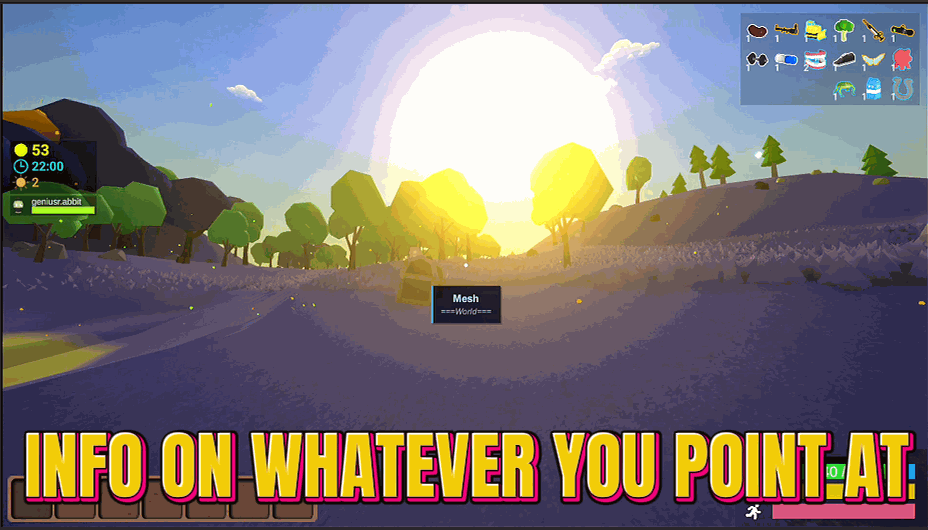
Look at anything on the island and get its name and how far away it is. Great for spotting resources, mobs, and mystery objects at a glance.

Island Stretcher (Bigger or Smaller Worlds)
Grow the island bigger for more room to explore and build, or shrink it for a faster, tighter run. Set the size before you generate a new world.







