Want more mods for One Million Coins? Explore our entire collection!
Accessibility
"Colours you can tell apart. Buttons you don't have to hold."
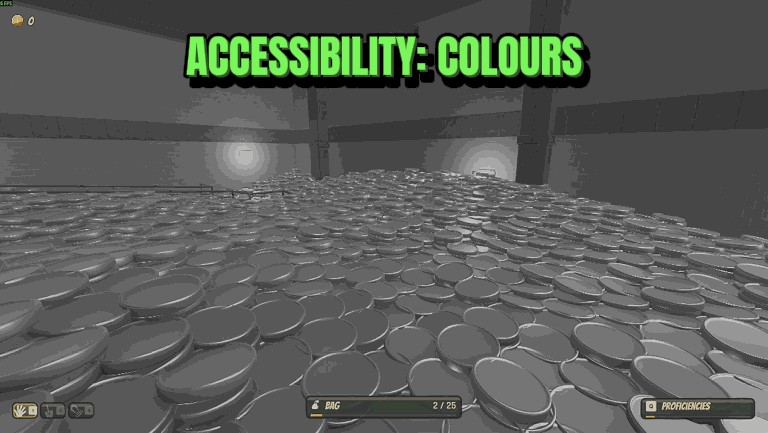
How do I install Accessibility?
Download the free ProjectMods desktop app, then install Accessibility for One Million Coins in one click.
</>What does Accessibility do?
Colours that run together, a picture that's too dim, a shaking screen or a button held down for a whole run can each get in your way. Accessibility hands you an option for each. Colour Filter shifts the vault's colours so the ones you mix up stand further apart: pick Red-Green (Green-Weak), Red-Green (Red-Weak), Blue-Yellow or Greyscale, and set Filter Strength from 0 to 100 (100 by default) for how far it goes. High Contrast, 0 to 100, pushes light and dark apart and strengthens colours, and Brightness, -100 to 100, lightens or darkens the picture. Both start at 0, the game's normal look. No Camera Shake keeps the screen and the tool in your hand steady, and No Dark Edges evens out the brightness from the middle of the screen to its corners. Click To Toggle Collecting makes one click start collecting and the next one stop it, and Click To Toggle Deposits keeps you depositing at a hopper from a single press of E. Switch any option off and that part of the game goes back to how it was.
</>What is Accessibility?
Accessibility adds eight options to One Million Coins. Colour Filter and Filter Strength help you tell mixed-up colours apart, High Contrast and Brightness adjust the light, and No Camera Shake and No Dark Edges steady the view. Click To Toggle Collecting and Click To Toggle Deposits replace holding a button with a click. The menus and HUD keep their colours, there's no text size option, and runs stay on the leaderboards.
</>Common questions about Accessibility
What does Accessibility do in One Million Coins?
It gives you eight options for how the vault looks and how you play it. They cover colour, contrast and brightness, no screen shake or dark edges, and collecting and depositing with a click instead of a held button. Each one works on its own, and runs you play with it stay on the leaderboards.
Do the colour options change the menus and the numbers on screen?
No. The colour options change the picture of the vault, and Colour Filter also shifts the main menu's background, but the menus and the numbers on screen keep their own colours. If the colour options ever can't reach the game's camera, the launcher tells you, and every other option keeps working.
Is there a text size option?
No. Bigger text would be cut off in the game's fixed-size menus, so Accessibility doesn't change text size at all. It also has no subtitle or audio options, and no key rebinding, since the game already lets you rebind keys itself.
Which tools work with Click To Toggle Collecting?
Every tool you hold to use: Hands, Shovel, Tiny Magnet, Magnet, Vacuum, Gold Winch, Singularity, Coin Rake, Coin Railgun, Drillvac, Coin Blunderbuss, Tesla Stormfork, Ricochet Prism and Gold Transmitter. The Pocket Bank, Vacuum Grenade and Seismic Thumper keep their own clicks. With the Gold Winch, a click while the winch line isn't attached reattaches it instead of stopping.
Why does collecting or depositing stop on its own?
Each toggle switches itself off when the job is done or you turn to something else. Click To Toggle Collecting stops when your bag is full, you switch tools, a menu or the pause opens, or the game window goes to the background; click again to restart. Click To Toggle Deposits stops when your bag is empty, you look away from the hopper or open a menu, and a second press of E stops it sooner. Deposits toggle at a hopper only, not with the Pocket Bank.
Does No Camera Shake change my game settings?
No, it never writes to the game's settings. While it's on, the shake and the tool sway are gone, and when you switch it off your own motion setting is back as you left it. The game uses no motion blur, depth of field, film grain, colour fringing or lens distortion, so there's nothing like that for the mod to remove.
What options does Accessibility include?
Filter Strength
How far the Colour Filter shifts colours, from 0 (no change) to 100 (the full shift), 100 by default. Lower it if colours look too strong.
Brightness
Lightens or darkens the whole picture; the game has no brightness setting of its own. 0 is the game's normal brightness, 100 doubles the light and -100 halves it.
Colour Filter
Shifts the colours of the vault so the ones you mix up stand further apart. Pick the kind of colour vision you have: Red-Green (Green-Weak) is the most common, Red-Green (Red-Weak) makes reds look dark, Blue-Yellow is for mixing up blue with green, or yellow with pink. Greyscale removes colour entirely. The menus and the numbers on screen keep their own colours. Off leaves the game's colours as they are.
No Camera Shake
No screen shake when a Seismic Thumper slam or a Jackhammer strike lands, and the tool in your hand stops swaying as you move. Off brings the motion back.
No Dark Edges
Removes the darkened corners and edges of the screen in the vault and the main menu, so the whole picture is equally bright. Off brings them back.
High Contrast
Makes light and dark parts of the vault stand further apart and colours stronger, from 0 to 100. 0 is the game's normal look.
Click To Toggle Collecting
Click once to start collecting and click again to stop, instead of holding the button. Works with every tool you hold to use (Hands, Shovel, the magnets, the vacuums, the Coin Rake, the Gold Winch and the rest); the Pocket Bank, Vacuum Grenade and Seismic Thumper keep their own clicks. It stops by itself when your bag is full, you switch tools or open a menu. Off: hold to collect as normal.
Click To Toggle Deposits
Press E once at a hopper to keep depositing, instead of holding it. It stops by itself when your bag is empty, you look away or open a menu; press E again to stop sooner. Off: hold E as normal.
Accessibility is a ProjectMods mod for One Million Coins that adds colour filters, contrast, brightness, no camera shake or dark edges, and click-once collecting and depositing; it leaves the menus, HUD and text size as they are.
System Requirements
What features does Accessibility include?
- Colour Filter's settings each match a kind of colour vision: Red-Green (Green-Weak) is the most common, Red-Green (Red-Weak) is for when reds look dark, Blue-Yellow is for mixing up blue with green or yellow with pink, and Greyscale removes colour entirely.
- High Contrast and Brightness are for a picture that looks flat, too dark or too bright on your screen; Brightness halves the light at -100 and doubles it at 100, and the game has no brightness setting of its own.
- No Camera Shake is for anyone bothered by screen motion: Seismic Thumper slams and Jackhammer strikes stop shaking the view, and your tool stops swaying as you move.
- No Dark Edges is for when the darkened corners bother you: it clears them from the screen in the vault and on the main menu, so the corners are as bright as the centre.
- Click To Toggle Collecting covers 14 of the game's 17 tools, every one you'd otherwise hold to use, for anyone who'd rather not keep a button down for a whole run.
Best For
- Reds and greens in the vault look alike to you, so set Colour Filter to Red-Green (Green-Weak) and lower Filter Strength if the shift is more than you need.
- The vault looks murky on your monitor, so set Brightness to 30 and High Contrast to 40, then adjust from there.
- A long collecting stretch with the Coin Rake means holding the button the whole time, so switch on Click To Toggle Collecting, click once and it keeps going until your bag is full.
- Emptying a full bag means standing at the hopper with E held down, so switch on Click To Toggle Deposits and press E once.
More Mods for One Million Coins
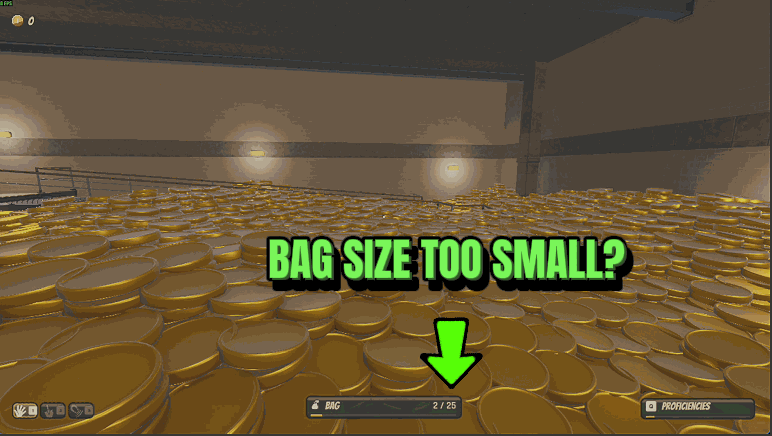
Bigger Bag & Faster Banking
Grow your bag up to ten times its normal size, make hoppers and Pocket Bank unloading up to twenty times faster, or send every coin you pick up straight into your bank, each switch on its own.
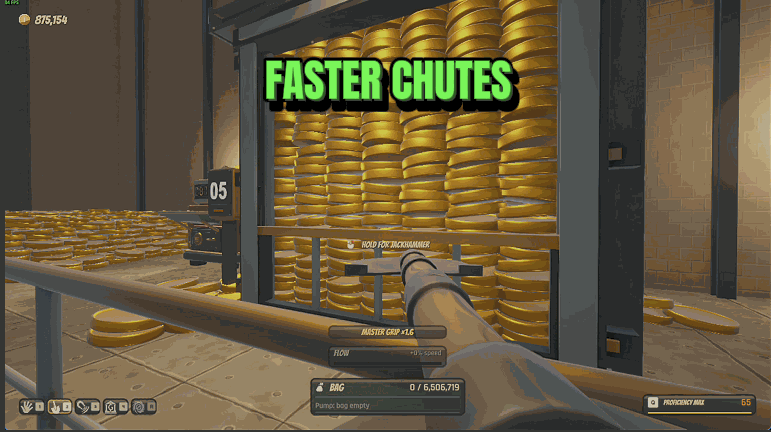
Faster Chutes & Bag Pump
Speeds up skills you already have: wall chutes and the bag pump run at up to ten times their normal rate, and chute overdrive is ready again the moment you use it.
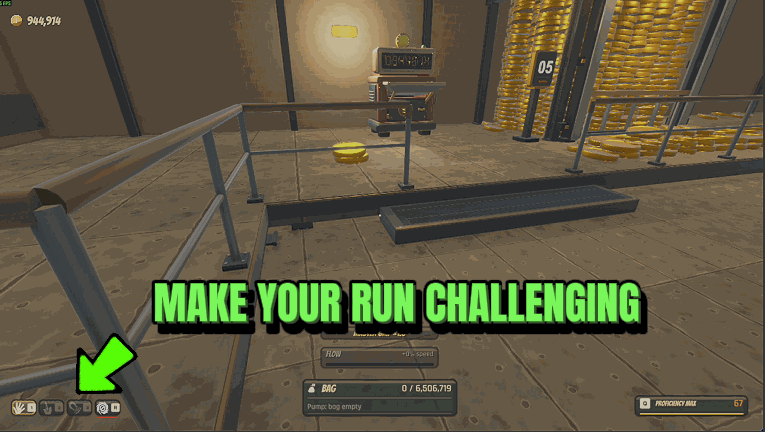
Challenge Runs
Five switches that make a run harder, one at a time: HANDS only, no Wall chutes, no Bag pump, the Atlas cargo lift parked, and a cap of 0 to 50 proficiencies.







