Want more mods for One Million Coins? Explore our entire collection!
Time Control
"Rush the vault at 4x. Or slow it to a crawl."
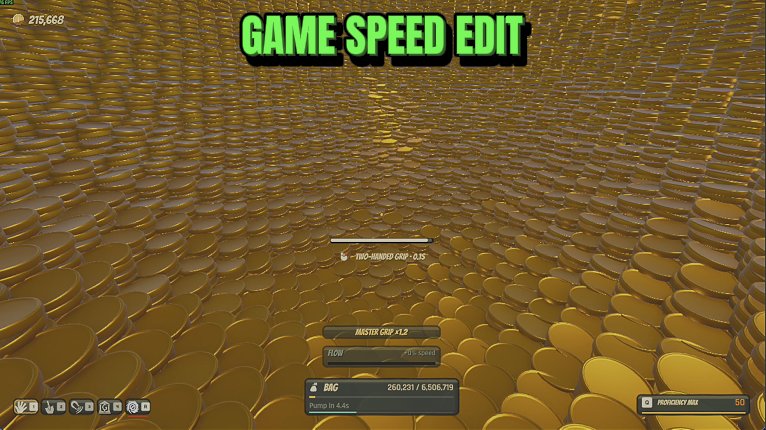
How do I install Time Control?
Download the free ProjectMods desktop app, then install Time Control for One Million Coins in one click.
</>What does Time Control do?
A million coins is a lot of digging and banking, and the game only runs at one speed. Time Control hands you the choice: slow the vault right down to watch the coins move, or speed it up when you'd rather the walking took less time. Switch on Change Game Speed, then set Game Speed Percent anywhere from 25 to 400. It starts at 200, double speed, with 100 as normal, 50 as half and 25 as a quarter. It only works inside the vault, so the main menu and loading always run at the usual pace. Switch Change Game Speed off and normal speed comes straight back. Leaving the vault or switching the mod off does the same, and your save never keeps the speed.
</>What is Time Control?
Time Control changes how fast One Million Coins plays while you're in the vault. Turn on Change Game Speed and choose a Game Speed Percent from 25 to 400; turn it off and normal speed returns. The in-game clock keeps pace, so it never shortens a clear time, and a run it changes drops off the leaderboards and can't earn Time Is Money. A setting of 100 changes nothing.
</>Common questions about Time Control
What does Time Control do in One Million Coins?
It changes how fast play runs inside the vault, through two options in the launcher. One Million Coins is single-player, so the new pace is yours alone, and it holds until you change Game Speed Percent or switch Change Game Speed off.
Does a faster game give me a faster clear time?
No. The run's clock speeds up with everything else, so at 200% it counts twice as fast and your clear time comes out the same as at normal speed. What you save is your own time: the same dig takes less of your evening.
Will changing the speed take my run off the leaderboards?
Yes, the first time it actually changes the speed in a run. That run leaves the game's Steam leaderboards for good, Fastest runs and Top hoarders included, with a note on screen telling you, and it can no longer earn the Time Is Money achievement by play. The game remembers this in your save, so switching the mod off afterwards won't put the run back. Your other runs stay on the boards, and a Game Speed Percent of 100 changes nothing, so a run played at 100 keeps its place.
Does 400% run the same on every PC?
Not quite. On a PC running below about 40 frames a second, banking at the hopper and some of the vault's machinery can't keep up with the full 400% and gain less than that. High speeds also put more coin physics through every second, which is harder on slower PCs, so don't count on a steady frame rate at 400%.
Does pausing still work at other speeds?
Yes. Pausing stops the game at any setting, and your chosen speed picks up again when you resume. If you switch Change Game Speed off while paused, the game's own resume brings normal speed back instead, so you never come out of a pause at the old speed.
What options does Time Control include?
Change Game Speed
Runs the game at Game Speed Percent while you're in the vault, and at normal speed again when you switch it off. Pausing still stops the game. The first time it changes the speed in a run, that run leaves the Steam leaderboards, and a note on screen says so.
Game Speed Percent
How fast the game runs while Change Game Speed is on: 100 is normal, 50 is half speed, 400 is four times as fast. From 25 to 400, default 200.
Time Control is a ProjectMods mod for One Million Coins that runs the vault at 25% to 400% of normal speed, though the first speed change takes that run off the Steam leaderboards.
System Requirements
What features does Time Control include?
- Walking and jumping, your tools, the wall chutes, banking at the hopper, the elevator and the coins' physics all follow the speed you set.
- Menus, music, the chutes' hum and the ending's camera keep their normal pace at any setting.
- Game Speed Percent moves in steps of 5, so 75 or 150 are as easy to pick as half or double speed.
Best For
- The last stretch of a long dig, when you just want the coins banked, so switch on Change Game Speed with Game Speed Percent at 400 and your tools, the chutes and the elevator all move four times as fast.
- A tricky jump you keep missing, so drop Game Speed Percent to 50 and the whole vault slows to half speed, giving you twice as long to line it up.
- Playing at 400 with Autosave switched on, so keep its Minutes Between Saves as it is: Autosave times its saves in real minutes, and a faster game doesn't bring them round any sooner.
More Mods for One Million Coins
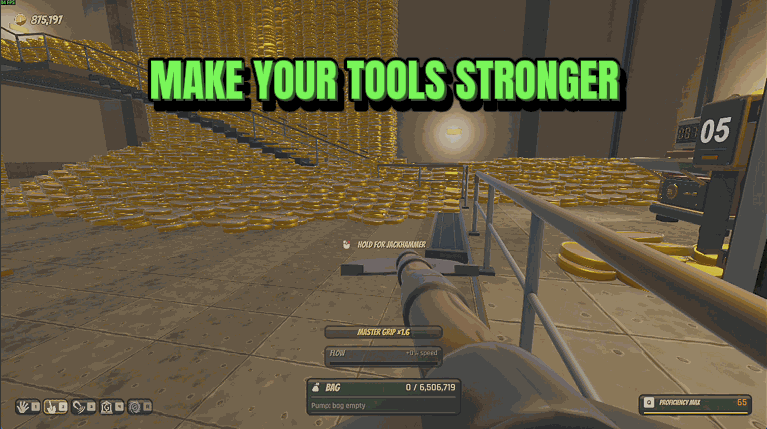
Stronger Tools
Turn up your tools one part at a time: up to ten times the coins a swing, five times the swing speed, triple the scoop size and reach, plus switches that clear ability cooldowns and DRILLVAC overheat.
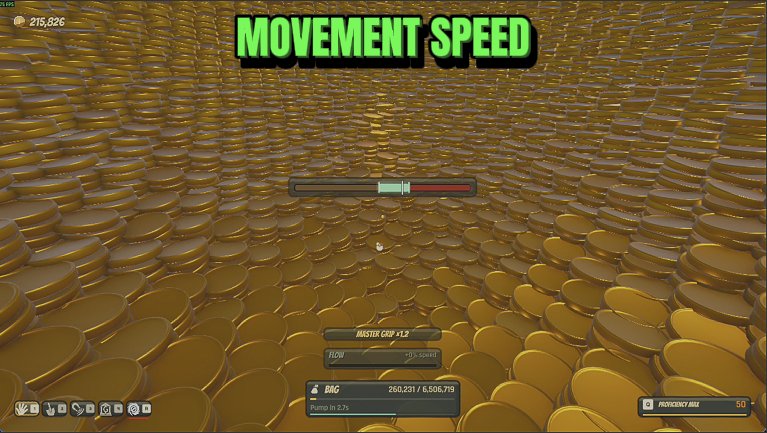
Speed & Jump
Walk at 100 to 400 percent of your normal speed and jump 100 to 500 percent of your normal height, each with its own switch, stacked on whatever your Proficiencies already give you.
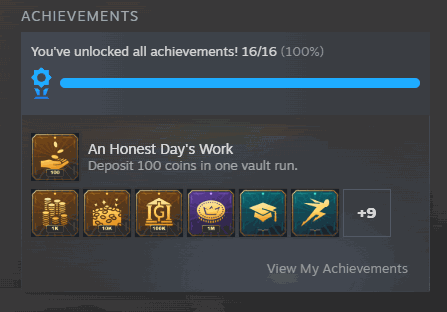
Achievement Unlocker
Unlocks any one of the game's 16 Steam achievements, or all of them in one press, from the main menu or inside a save, and can lock all 16 again when you'd rather earn them by play.







