Want more mods for Outbound? Explore our entire collection!
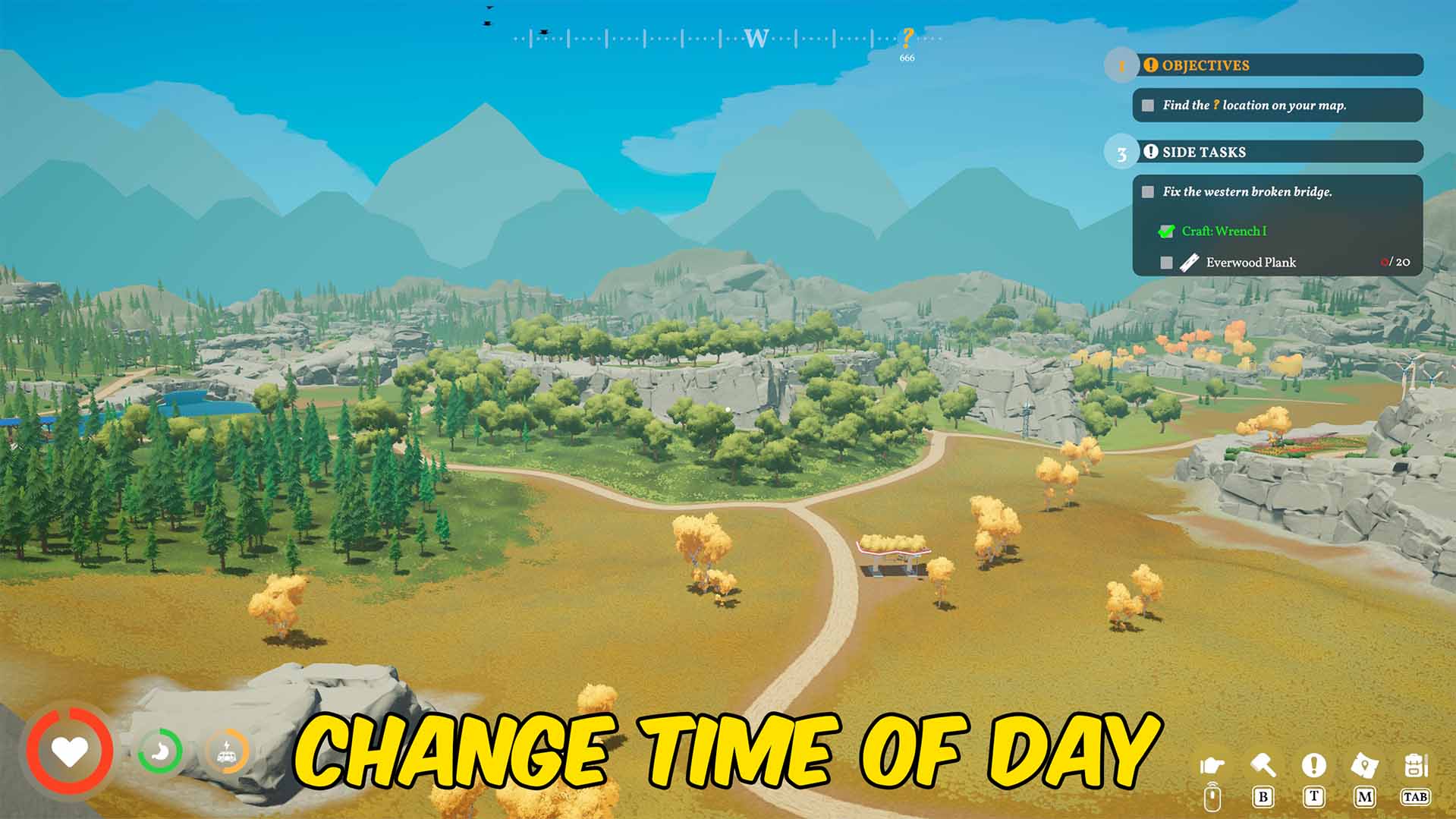
Time Control
"Set the time of day or freeze the clock whenever you need it."
How do I install Time Control?
Download the free ProjectMods desktop app, then install Time Control for Outbound in one click.
</>What does Time Control do?
Control the flow of time in Outbound with a simple utility that lets you set the current time of day or freeze it in place. Whether you want brighter conditions for exploring, a specific time for planning, or a locked clock while you focus on other tasks, Time Control gives you quick access to the time settings you need. Set the day to the moment you want, stop time from advancing, or return to normal play when you are ready to let the clock move again. Perfect for exploration, building, travel planning, screenshots, testing, and relaxed sessions where you do not want the time of day constantly changing around you. Use it to keep visibility consistent, avoid unwanted time pressure, or create the exact atmosphere you want while playing Outbound.
</>What is Time Control?
Time Control for Outbound lets players set or freeze the current time of day. It is ideal for exploration, screenshots, planning, testing, and relaxed gameplay where consistent lighting or a fixed clock makes the experience smoother.
</>Common questions about Time Control
Can I set the time of day manually?
Yes. The mod lets you set the current time of day in Outbound.
Can I freeze time completely?
Yes. You can freeze the clock so the current time stays fixed.
Can I return to normal time progression?
Yes. You can let time continue normally again when you no longer want it frozen.
Is this useful for exploration?
Yes. Setting or freezing the time can keep visibility consistent while travelling, scouting, or planning routes.
What options does Time Control include?
Time of Day
Choose the time to set.
Freeze Time
Keep the world at the chosen time.
Set Time
Set the world to the chosen time.
Time Control lets you set the current time of day in Outbound or freeze the clock so the time stays exactly where you want it.
System Requirements
What features does Time Control include?
- Set the current time of day to your preferred point.
- Freeze the clock so time stays fixed during gameplay.
- Useful for keeping lighting consistent while exploring or planning routes.
- Return to normal time flow when you want the day cycle to continue.
Best For
- Keep the world at your preferred time of day while exploring or travelling.
- Freeze time for screenshots, testing, planning, or relaxed gameplay sessions.
More Mods for Outbound
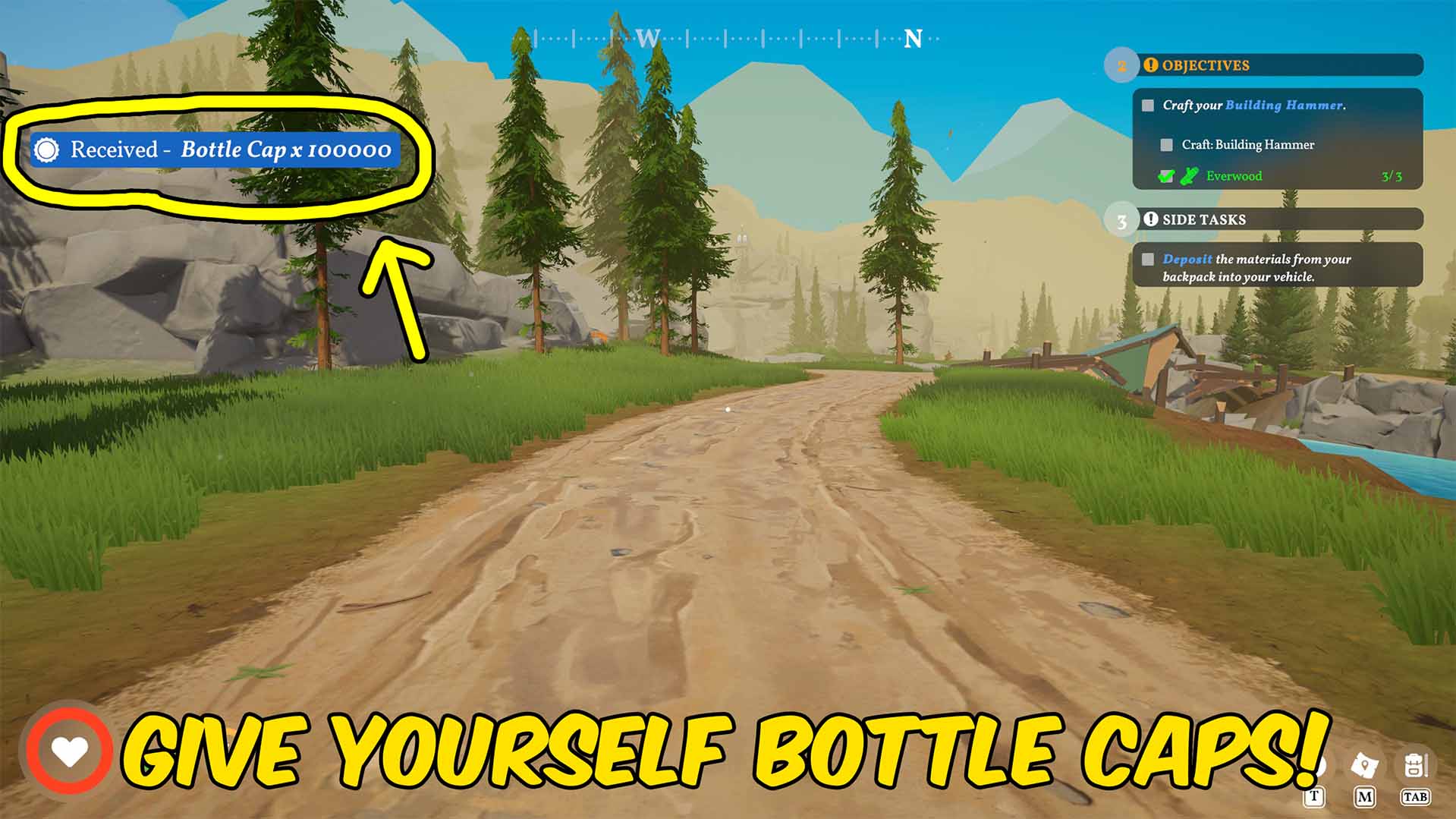
Give Bottle Caps
Add or reset your bottle caps in Outbound so you can manage your balance instantly.
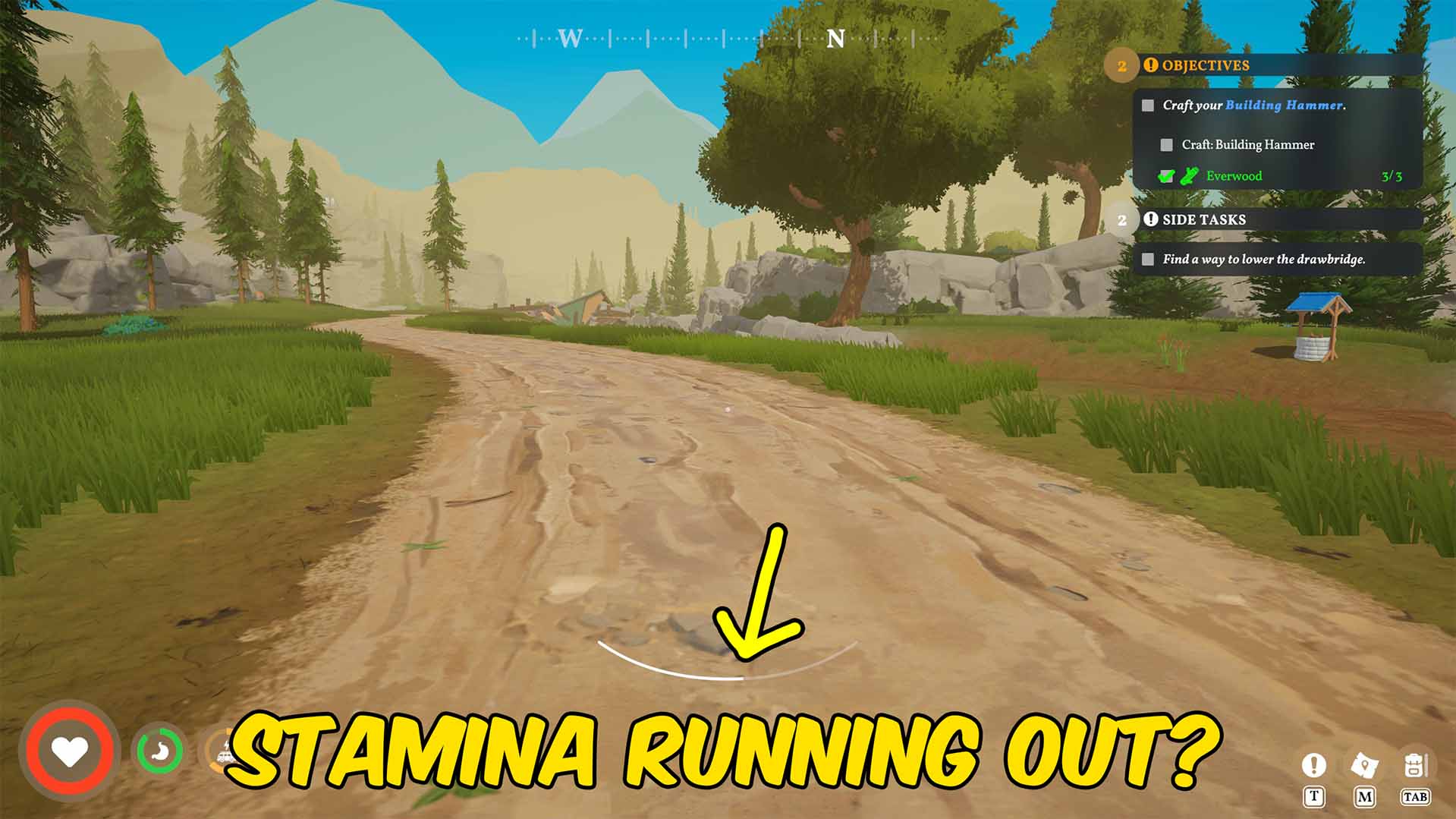
Infinite Stamina
Keeps your stamina full in Outbound so you can keep moving without waiting for it to recover.
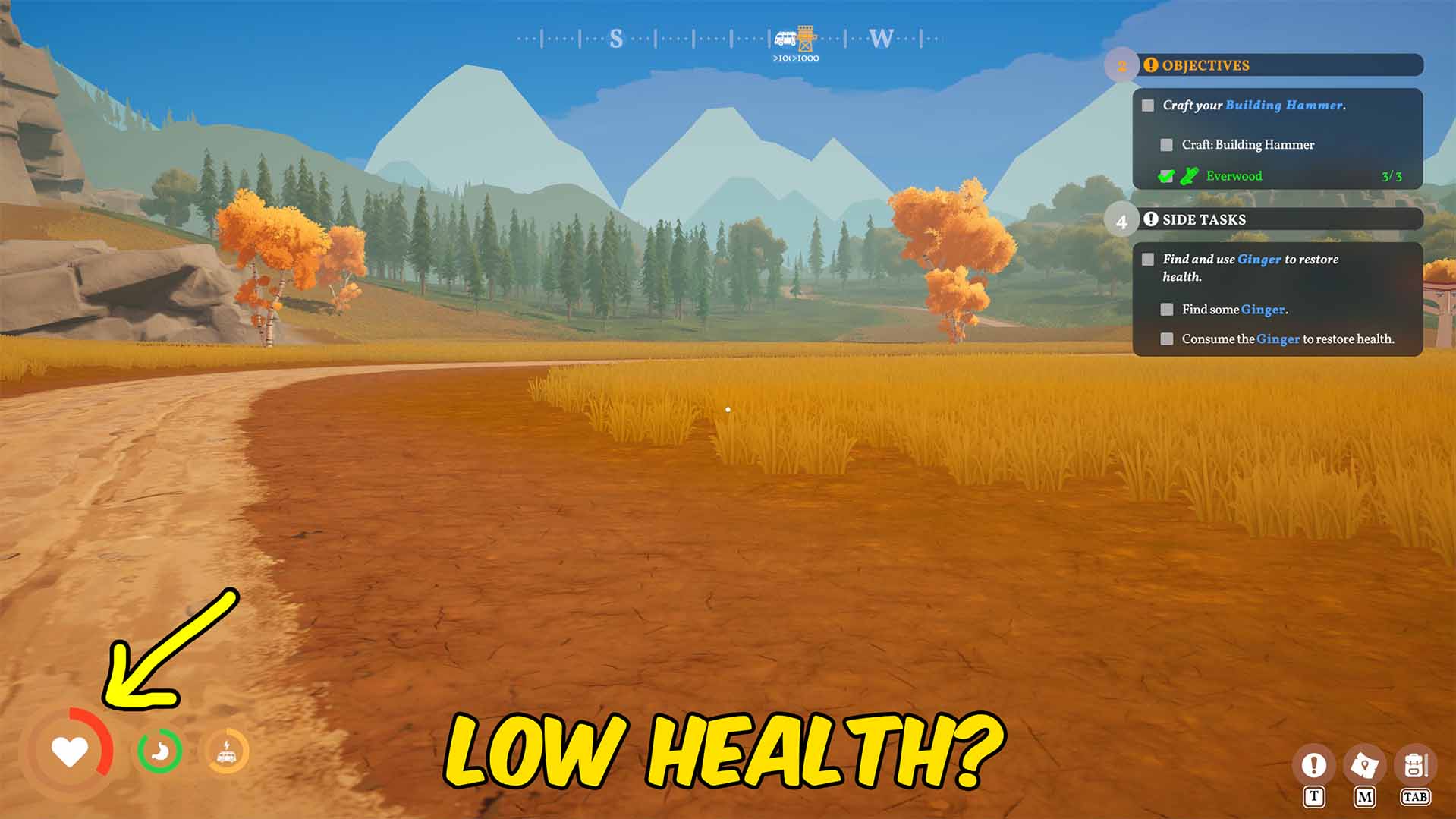
Infinite Health
Keeps your health full in Outbound so you can keep playing without health loss slowing you down.







