Want more mods for Outpath? Explore our entire collection!
Give Items
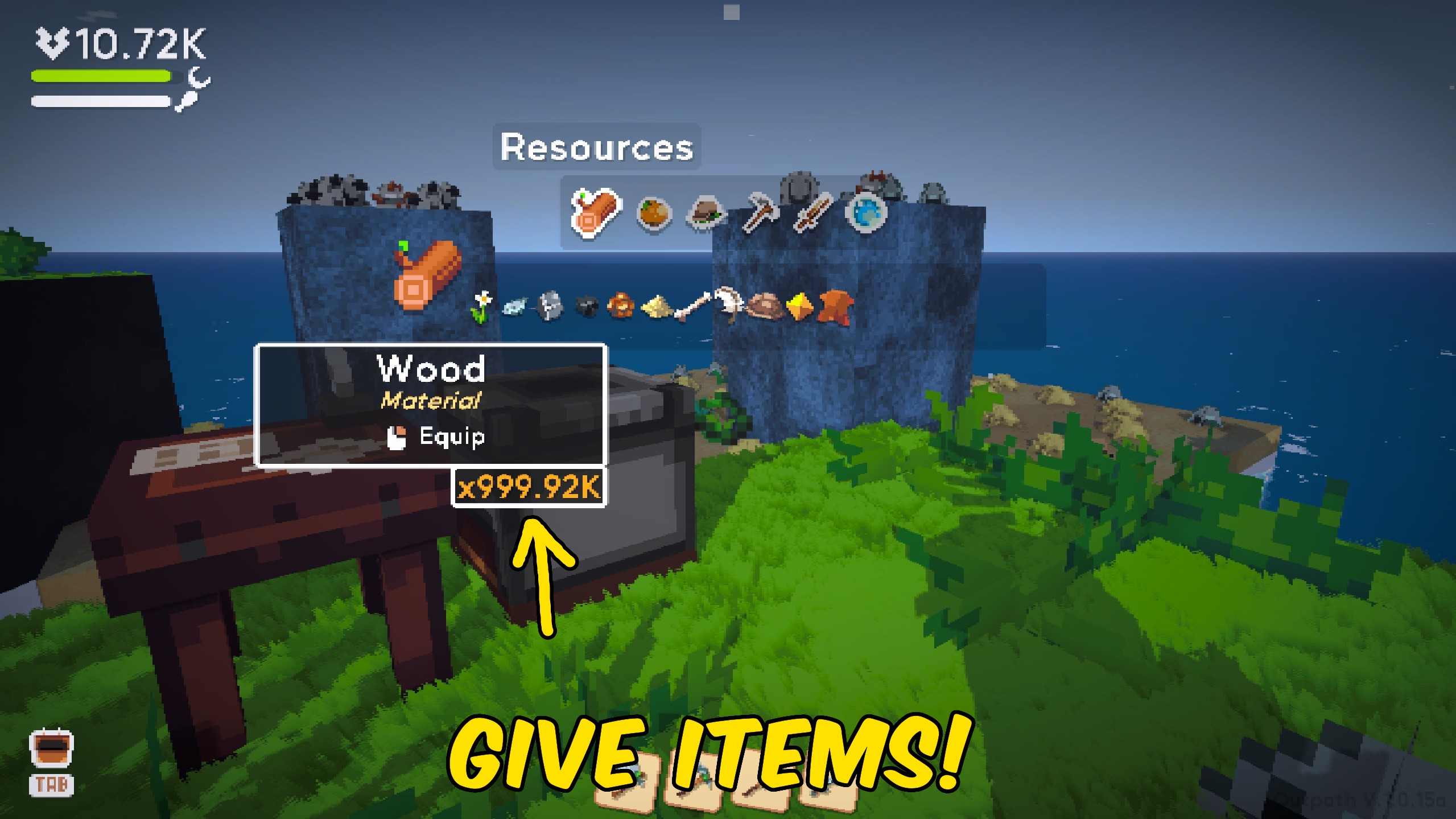
"Choose any Outpath item, pick a quantity, and add it to your inventory."
How do I install Give Items?
Download the free ProjectMods desktop app, then install Give Items for Outpath in one click.
</>What does Give Items do?
Give Items lets you choose from the items available in Outpath and add them straight to your inventory. The list includes materials, tools, artifacts, food, potions, weapons, seeds, bait, recipes, and plenty more. Pick an item, choose how many you want, and press Give Item. It is perfect for replacing something you lost, grabbing the last few materials for a recipe, or trying rare items without waiting for the right drop. Press Refresh Items after loading into an island to fill the item list. Refresh it again after a game update if you want to make sure every new item appears.
</>What is Give Items?
Add almost any Outpath item to your inventory with a simple item picker and quantity box. Grab crafting materials, tools, artifacts, food, potions, weapons, seeds, bait, recipes, and other useful items without searching for them in the world. Refresh the list after entering an island, choose what you want, and add it in one press.
</>Common questions about Give Items
Why is the item list empty?
Load into an island and press Refresh Items to fill the list.
What kinds of items can I add?
You can choose materials, tools, artifacts, food, potions, weapons, seeds, bait, recipes, and other Outpath items.
Can I choose how many items I receive?
Yes. Set the amount in the Quantity box before pressing Give Item.
Should I refresh the list after an update?
Yes. Refresh Items will pick up anything newly added to the game.
What options does Give Items include?
Select Item
Choose an item to add.
Give Item
Adds the selected item to your inventory.
Quantity
Choose how many copies to add.
Instructions
Load into an island, then press Refresh Items before choosing an item.
Refresh Items
Fills the list with the items available in Outpath.
Load an island, press Refresh Items, choose what you want, and press Give Item.
System Requirements
What features does Give Items include?
- Choose from the items available in Outpath.
- Find items by their familiar in-game names.
- Pick exactly how many copies you want.
- Add the chosen item straight to your inventory.
Best For
- Replace a rare tool or artifact you lost.
- Grab missing materials for a crafting or building project.
- Try weapons, food, potions, seeds, and other items without waiting for a drop.
More Mods for Outpath
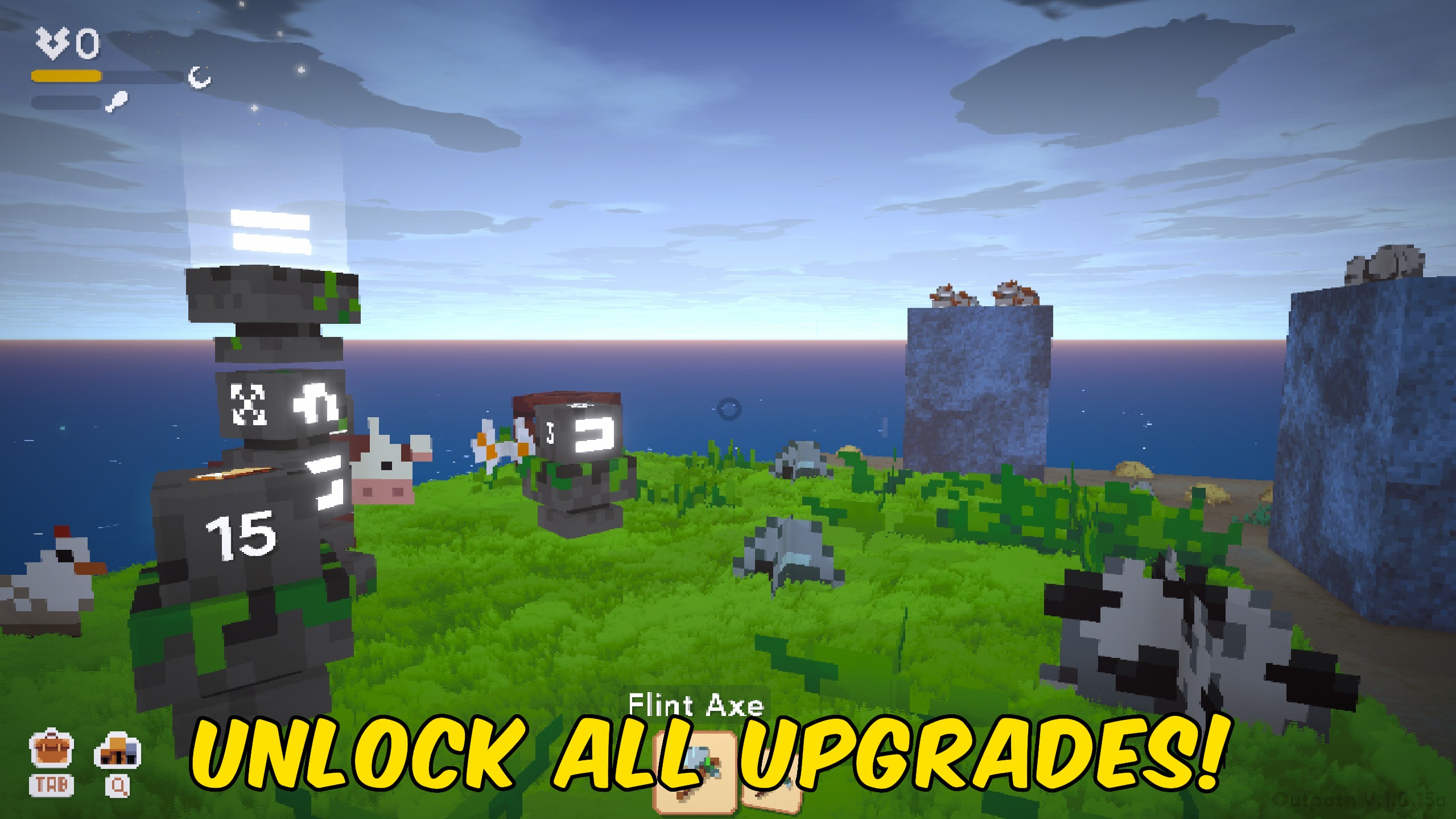
Unlock All Upgrades
Get every upgrade at its highest level and turn all of its bonuses back on.
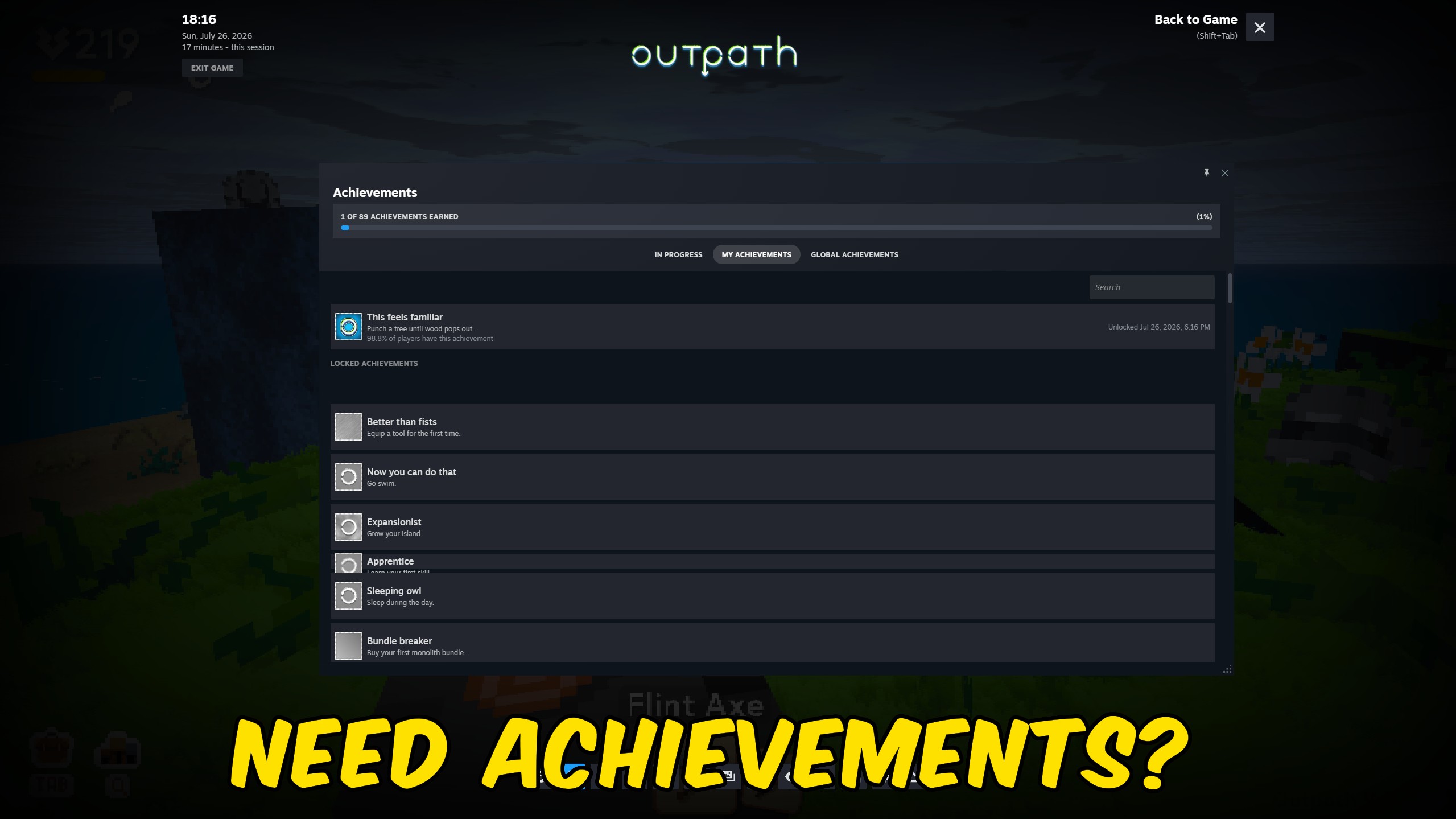
Achievement Unlocker
Pick individual achievements from the full Outpath collection, unlock everything at once, or wipe the slate clean.
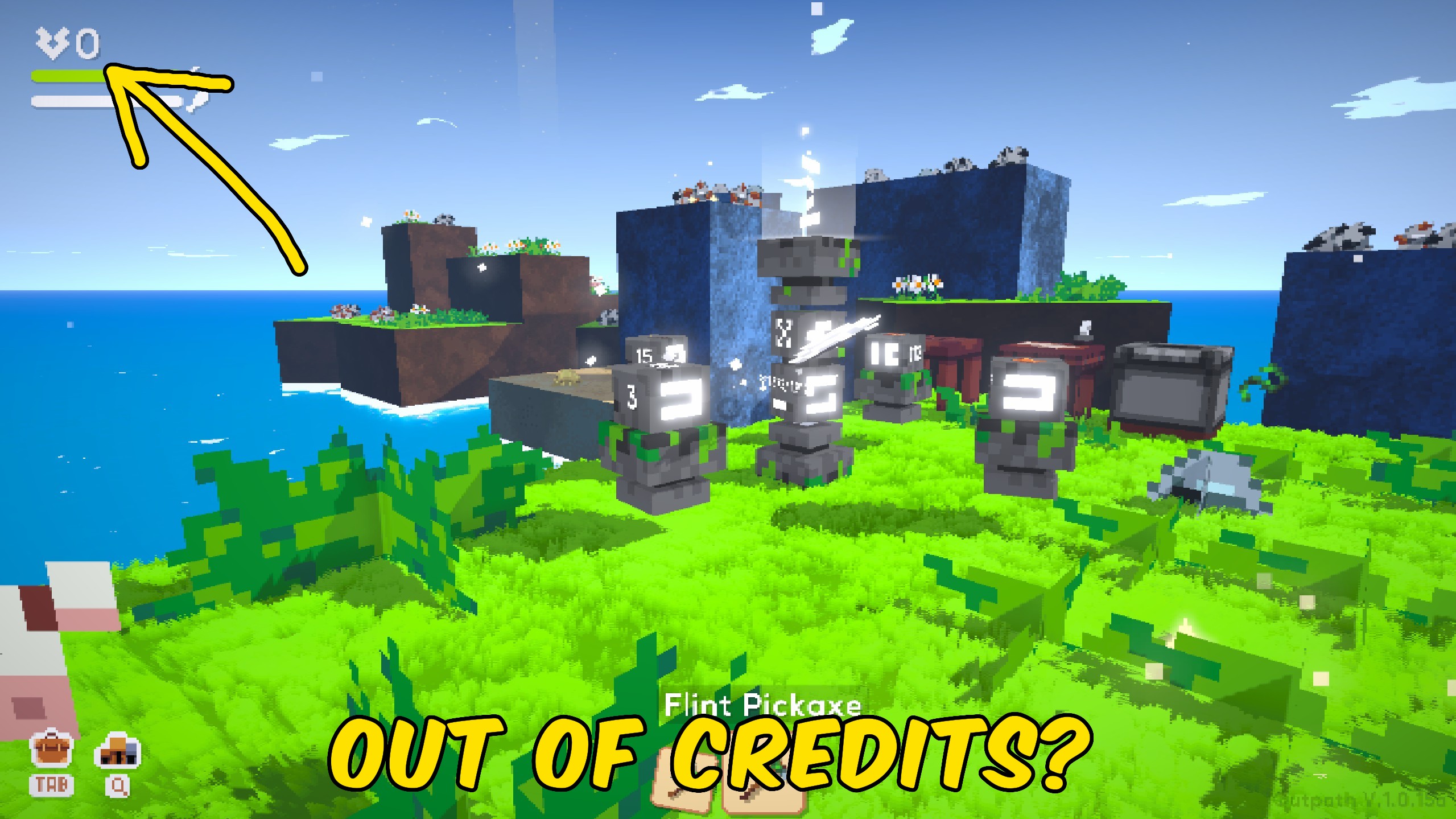
Give Credits
Top up your current credit balance with a custom amount, with a separate button for returning it to zero.







