Want more mods for Overcooked! 2? Explore our entire collection!
Freeze the Clock
"The countdown is now a suggestion."
How do I install Freeze the Clock?
Download the free ProjectMods desktop app, then install Freeze the Clock for Overcooked! 2 in one click.
</>What does Freeze the Clock do?
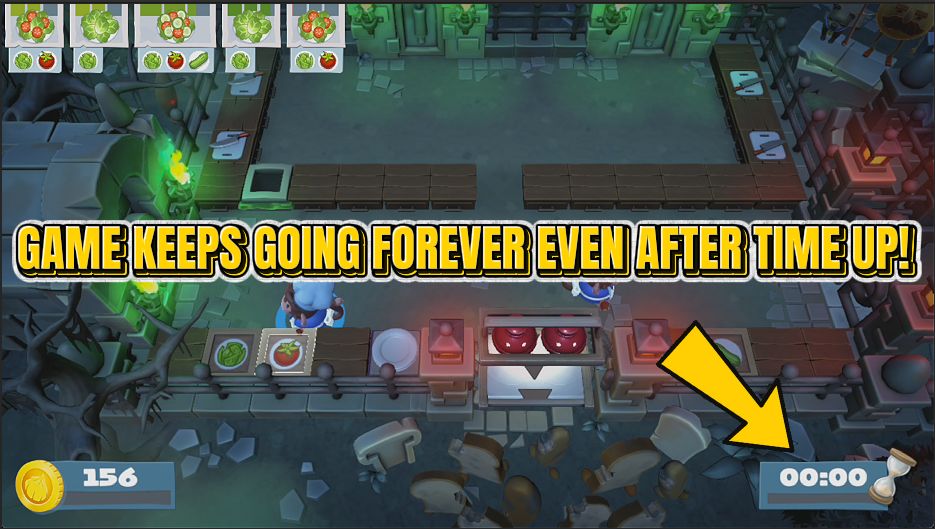
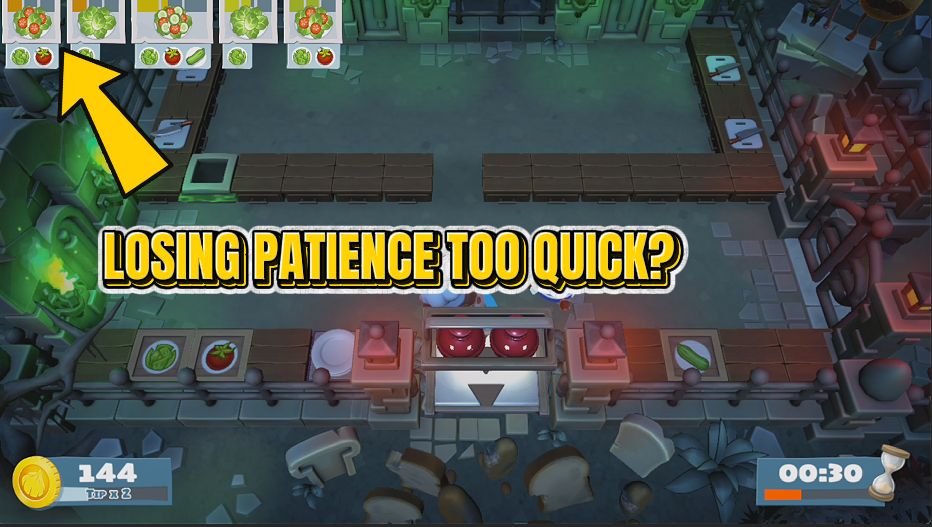
Some Overcooked! 2 levels are not hard, they are just short. You know exactly what to do and the countdown runs out anyway. Freeze the Clock gives you two answers. The gentle one is extra minutes: pick how much longer every round should be and play the level exactly as designed, with breathing room. Perfect for learning a map or getting that last star without twenty attempts. The blunt one is the freeze. Stop the countdown dead where it stands and the round simply carries on until you are finished. Handy for exploring a kitchen properly, practising a tricky sequence, or messing about with friends without the pressure. Use either on its own or both together, and turn them off whenever you want the real countdown back.
</>What is Freeze the Clock?
Some Overcooked! 2 levels are not hard, just short. Freeze the Clock gives you two answers: add extra minutes on a slider and play the kitchen exactly as designed with breathing room, or stop the countdown dead so the round carries on until you are finished. Ideal for learning a map, drilling a sequence, or messing about with friends. One-click install through the ProjectMods launcher.
</>Common questions about Freeze the Clock
What does Freeze the Clock do in Overcooked! 2?
Freeze the Clock puts the Overcooked! 2 round timer under your control. The gentle option adds extra minutes to every level, chosen on a slider, so you play the kitchen exactly as designed but with room to work. The blunt option stops the countdown dead where it stands, and the round simply carries on until you decide you are done. Both are toggles, so you can use one, the other, or both together, and switch the real countdown back on the moment you want the pressure returned.
What is the difference between Freeze the Clock and Longer Rounds?
Longer Rounds keeps the countdown running and just gives you more of it. You pick the number of extra minutes on the slider and every Overcooked! 2 level starts with that added on, so the level still ends, the score screen still arrives, and the run still feels like a proper attempt. Freeze the Clock removes the deadline altogether: the timer stops where it is and the kitchen keeps going indefinitely. Use Longer Rounds when you want a fair shot at a star you keep just missing, and the freeze when you want to practise or explore with no deadline at all.
What happens if I turn the freeze off halfway through a round?
The countdown picks up from where it stopped. Freeze the Clock holds the Overcooked! 2 timer at whatever it was showing when you switched the option on, so turning it back off hands the round its remaining time and lets it run down normally. That makes it useful as a pause button in all but name: freeze it while you talk a friend through the kitchen layout or work out a serving route, then unfreeze and play the rest of the level at full pressure with the time you had left on the clock.
How many extra minutes can I add to a round?
The Extra Minutes slider decides, and it only applies while Longer Rounds is switched on. A minute or two is usually enough to turn an Overcooked! 2 kitchen you keep finishing one order short into a comfortable three stars, because those levels are rarely difficult so much as tight. Push it higher and even the busiest maps stop being a race, which helps when you are teaching somebody the game or working through the later worlds with a group who have never seen them. Set it back down any time you want the original timings.
Why would I choose Longer Rounds over freezing the clock entirely?
Because the countdown is part of what makes Overcooked! 2 fun. Longer Rounds keeps the pressure, the score screen and the sense of a proper attempt. It just stops a short timer from being the only reason you failed, which suits players chasing stars who still want the run to count for something. The full freeze is better for the other jobs: exploring a kitchen properly, drilling one tricky sequence over and over, or handing a controller to somebody new who needs a few minutes to work out which button picks things up.
What options does Freeze the Clock include?
Longer Rounds
Adds extra time to every round instead of stopping the clock entirely.
Freeze The Clock
Stops the round countdown where it stands so the level never runs out.
Extra Minutes
How many extra minutes each round gets when Longer Rounds is on.
Freeze the Clock is an Overcooked! 2 mod from ProjectMods that stops the round countdown where it stands, or simply adds however many extra minutes you want to every level instead.
System Requirements
What features does Freeze the Clock include?
- Stop the round countdown dead, so the level simply carries on until you decide you are finished
- Add extra minutes to every round instead, and play the level exactly as designed with breathing room
- Pick how much extra time each round gets with the minutes slider
- Turn either option off the moment you want the real countdown back
Best For
- Levels that are not hard, just short, where you know the plan and run out of clock anyway
- Learning a tricky kitchen properly, walking the routes with nothing counting down behind you
- Content creators recording a level who need room to talk through what they are doing
- Hosting a session where everyone would rather explore a kitchen than race it
- That last star on a map where you finished ten seconds and one plate short, twice
More Mods for Overcooked! 2
Dish Pit Hero
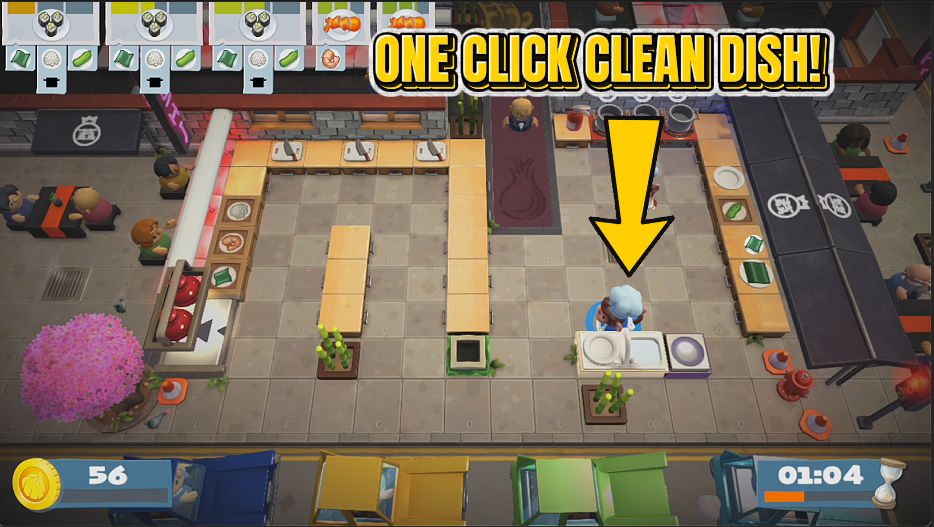
Scrub plates far faster, or empty every sink in the level in one press so clean plates come straight back to the stack.
Head Chef Pass
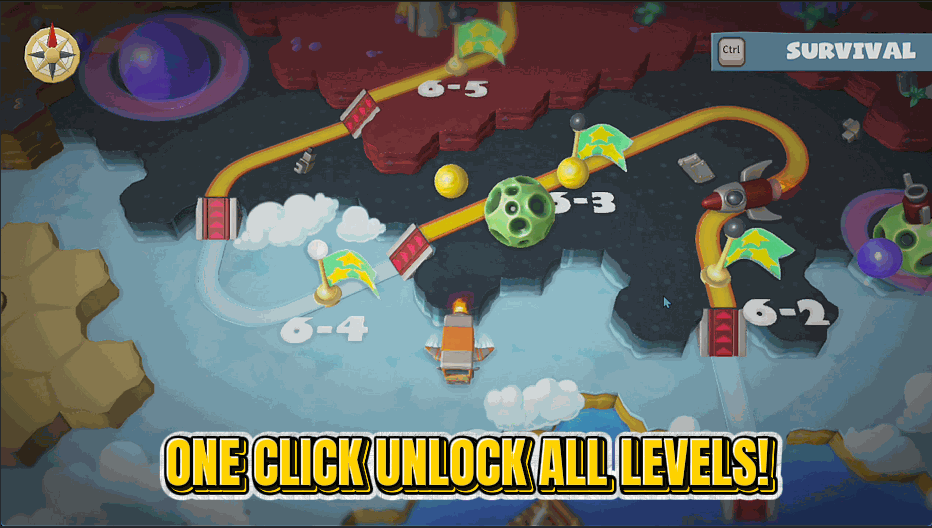
Open every kitchen on the world map at the star rating you choose, so you can play whatever you feel like.
Zen Diners
Orders sit on the board forever instead of timing out, so nobody walks off and you never eat the penalty.