Want more mods for PEAK? Explore our entire collection!
Give Items
"Refresh available items and spawn the supplies you need."
How do I install Give Items?
Download the free ProjectMods desktop app, then install Give Items for PEAK in one click.
</>What does Give Items do?
Give Items loads the available items from your current PEAK expedition into an easy-to-browse dropdown. Press Refresh Items after entering an expedition, choose the item you want, then use Give Selected Item to spawn it near your character. The refreshed list uses readable item labels, so you can browse supplies without memorising game data names. Refresh again whenever you want to update the list for the current session. Use it to prepare for a climb, replace a lost supply, or experiment with available items. The mod only spawns the item you select and leaves other gameplay systems alone.
</>What is Give Items?
This PEAK item spawner lets you refresh the available expedition item list, choose an item from a readable dropdown, and spawn it near your character. It is useful for preparing supplies, replacing lost items, and testing items during a run.
</>Common questions about Give Items
How do I load the item list?
Enter an expedition and press Refresh Items.
Why is the item dropdown empty?
The list is populated after you press Refresh Items in an active expedition.
Where does the selected item appear?
It spawns near your character.
Can I refresh the list again?
Yes. Press Refresh Items whenever you want to rebuild the available choices.
What options does Give Items include?
Select Item
Choose an item after refreshing the live item list.
Give Selected Item
Spawn the selected item near your character.
Instructions
Enter an expedition, press Refresh Items, choose an item, then use Give Selected Item.
Refresh Items
Load every available item from the current expedition.
Enter an expedition, refresh the item list, choose an item, then spawn it near your character.
System Requirements
What features does Give Items include?
- Refreshes the available item list from the current expedition.
- Shows available items in a readable dropdown.
- Spawns the item you select near your character.
Best For
- Prepare supplies before a difficult climb.
- Replace an item that was lost during an expedition.
More Mods for PEAK
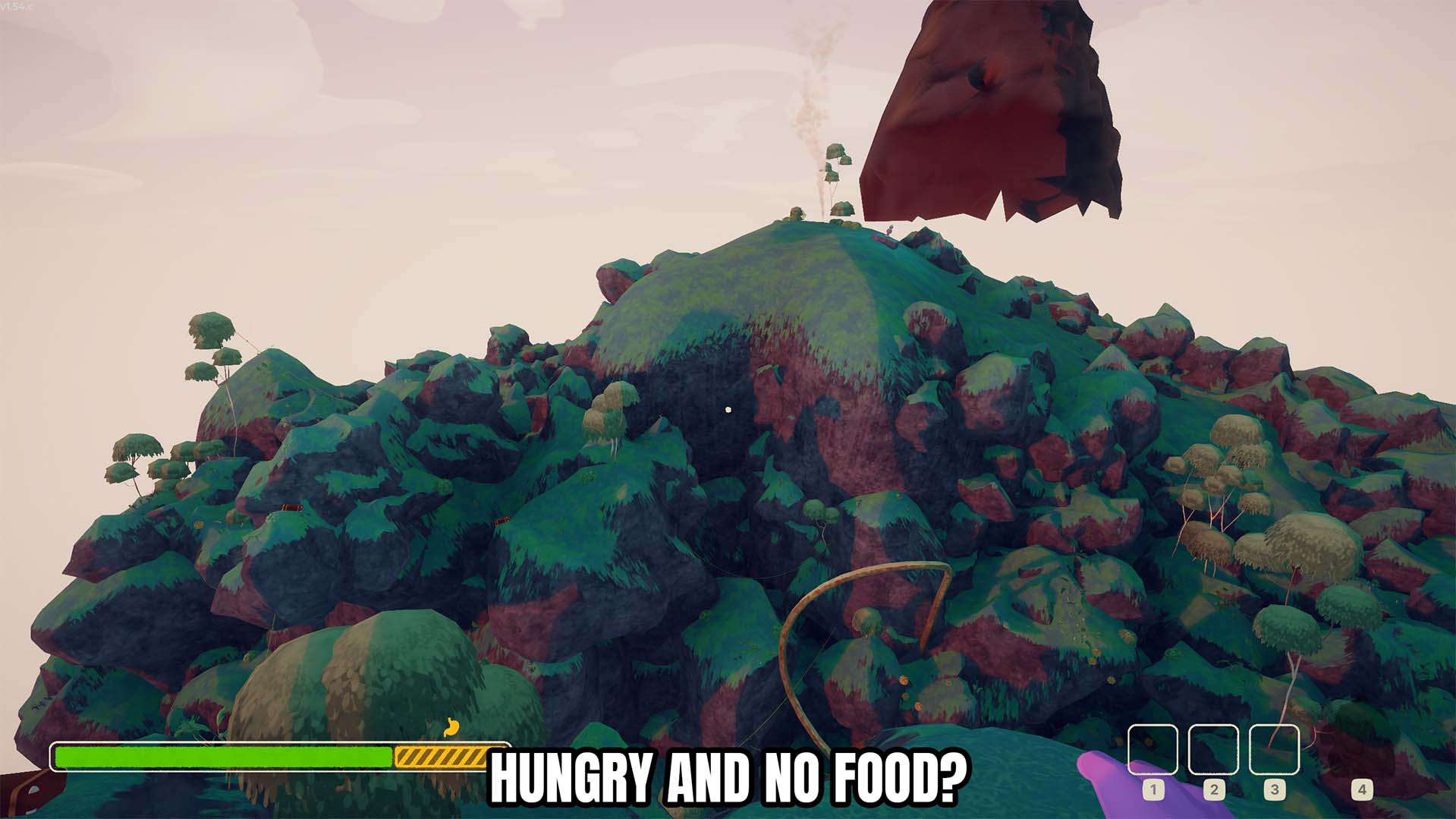
No Hunger
Stops hunger from increasing while the No Hunger toggle is enabled.
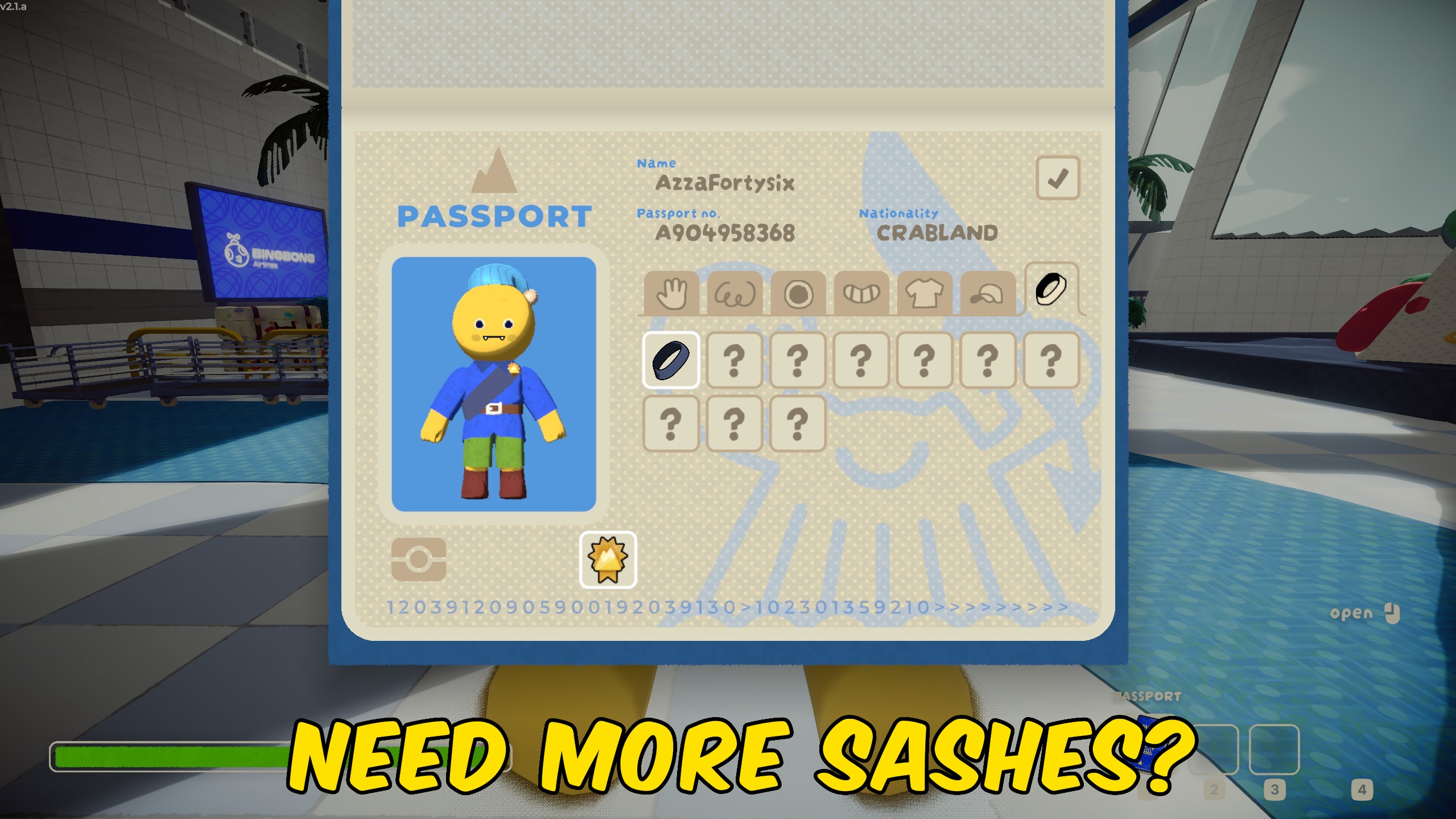
Unlock All Sashes
Unlocks every colored sash so you can wear any ascent color from your passport.
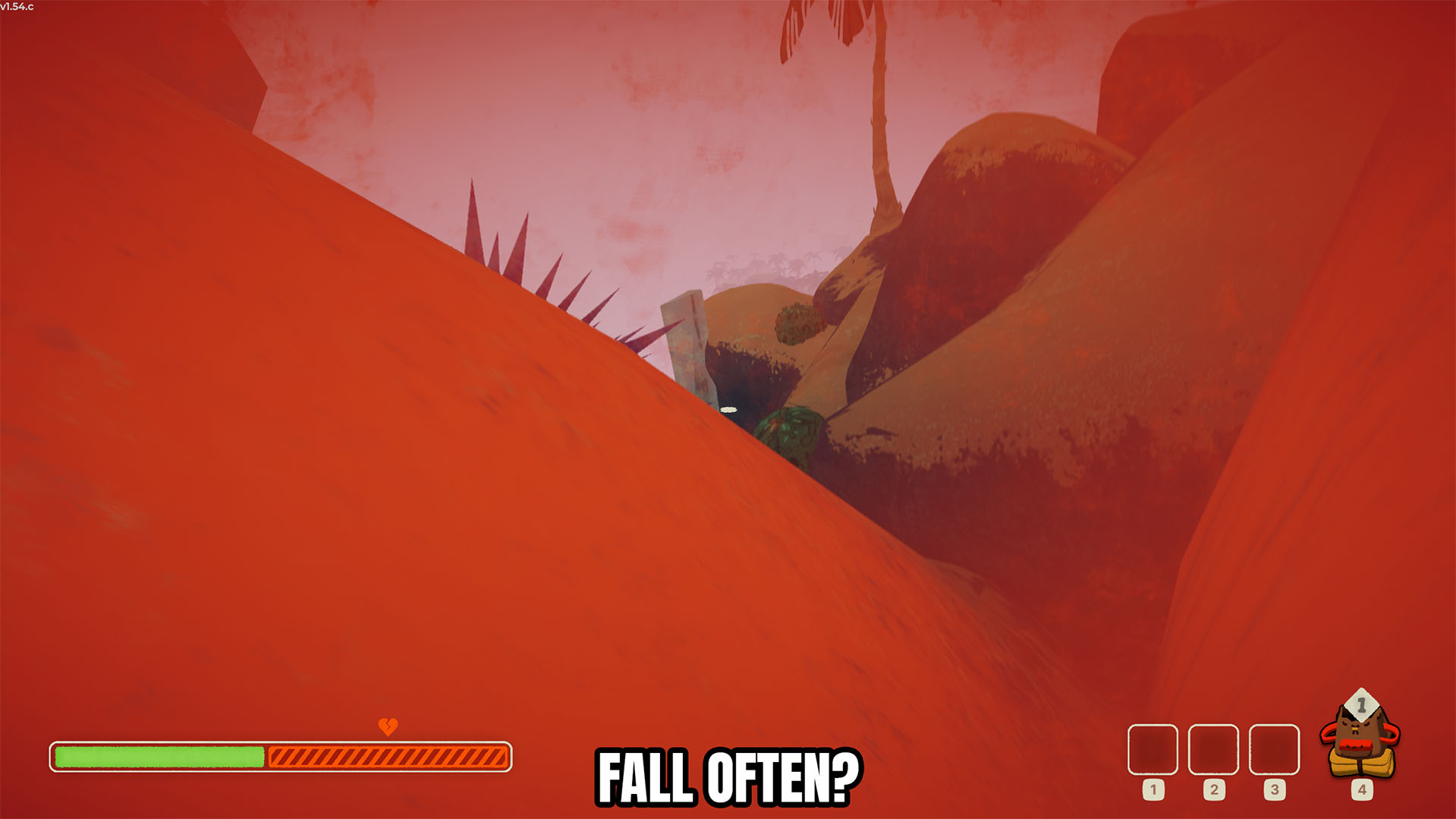
No Fall Damage
Prevents fall damage while the No Fall Damage toggle is enabled.







