Want more mods for Potion Craft: Alchemist Simulator? Explore our entire collection!
Town Darling
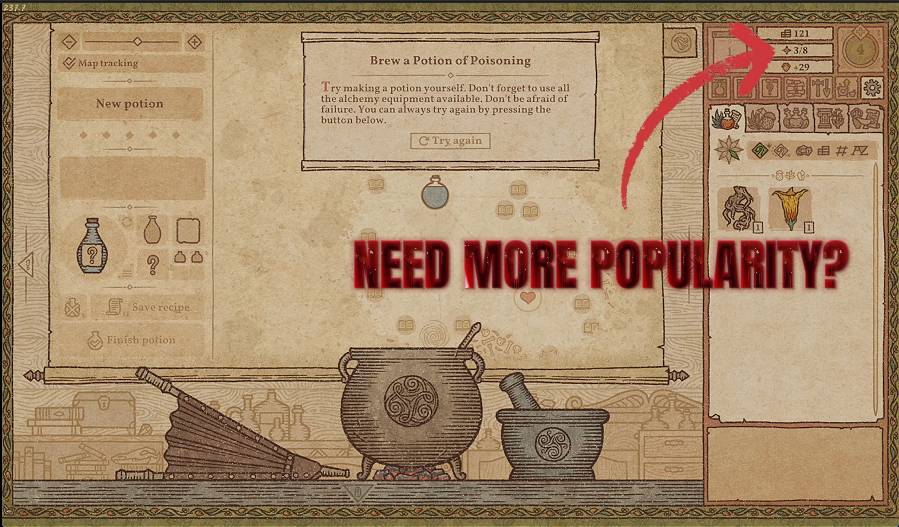
"The whole town adores your shop."
How do I install Town Darling?
Download the free ProjectMods desktop app, then install Town Darling for Potion Craft: Alchemist Simulator in one click.
</>What does Town Darling do?
Popularity is what pulls the good customers through your door and pushes your prices up in Potion Craft. Town Darling lets you set it wherever you please. Nudge it up a notch or jump straight to the number you want, and watch wealthier visitors and sweeter deals start rolling in. Fame, on your terms.
</>What is Town Darling?
Town Darling lets you set your shop's popularity wherever you please in Potion Craft: nudge it up a notch or jump straight to the number you want, and watch wealthier visitors and sweeter deals roll in. Fame on your terms. A Potion Craft mod from ProjectMods, the community-first PC mod manager.
</>Common questions about Town Darling
What does Town Darling do in Potion Craft?
Town Darling lets you boost your shop's popularity in Potion Craft to any level you want. Popularity is what pulls the good customers through your door and pushes your prices up, so raising it makes your whole shop more profitable. You can nudge it up a notch at a time or jump straight to an exact number, then watch wealthier visitors and sweeter deals start rolling in. It puts your shop's fame entirely on your terms.
What does the Give Popularity button do?
Give Popularity adds the amount you set to your current shop popularity in Potion Craft, on top of whatever you already have. Set the Amount option first, then press it to raise your standing by that much. Because it stacks with each press, it is the gradual option: add a little, see how the customers and prices respond, then add more if you want. This suits players who like to grow their shop's fame in steps rather than jumping straight to the top.
How is Set Popularity different from Give Popularity?
Set Popularity puts your Potion Craft shop's popularity at exactly the number you entered, rather than adding to what you have. Where Give Popularity stacks on top of your current total, Set Popularity overwrites it, landing you precisely on the value you chose. Use it when you want an exact standing, whether that is jumping straight to a high figure or dialling your fame back down. Town Darling gives you both so you can either build up gradually or set a target instantly.
How high can I set my shop's popularity?
The Amount option in Town Darling lets you enter any number for your Potion Craft popularity, so you can push it as high as you like. Pair it with Set Popularity to land on an exact figure, or with Give Popularity to add that much repeatedly until you reach the top. Higher popularity draws wealthier customers and lifts the prices they will pay, so raising it turns your quiet shop into the talk of the town. The ceiling is entirely up to you.
Why would I use Town Darling?
Use Town Darling when you want the better prices and wealthier customers that come with a famous shop in Potion Craft, without grinding reputation over many days. It suits players building a thriving business, and creators who want a bustling, popular shop to show off. Pair it with a price or gold mod to build your alchemy empire faster. It is a premium mod from ProjectMods, the community-first PC mod manager for 400+ games.
What options does Town Darling include?
Set Popularity
Set your popularity to exactly the chosen number.
Give Popularity
Add the chosen amount of popularity.
Amount
How much popularity to add or set to.
Town Darling is a ProjectMods mod for Potion Craft that boosts your shop's popularity for better prices and better customers, adding a little at a time or setting it to an exact number.
System Requirements
What features does Town Darling include?
- Nudge your shop's popularity up a notch or jump straight to the exact number you want
- Pull wealthier customers through your door with a bigger reputation around town
- Push your prices up as your fame grows, so every sale earns more
- Set popularity precisely instead of grinding sales day after day to raise it
Best For
- You want the big-spending customers now instead of slowly earning your reputation
- Your shop's stuck with low-value visitors and you'd like to fast-forward to the wealthy crowd
- You're building a high-end alchemy shop and want the town buzz to match from early on
- You're happy to brew but don't want to grind popularity up one customer at a time
More Mods for Potion Craft: Alchemist Simulator
Moral Compass
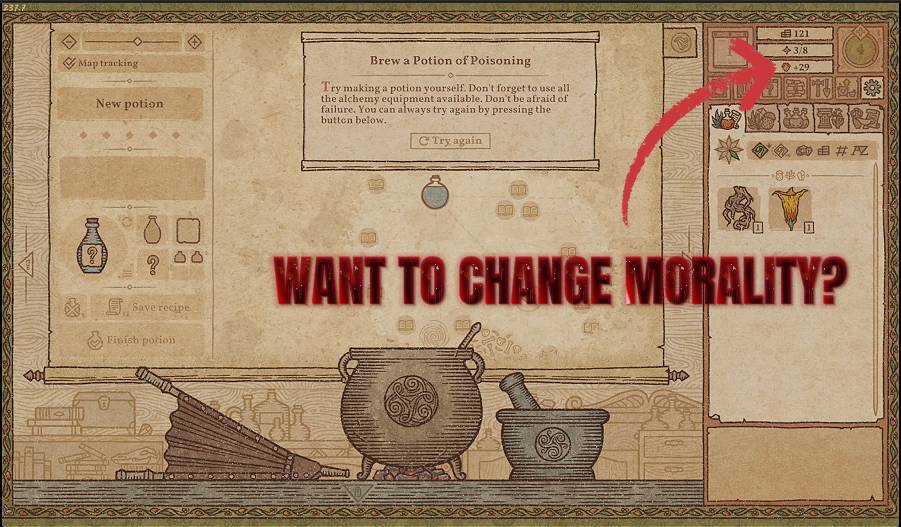
Swing your reputation anywhere from purely good to gleefully wicked. Chase the karma-locked bonuses on either end without months of role-play.
Cartographer's Eye
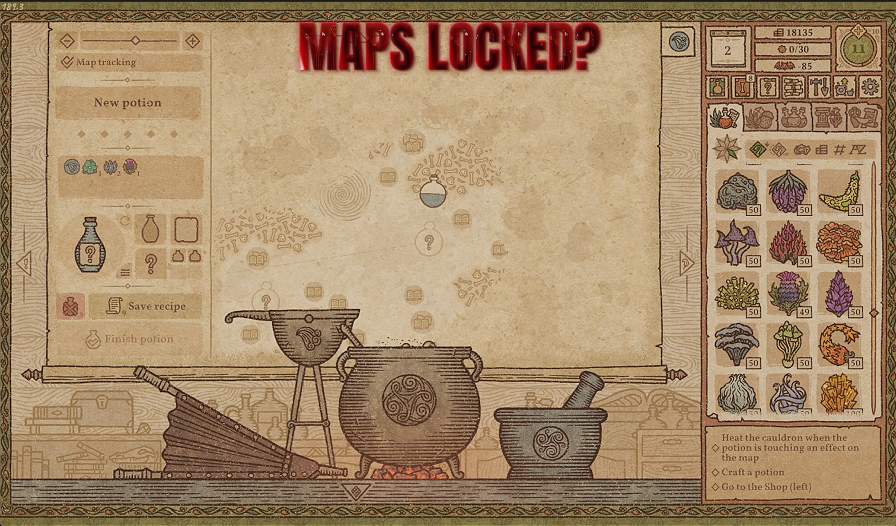
Sweep away every scrap of map fog and light up all the special map effects in one press. Plan the perfect potion path with the whole picture in front of you.
Alchemist's Fortune
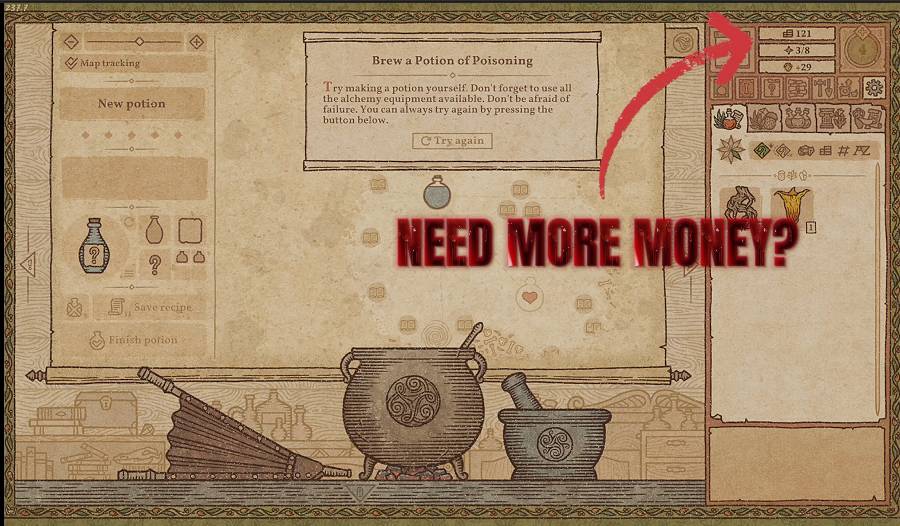
Top up your gold to any amount you like, whenever you like. Buy every rare ingredient and stop rationing coins.



























































































































































































