Want more mods for Punch Club 2: Fast Forward? Explore our entire collection!
Loot Locker
"Any item in the game, straight into your bag."
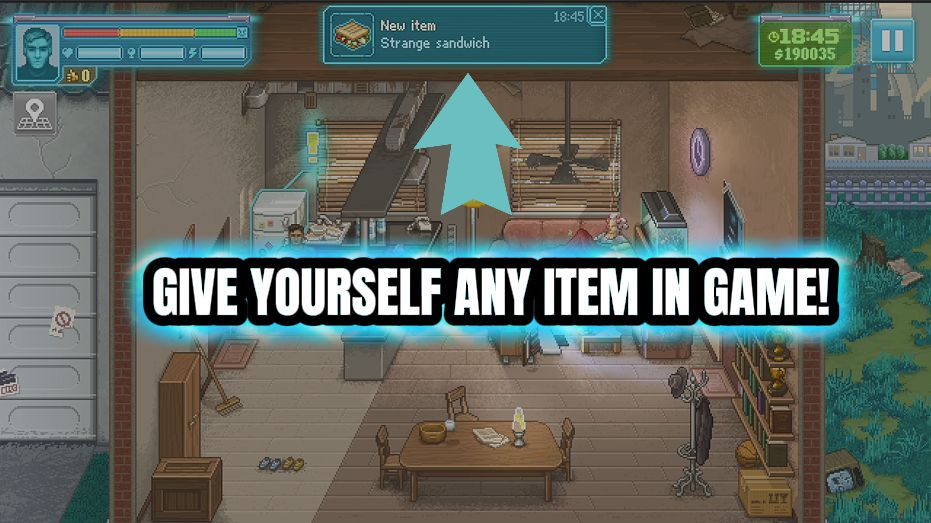
How do I install Loot Locker?
Download the free ProjectMods desktop app, then install Loot Locker for Punch Club 2: Fast Forward in one click.
</>What does Loot Locker do?
Loot Locker gives you the whole item catalogue. Press Refresh List to load every item the game has, pick the one you want, choose how many, and drop them straight into your bag. Stock up on food before a big fight, grab the gear you've been saving for, or top up consumables without a single shopping trip. The list is pulled live from the game itself, so everything that exists is right there waiting for you.
</>What is Loot Locker?
Loot Locker hands you the whole Punch Club 2 item catalogue. Press Refresh List to pull every item the game has, pick the one you want, choose how many, and drop them straight into your bag - no shopping trips. Stock up on food before a big fight or grab gear you've been saving for. Part of the ProjectMods catalog for Punch Club 2, managed from the desktop app.
</>Common questions about Loot Locker
What does Loot Locker do in Punch Club 2?
Loot Locker is a Punch Club 2 mod from ProjectMods that gives you the game's entire item catalogue on demand. Press Refresh List once you're in a save to load every item Punch Club 2 has - food, gear, consumables, the lot - then pick one from the dropdown, choose how many copies you want, and press Spawn Item to drop them straight into your inventory. There's no shopping trip and no grinding for cash first. It's built for stocking up before a big fight, grabbing gear you've been saving toward, or topping up consumables the moment you need them, all managed through the ProjectMods desktop app.
How do I load the item list and spawn something?
Loot Locker works in four quick steps inside Punch Club 2. First, load into your save, then press Refresh List - this pulls every item that exists in the game into the dropdown. Second, open the Item dropdown and pick what you want. Third, set Count to however many copies you'd like. Fourth, press Spawn Item and the whole batch lands in your inventory at once. The list is read live from the game itself, so everything Punch Club 2 has is right there waiting. You can repeat the process as often as you like, swapping the item and the count between each spawn.
Which items can Loot Locker actually spawn in Punch Club 2?
Loot Locker can spawn anything in Punch Club 2's item catalogue - the same items the game itself can hand you. That covers the food you'd normally buy to keep your fighter fed, the gear and equipment you'd usually grind cash for, and the consumables you burn through during a run. Because the list is pulled live from the game when you press Refresh List, it always reflects exactly what your version of Punch Club 2 contains, including anything added in later updates. If an item exists in the game, it's in the dropdown waiting for you, and you decide how many copies to drop in.
What does the Count option do?
Count sets how many copies of the selected item Loot Locker drops into your Punch Club 2 inventory each time you press Spawn Item. Set it to one for a single pickup, or crank it up to stockpile - say, a big stack of food before a tough story fight, or several of the same consumable so you never run short mid-run. Change the Count between spawns to mix quantities: grab one of a rare piece of gear, then switch the item and drop ten of something else. It works alongside the Item dropdown, which chooses what you spawn while Count decides how much.
Why is the item list empty when I first open Loot Locker?
The Item dropdown starts empty because Loot Locker reads Punch Club 2's item catalogue live, and that data only exists once you're actually in a save. Load into your career first, then press Refresh List - the dropdown fills with every item the game has, ready to pick. If you ever open the list before loading a save, or it looks blank, just press Refresh List again once you're in-game and it will populate. This is why Refresh List is step one: it's the button that pulls the live catalogue in, so always run it before you choose an item and press Spawn Item.
What options does Loot Locker include?
Item
Pick the item you want to spawn.
Refresh List
Load every item the game has into the list below. Do this once you're in a save.
Spawn Item
Drop the selected item straight into your inventory.
Count
How many copies to drop into your bag.
Loot Locker, a Punch Club 2 mod from ProjectMods, loads the game's full item catalogue so you can spawn any food, gear or consumable straight into your inventory in any quantity.
System Requirements
What features does Loot Locker include?
- Spawn any item from the game's full catalogue.
- Choose how many copies to drop at once.
- The list loads live from the game so nothing is missing.
Best For
- Stock up on food and consumables before a title fight.
- Grab the gear you want without saving up or shopping.
More Mods for Punch Club 2: Fast Forward
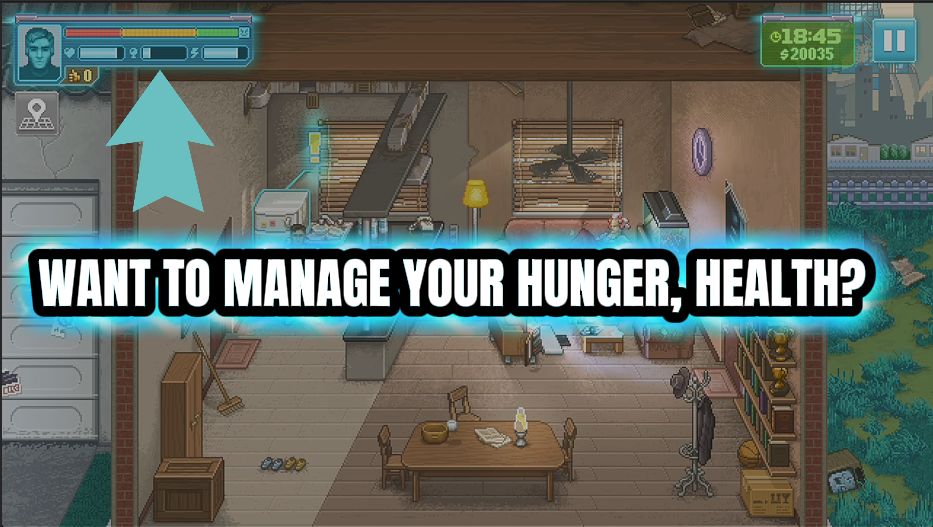
Perfect Condition
Keep your health, energy, fullness and mood topped up so daily life never drags your fighter down.
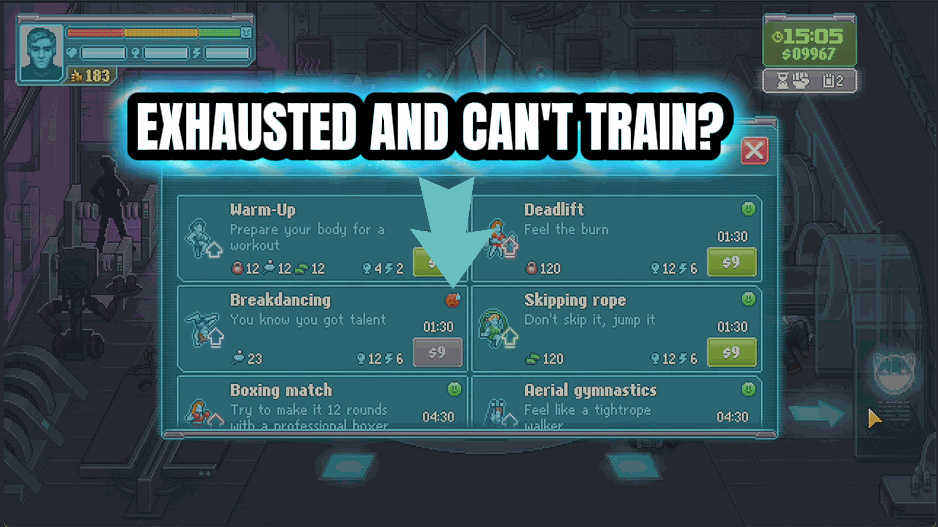
Endless Gym
Train your stats freely without burning through training fuel. Flip it off any time to go back to normal.
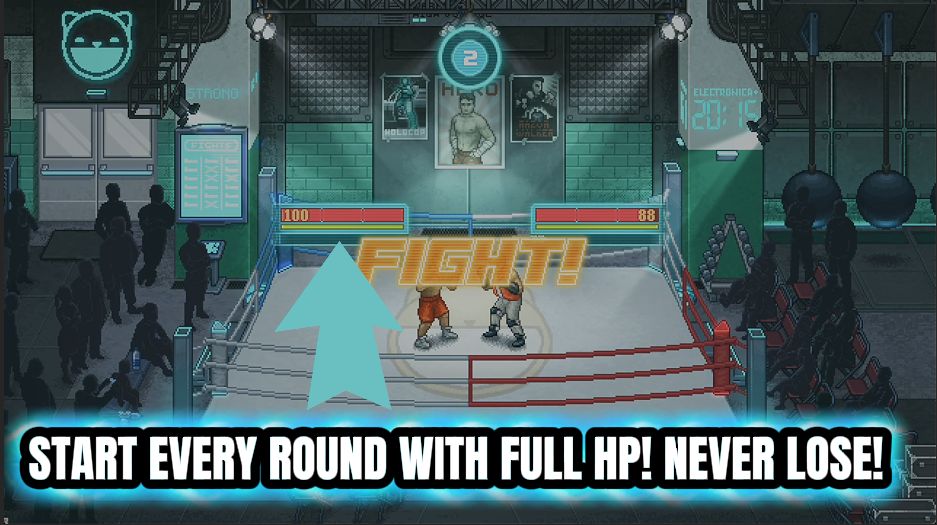
Glass Jaw No More
Keeps your fighter's health full during bouts so you can never be knocked out.







