Want more mods for R.E.P.O.? Explore our entire collection!
Ghost Employee (Fly)
"Walls are just suggestions now."
/REPOGhostEmployeeFly1.png)
How do I install Ghost Employee (Fly)?
Download the free ProjectMods desktop app, then install Ghost Employee (Fly) for R.E.P.O. in one click.
</>What does Ghost Employee (Fly) do?
Why navigate haunted mansions like a normal person when you can just... phase through everything? Ghost Employee gives you full noclip flight, letting you soar through walls, floors, and ceilings like the supernatural entity you were always meant to be. Use WASD to fly in any direction relative to your camera. Space goes up, Ctrl goes down. Hold Shift when you need to ZOOM across the map because that extraction point isn't getting any closer. Perfect for scouting ahead, escaping sticky situations, or just vibing above the map while your teammates do the actual work. The monsters can't catch what they can't reach. HR has questions about your movement capabilities. You have no answers.
</>What is Ghost Employee (Fly)?
Ghost Employee (Fly) is a R.E.P.O. flight mod on ProjectMods that turns walls into suggestions. Toggle full noclip mode and move with WASD, Space, Ctrl, and Shift to boost. Tunable Normal Speed and Boost Speed sliders. Premium mod for R.E.P.O. modders.
</>Common questions about Ghost Employee (Fly)
What does Ghost Employee (Fly) do in R.E.P.O.?
Ghost Employee (Fly) is a ProjectMods premium mod for R.E.P.O. that gives you full noclip flight — you phase straight through walls, floors, and ceilings instead of taking the long way around. Toggle Fly Mode on and your employee leaves the laws of physics behind: WASD moves you horizontally, Space lifts you up, Ctrl drops you down, and Shift hits the boost. It turns the survival/co-op horror game into a free-roam playground for scouting maps, recovering stuck loot, or just exploring R.E.P.O. levels from impossible angles. Toggle it off and you snap back to normal employee movement instantly.
How do I control flight in Ghost Employee?
Once you flip Fly Mode on inside Ghost Employee (Fly), the controls in R.E.P.O. stay simple and familiar. WASD handles all horizontal movement — forward, back, and strafing left and right exactly like normal walking. Space lifts you straight up, Ctrl drops you straight down, and holding Shift triggers the boost speed setting for fast traversal. There are no extra keybinds to memorize and no special flight HUD to learn. Because Ghost Employee is a ProjectMods one-click install, the controls are wired up automatically the moment you enable the mod — just launch R.E.P.O., toggle Fly Mode on, and start moving.
Can I phase through walls AND floors AND ceilings with Ghost Employee?
Yes — Ghost Employee (Fly) is full noclip, not just floating. With Fly Mode toggled on inside this ProjectMods mod for R.E.P.O., your employee ignores collision on every surface: walls, floors, ceilings, doors, locked rooms, vents, and level geometry that would normally block your path. You can drift up through the roof of a building, drop down through the floor into a basement, or glide sideways through a sealed wall to peek at what is in the next room. The supernatural entity framing is literal — nothing in the R.E.P.O. environment stops you while flight is active.
What is the difference between Normal Speed and Boost Speed?
Ghost Employee (Fly) gives you two separate speed sliders so flight feels right for whatever you are doing in R.E.P.O. Normal Speed controls your default flying pace — the speed you cruise at while just holding WASD, Space, or Ctrl. Boost Speed only kicks in while you are holding Shift, layering a faster mode on top for long traversal. Tuning them independently in the ProjectMods mod options lets you pick a careful, slow Normal Speed for scouting and tight indoor flying, while still keeping a high Boost Speed available the instant you need to cover ground or escape an awkward spot.
What happens when I toggle Fly Mode off mid-air with Ghost Employee?
Toggling Fly Mode off inside Ghost Employee (Fly) instantly returns you to default R.E.P.O. movement, even if you are floating ten meters above the ground. There is no hovering grace period and no special landing animation — your employee snaps back to normal physics, which means gravity takes over and you drop. ProjectMods designed Ghost Employee with no leftover state to clean up, so disabling the mod mid-session is safe and clean: your character just falls and resumes regular employee controls. Plan your toggle-off moment with that in mind, especially if you are flying through ceilings or over deep level geometry.
What options does Ghost Employee (Fly) include?
Fly Mode
Lets you fly through walls like a ghost! Use WASD to move, Space to go up, Ctrl to go down.
Normal Speed
How fast you fly normally. Higher = zoom zoom!
Boost Speed
How fast you fly when holding Shift. For when you REALLY need to zoom!
Ghost Employee (Fly) is a premium ProjectMods mod for R.E.P.O. that adds full noclip flight, letting you fly through walls, floors, and ceilings with WASD, Space, Ctrl, and Shift to boost.
System Requirements
What features does Ghost Employee (Fly) include?
- Phase through walls, floors, and ceilings like the spectral employee you've ascended into
- WASD/Space/Ctrl flight relative to camera, with Shift to boost when walking-speed haunting feels too slow
- Tunable normal and boost speeds so you can drift politely or absolutely yeet through the facility
Best For
- Scout the level from above to spot loot, monsters, and exits before your teammates have even loaded in
- Escape a chase by clipping straight up through the ceiling, because safety protocols don't apply to ghosts
- Vibe above the map sipping invisible coffee while your coworkers do the actual extraction work
More Mods for R.E.P.O.
/REPOFullPayroll1.png)
Full Payroll (Bigger Crew)
Raises the crew limit past six so more of your friends can work the same shift.

Respawn
Prevent game overs, auto-revive dead players, and take control of who lives and dies in your haunted mansion adventures.
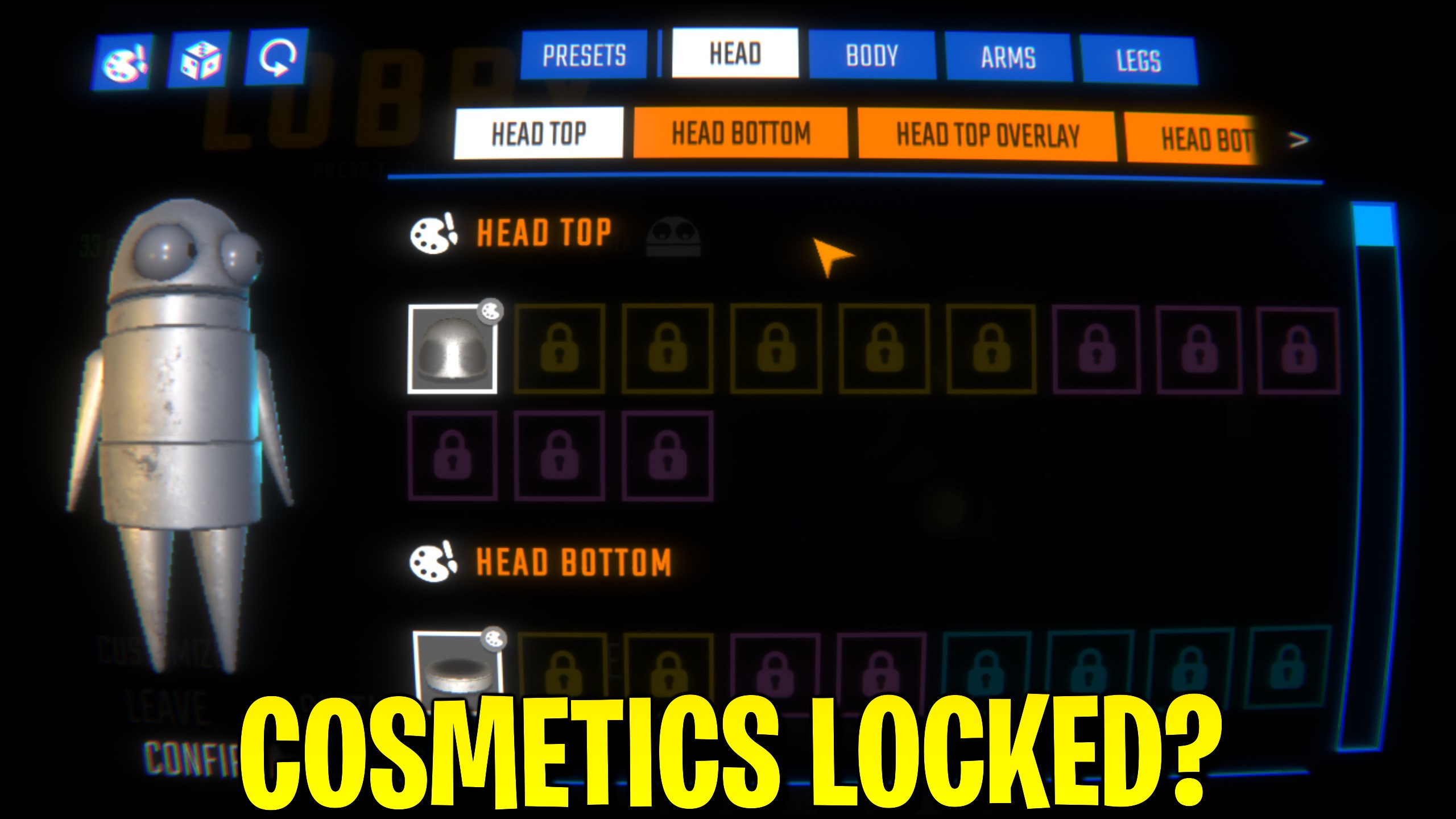
Cosmetic Unlocker
Unlock the complete R.E.P.O. cosmetic collection with one button, including every available outfit and character customization item.







