Want more mods for ReStory: Chill Electronics Repairs? Explore our entire collection!
Device Spawner
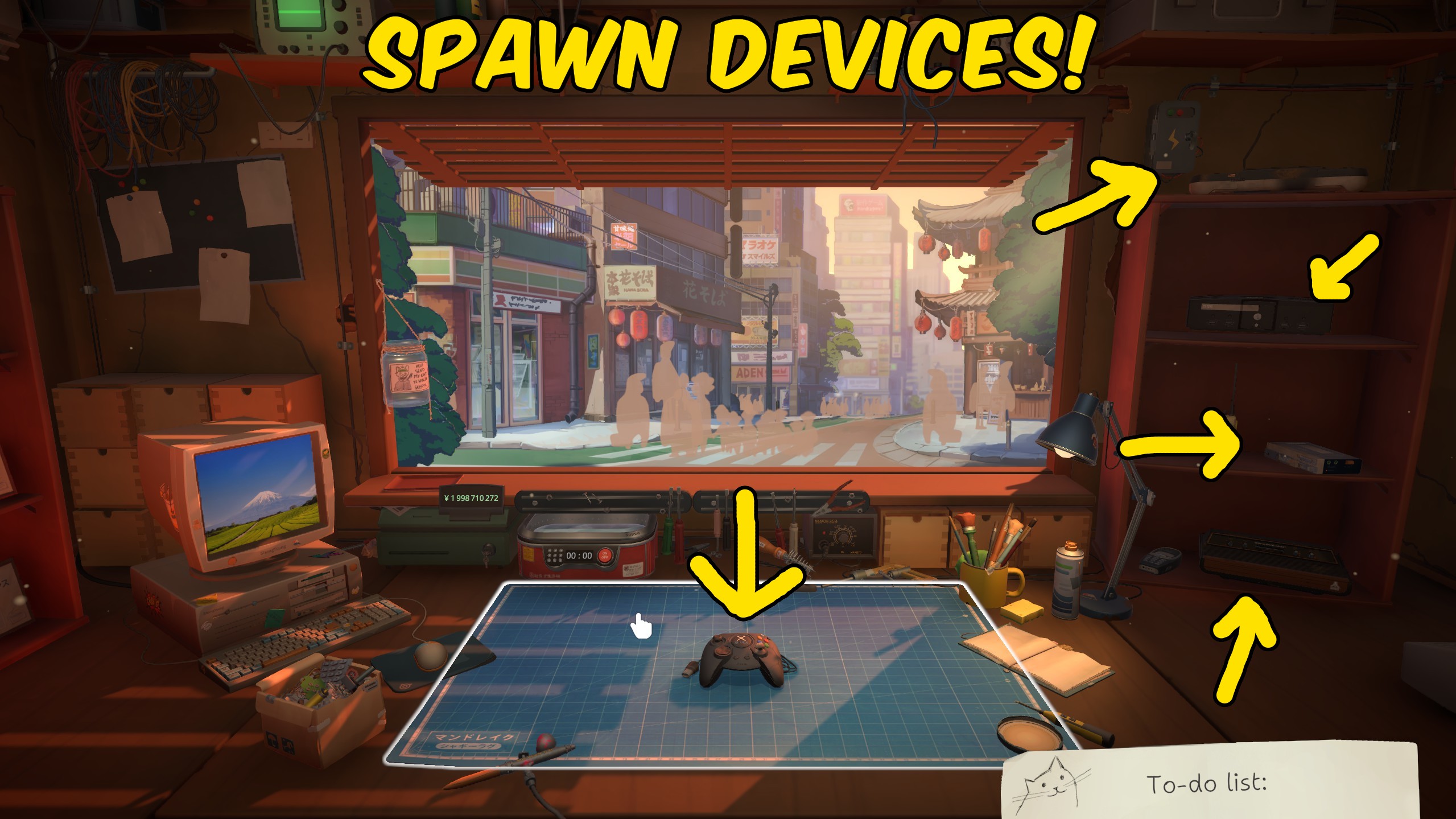
"Drop any shop gadget onto an empty ReStory workbench."
How do I install Device Spawner?
Download the free ProjectMods desktop app, then install Device Spawner for ReStory: Chill Electronics Repairs in one click.
</>What does Device Spawner do?
Device Spawner for ReStory lets you put a real workshop gadget on an empty bench without waiting for a customer, an email job, or a store restock. Open your shop, stand at the workbench, press Refresh Devices, pick a radio, handheld, or other model by name, then press Spawn Device. The list uses ReStory's own gadget names, so you are choosing what you see in the shop rather than typing codes. Spawned devices arrive assembled and ready to work on. If something is already on the bench, the mod leaves it there so you never overwrite a live repair. Use it to practice a rare chassis, paint a model you already sold, or keep working when the last unit of that type has already shipped.
</>What is Device Spawner?
Device Spawner for ReStory on ProjectMods rebuilds a live named gadget picker from the loaded workshop catalog. After you press Refresh Devices, choose a radio, handheld, or other model and Spawn Device places it on an empty bench, assembled and ready to work on, without replacing a job that is already sitting there.
</>Common questions about Device Spawner
What does Device Spawner do in ReStory?
Device Spawner for ReStory puts a real workshop gadget onto an empty workbench so you can start taking it apart, painting it, or inspecting it without waiting for a customer, an email job, or a restock. You refresh a named list of devices from the loaded shop, pick the model you want, and spawn it onto a clear bench. It will not replace a device that is already sitting there. Use it from ProjectMods after your shop is open and you are standing at the bench, not while you are on the computer or holding something else.
How does Refresh Devices work in Device Spawner?
Refresh Devices in Device Spawner rebuilds the Select Device list from the gadgets ReStory currently has loaded in your shop. Press it after you open the workshop so the picker can read live names instead of leftover placeholders. Each choice shows a player-facing name, with a number added when two models share a label. The list stays empty until that refresh, and you should press it again if you load a different save or return from the title screen. After the list fills, pick one gadget before you press Spawn Device.
Why won't Spawn Device place anything on the ReStory bench?
Spawn Device in Device Spawner will not place a gadget in ReStory unless the workbench is empty and you are standing at it. If a radio or handheld is already on the bench, clear it first so a live job is never overwritten. If you are on the computer, in a conversation, or holding an object, step back to the bench and try again. Open the shop first; the workshop services are not available from the title screen. When those conditions are met, the selected model appears assembled and ready to work on.
How do I choose which gadget Device Spawner puts on the bench?
Select Device in Device Spawner is a dropdown of named ReStory gadgets, not a box where you type codes. After Refresh Devices fills the list, choose the radio, handheld, or other model you want by the name the shop already uses. Duplicate display names get a number so you can tell them apart. Leave the placeholder selected and Spawn Device will ask you to pick first. If a gadget you expected is missing, refresh again after the workshop has finished loading.
Why is the Select Device list empty in Device Spawner?
The Select Device dropdown in Device Spawner starts with only a placeholder because ReStory has not handed over the live gadget catalog yet. Load your shop, stand in the workshop, and press Refresh Devices so the picker can fill from that session. If the list still comes back empty, wait until the workbench is available and try again rather than spawning blindly. Once names appear, choose one and press Spawn Device on a clear bench. Refresh again after loading a different save so the names stay current.
What options does Device Spawner include?
Select Device
Choose a device after refreshing the list.
Spawn Device
Place the selected device on the empty workbench.
Refresh Devices
Rebuild the device picker from the loaded workshop data.
How To Use
Open the workshop, stand at the workbench, press Refresh Devices, choose a device, clear the bench if needed, then press Spawn Device.
Device Spawner for ReStory on ProjectMods rebuilds a named gadget list and places that device on an empty workbench.
System Requirements
What features does Device Spawner include?
- Refresh Devices fills a named picker from every gadget currently loaded in your shop.
- Spawn Device puts that model on an empty workbench, assembled and ready to take apart.
- Leaves a device already on the bench untouched so you never overwrite a live job.
Best For
- Practice a rare radio or handheld without waiting for a customer to drop it off.
- Paint or sticker a model you already sold and still want sitting on the bench.
- Recover after shipping the last unit and still needing that chassis for a session.
More Mods for ReStory: Chill Electronics Repairs
Unlimited Stickers & Palettes
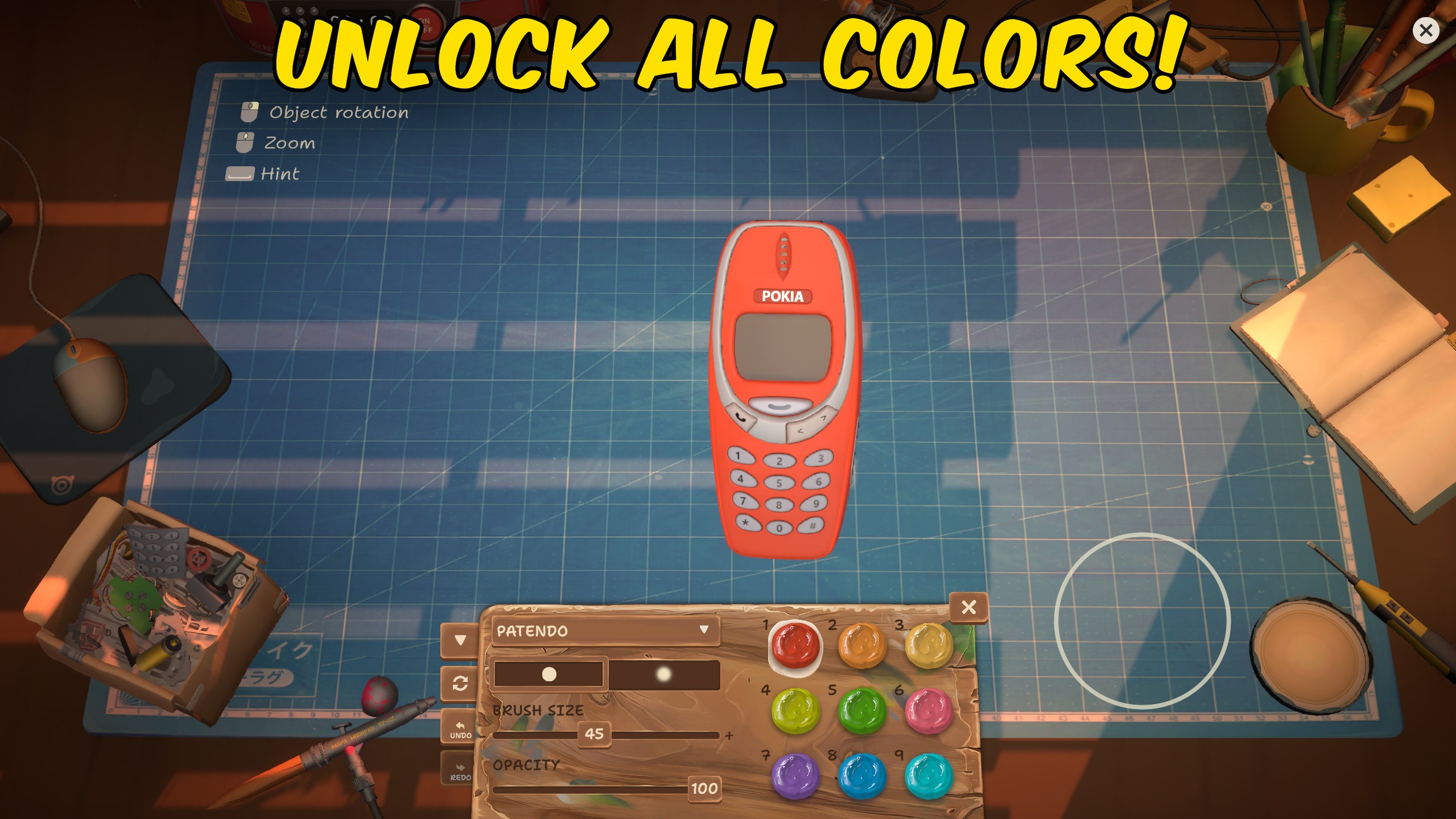
Add all painting palettes to the available collection and unpack every sticker pack into the customization interface.
Achievement Unlocker
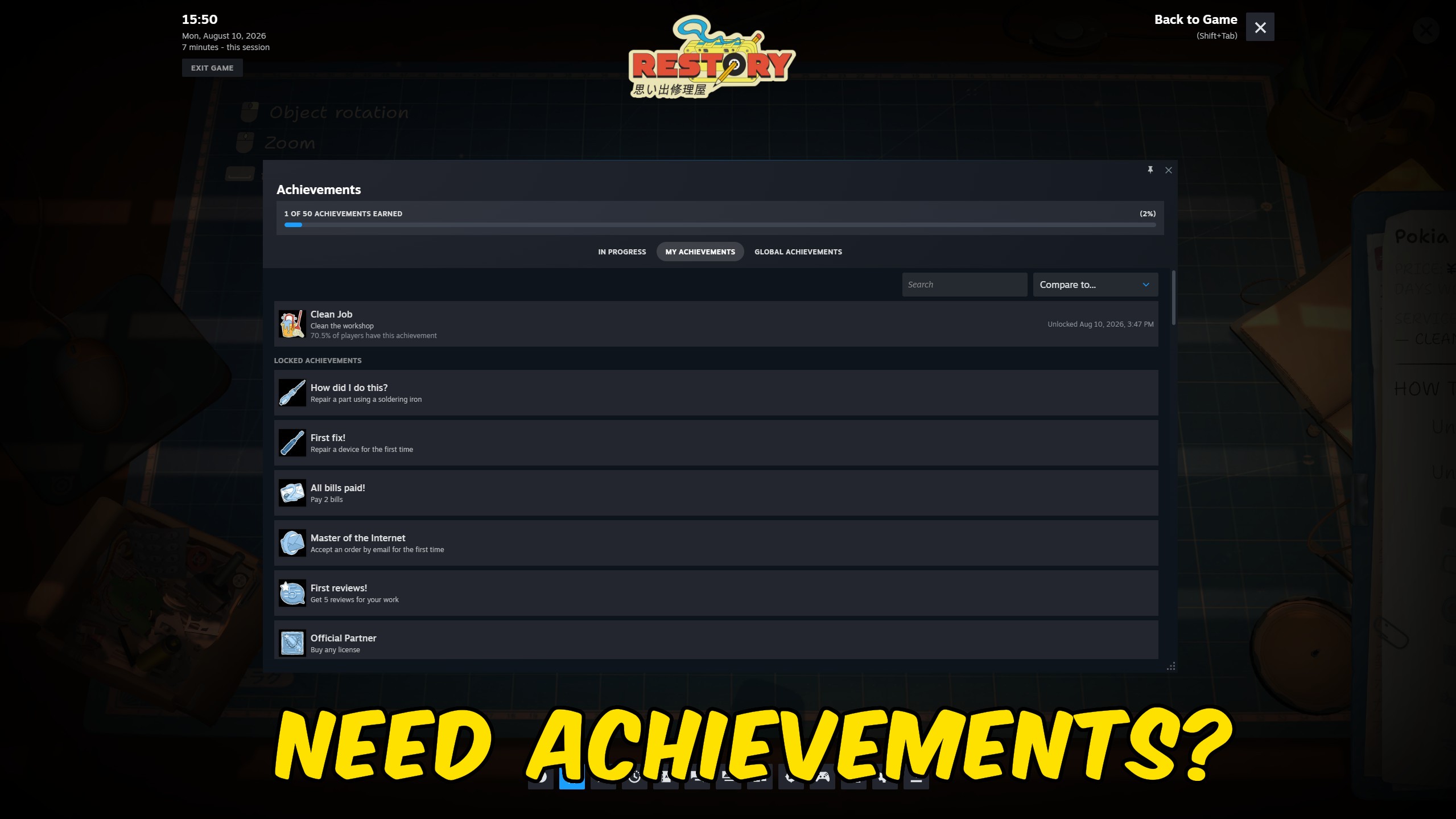
Select any supplied ReStory achievement, unlock all 50 at once, or reset the complete Steam achievement collection.
Repair Any Device
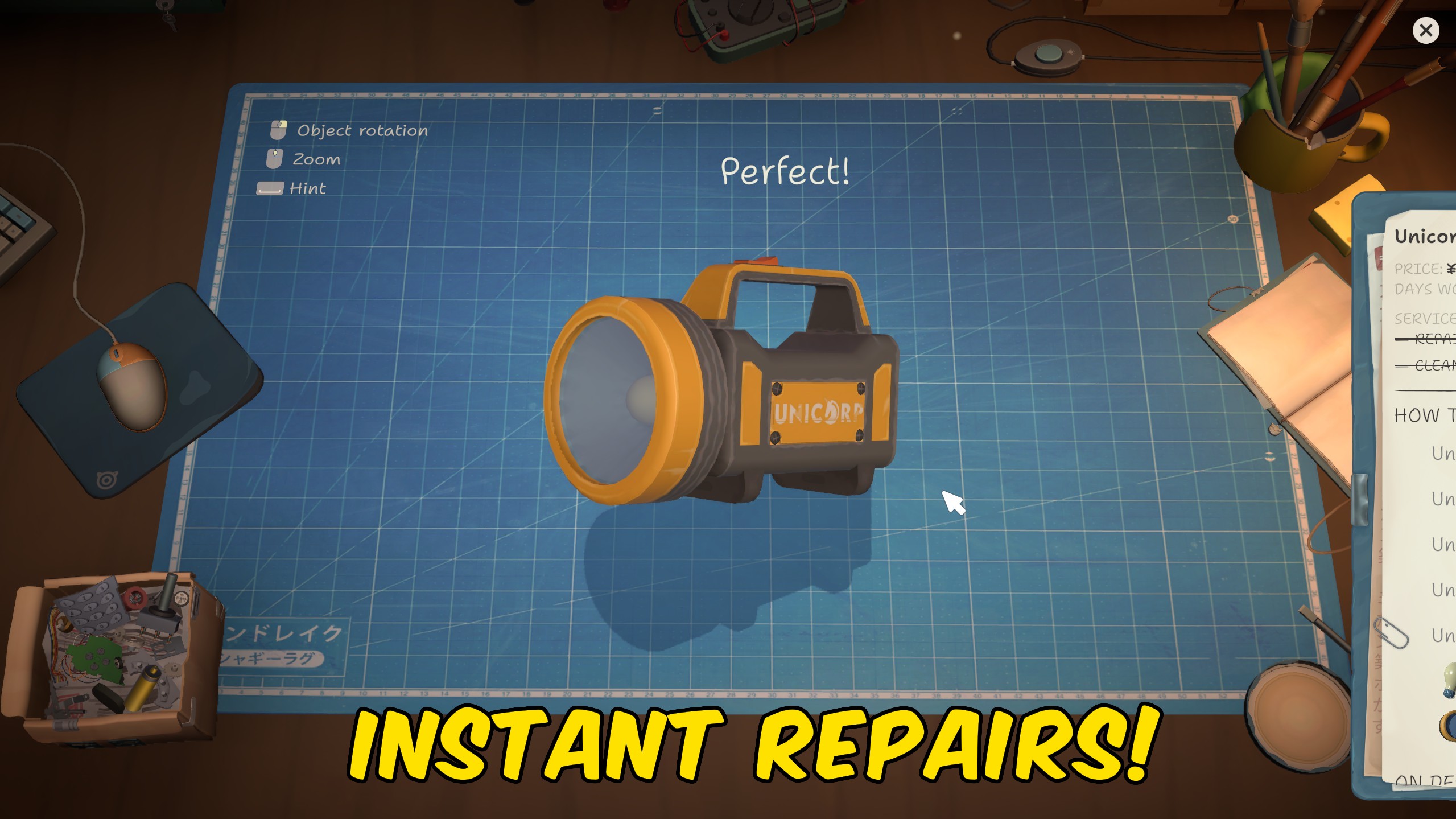
Repair damaged, dirty, burnt, and scorched components in the device currently sitting on the workbench.



























































































































































































