Want more mods for Roadside Research? Explore our entire collection!
Price Manager
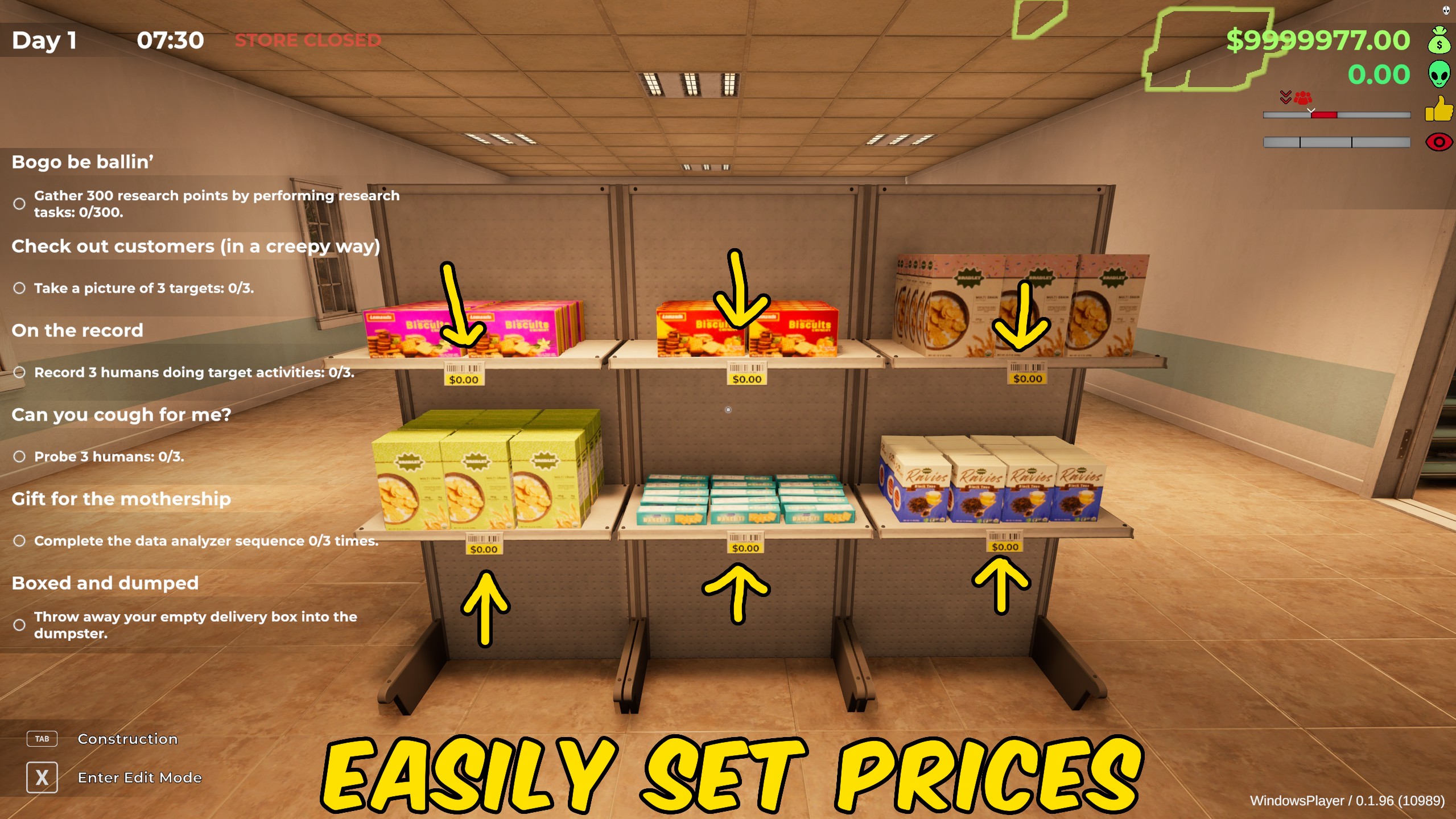
"Update every product price from one convenient set of controls."
How do I install Price Manager?
Download the free ProjectMods desktop app, then install Price Manager for Roadside Research in one click.
</>What does Price Manager do?
Price Manager gives you focused control over match every product to market price or apply a chosen percentage across the whole station. Use the available controls while running your roadside station to make specific changes without affecting unrelated parts of the game. Sustained options can be returned to their normal value whenever you want the original behaviour back. This is useful for experimenting with station layouts, testing progression, recovering from setbacks, or tailoring a co-op session to the way your group wants to play. Shared station and world changes are applied by the host so every connected player sees a consistent result.
</>What is Price Manager?
Looking for a Roadside Research price manager mod? Match every product to market price or apply a chosen percentage across the whole station. Reset all products to their current market values. Apply one price percentage to every product. Adjust customer price tolerance when experimenting with markups.
</>Common questions about Price Manager
What does Price Manager change?
Match every product to market price or apply a chosen percentage across the whole station.
Can I use it in co-op?
Yes. Personal player controls affect your own character, while shared station and world changes should be used by the host.
Can sustained changes be disabled?
Yes. Turn the relevant option off or return its multiplier to 1 to restore normal behaviour.
What options does Price Manager include?
Apply Price Percentage
Applies the chosen percentage to every product.
Price Percentage
Choose the percentage of market price to use.
Set All to Market Price
Matches every product to its market price.
Price Manager match every product to market price or apply a chosen percentage across the whole station.
System Requirements
What features does Price Manager include?
- Reset all products to their current market values.
- Apply one price percentage to every product.
- Adjust customer price tolerance when experimenting with markups.
Best For
- Use Price Manager while managing a solo roadside station.
- Apply its controls during a hosted co-op session when the station needs an immediate change.
More Mods for Roadside Research
Customer Manager
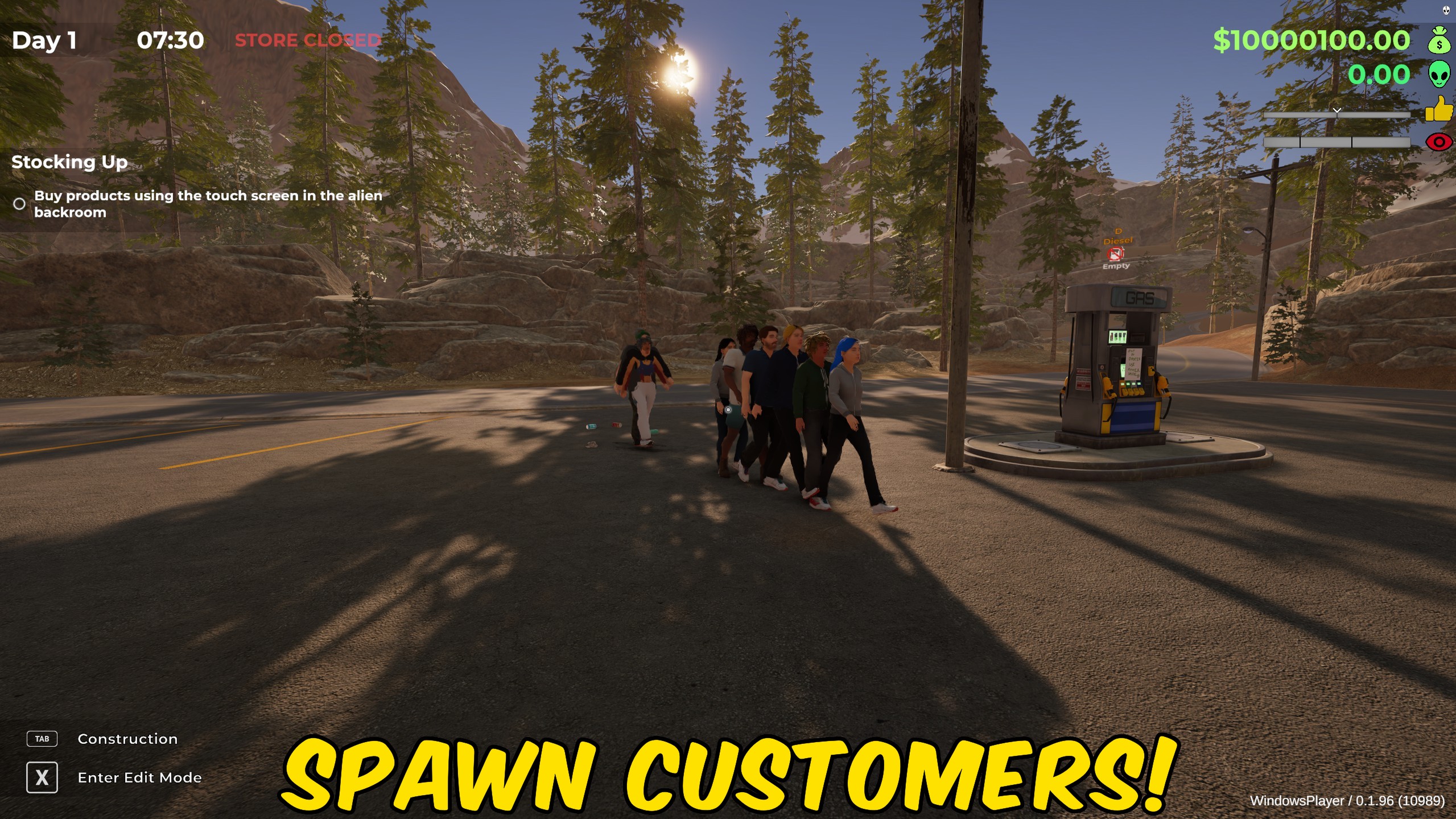
Spawn customers, change shopping-list sizes, adjust customer numbers, and manage station satisfaction.
Give Money
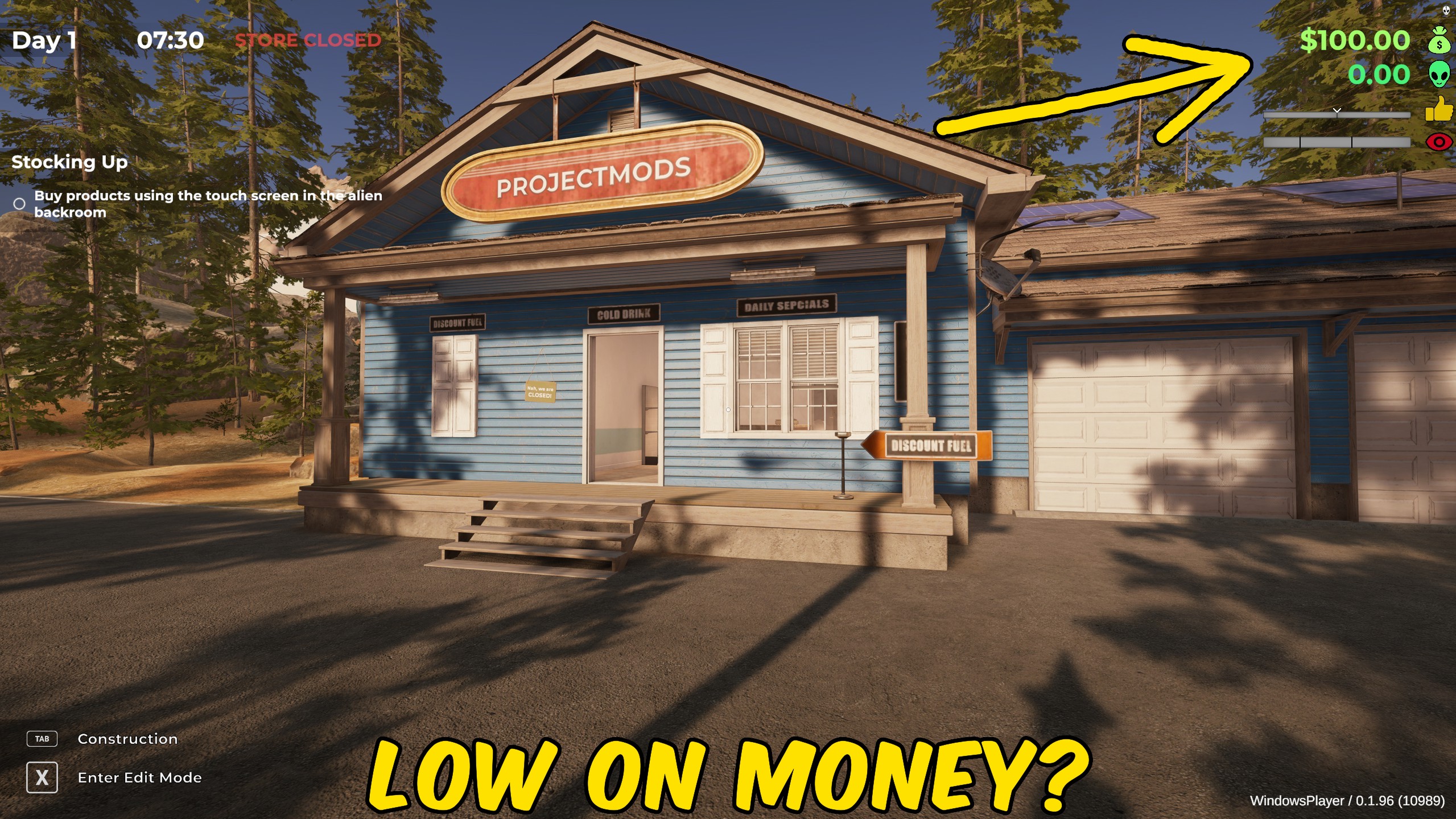
Add a chosen amount of money to your station funds or reset the balance to zero.
Progression Unlocker
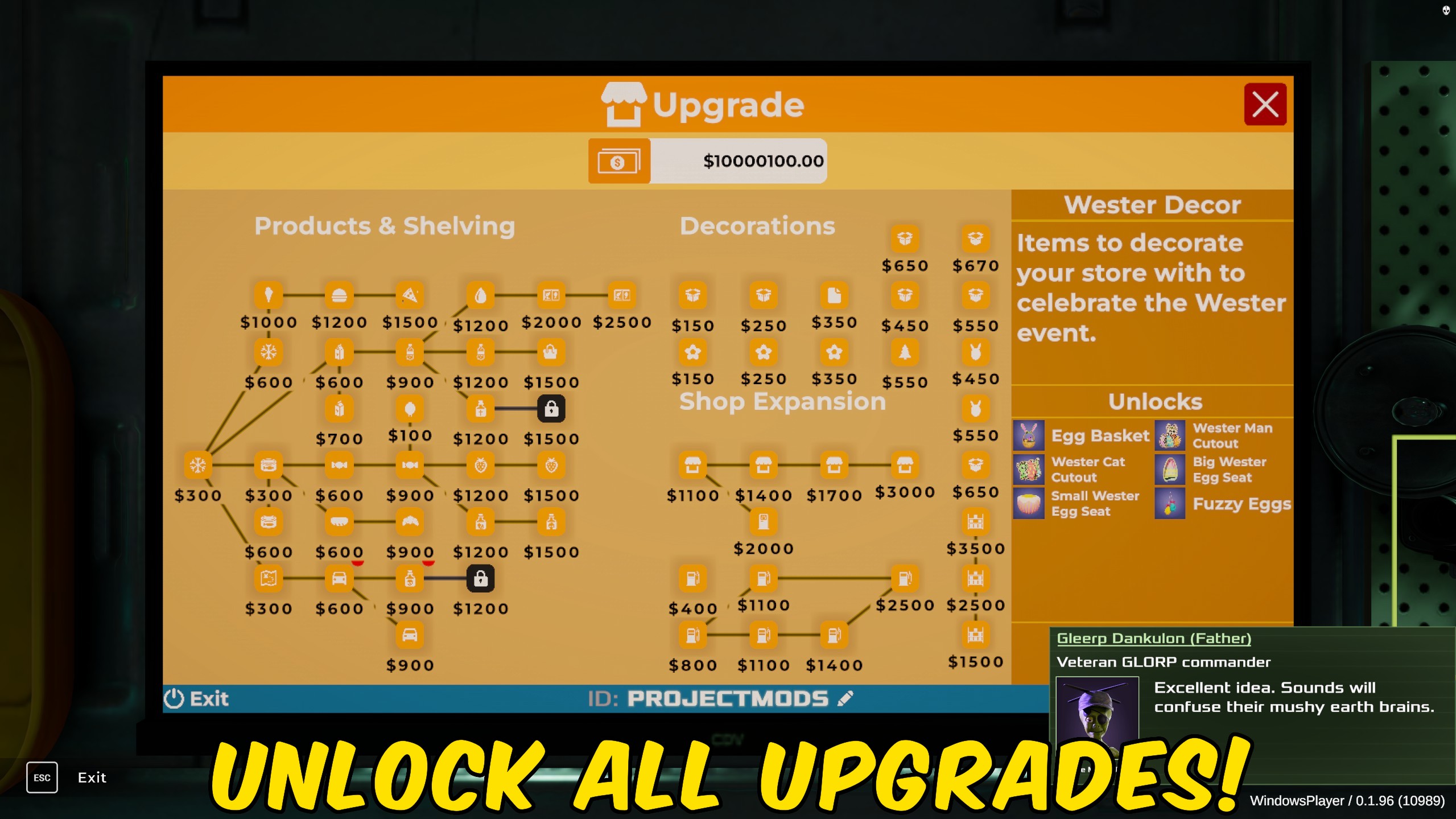
Unlock every research or economy upgrade instantly, with separate controls to lock each tree again.







