Want more mods for SchoolBoy Runaway? Explore our entire collection!
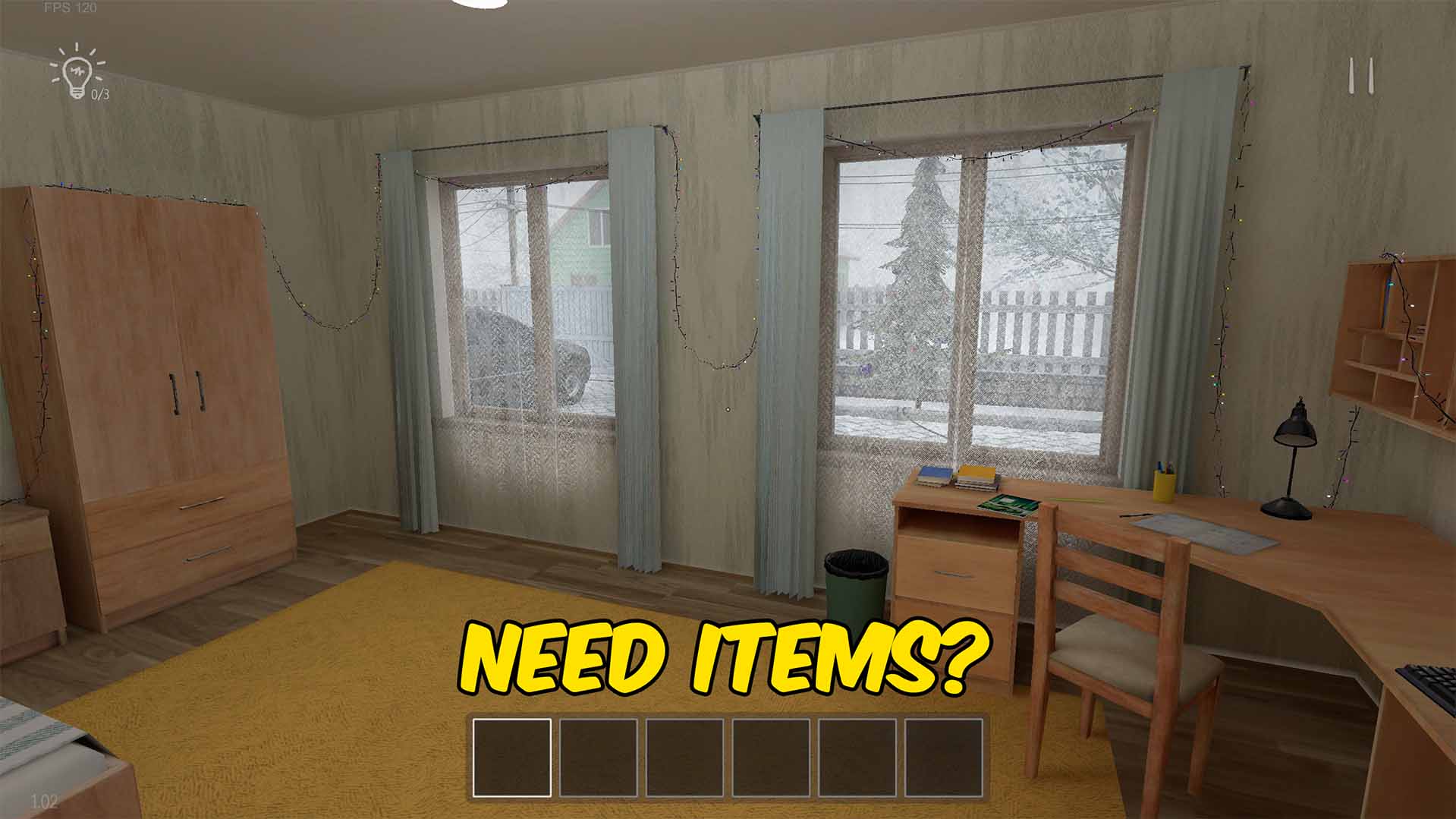
Give Items
"Pick any available item and add it directly to your inventory."
How do I install Give Items?
Download the free ProjectMods desktop app, then install Give Items for SchoolBoy Runaway in one click.
</>What does Give Items do?
Give Items makes it easy to collect the tools and objects you need in SchoolBoy Runaway. Enter the game and refresh the item list to fill a searchable dropdown with readable item names, then choose an item and add it straight to your inventory. You can also delete the item currently selected in your inventory or clear every inventory slot at once. These controls are useful when testing item interactions, recovering an item you misplaced, or removing objects you no longer want to carry. The list comes from the running game, so it reflects the items available in your installed version.
</>What is Give Items?
This SchoolBoy Runaway item mod provides a live item list, readable names, direct inventory delivery, selected-item deletion, and a full inventory clear action. It is useful for puzzles, testing, exploration, and quickly replacing a missing object.
</>Common questions about Give Items
How do I fill the item list?
Load into the game and press Refresh Item List.
Are the item names readable?
Yes. The dropdown cleans and formats item names for players.
Can I remove an item I no longer want?
Yes. Select it in your inventory and use Delete Selected Inventory Item.
What options does Give Items include?
Select Item
Choose the item you want to add.
Refresh Item List
Refresh the item list after loading into the game.
Give Selected Item
Adds the chosen item to your inventory.
Delete Selected Inventory Item
Deletes the item selected in your inventory.
Clear Inventory
Removes every item from your inventory.
Refresh the list in-game, choose an item by name, and press Give Selected Item to add it to your inventory.
System Requirements
What features does Give Items include?
- Loads available items into a searchable dropdown.
- Adds the selected item directly to an open inventory slot.
- Deletes the selected inventory item or clears every slot.
Best For
- Replace an important object that was lost or left behind.
- Test item interactions without replaying the route used to collect each object.
More Mods for SchoolBoy Runaway
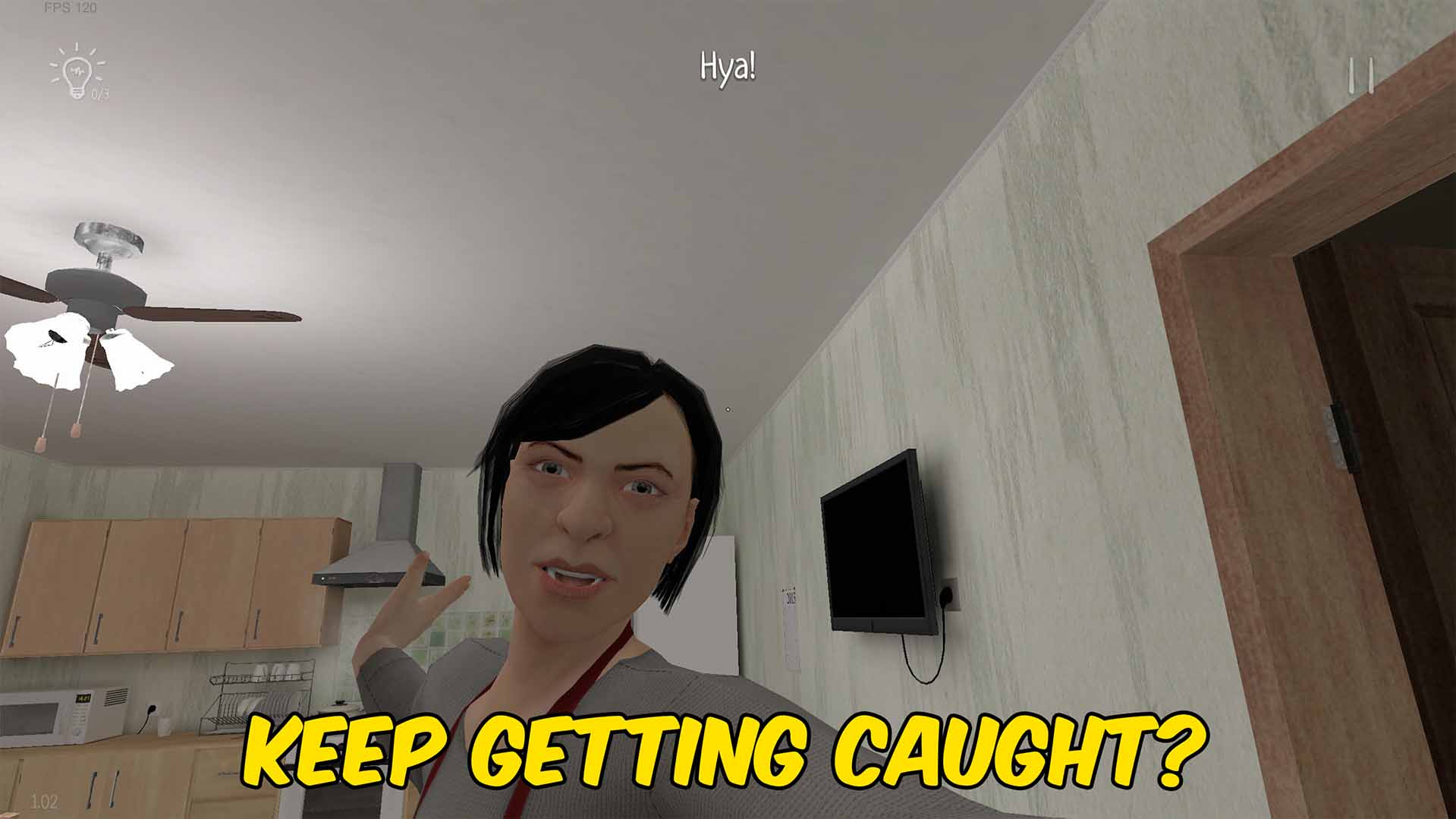
No Punishment
Stops parents from catching you, removes the attempt limit, and completes an active punishment on demand.
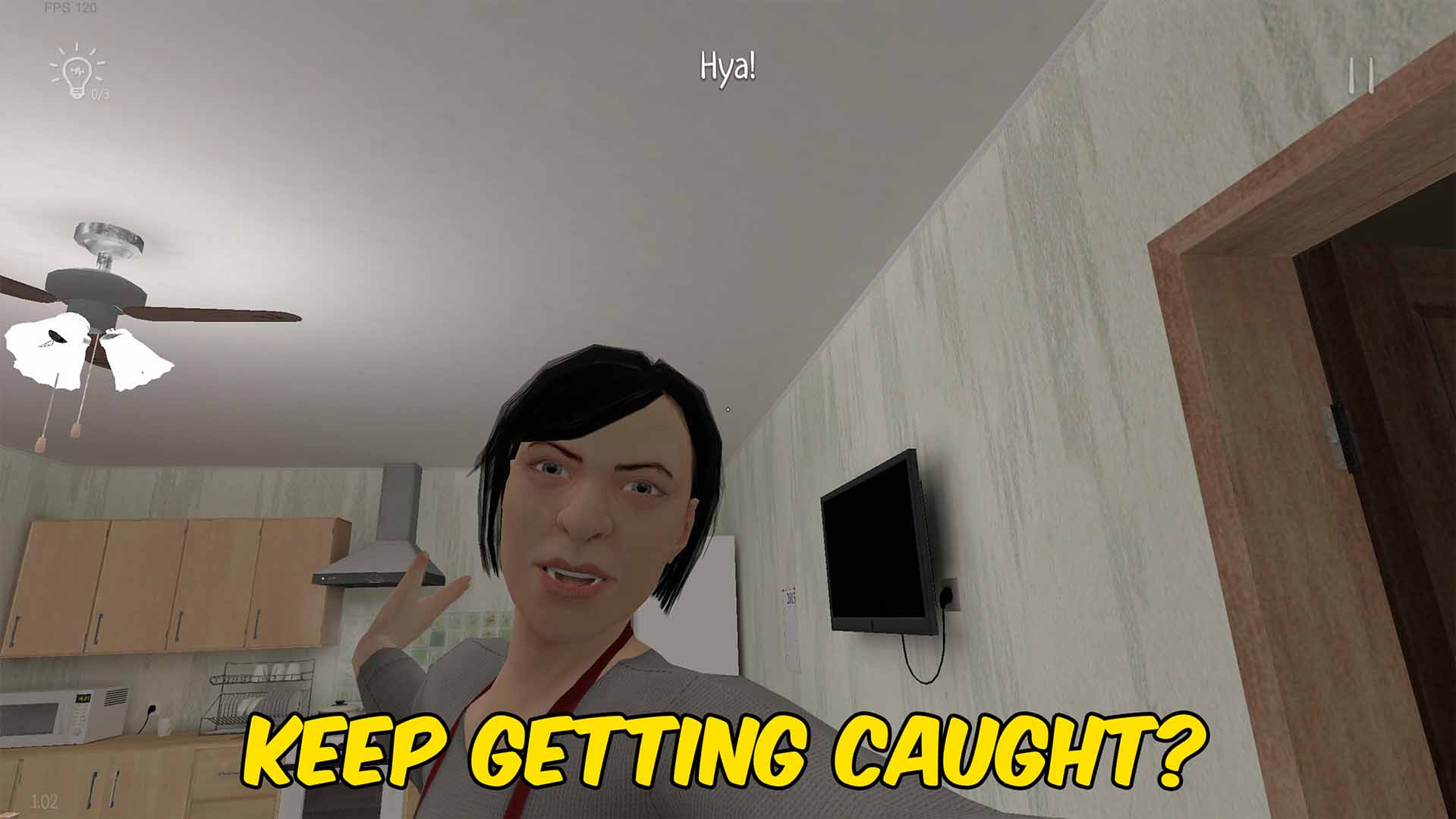
Undetectable
Stops your parents from seeing, hearing, chasing, or catching you while the switch is enabled.
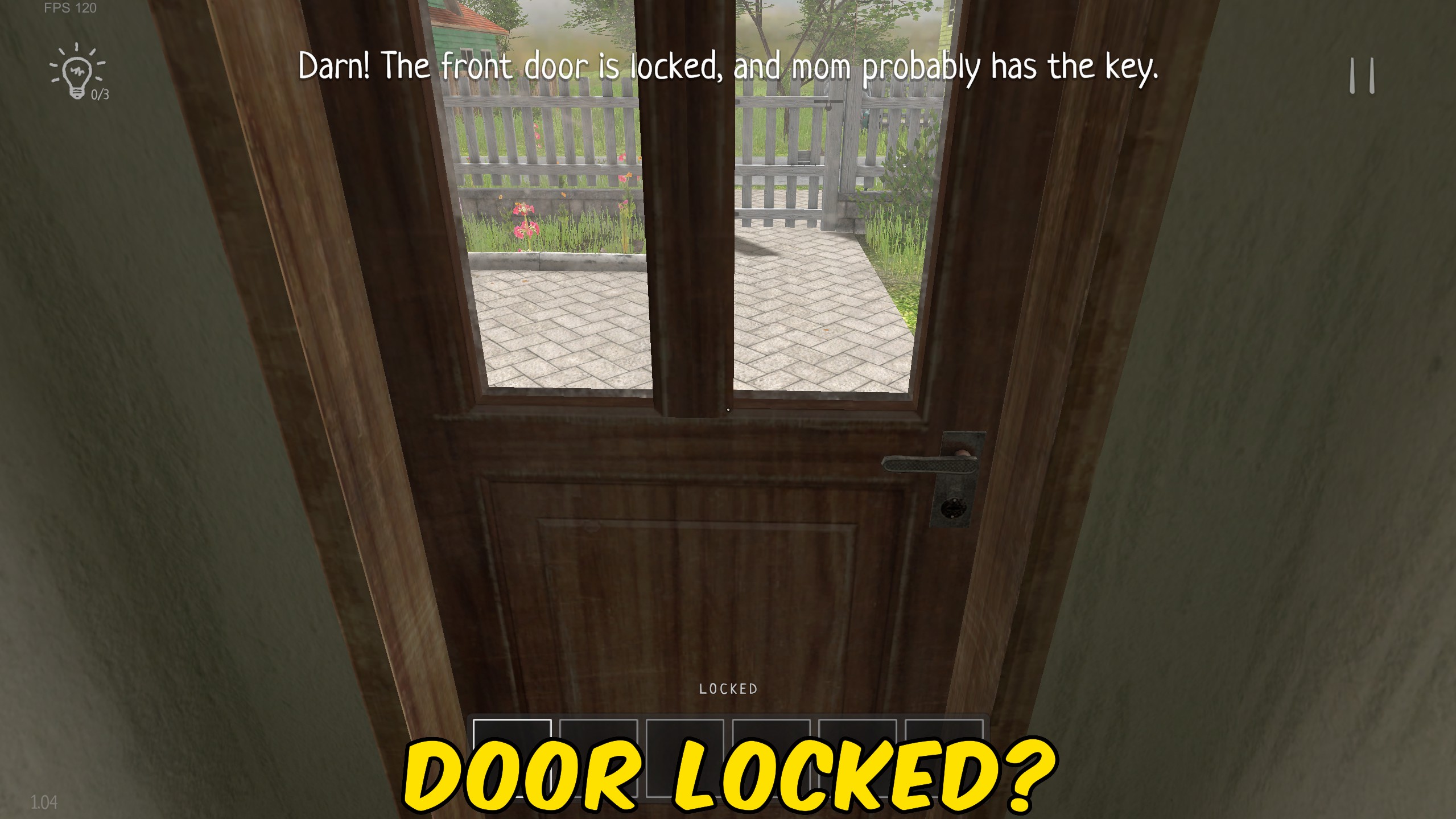
Door & Lock Manager
Unlock the door or lock you are looking at, or remove every active door lock at once.







