Want more mods for Shift At Midnight? Explore our entire collection!
Care Package (Give Any Item)
"Pick it off the list, and it's in your hands before the next customer walks in."
/ShiftAtMidnightCarePackage1.png)
How do I install Care Package (Give Any Item)?
Download the free ProjectMods desktop app, then install Care Package (Give Any Item) for Shift At Midnight in one click.
</>What does Care Package (Give Any Item) do?
Care Package lets you hand yourself whatever you need. Pick an item from the drop-down - the pistol, the shotgun, the flamethrower, your mop and flashlight, or a stack of bear traps, landmines and explosives - set how many you want, and press Deliver. It goes straight into a free slot in your inventory, ready to use. It puts the item in your hands the same way the game does when you pick something up, so it shows in your inventory bar and syncs properly in co-op rather than appearing as a ghost only you can see. If a slot is free it uses that; otherwise it drops into the slot you are holding. Because the game does not keep one tidy list of its items with names attached, the mod matches the name you picked to the real item in your kit when you press Deliver, rather than relying on a fixed number that a game update could shuffle. Handy for gearing up before a rough night, topping up traps for the whole store, or just skipping straight to the loadout you like. Best used when you are hosting or playing solo.
</>What is Care Package (Give Any Item)?
Care Package lets you give yourself any carriable item in Shift At Midnight. You pick from a drop-down - the pistol, shotgun and flamethrower, your mop, flashlight and camera, or traps like bear traps, landmines, stun mines and explosives - choose how many you want, and press Deliver to have it placed straight into a free inventory slot. It hands the item over the same way the game does when you pick one up, so it appears in your inventory bar and syncs correctly in co-op instead of showing only on your screen. The game does not ship one clean list of its items with names, so rather than trusting a fixed number that an update could reorder, the mod matches the name you chose to the real item in your kit at the moment you press Deliver. It is designed for hosting or solo play.
</>Common questions about Care Package (Give Any Item)
Which items can I give myself?
The drop-down covers everything you can hold in your hands, and in this game that is a lot. You get the weapons (pistol, shotgun, SMG, flamethrower, molotov, grenade, bat, sledgehammer, brick), your tools (flashlight, mop, medkit, hose, bucket), every trap (bear trap, landmine, stun mine, explosive), the store stock customers buy (crate, bottle, toilet paper, egg, plank and more), and the decor you would normally buy and place (posters, plants, paintings, ATM, mailbox, robot and the rest).
How does the item actually reach me?
When you press Deliver, the mod drops your choice into a free slot in your inventory - or the slot you are holding if none are free - using the same pickup path the game uses when you pick something up normally. That means the item shows in your inventory bar straight away and, in co-op, is synced through the host so everyone sees it rather than it appearing only on your screen. You set the quantity too, and the mod caps it at the item's normal stack limit so nothing ends up in an impossible state.
Why match by name instead of just using an item number?
The game does not keep one neat list of its items with names attached - the items are spread across several internal lists and identified by position, not by a friendly name. If the mod trusted a fixed number, a game update that added or reordered items could quietly turn 'shotgun' into something else. Instead, the moment you press Deliver, the mod looks up the item you chose by name against the game's live list and finds its real place there. That way your choice stays correct across updates, and a wrong pick is impossible rather than just unlikely.
Does it work in co-op or only solo?
It is built for hosting or solo play. Delivering an item routes the change through whoever is running the shift, so as the host it takes effect for you immediately and syncs to the rest of the crew. Joining someone else's game is less certain, because the item you give yourself has to be accepted by their session, so if you want a specific loadout the most reliable approach is to host the run yourself. Either way it only ever adds to your own inventory - it will not push items onto anyone else in the lobby.
What options does Care Package (Give Any Item) include?
Deliver
Press to put the chosen item in your hands.
Item
The item to deliver. Pick one from the list.
Diagnose
Press to write the game's real item names to a file, in case a name in the list needs correcting.
Amount
How many to deliver. For guns this is how many weapons (each comes fully loaded). For other items it is the stack size.
Care Package lets you choose an item from a drop-down in Shift At Midnight, set a quantity, and have it delivered straight into your inventory.
System Requirements
What features does Care Package (Give Any Item) include?
- Pick any carriable item from a drop-down and deliver it to your hands.
- Set how many you want, up to the item's normal stack limit.
- Places the item in a free inventory slot and syncs it properly in co-op.
- Matches your choice to the real item at delivery time, so updates can't break it.
Best For
- Gearing up with a shotgun or flamethrower before a night you know will be rough.
- Handing yourself a stack of bear traps and landmines to cover the whole store.
- Skipping straight to your favourite loadout instead of waiting to buy it.
More Mods for Shift At Midnight
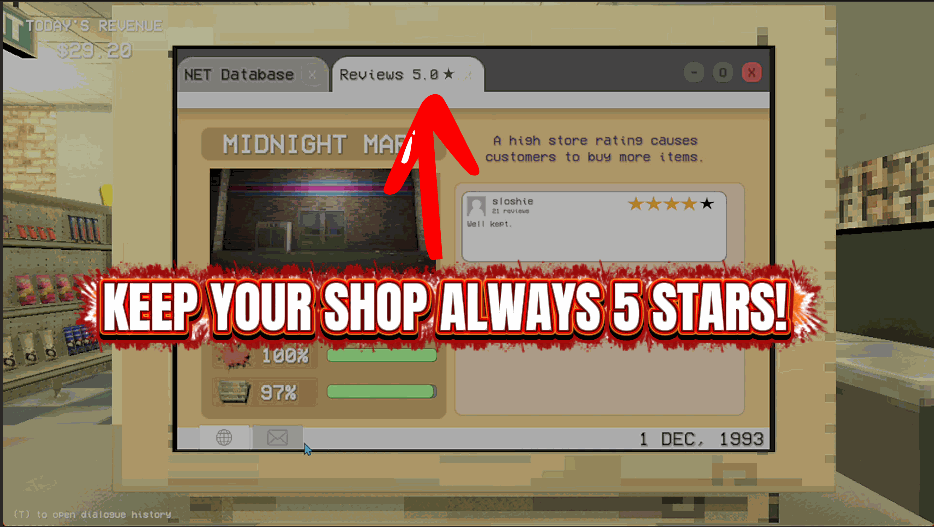
Five Star Franchise
Holds the store's cleanliness, shelf stock and star rating wherever you set them.
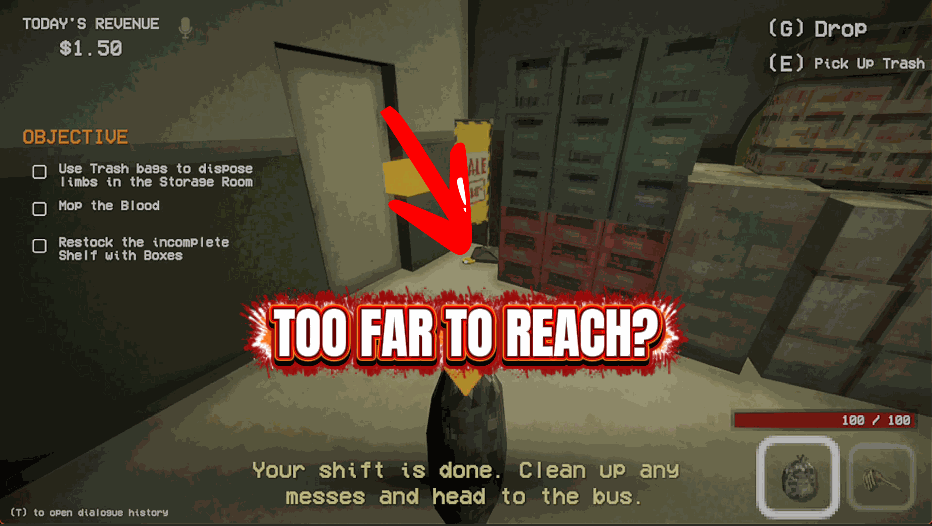
Long Arms
Lets you use doors, shelves, terminals and switches from much further away.
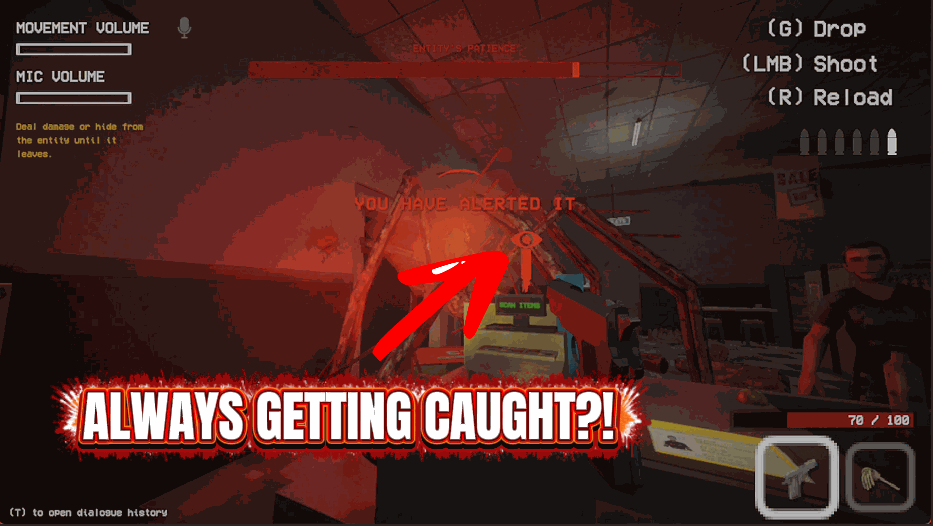
Nose Blind
Keeps you off every hunter's radar and stops anything pinning you in place.







