Want more mods for Slay the Spire 2? Explore our entire collection!
Quick Heal
"Top tier emergency medic."
How do I install Quick Heal?
Download the free ProjectMods desktop app, then install Quick Heal for Slay the Spire 2 in one click.
</>What does Quick Heal do?
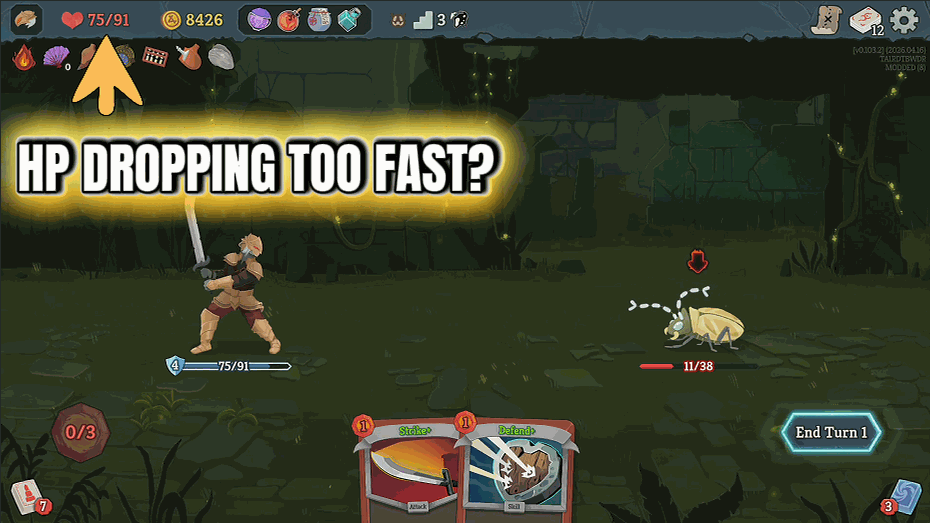
Quick Heal tops you back up to max HP with one button. Use it when a bad encounter leaves you limping into the next act, when you want to skip rest sites entirely and keep pushing, or when you just want to see how far you can get on a full tank. No animations, no waiting, no rest-site choice drama. Set your own hotkey in the launcher.
</>What is Quick Heal?
Quick Heal is a one-button HP restore mod for Slay the Spire 2 from ProjectMods. Bind the Heal Player action to any key in the launcher, then tap it mid-combat, between rooms, or before a boss to top yourself back to maximum HP instantly. Skip rest sites, push deeper into Act 3, or recover from a brutal elite without burning a campfire choice.
</>Common questions about Quick Heal
What does Quick Heal do in Slay the Spire 2?
Quick Heal is a ProjectMods utility mod for Slay the Spire 2 that restores your HP to full the moment you press the Heal Player hotkey. It works anywhere your HP is tracked, so you can trigger it mid-combat, between rooms, on the map, or right before a boss encounter. There is no animation, no cooldown, and no rest site required. You just bind the Heal Player action to any key in the ProjectMods launcher, press it whenever you want a fresh tank of HP, and keep climbing the Spire. Quick Heal is built in-house by the ProjectMods team and ships ready to play on Slay the Spire 2.
Can I use Quick Heal in the middle of a fight?
Yes. Quick Heal for Slay the Spire 2 works any time your HP value is active, which means combat is fully supported. If an elite lands a huge crit or a boss takes you down to single digits, you can press the Heal Player hotkey between cards and immediately go back to maximum HP. The mod does not pause the fight or skip the enemy turn, so it is best thought of as an emergency reset rather than a tactical card. ProjectMods built Quick Heal specifically so that one unlucky swing does not end an otherwise strong run through Slay the Spire 2.
Do I have to keep visiting rest sites if I use Quick Heal?
No, and that is one of the main reasons players install Quick Heal from ProjectMods for Slay the Spire 2. Rest sites normally force a tradeoff between healing and upgrading a card, which is one of the toughest decisions in the run. With Quick Heal bound to a hotkey, you can press Heal Player whenever you want a top-up and spend every campfire on Smith upgrades instead. You can also skip rest rooms entirely and push deeper into the floor, which changes how aggressively you can route your map without worrying about HP attrition catching up later.
Where do I bind the Heal Player hotkey?
You bind the Heal Player action inside the ProjectMods launcher, not inside Slay the Spire 2 itself. Open the Quick Heal mod page in the launcher, find the Heal Player option, and either click it to trigger a heal manually or assign any keyboard key to it for in-game use. Once a key is bound, that hotkey works while Slay the Spire 2 is the focused window, so you can fire off a full HP restore without alt-tabbing. ProjectMods uses the same hotkey system across every utility mod, so the workflow feels identical if you also run other ProjectMods mods.
Will Quick Heal heal me past my current max HP in Slay the Spire 2?
No. Quick Heal restores your HP up to the configured target, which defaults to your current maximum HP for that run in Slay the Spire 2. Relics, events, and upgrades that raise or lower your max HP are respected, so pressing Heal Player after a max-HP-boosting event tops you up to the new ceiling rather than the old one. The mod does not add overheal, temporary HP, or barrier on top of your maximum. If you want a different ceiling, the ProjectMods launcher exposes the target value so you can adjust it before launching the run.
What options does Quick Heal include?
Heal Player
Click to fully heal yourself, or bind a key for in-game use.
Quick Heal is a ProjectMods utility mod for Slay the Spire 2 that fully restores your HP the instant you press the Heal Player hotkey, with no campfire or rest site needed.
What features does Quick Heal include?
- Top up to full HP instantly with one button — no rest site, no animation, no waiting
- Works anywhere your HP is tracked: mid-combat, between rooms, deep in act 3
- Bind the Heal Player action to any key in the launcher and trigger it whenever you need
Best For
- Skip rest sites entirely and keep pushing — see how far you can get on a permanent full tank
- Recover from a brutal elite fight without restarting the act or grinding for shop heals
- Record deck-showcase or boss-rush content without a bad encounter ending the run early
More Mods for Slay the Spire 2
Power Trip
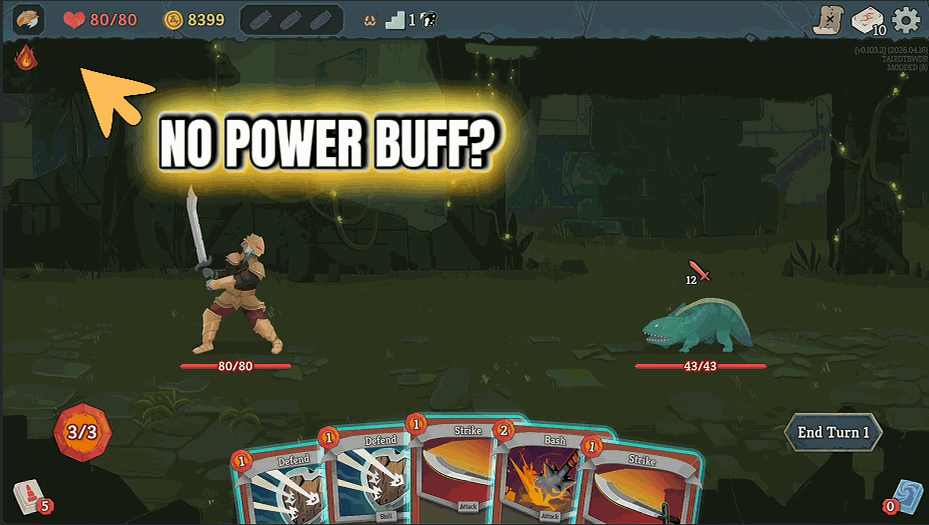
Trigger the Apply Random Power hotkey during combat to slap a huge random buff onto yourself. Hit it again for another.
Gold Rush
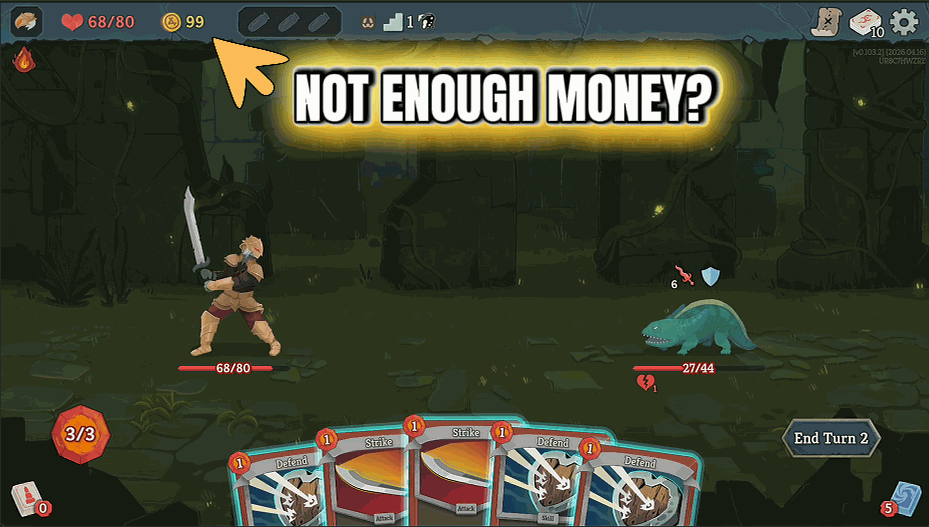
Press the Add Gold hotkey to snag a thousand fresh gold coins any time during a run. No shopkeeper lines. No grind.
Relic Closet
Trigger the Add Random Relic hotkey to pull a random relic into your inventory. Hit it again for another. Keep going until your build is wild.







