Want more mods for Slime Rancher 2? Explore our entire collection!
Map Reveal
"Lift the fog and see the whole Range at a glance."
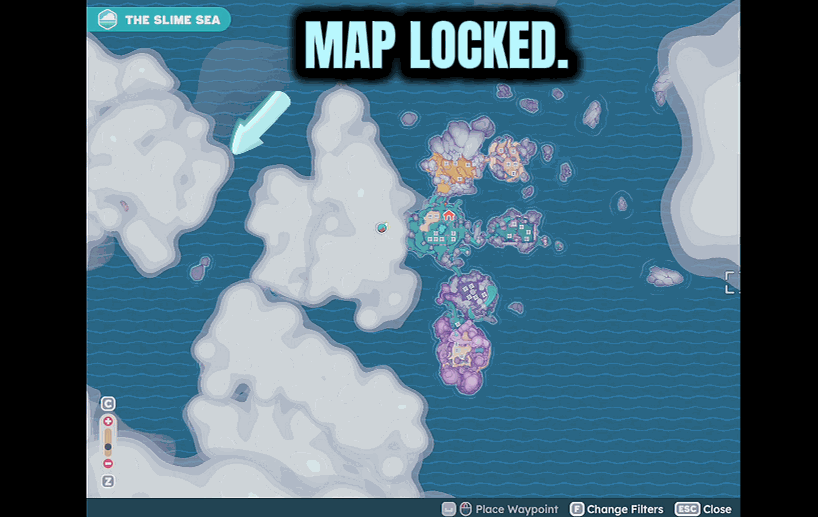
How do I install Map Reveal?
Download the free ProjectMods desktop app, then install Map Reveal for Slime Rancher 2 in one click.
</>What does Map Reveal do?
The map starts out as a big grey blur, and filling it in means wandering into every corner yourself. This gives you a shortcut: hit the button and the fog lifts, showing the zones on your map right away. It's great when you're planning a trek across the Range, trying to figure out where a gadget or gordo sits, or you just hate leaving a map half-finished. No more guessing which way to go. Open your map screen at least once so the game has it ready, then trigger the reveal whenever you like. It only touches what your map shows — your actual save and progress stay exactly as they were.
</>What is Map Reveal?
The Slime Rancher 2 map starts as a big grey blur, and filling it in means wandering into every corner yourself. Map Reveal gives you a shortcut: hit the button and the fog lifts, showing every zone right away. Perfect for planning a trek, locating a gordo, or finishing a half-done map. It only touches what your map shows — your save stays intact. A free ProjectMods mod.
</>Common questions about Map Reveal
What does Map Reveal do in Slime Rancher 2?
Map Reveal is a Slime Rancher 2 mod from ProjectMods that clears the fog off your map in a single click. The map starts out as a big grey blur, and filling it in normally means wandering into every corner yourself. This gives you a shortcut: hit the button and the fog lifts, showing the zones on your map right away. It's great when you're planning a trek across the Range, trying to work out where a gadget or gordo sits, or you just hate leaving a map half-finished. It only touches what your map shows — your actual save and progress stay exactly as they were.
What exactly gets revealed when I use Map Reveal?
Map Reveal lifts the fog covering your Slime Rancher 2 map so the zones lay out in front of you instead of hiding behind grey. That means you can finally see the shape of the Far, Far Range — where regions connect, roughly where you are, and how to route between spots — without having physically walked every inch first. It's a map-visibility change, so it fills in what the map displays rather than altering the world itself. If you've been squinting at a half-drawn map trying to guess which way leads to a gordo or a gadget, one click hands you the full layout to plan around.
Does Map Reveal change my save or unlock anything else?
No — Map Reveal only touches what your map shows in Slime Rancher 2. Your actual save, your progress, your unlocks, and everything out in the world stay exactly as they were. It's purely a visibility shortcut: the fog lifts so you can see the zones, but nothing about your ranch, your gadgets, or your story position changes. That makes it safe to use whenever you just want a clearer picture for planning, without worrying it'll skip content or alter your run. One small step first — open your map screen at least once so the game has it ready, then trigger the reveal whenever you like.
How do I trigger the map reveal?
Map Reveal is a single-press action in Slime Rancher 2. There's one small prerequisite: open your map screen at least once so the game has it loaded, then hit the reveal and the fog lifts across the whole map. That's the entire control surface — no sliders, no per-zone toggles, just one button that clears the grey. Because it's a one-shot reveal rather than something running constantly, you can fire it exactly when you want a clear view for planning a route. And since it only affects the map display, you can use it any time without touching your progress or your save.
Why do I need to open my map before Map Reveal works?
Map Reveal needs your map to be loaded before it can clear the fog, so opening your map screen once in Slime Rancher 2 gets it ready to be revealed. If you trigger the reveal before the game has loaded your map, there's simply nothing for it to act on yet. So the routine is easy: pop open the map screen at least once after loading your save, close it, then hit the reveal whenever you like and the zones fill in right away. It's a tiny extra step that makes sure the reveal lands cleanly instead of doing nothing at all.
What options does Map Reveal include?
Reveal Map
Wipes the fog off your map so the zones show at once. Open your map screen once first, then click this.
Map Reveal from ProjectMods clears the fog off your Slime Rancher 2 map in a single click, showing every zone so you can plan your route across the Far, Far Range.
System Requirements
What features does Map Reveal include?
- Clear the fog off your map in one click and see every zone laid out
- Plan a route across the Range instead of wandering into every corner yourself
- Figure out where a gadget or gordo sits before you even set off
- Open your map screen once so the game's ready, then trigger the reveal anytime
- Only touches what your map shows, your save and progress stay exactly as they were
Best For
- Explorers planning a long trek who want the full layout before setting out
- Players hunting a specific gordo or gadget and tired of guessing which way to go
- Completionists who hate leaving a map half-finished in grey blur
- Content creators who want a fully filled-in map on screen for a route-planning video
More Mods for Slime Rancher 2
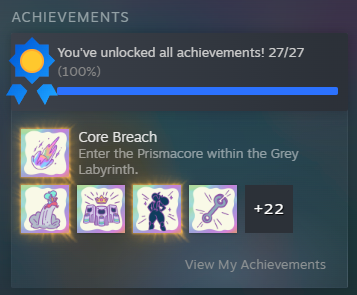
Achievement Unlocker
Pick a single achievement from the list and grant it instantly, or choose All Achievements to earn every one of them in a single tap.
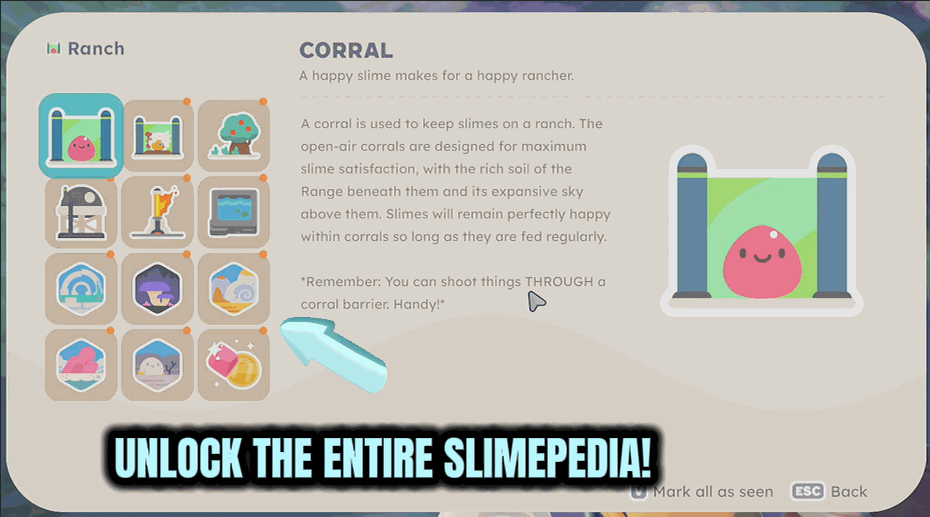
Slimepedia Unlocker
One click fills in every Slimepedia entry so you can read up on any slime, food, plort, or gadget without needing to encounter it first.
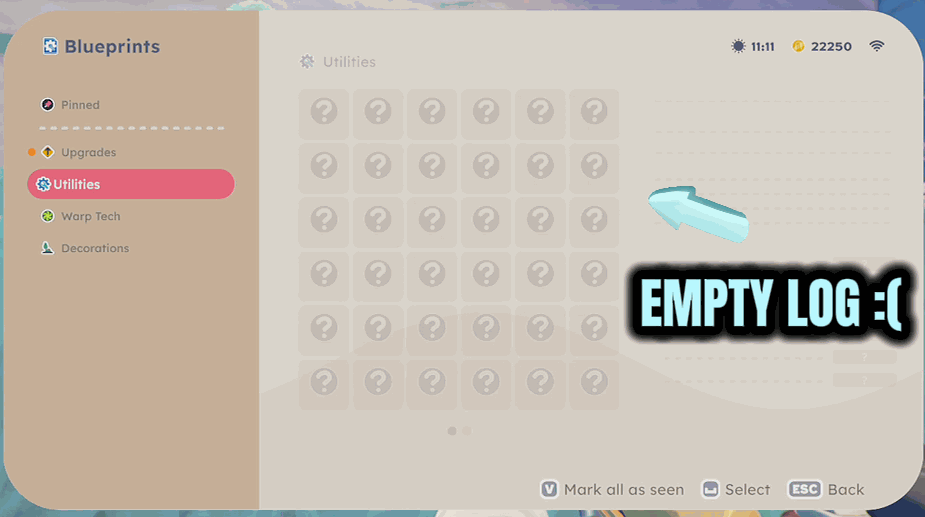
All Blueprints Unlocked
One click unlocks every gadget blueprint so the whole workshop is open and you can fabricate anything you have the parts for.







