Want more mods for Subnautica? Explore our entire collection!
Give Items
"Browse Subnautica items by name and add exactly what you need."
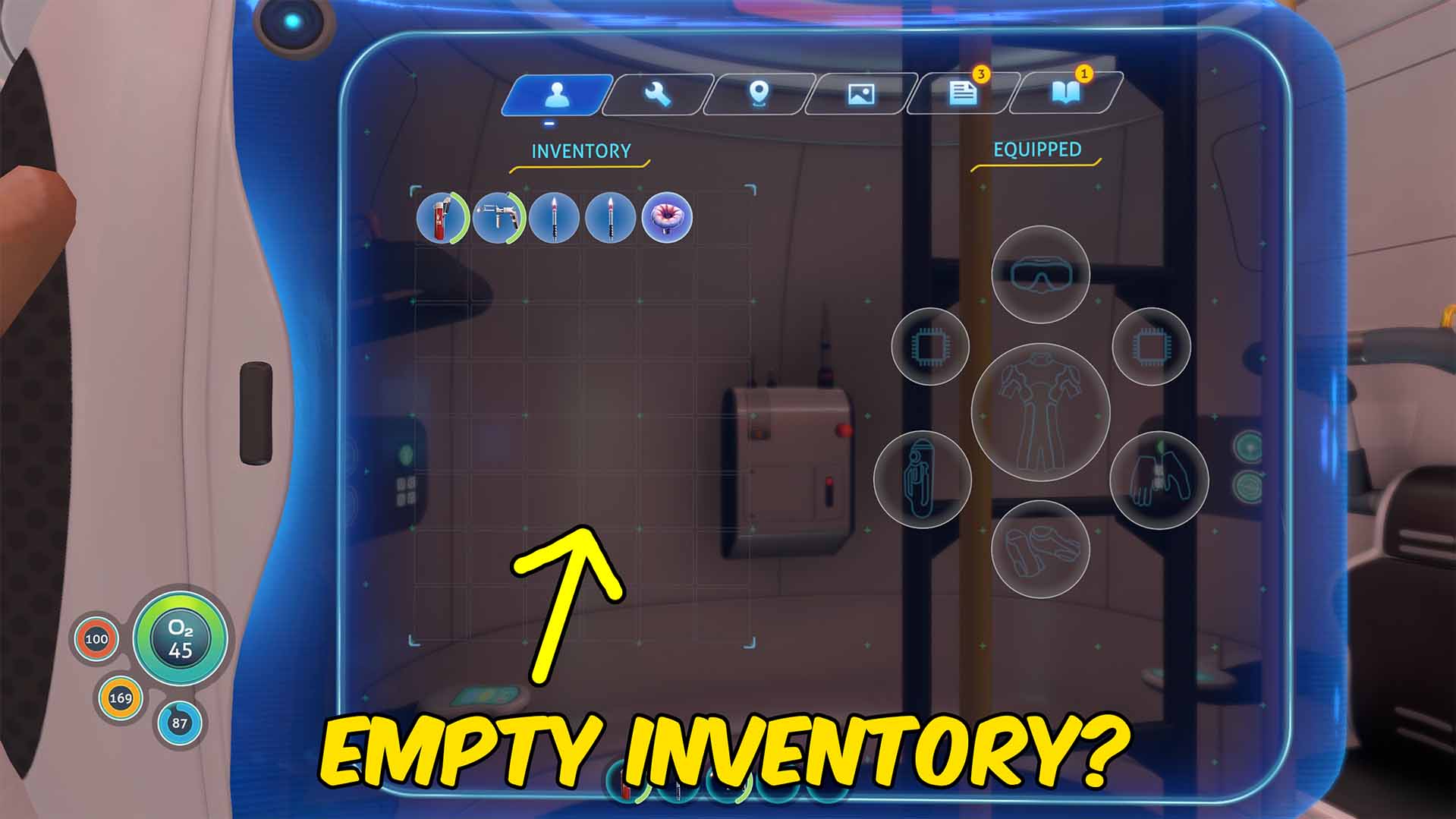
How do I install Give Items?
Download the free ProjectMods desktop app, then install Give Items for Subnautica in one click.
</>What does Give Items do?
Give Items builds its dropdown from Subnautica's live item types after you load into a save. Player-facing names are used whenever available, making resources, tools, equipment, food, and other items easy to browse without typing internal names. Choose an item, set the amount, and use Give Selected Item to add it to your inventory. Delete Last Given Item removes one item of the most recently supplied type when you no longer need it. Delete Looked At Object provides a separate cleanup tool for the object directly under your crosshair. Use that action carefully, because deleting a world object is immediate and may remove something important from the current save.
</>What is Give Items?
Give Items is a Subnautica item spawner and inventory mod with a searchable-style alphabetical dropdown built from the running game's item catalog. It is useful for replacing lost equipment, obtaining building resources, preparing expeditions, testing tools, recovering save progress, and cleaning up an unwanted targeted object.
</>Common questions about Give Items
How do I populate the item dropdown?
Load into a save and press Refresh Items before choosing an item.
Can I give more than one item?
Yes. Set Item Amount between 1 and 100.
What does Delete Last Given Item remove?
It removes one inventory item matching the most recently supplied item type.
Is Delete Looked At Object reversible?
No. It immediately removes the targeted world object, so use it carefully.
What options does Give Items include?
Item Amount
Choose how many items to add.
Select Item
Choose an item to add to your inventory.
Delete Looked At Object
Delete the world object directly under your crosshair. This cannot be undone.
Give Selected Item
Add the selected item and amount to your inventory.
Item List Help
Load into a save and press Refresh Items before choosing an item.
Delete Last Given Item
Remove one inventory item matching the last item you supplied.
Refresh Items
Fill the dropdown with items from the loaded game.
Press Refresh Items in a loaded save, choose an item and amount, then add it directly to your inventory.
System Requirements
What features does Give Items include?
- Populates an alphabetical dropdown with readable item names from the loaded game.
- Adds a selected item to inventory in amounts from 1 to 100.
- Can remove the last given item or delete the object under the crosshair.
Best For
- Replace lost tools or gather building materials without another resource trip.
- Remove an unwanted supplied item or clean up a specific targeted object.
More Mods for Subnautica
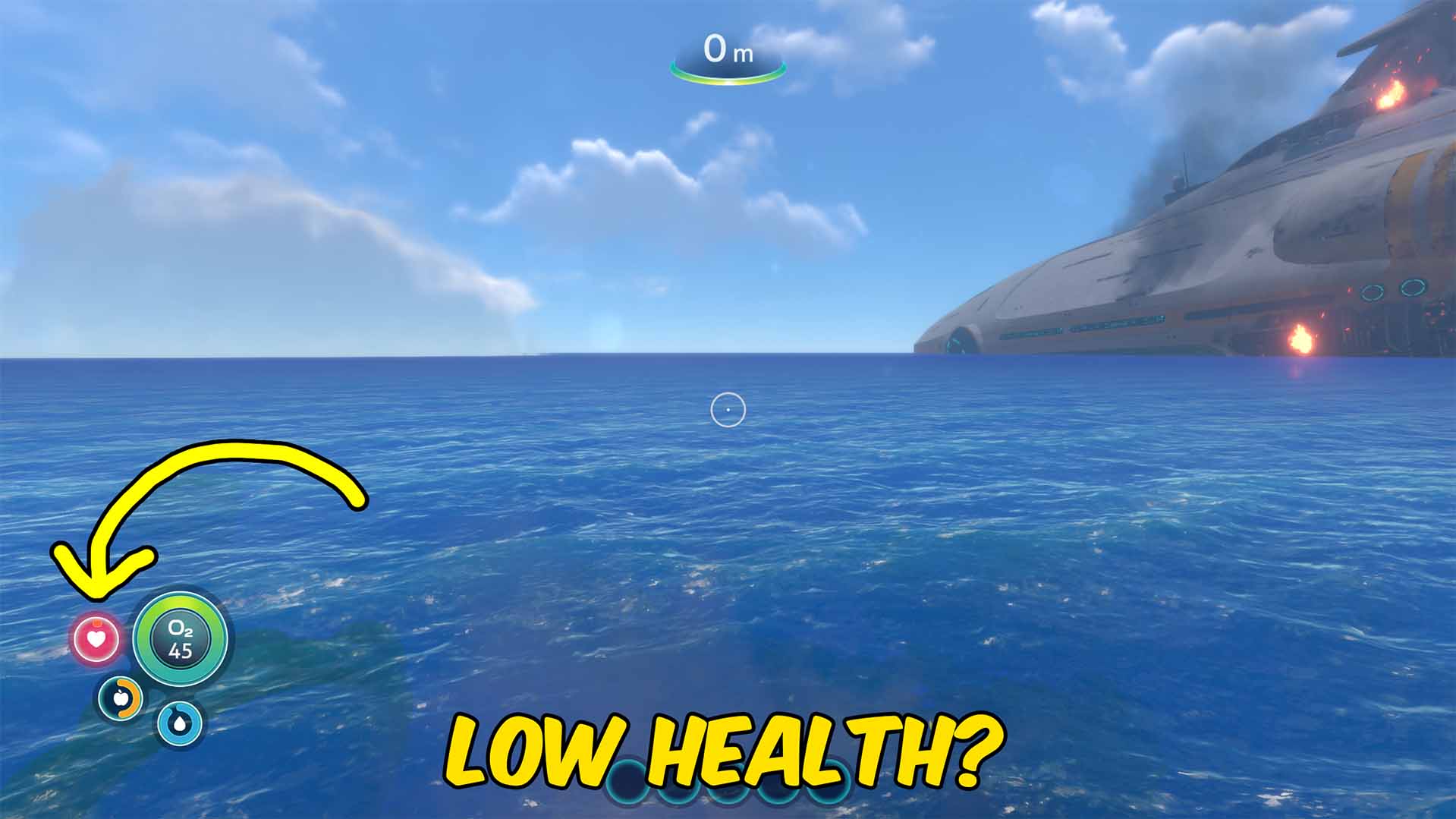
Infinite Vitals
Control oxygen, hunger, thirst, health, crush depth, radiation, and infection from one Subnautica survival mod.
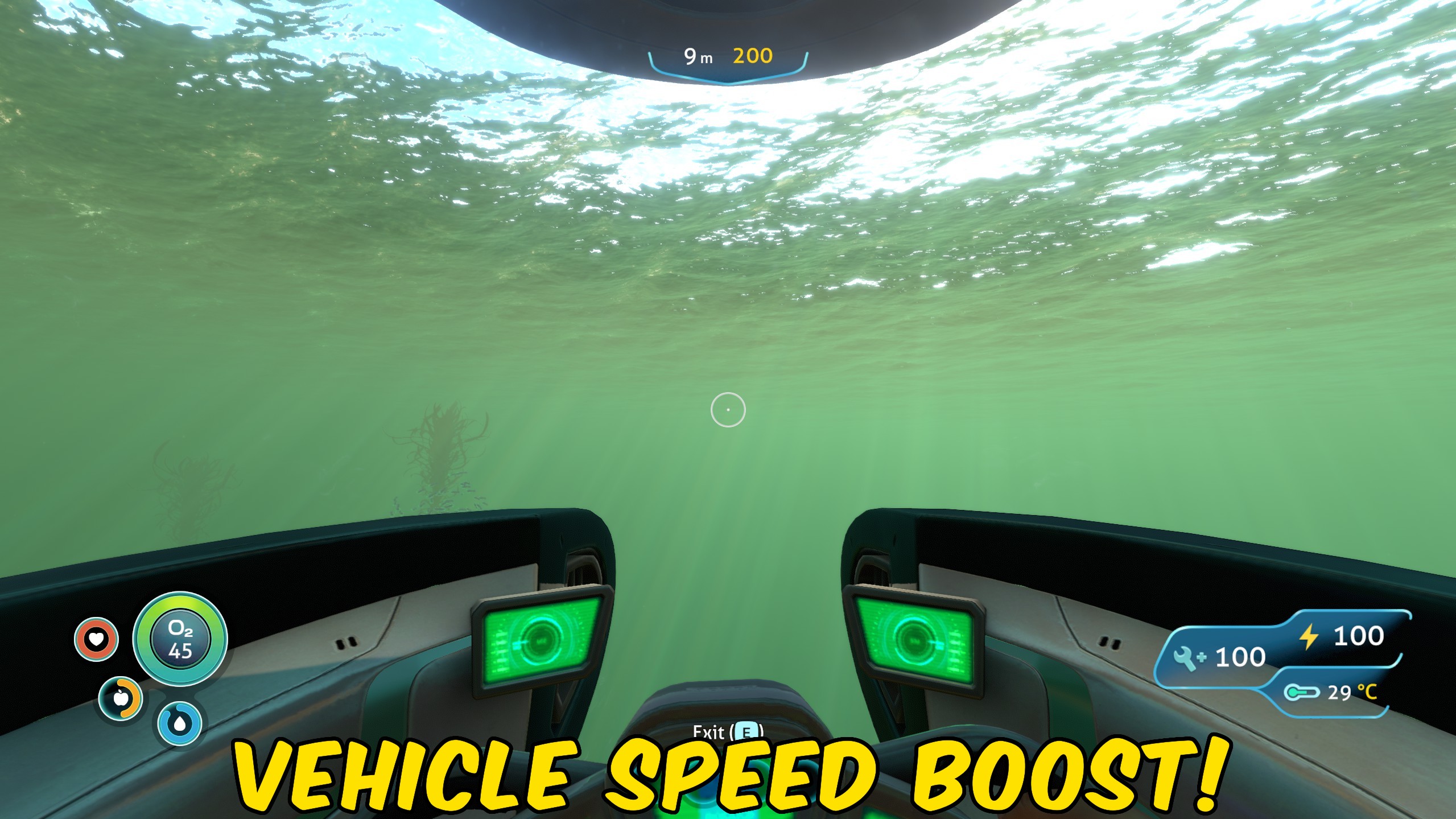
Vehicle Enhancer
Adds infinite vehicle health, infinite vehicle energy, and an adjustable speed multiplier for Subnautica vehicles.
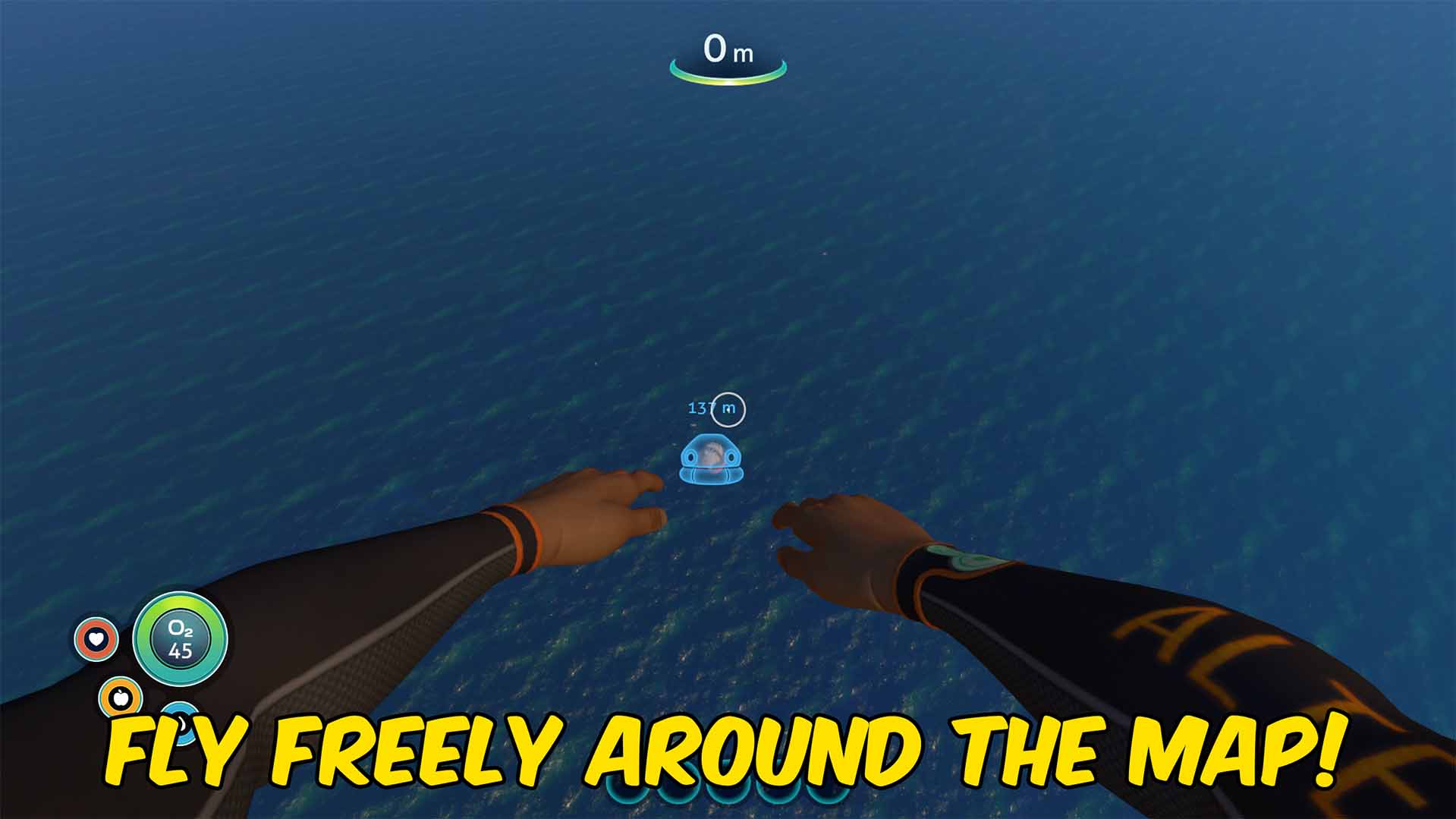
Fly
Fly through Subnautica with adjustable normal and Left Shift boost speeds, plus optional noclip movement.







