Want more mods for SULFUR? Explore our entire collection!
Give Items
"Spawn any item in seconds with precise control."

How do I install Give Items?
Download the free ProjectMods desktop app, then install Give Items for SULFUR in one click.
</>What does Give Items do?
Take full control of your inventory in SULFUR with a fast, reliable item spawner built for real gameplay use. Instantly add any item you need and set the exact amount without digging through menus or grinding for resources. Whether you're testing builds, speeding up progression, or just want access to materials on demand, this tool keeps things quick and precise. No guesswork, no delays—just choose your item, set the quantity, and it’s added instantly. Built to fit naturally into gameplay, it’s ideal for players who want more control over resources without slowing down the experience.
</>What is Give Items?
This SULFUR item spawner mod lets you instantly add items with precise quantity control. Perfect for players looking to skip grind, test builds, or access resources quickly, it provides a clean and efficient way to manage inventory in SULFUR.
</>Common questions about Give Items
What does Give Items do in SULFUR?
Give Items is an item spawner for SULFUR that drops any item in the game straight into your inventory. Pick what you want from a searchable dropdown, set how many you want, and hit Give Item to add it on the spot, no looting or trading required. The list covers the full SULFUR item catalog, so weapons, ammo, consumables, and gear are all on the table. It is great for restocking mid-run, setting up specific gear for a test, or skipping resource farming entirely. ProjectMods is a free, community-first modding platform, so Give Items installs with one click and sits right in your launcher with the rest of your SULFUR mods.
Why is the item dropdown empty when I first open it?
That is expected, and it is the one quirk worth knowing. Before you load into an actual SULFUR session the dropdown only shows a placeholder like Load into Game to Refresh, because the full item list is pulled from your live game. The fix is simple: load into the game, then press the Refresh Items action. The mod reads in every item SULFUR knows about and fills the dropdown with proper names, sorted alphabetically so they are easy to scan. After that first refresh you can pick anything and spawn it. If the list ever looks stale or you started a new session, just hit Refresh Items again to rebuild it.
How many of an item can I spawn at once?
Give Items has a Quantity setting that lets you spawn up to ten of the selected item per Give Item press, with one as the default. Pick your item in the dropdown, set Quantity anywhere from one to ten, then trigger Give Item and that many copies land in your inventory. If you need more than ten of something, just press Give Item again and it stacks another batch on top, so larger piles are only a couple of clicks away. Keeping the per-press cap at ten makes it easy to grab a precise amount for a build or a test in SULFUR rather than accidentally flooding your inventory with hundreds of one item.
Will spawning items wipe or overwrite my existing inventory?
No. Give Item only adds to your SULFUR inventory; it never removes or replaces what you are already carrying. Whatever you spawn drops in alongside your current gear, loot, and ammo, so you can top up a specific resource without losing anything you worked for. Because it is purely additive, you can use it for a quick mid-run restock during a normal playthrough just as comfortably as for a full test setup. The only thing to manage is space, since the items take up inventory room like any other loot. If you want to clear something out afterward you can drop or sell it the usual way in SULFUR.
Can I use Give Items for normal play, not just testing?
Absolutely. Give Items works just as well for a relaxed playthrough as it does for build testing in SULFUR. Maybe you are short one crafting ingredient, want to skip a tedious farm for ammo, or just fancy starting a run already stocked with the gear you enjoy using. Load in, hit Refresh Items, pick what you need, set a quantity, and Give Item delivers it instantly. It pairs nicely with Give Coins when you want both resources and cash ready to go. Because ProjectMods mods toggle cleanly from the launcher, you can lean on Give Items when you want it and switch it off for a fully vanilla SULFUR session anytime.
What options does Give Items include?
Item
Select an item to give.
Give Item
Gives the selected item to the player.
Quantity
How many to give.
Refresh Items
Reloads the item list from the current game session.
Lets you instantly spawn items in SULFUR with exact quantity control for fast access to resources.
System Requirements
What features does Give Items include?
- Spawn any available item instantly without farming or waiting
- Set exact quantities to match your needs, from single items to large stacks
- Fast in-game access designed for smooth, uninterrupted gameplay
- Reliable item delivery with consistent results every time
Best For
- Quickly restock materials during gameplay without interrupting your flow
- Test different builds or strategies with instant access to required items
- Skip repetitive resource farming and focus on core gameplay
- Prepare specific item setups for experiments or progression runs
More Mods for SULFUR

Infinite Ammo
Toggle infinite ammo in SULFUR.

Weapon Level Up
Level up your equipped weapon instantly in SULFUR without the usual grind. It gives your weapon exactly what it needs to reach the next rank, keeping progression fast and clean.
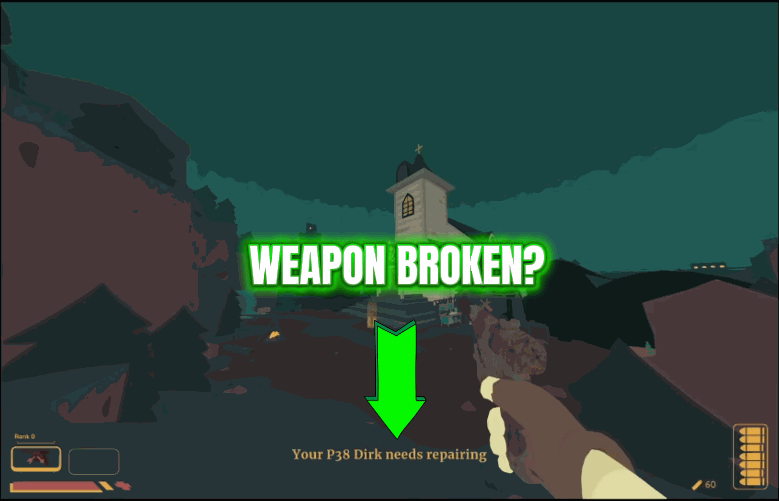
Repair All Weapons
Patch up every gun in your inventory to full durability in one click, or smash them all to bits when you want a brutal challenge run. No item-by-item fiddling.







