Want more mods for SUPERHOT? Explore our entire collection!
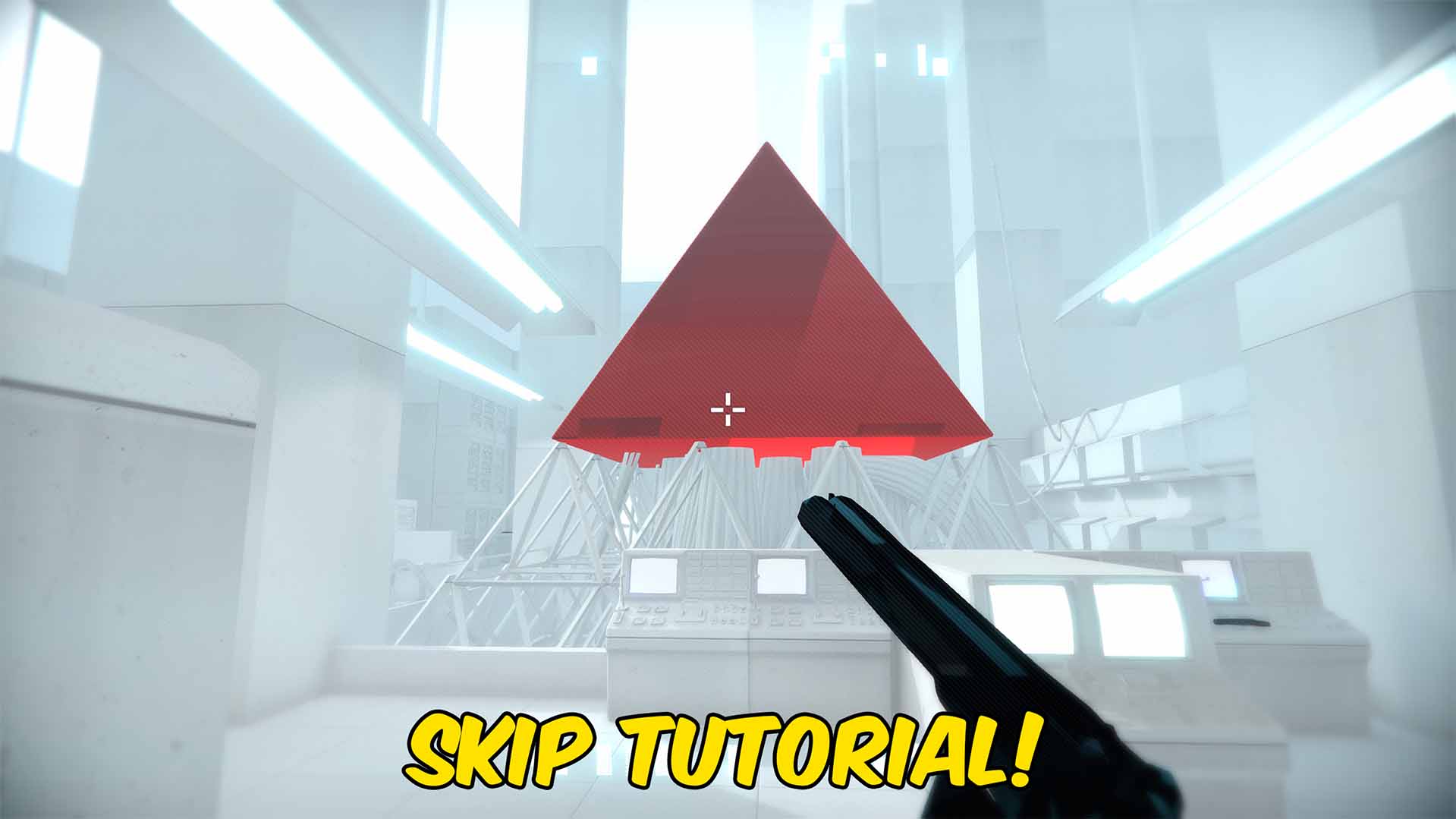
Skip Tutorial
"Clear tutorial prompts and get straight to the action."
How do I install Skip Tutorial?
Download the free ProjectMods desktop app, then install Skip Tutorial for SUPERHOT in one click.
</>What does Skip Tutorial do?
Skip Tutorial removes the current tutorial message and marks the opening guidance as seen. New tutorial prompts are also suppressed for the rest of the active mod session. This is useful when replaying SUPERHOT, returning on a fresh save, or recording a clean run where movement and weapon hints would cover part of the screen. The story and combat remain available without repeated instruction messages. Load into the game and press Skip Tutorial once. The action does not complete story levels or unlock unrelated progression; it only clears and suppresses tutorial guidance.
</>What is Skip Tutorial?
This SUPERHOT skip tutorial mod removes tutorial messages for players who already understand movement, shooting, throwing, and other basic controls. It keeps the screen clear during repeat playthroughs and practice runs while leaving story levels, challenges, achievements, and combat progression unchanged.
</>Common questions about Skip Tutorial
Does Skip Tutorial complete any story levels?
No. Story progress is left unchanged.
When should I press the button?
Press it after SUPERHOT has loaded and tutorial guidance is available.
Will later tutorial prompts still appear?
No. Additional tutorial prompts are suppressed while the mod remains loaded.
Does this unlock challenges or endless levels?
No. It only removes tutorial guidance.
What options does Skip Tutorial include?
Skip Tutorial
Clears the current tutorial message and prevents more tutorial prompts during this session.
Press Skip Tutorial to remove the current tutorial message and stop new tutorial prompts from appearing during the session.
System Requirements
What features does Skip Tutorial include?
- Clears the tutorial message currently on screen.
- Suppresses additional tutorial prompts during the session.
- Leaves story levels and other progression unchanged.
Best For
- Start a repeat playthrough without seeing basic control instructions again.
- Keep tutorial text out of screenshots, recordings, and practice runs.
More Mods for SUPERHOT

Achievement Unlocker
Unlock any selected SUPERHOT achievement, complete the full collection, or lock every achievement again.
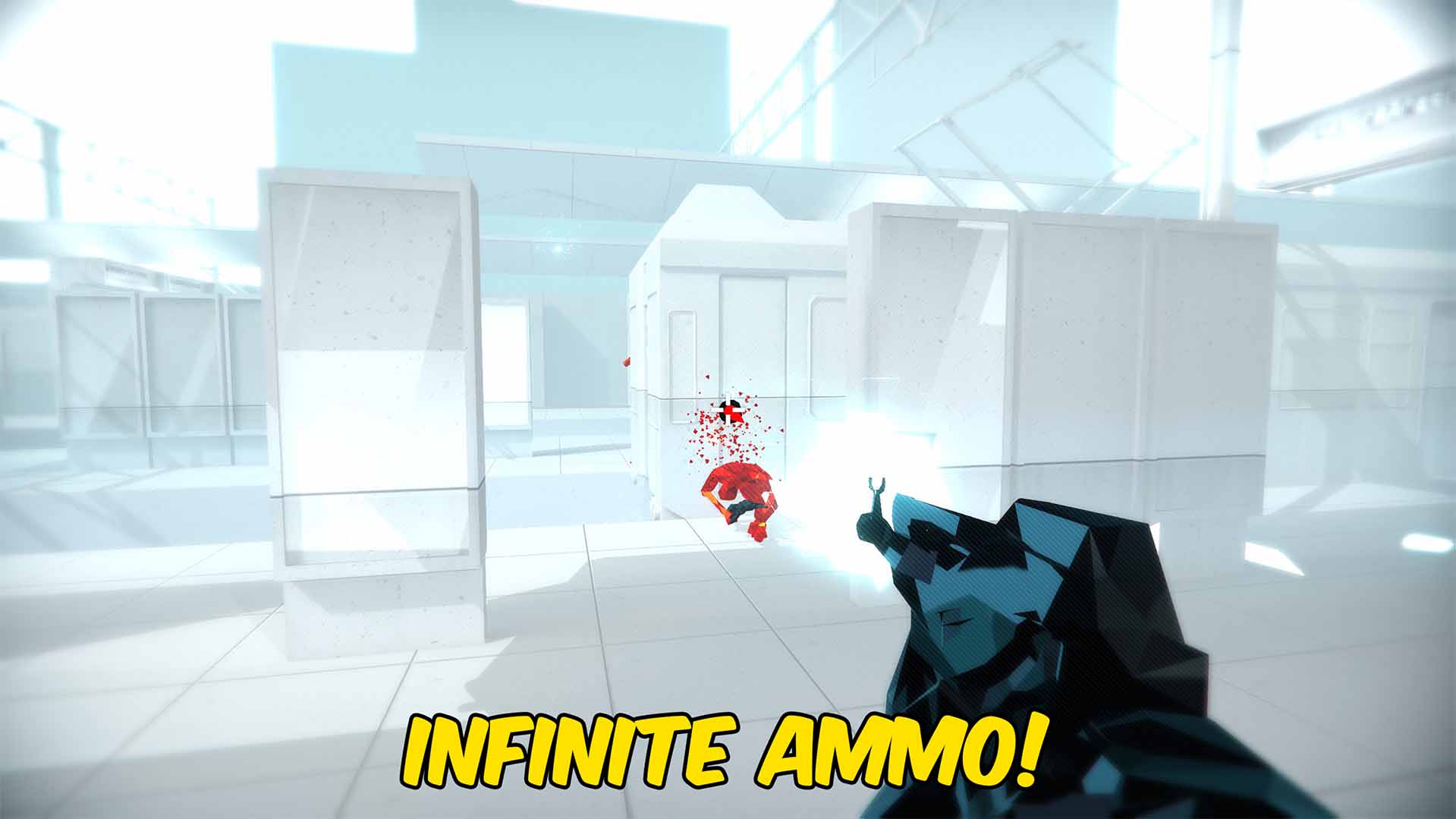
Infinite Ammo
Keeps the gun in your hands supplied with unlimited ammunition throughout each SUPERHOT level.
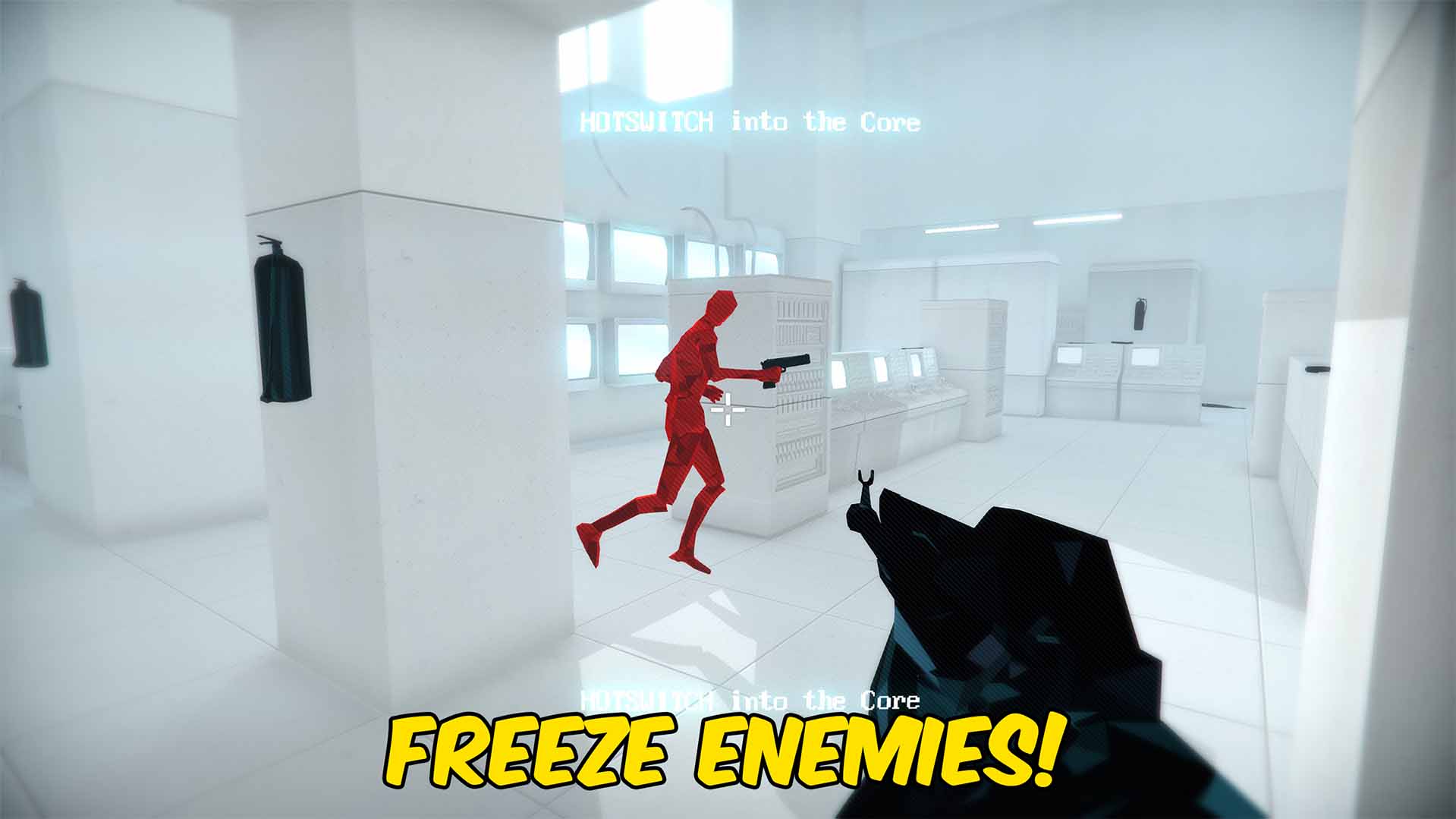
Freeze Enemies
Freezes active enemies in place and automatically stops new enemies that enter the SUPERHOT level.







