Want more mods for SUPERHOT? Explore our entire collection!
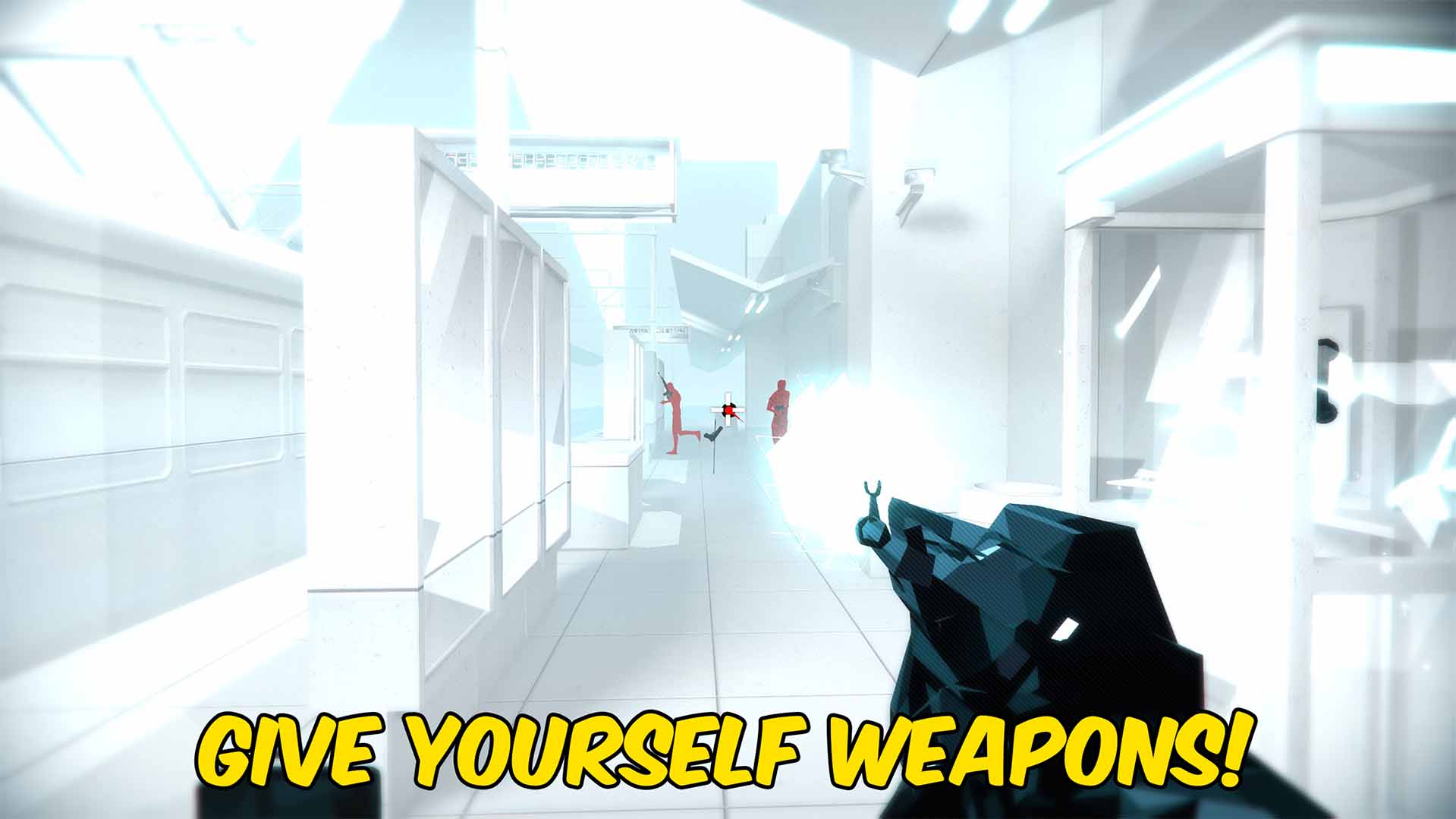
Spawn Weapons
"Choose a weapon and place it straight into your hands."
How do I install Spawn Weapons?
Download the free ProjectMods desktop app, then install Spawn Weapons for SUPERHOT in one click.
</>What does Spawn Weapons do?
Spawn Weapons lets you refresh the weapons available in the active SUPERHOT level and choose one from a clear dropdown. The selected weapon is placed directly into your hands, replacing the weapon you were holding. Use it to practice with a pistol, shotgun, rifle, katana, or another weapon supplied by the current level. The live list means the choices match what the game has ready for that encounter instead of asking you to enter a name. Enter a level, press Refresh Weapons, choose a weapon, and press Spawn Selected Weapon. You can also drop the current weapon whenever you want empty hands or a quick replacement.
</>What is Spawn Weapons?
This SUPERHOT weapon spawner builds its dropdown from weapons available during the active level and presents them with readable names. Equip a pistol, shotgun, rifle, katana, or another supported weapon without searching the room for it. The current weapon can also be dropped before choosing a replacement.
</>Common questions about Spawn Weapons
Why do I need to refresh the weapon list?
SUPERHOT prepares different weapon choices for different levels, so Refresh Weapons loads the choices available now.
Where does the selected weapon appear?
It is equipped directly into your hands.
What happens to the weapon I am already holding?
The current weapon is dropped before the selected replacement is equipped.
Can I spawn a weapon from the main menu?
No. Enter a playable level before refreshing and spawning weapons.
What options does Spawn Weapons include?
Refresh Weapons
Loads the weapons available in the current level.
Drop Current Weapon
Drops the weapon currently in your hands.
Instructions
Weapons are loaded from the level you are currently playing.
Spawn Selected Weapon
Equips the selected weapon immediately.
Select Weapon
Choose the weapon you want to equip.
Refresh the weapon list in a level, choose the weapon you want, and press Spawn Selected Weapon to equip it immediately.
System Requirements
What features does Spawn Weapons include?
- Builds a readable weapon dropdown from the active level.
- Equips the selected weapon directly into the player's hands.
- Includes an action for dropping the current weapon.
Best For
- Practice a difficult encounter with the weapon you want to learn.
- Replace an unsuitable weapon without restarting or searching the room.
More Mods for SUPERHOT
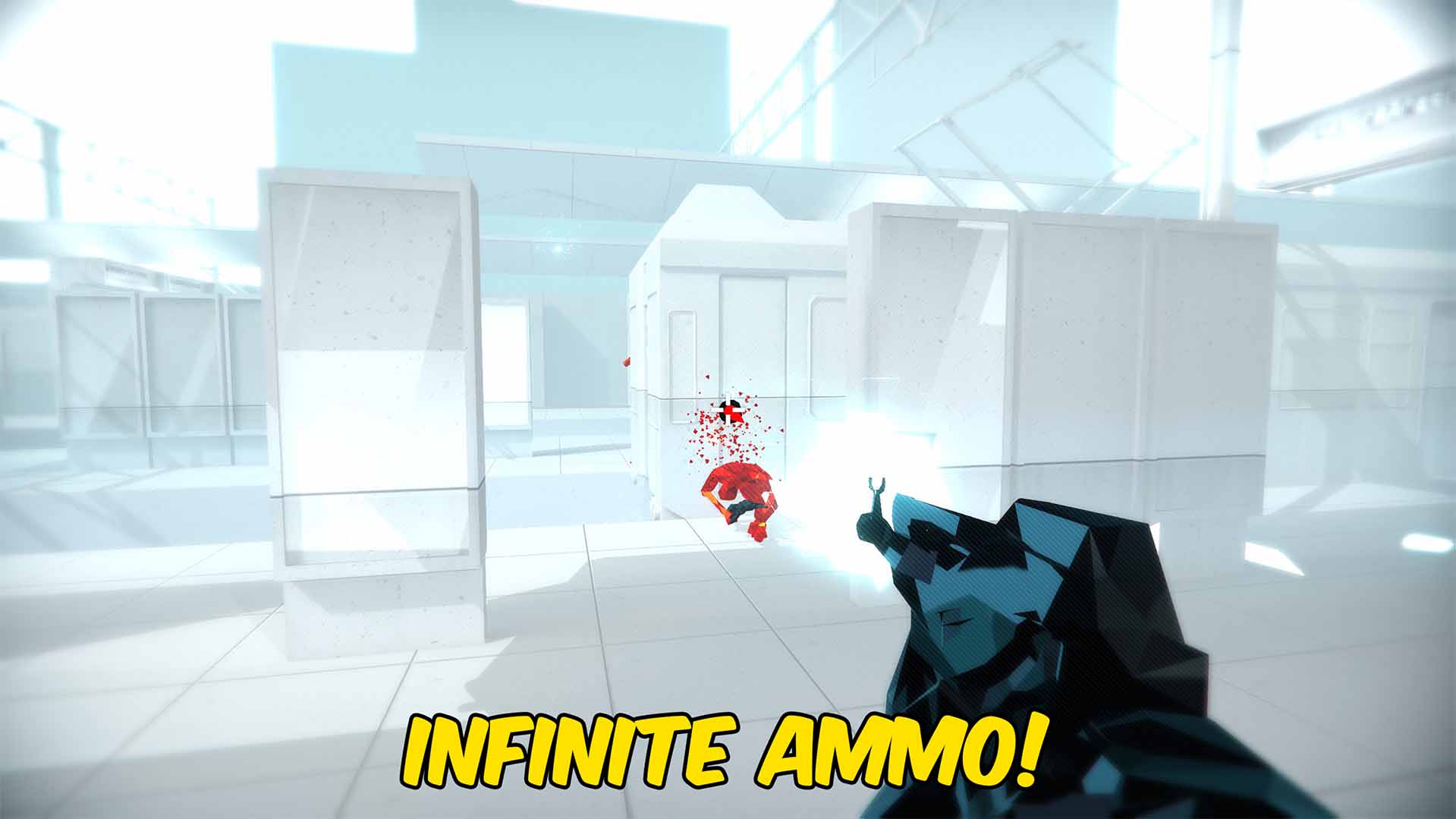
Infinite Ammo
Keeps the gun in your hands supplied with unlimited ammunition throughout each SUPERHOT level.
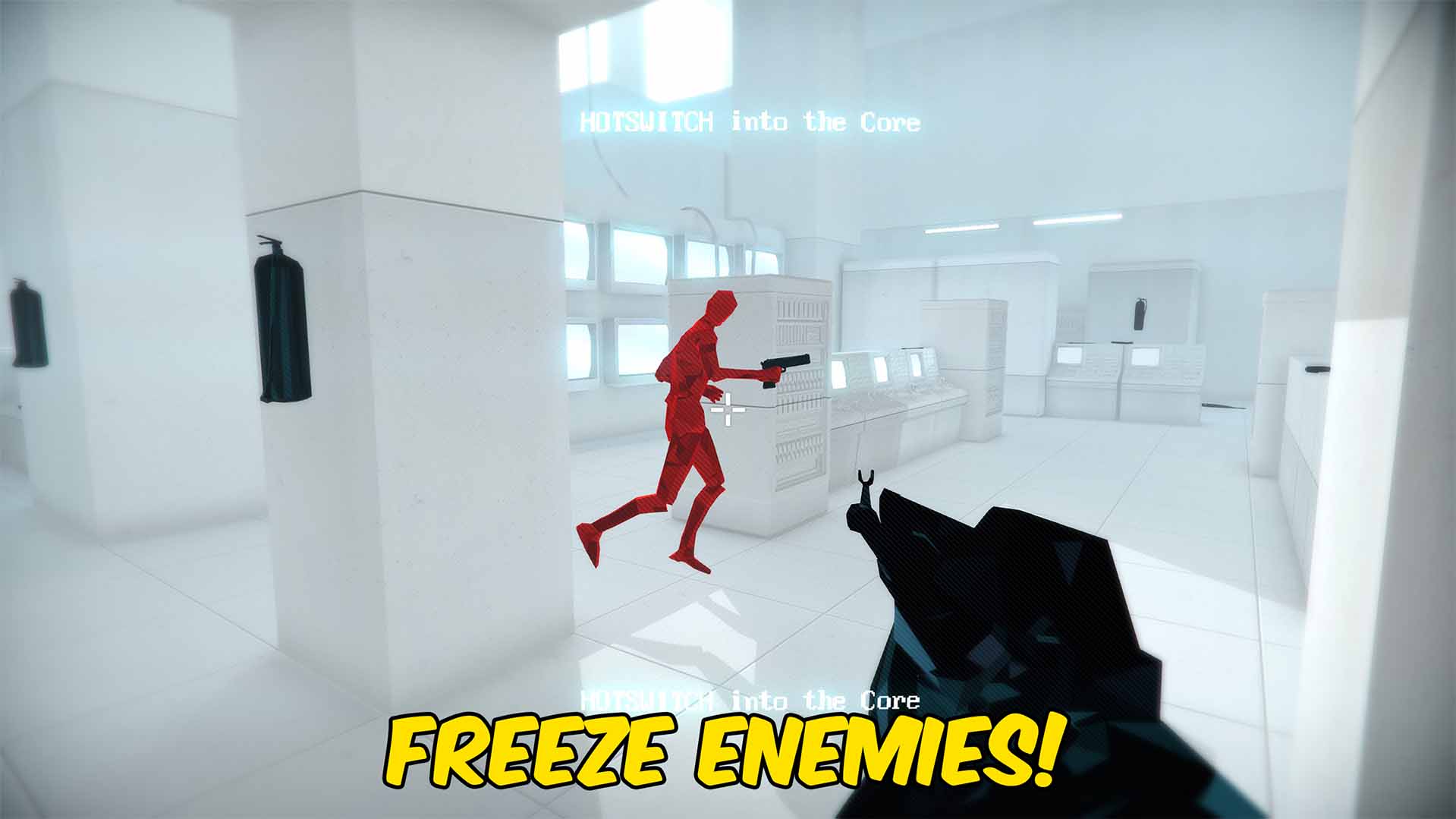
Freeze Enemies
Freezes active enemies in place and automatically stops new enemies that enter the SUPERHOT level.

Achievement Unlocker
Unlock any selected SUPERHOT achievement, complete the full collection, or lock every achievement again.







