Want more mods for Supermarket Together? Explore our entire collection!
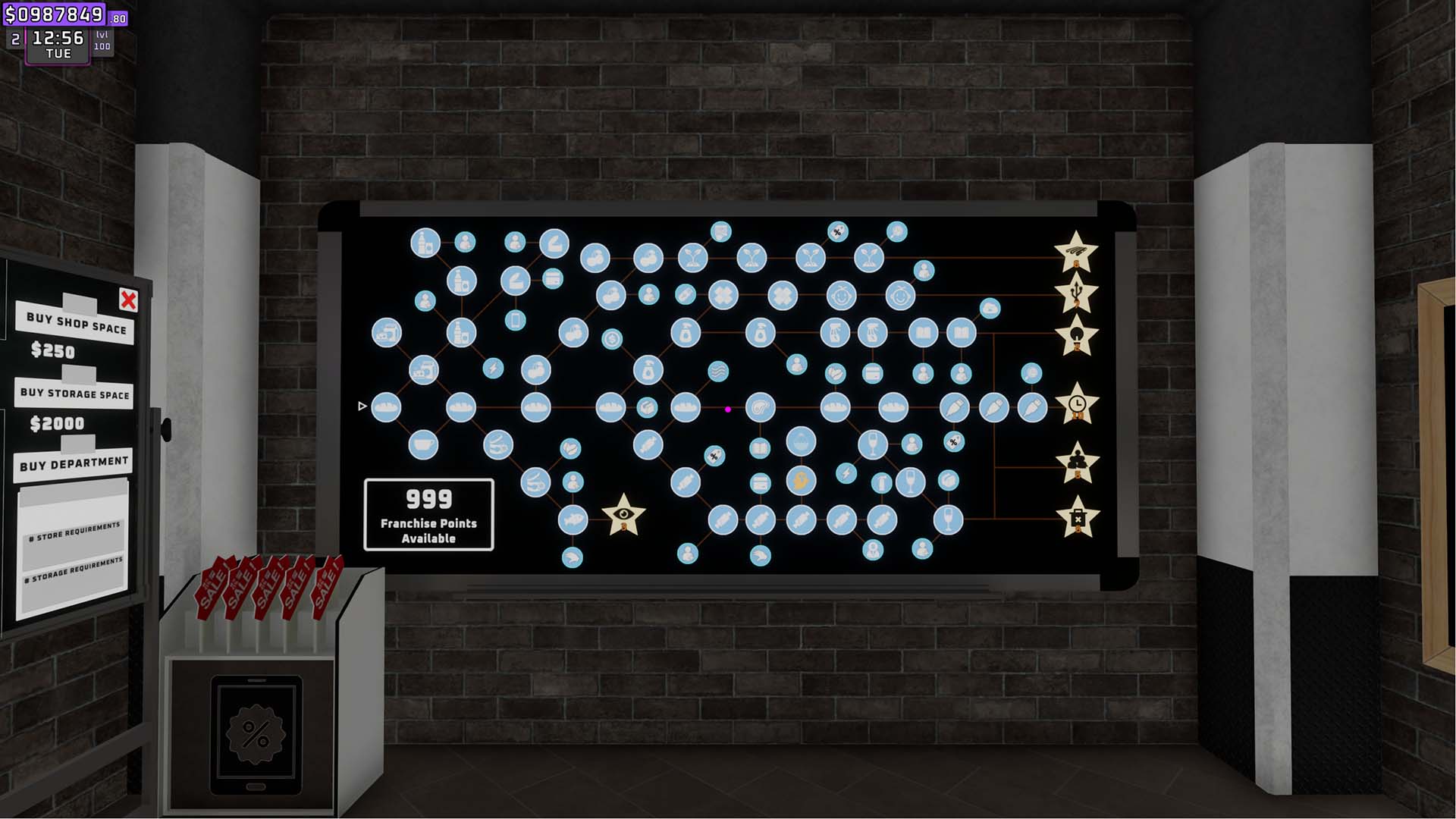
Give Franchise Points
"Add franchise points in any amount or reset them to zero."
How do I install Give Franchise Points?
Download the free ProjectMods desktop app, then install Give Franchise Points for Supermarket Together in one click.
</>What does Give Franchise Points do?
Set your Supermarket Together franchise point balance without waiting for additional level rewards. Enter the number of points you want and add them directly to the current balance. Use the separate reset action to set franchise points exactly to zero. This supports unlock testing, controlled progression, and clean starts after experimenting with franchise purchases.
</>What is Give Franchise Points?
This progression tool provides a custom franchise point amount, a dedicated give action, and an exact reset-to-zero action. Values are clamped to the game's supported franchise point range.
</>Common questions about Give Franchise Points
Can I select the number of points?
Yes. Set Point Amount before pressing Give Franchise Points.
Can I remove all franchise points?
Yes. Reset Franchise Points sets the balance exactly to zero.
Can the balance exceed the supported limit?
No. Added points remain within the game's supported franchise point range.
What options does Give Franchise Points include?
Reset Franchise Points
Set franchise points back to zero.
Give Franchise Points
Add the selected number of franchise points.
Point Amount
How many franchise points to add.
Lets you choose how many franchise points to add and provides a separate reset action that sets them to zero.
System Requirements
What features does Give Franchise Points include?
- Add a custom number of franchise points.
- Reset franchise points exactly to zero.
- Keep the resulting balance within the game's supported range.
Best For
- Unlock and test franchise progression choices.
- Prepare a specific point balance before purchasing unlocks.
- Clear franchise points before a fresh progression test.
More Mods for Supermarket Together
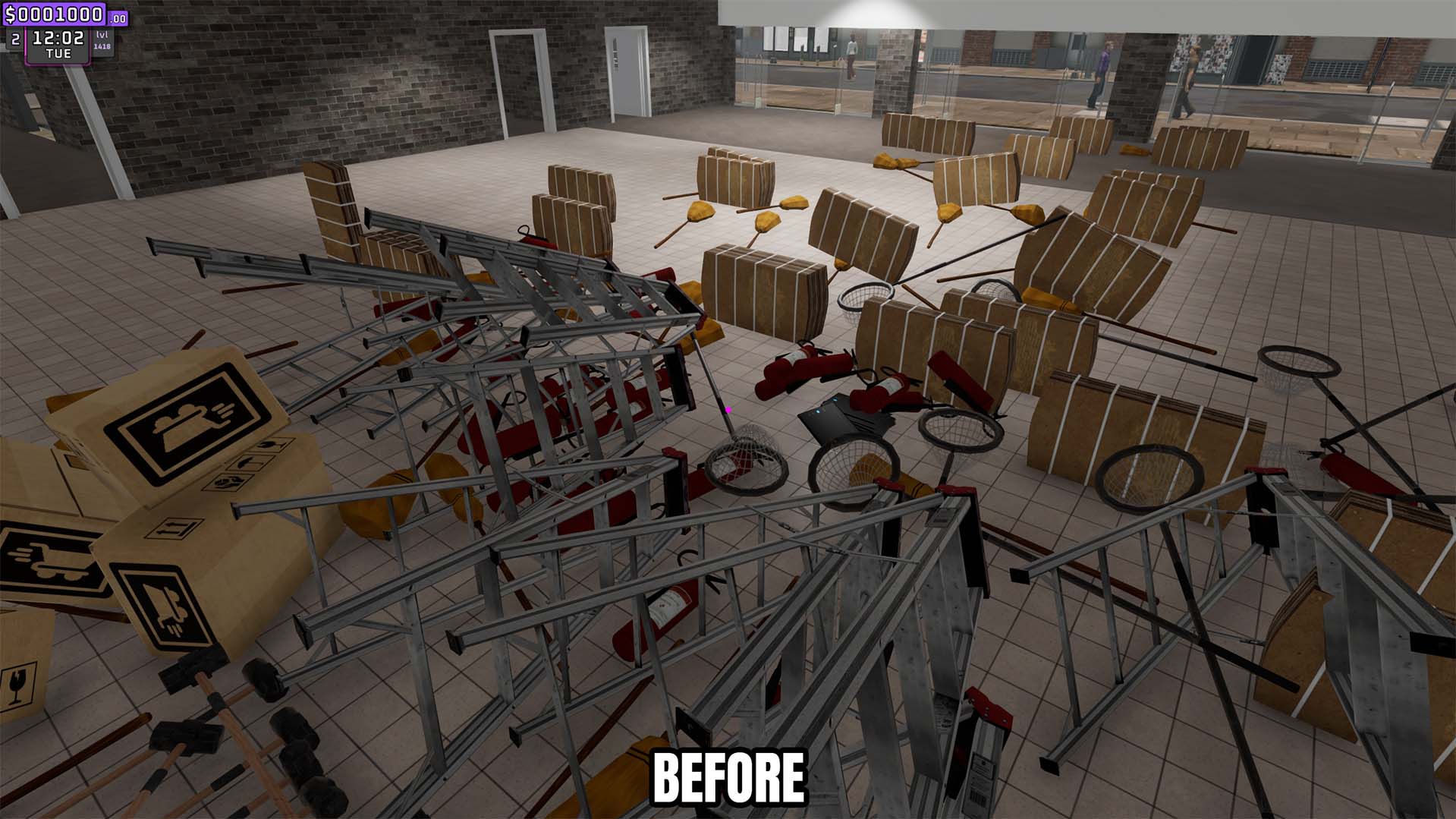
Clutter Control
Remove loose trash instantly or automatically clear it on a configurable interval.
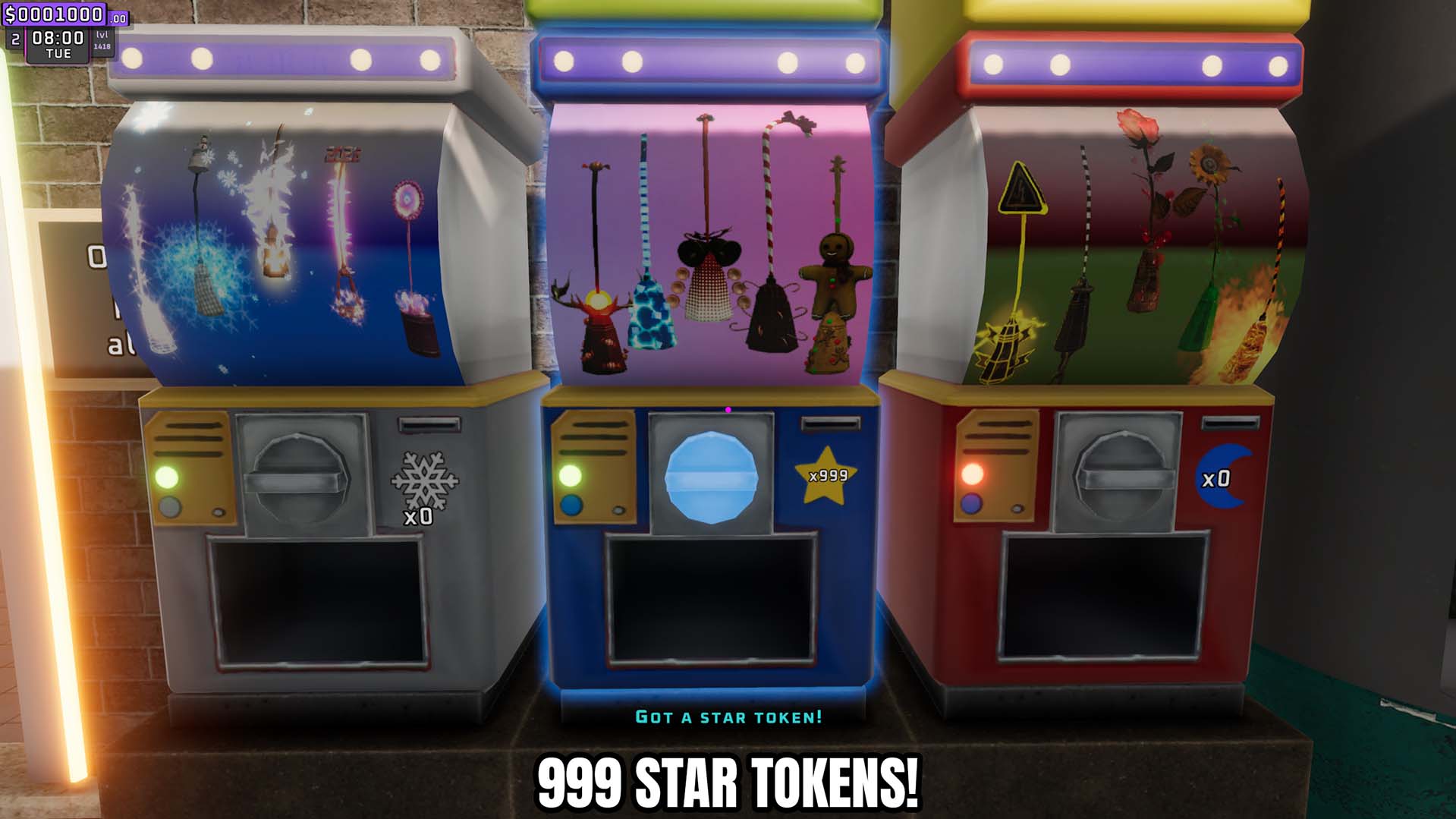
Give Star Tokens
Add a custom number of star tokens to your balance or reset that token balance to zero.
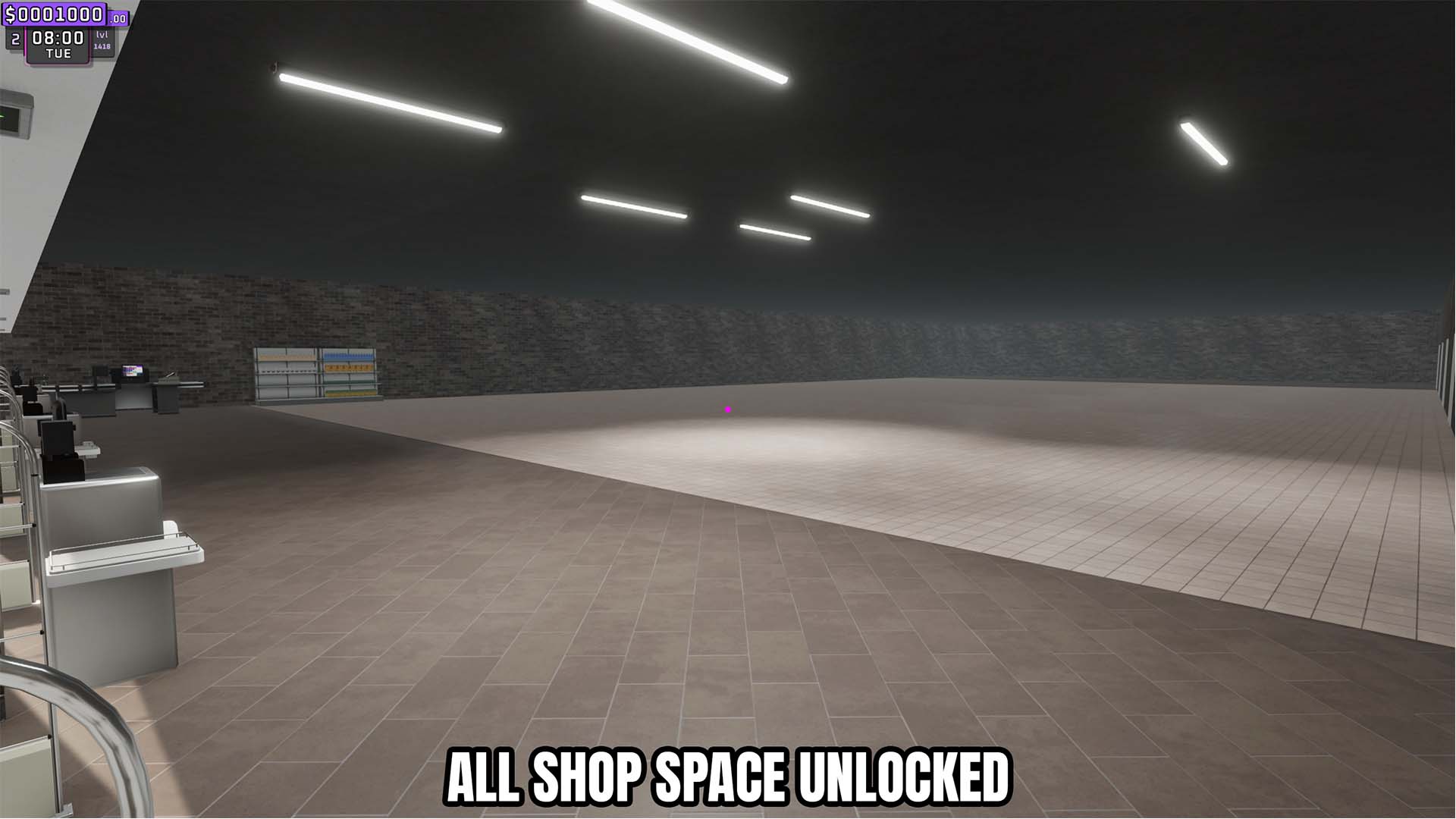
Store Expansion Unlocker
Unlock all store expansion spaces and optionally unlock every storage expansion.







