Want more mods for Supermarket Together? Explore our entire collection!
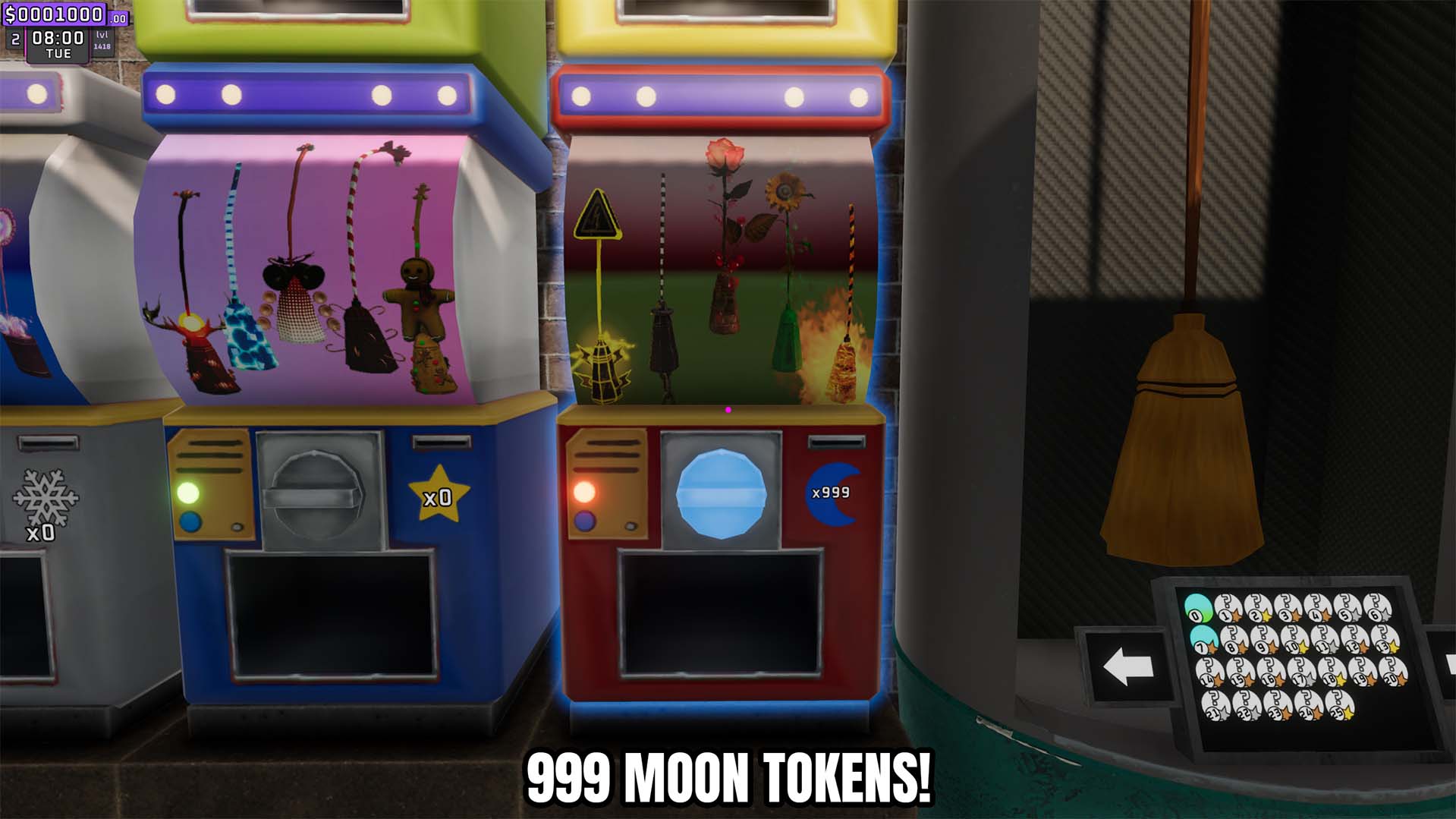
Give Moon Tokens
"Add moon tokens in any amount or reset the balance to zero."
How do I install Give Moon Tokens?
Download the free ProjectMods desktop app, then install Give Moon Tokens for Supermarket Together in one click.
</>What does Give Moon Tokens do?
Set your Supermarket Together moon token balance without waiting to collect more through normal play. Enter the amount you want and use the give action to add it to the current balance. A separate reset action sets moon tokens exactly to zero, making it easy to test unlocks, manage seasonal rewards, or return the resource to an empty state.
</>What is Give Moon Tokens?
This resource tool provides a configurable moon token amount, a dedicated give action, and a separate reset action. Token changes are saved through the game's token storage so the updated balance remains available after the action.
</>Common questions about Give Moon Tokens
Can I choose the moon token amount?
Yes. Enter the amount you want before pressing Give Moon Tokens.
Can I reset moon tokens?
Yes. Reset Moon Tokens sets the current balance exactly to zero.
Does the reset subtract a fixed amount?
No. It clears the current balance regardless of how many tokens you have.
What options does Give Moon Tokens include?
Token Amount
How many moon tokens to add.
Give Moon Tokens
Add the selected number of moon tokens.
Reset Moon Tokens
Set moon tokens back to zero.
Lets you choose how many moon tokens to add and provides a separate action that resets them to zero.
System Requirements
What features does Give Moon Tokens include?
- Add a custom number of moon tokens.
- Reset the moon token balance exactly to zero.
- Keep your new token total ready to use straight away.
Best For
- Access moon token rewards without repeated collection.
- Test token spending and unlock requirements with controlled balances.
- Return the resource to zero before starting a fresh progression test.
More Mods for Supermarket Together
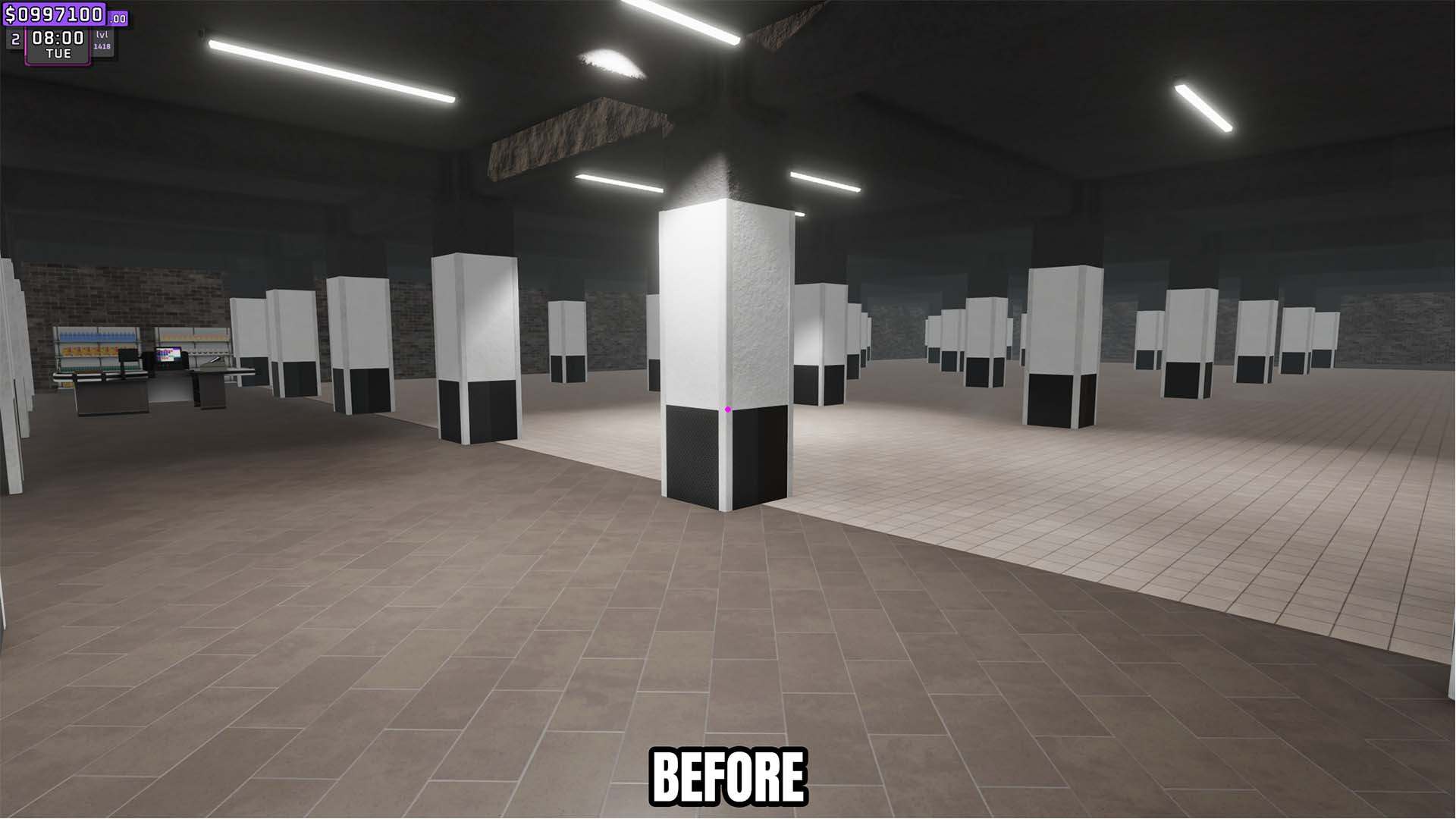
Clear Pillars and Debris
Remove every removable pillar, beam, and demolition debris object from the store with one action.
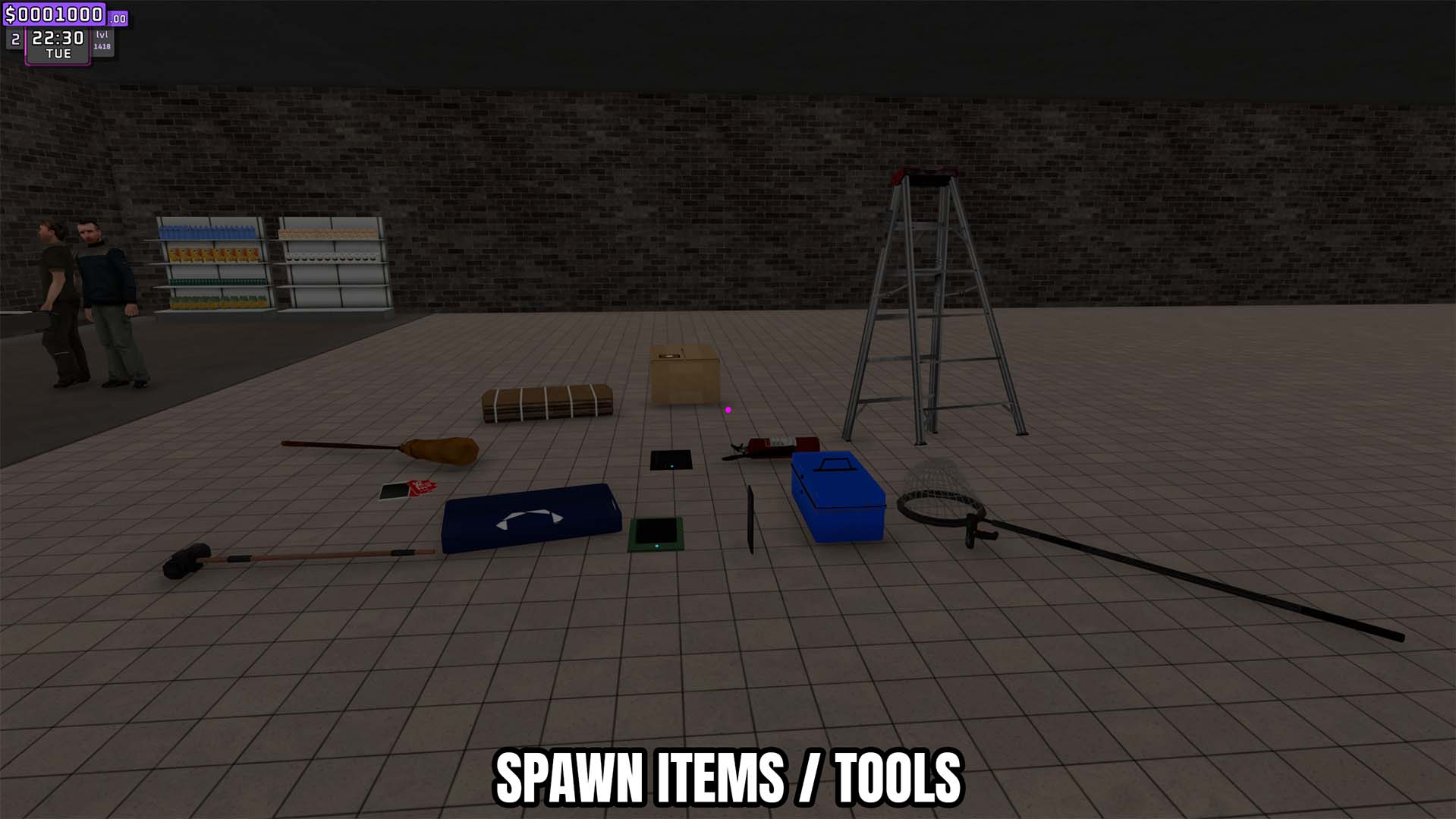
Spawn Items
Refresh the live product list, choose an item by name, and spawn a box in front of the player.
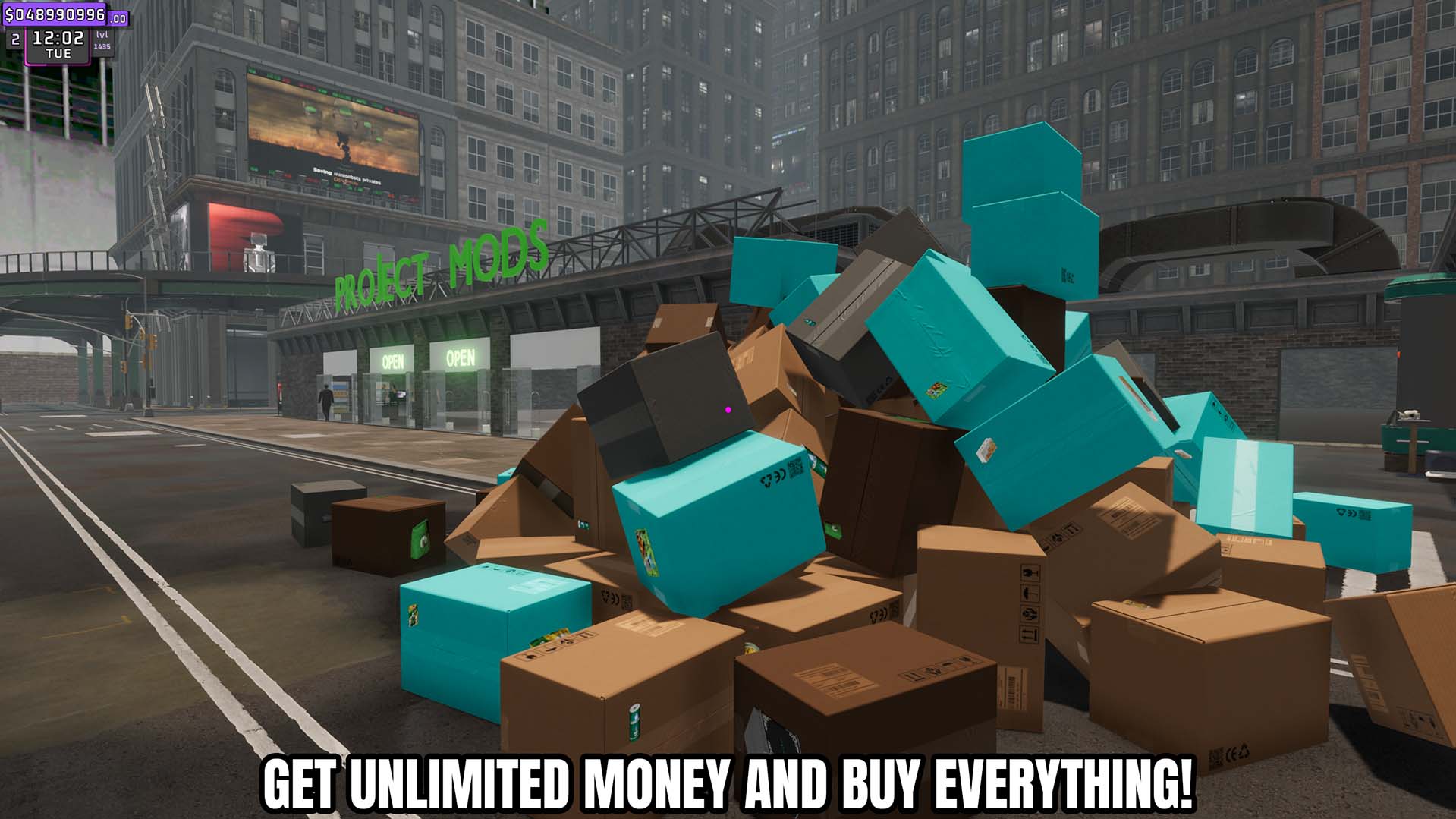
Give Money
Add a custom amount of money to the store balance or reset the balance exactly to zero.







