Want more mods for Tabletop Tavern? Explore our entire collection!
Blitz Mode
"A battle-speed dial that laughs at the 3x cap."
How do I install Blitz Mode?
Download the free ProjectMods desktop app, then install Blitz Mode for Tabletop Tavern in one click.
</>What does Blitz Mode do?
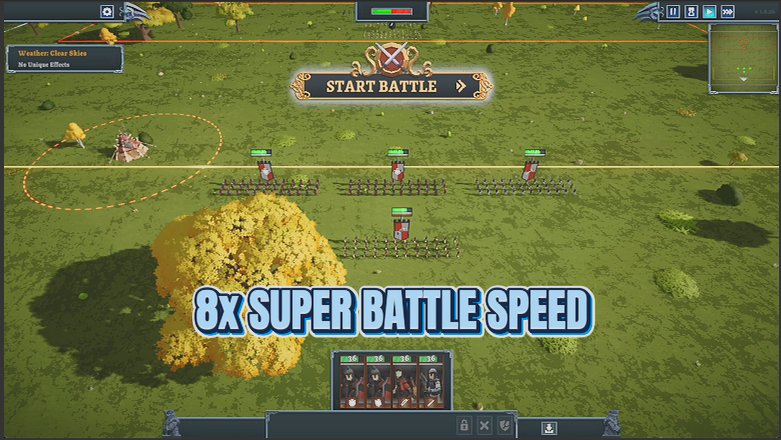
The game lets you speed battles up to 3x and no further. Blitz Mode hands you a proper dial: crawl at 0.1x to savour a dramatic charge, or rip through a lopsided fight at 8x so you can get back to building your army. It only touches the battle itself, and snaps straight back to normal speed the moment you switch it off. A grinder's best friend on a long campaign.
</>What is Blitz Mode?
Blitz Mode hands Tabletop Tavern a proper battle-speed dial. Crawl at 0.1x to savour a dramatic charge, or rip through a lopsided fight at 8x, well past the game's built-in 3x limit. It only touches battles and snaps back to normal the moment you switch it off. A free mod from ProjectMods, the community-first PC mod manager for 400+ games.
</>Common questions about Blitz Mode
What does Blitz Mode do in Tabletop Tavern?
Blitz Mode is a free Tabletop Tavern mod from ProjectMods that gives you a battle-speed slider running from 0.1x up to 8x. The base game lets you speed battles up to 3x and no further; Blitz Mode blows past that cap in both directions. Drop to 0.1x to watch a dramatic charge in slow motion, or crank it to 8x to blast through a fight you have already won. It only affects the battle itself — the campaign map, menus, and everything else run at normal speed — and it snaps straight back to normal the instant you switch it off. It is a grinder's best friend on a long campaign.
What is the Battle Speed slider and what range does it cover?
The Battle Speed slider is the heart of Blitz Mode in Tabletop Tavern. At 1x battles play at normal speed; anything below 1 is slow motion, bottoming out at 0.1x for a tenth of normal pace, and anything above 1 speeds things up to a maximum of 8x. That upper end is more than double the game's own 3x ceiling, so even one-sided fights wrap up in seconds. You can move the slider before or during a battle to match the moment — slow for a tense, close clash, fast for the mop-up. Pair it with the Enabled master switch so you can flick the whole effect on or off without losing your chosen speed.
Does Blitz Mode speed up the whole game or only battles?
Blitz Mode only changes the speed of battles in Tabletop Tavern. The campaign map, shop screens, menus, and event dialogue all keep running at their normal pace, so nothing outside a fight feels rushed or sluggish. This keeps the mod safe to leave on across a whole run — you are not speeding up anything you actually want to watch or read. The moment a battle ends, or the moment you switch Blitz Mode off, everything returns to standard speed with no lingering effect. That focus is deliberate: the mod is meant to fix the one place the base game drags, the drawn-out battles, without touching the parts of the game you play at your own pace.
How fast can I actually set battles, and can I go slower than normal?
Blitz Mode lets you set battles anywhere from 0.1x to 8x in Tabletop Tavern. Going slower than normal is fully supported — 0.1x runs a battle at a tenth of its usual speed, which is great for savouring a big cinematic clash or watching exactly how a fight turns. On the fast end, 8x is well beyond the game's built-in 3x limit, so grindy or already-decided battles finish almost instantly. Anything in between is available too, so you can dial in, say, 2x for a comfortable quicker pace or 5x for a brisk blitz. The Enabled toggle acts as a master switch, returning battles to normal speed whenever you want the vanilla feel back.
Why would I use Blitz Mode on a long campaign?
A full Tabletop Tavern campaign has you sacking city after city, and many of those fights are foregone conclusions once your army is strong. Blitz Mode is for the moments you would rather not sit through them at 3x — crank the slider to 8x and a routine battle is over in seconds, so you spend your time on recruiting, upgrades, and the decisions that actually matter. When a genuinely tense fight comes along, drop the speed back down, or below 1x, to enjoy it properly. It turns the pacing of a long run into something you control, rather than something the game's speed cap dictates. That flexibility is why grinders keep it switched on.
What options does Blitz Mode include?
Enabled
Master switch. Turn off to return battles to normal speed.
Battle Speed
Battle speed. 1x is normal; below 1 is slow motion, above is fast.
With Blitz Mode, a free Tabletop Tavern mod from ProjectMods, you get a battle-speed slider that runs from 0.1x slow motion up to 8x, well past the game's built-in 3x cap.
System Requirements
What features does Blitz Mode include?
- Push battle speed all the way to 8x, far past the 3x ceiling the game normally locks you to.
- Drop into slow motion at 0.1x to actually watch a dramatic charge or a clutch flank play out.
- Touches only the battle itself, so your campaign map and menus keep running at their normal pace.
- Flip the master switch off and fights snap right back to normal speed, with no lingering weirdness.
Best For
- Grinding through a long campaign and you want to rip through the easy, one-sided fights at 8x to save real time.
- Facing a huge, tense clash you actually care about and you want to slow it to 0.1x so you can micro every squad.
- Streaming a run and you need to blow through the boring cleanup fights fast without cutting away or losing your chat.
- Learning enemy patterns and you want to crawl through a battle in slow motion to see exactly what went wrong.
More Mods for Tabletop Tavern
Battle-Hardened
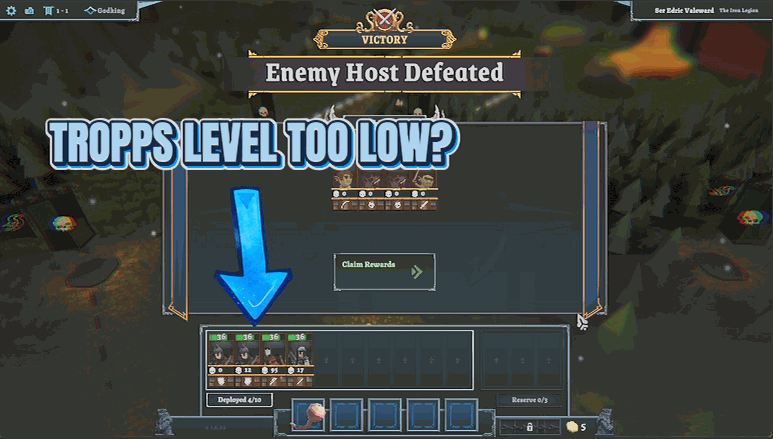
Instantly max the prestige of every unit in your roster, using the game's own promotion path. Weak recruits become battle-hardened veterans in a single click.
Trophy Cabinet
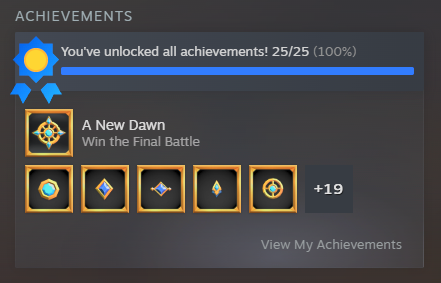
Instantly earn any or every Steam achievement in Tabletop Tavern. Pick one trophy from the list, or fill the whole cabinet in a single click.
Dungeon Master's Kit
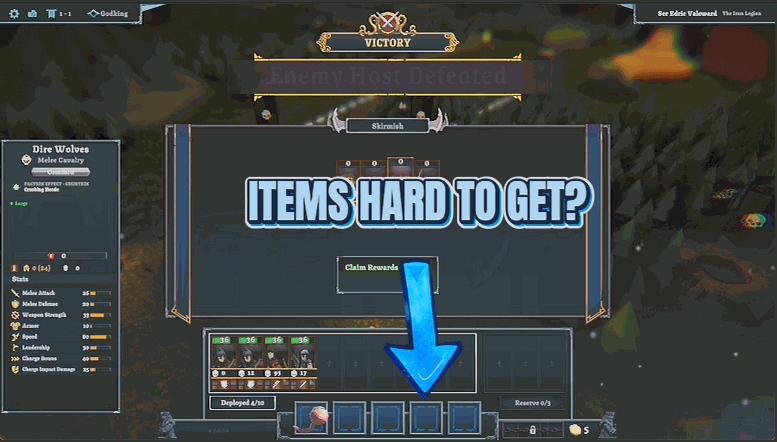
Give yourself any unit, any piece of gear, or any consumable from a dropdown of the game's full lists, plus an optional toggle that stops consumables from being used up.