Want more mods for Tabletop Tavern? Explore our entire collection!
Legend's Vault
"Open the whole vault — every upgrade, every hero, every tier."
How do I install Legend's Vault?
Download the free ProjectMods desktop app, then install Legend's Vault for Tabletop Tavern in one click.
</>What does Legend's Vault do?
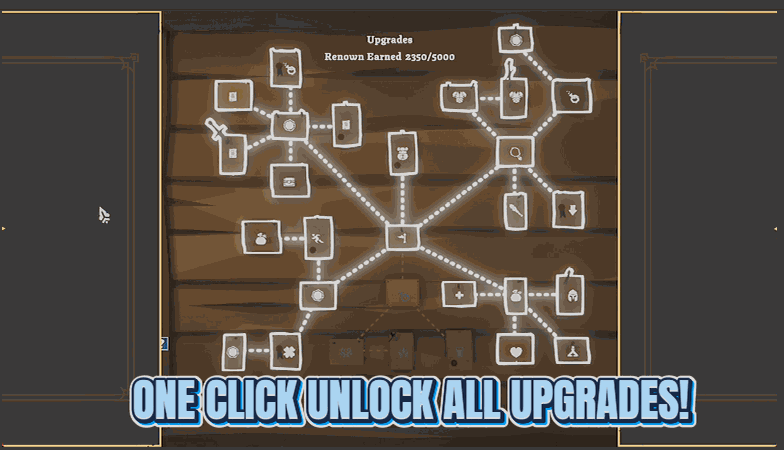
Between-run progress in Tabletop Tavern is a long grind of Renown and upgrade nodes. Legend's Vault opens it all at once: unlock every permanent upgrade in the tree, make every difficulty tier — right up to Godking — selectable from the start, and pour as much Renown into your account as you like. Use it from the main menu upgrades screen where the tree is loaded, then dive into any run with the full toolkit already yours.
</>What is Legend's Vault?
Between-run progress in Tabletop Tavern is a long grind of Renown and upgrade nodes. Legend's Vault opens it all at once: unlock every permanent upgrade, make every difficulty tier up to Godking selectable, and pour in as much Renown as you like. Use it from the main menu upgrades screen, where the upgrade tree is open. From ProjectMods, the community-first PC mod manager for 400+ games.
</>Common questions about Legend's Vault
What does Legend's Vault do in Tabletop Tavern?
Legend's Vault is a Tabletop Tavern mod from ProjectMods that opens up all of the game's between-run progression at once. It does three things: it unlocks every permanent upgrade node in the tree, it makes every difficulty tier selectable right up to the hardest, Godking, and it lets you add as much Renown to your account as you like. Normally this progression is a long grind of earning Renown and buying upgrade nodes across many runs. Legend's Vault hands you the full toolkit up front, so you can jump into any run with every upgrade active and any difficulty available. It works best from the main menu upgrades screen, where the upgrade tree is open and ready to change.
What are the three things Legend's Vault unlocks?
Legend's Vault bundles three separate actions for Tabletop Tavern. Unlock All Upgrades lights up every permanent upgrade node in the tree, so all the between-run bonuses you would normally grind toward are yours immediately. Unlock All Difficulties makes every difficulty tier selectable, up to the maximum Godking tier, so you are not gated behind clearing lower tiers first. Add Renown, paired with the Renown Amount value, pours as much of the between-run currency into your account as you choose. You can use any of the three on their own — for example, just unlocking difficulties if that is all you want — or fire all three to open the whole vault. The upgrade and difficulty actions work best from the main menu upgrades screen.
Why should I use Legend's Vault from the main menu upgrades screen?
Legend's Vault changes Tabletop Tavern's permanent upgrade tree and difficulty options, and those live on the main menu upgrades screen. Using the mod there means the tree is fully on screen, so Unlock All Upgrades and Unlock All Difficulties apply cleanly to everything shown and you can see the results right away. From a screen where the tree is not displayed, there would be nothing for those actions to change. Adding Renown is less fussy about where you are, but doing everything from the upgrades screen keeps it simple: open the screen, add your Renown, unlock the upgrades, unlock the difficulties, and then start a run with the full set of between-run bonuses already active.
How much Renown can I add with Legend's Vault?
Legend's Vault lets you set the Renown Amount yourself in Tabletop Tavern, then press Add Renown to drop that much into your account. Because you type the number, you decide whether to add a modest top-up or a huge pile in one go — there is no fixed amount the mod forces on you. Renown is the between-run currency the game normally has you grind for across many playthroughs, so being able to set it directly means you can afford whatever permanent upgrades you want without repeating runs. You can press Add Renown more than once if you want to keep stacking it. It pairs naturally with Unlock All Upgrades, though with enough Renown you could also buy nodes the normal way.
Why would I use Legend's Vault?
Legend's Vault is for players who do not want to grind Tabletop Tavern's between-run progression across dozens of runs before the game opens up. Maybe you are returning after a break and want your account restored to full power, maybe you want to jump straight to the Godking difficulty for a real challenge, or maybe you just want every permanent upgrade active so you can enjoy fully-built runs. Instead of slowly earning Renown and unlocking nodes one at a time, you open the whole vault from the main menu and dive in. It is also useful for content creators who want to show off late-account runs without a long grind on camera. Everything it unlocks is the game's real progression, so runs play normally afterward.
What options does Legend's Vault include?
Add Renown
Add the Renown amount above to your account.
Unlock All Difficulties
Make every difficulty tier selectable, up to the maximum.
Renown Amount
How much Renown to add.
Unlock All Upgrades
Unlock every permanent upgrade node. Use it on the upgrades screen.
Legend's Vault is the ProjectMods mod for Tabletop Tavern that unlocks every permanent upgrade, makes every difficulty tier up to Godking selectable, and lets you add as much Renown as you like.
System Requirements
What features does Legend's Vault include?
- Unlock every permanent upgrade node in the whole tree at once, so no run starts you back at square one.
- Open up every difficulty tier right up to Godking, selectable from the start instead of clawing your way up to it.
- Pour as much Renown into your account as you want by typing an amount and hitting Add Renown.
- Works best from the main menu upgrades screen, where the full tree is loaded and ready to unlock.
Best For
- You've done the between-run grind before on another save and don't fancy unlocking the whole upgrade tree a second time.
- You want to jump straight into the hardest difficulty for the real challenge without grinding the lower tiers to unlock it.
- Short on Renown and tired of slowly earning it, so you top your account up and spend it on whatever you actually want.
- Returning after a break and you want your full meta-progression back instantly so you can pick up where the fun was.
More Mods for Tabletop Tavern
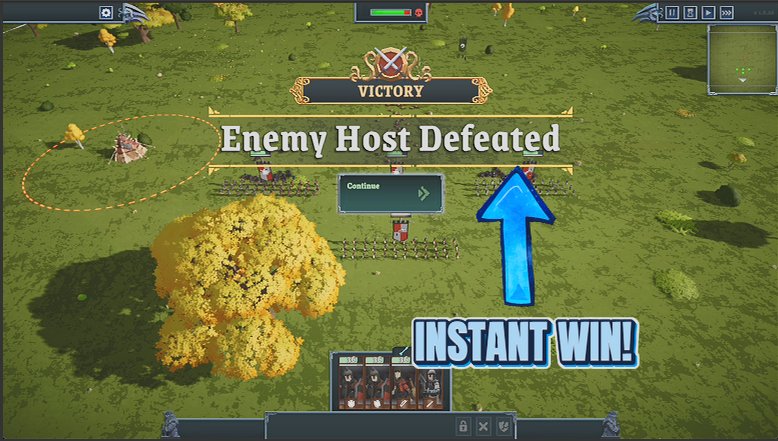
Table Flip
Win the current battle instantly. Wipes out every enemy on the board so the game declares your victory the normal way — rewards and campaign advance included.
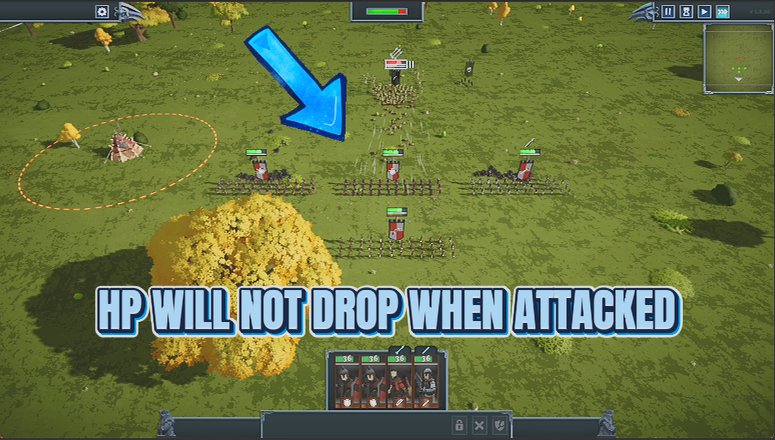
Immortal Ranks
Your whole army becomes unkillable in battle, and can be set to never flee. Enemies are left completely untouched — only your side is protected.
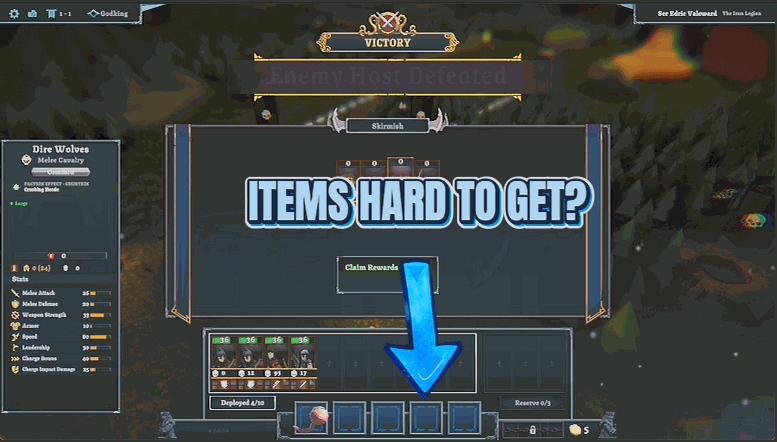
Dungeon Master's Kit
Give yourself any unit, any piece of gear, or any consumable from a dropdown of the game's full lists, plus an optional toggle that stops consumables from being used up.