Want more mods for TCG Card Shop Simulator? Explore our entire collection!
Give Money
"Add the cash you need and keep building your card shop."
How do I install Give Money?
Download the free ProjectMods desktop app, then install Give Money for TCG Card Shop Simulator in one click.
</>What does Give Money do?
Give Money lets you add a chosen amount of cash directly to your shop balance. Pick a small boost for a difficult day or add enough money to fund a major restock, new furniture, and the next stage of your store. The amount field makes the result predictable, so you decide exactly how much money enters the business. The separate reset button returns the balance to zero when you want to start again without carrying extra cash forward. Use it after loading into your shop. Money updates through the same balance display used during normal play, keeping the result visible while you order products, expand the store, and manage daily costs.
</>What is Give Money?
Looking for a TCG Card Shop Simulator money mod? Give Money adds a selected cash amount to your store balance and includes a separate reset option for returning the balance to zero. It works well for testing shop layouts, funding restock orders, buying furniture, or skipping a slow early-game cash grind while keeping the amount under your control.
</>Common questions about Give Money
Can I choose how much money to add?
Yes. Enter the amount you want before pressing Give Money.
Does Reset Money remove all of my cash?
Yes. Reset Money sets the current balance to exactly zero.
When should I use the buttons?
Load into your shop before adding or resetting money.
Does this automatically buy products or upgrades?
No. It only changes your available money; you choose how to spend it.
What options does Give Money include?
Reset Money
Set your current money balance to zero.
Money Amount
Choose how much money to add to your shop balance.
Give Money
Add the chosen amount to your current money balance.
Enter an amount and press Give Money to add it to your balance, or use Reset Money to return your cash to zero.
System Requirements
What features does Give Money include?
- Add a precise amount of money to the current shop balance.
- Reset the entire money balance to exactly zero.
- See the updated balance through the normal in-game money display.
Best For
- Fund a large product restock or store expansion without waiting for daily profits.
- Reset the balance before starting a self-imposed challenge or economy test.
More Mods for TCG Card Shop Simulator
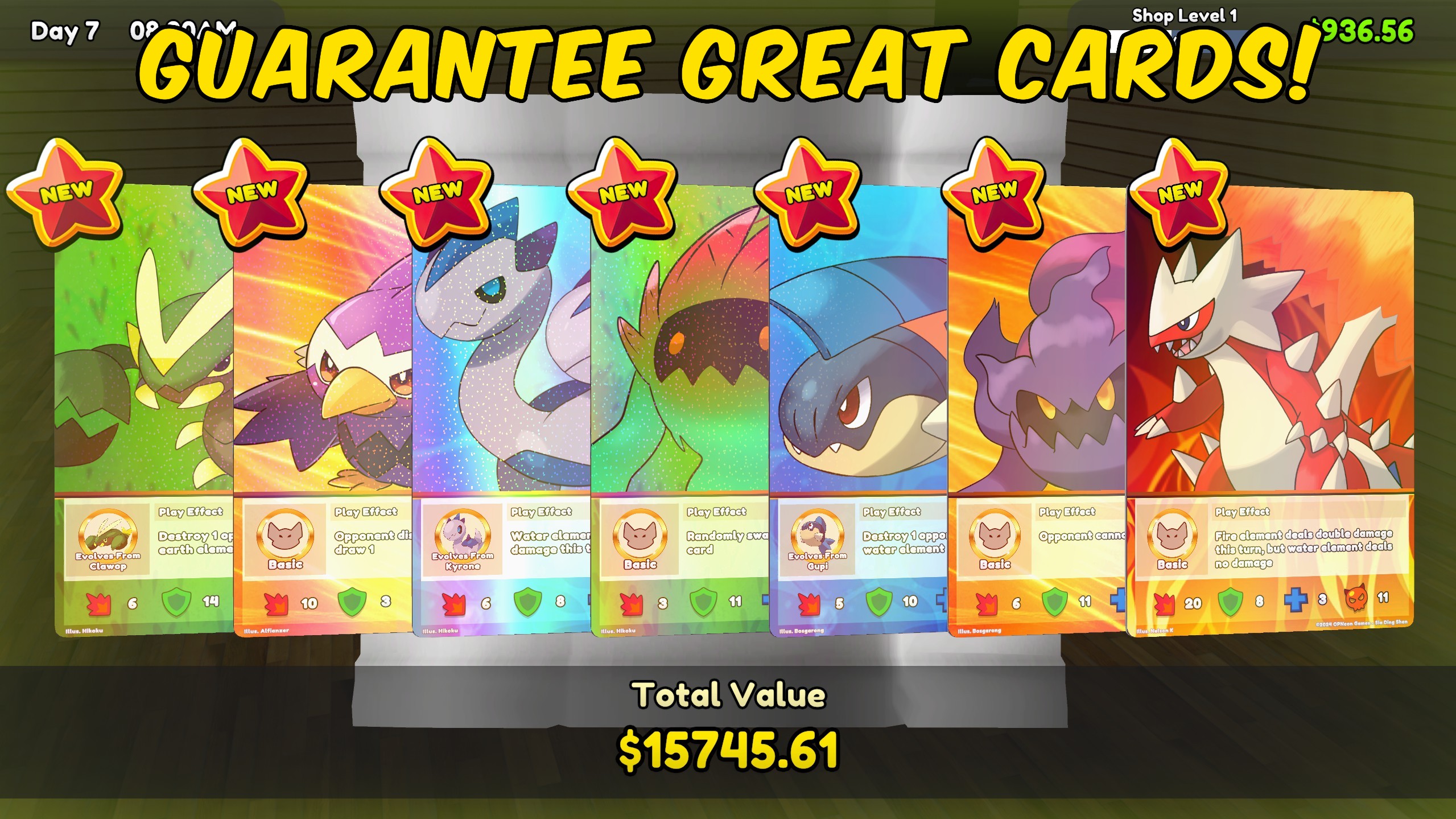
Pack Luck Controller
Multiply rare, epic, legendary, foil, and special-card chances, or guarantee premium pulls and special packs.
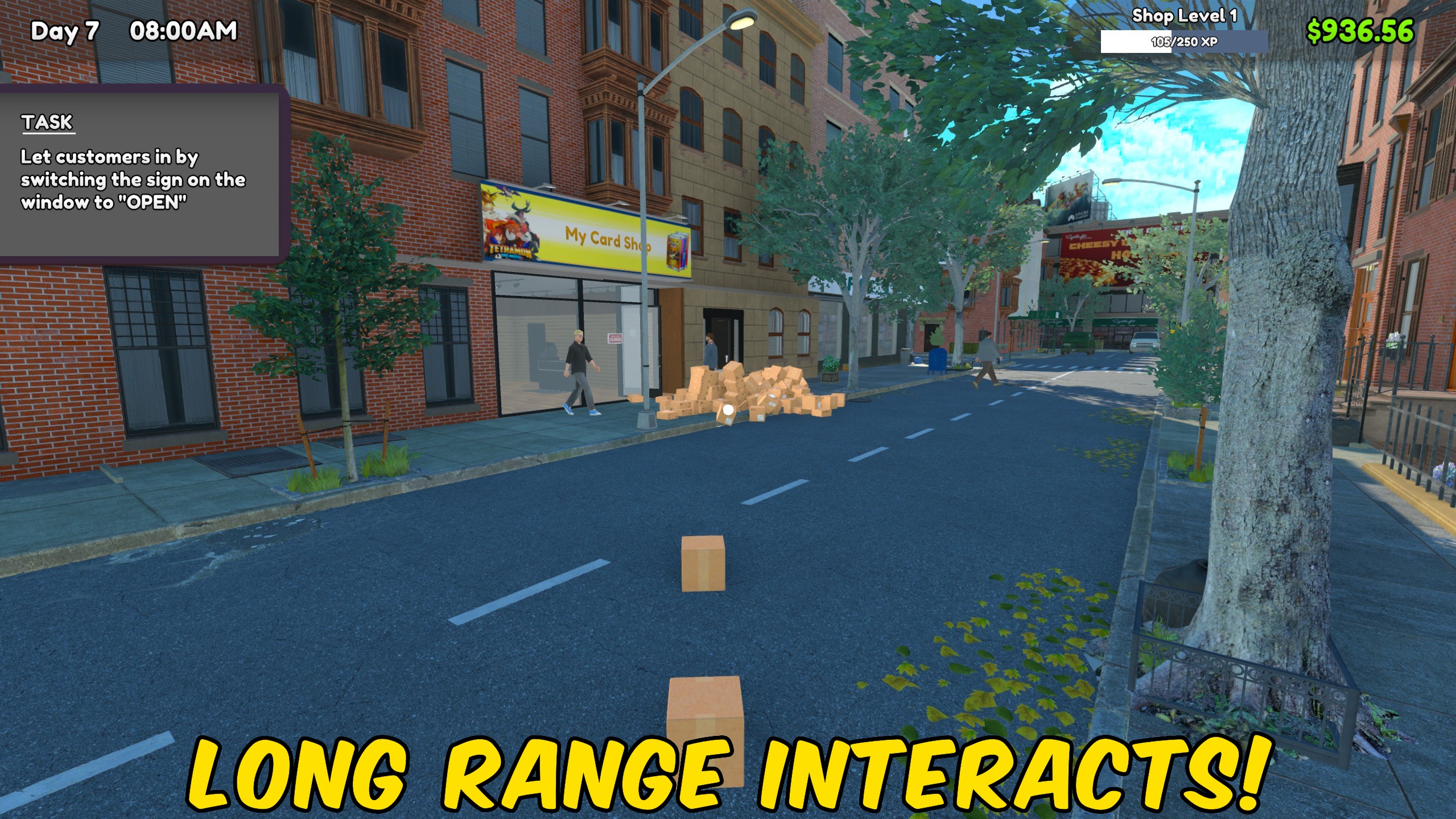
Movement Controller
Adjust movement speed, jump height, gravity, and interaction distance with independent multipliers.
/TCGCardShopSimulatorTrophyCabinet1.jpg)
Achievement Unlocker
Choose any TCG Card Shop Simulator achievement to unlock individually, unlock them all, or lock the full list again.







