Want more mods for The Long Drive? Explore our entire collection!
Time Control
"Your road trip, your time of day."
How do I install Time Control?
Download the free ProjectMods desktop app, then install Time Control for The Long Drive in one click.
</>What does Time Control do?
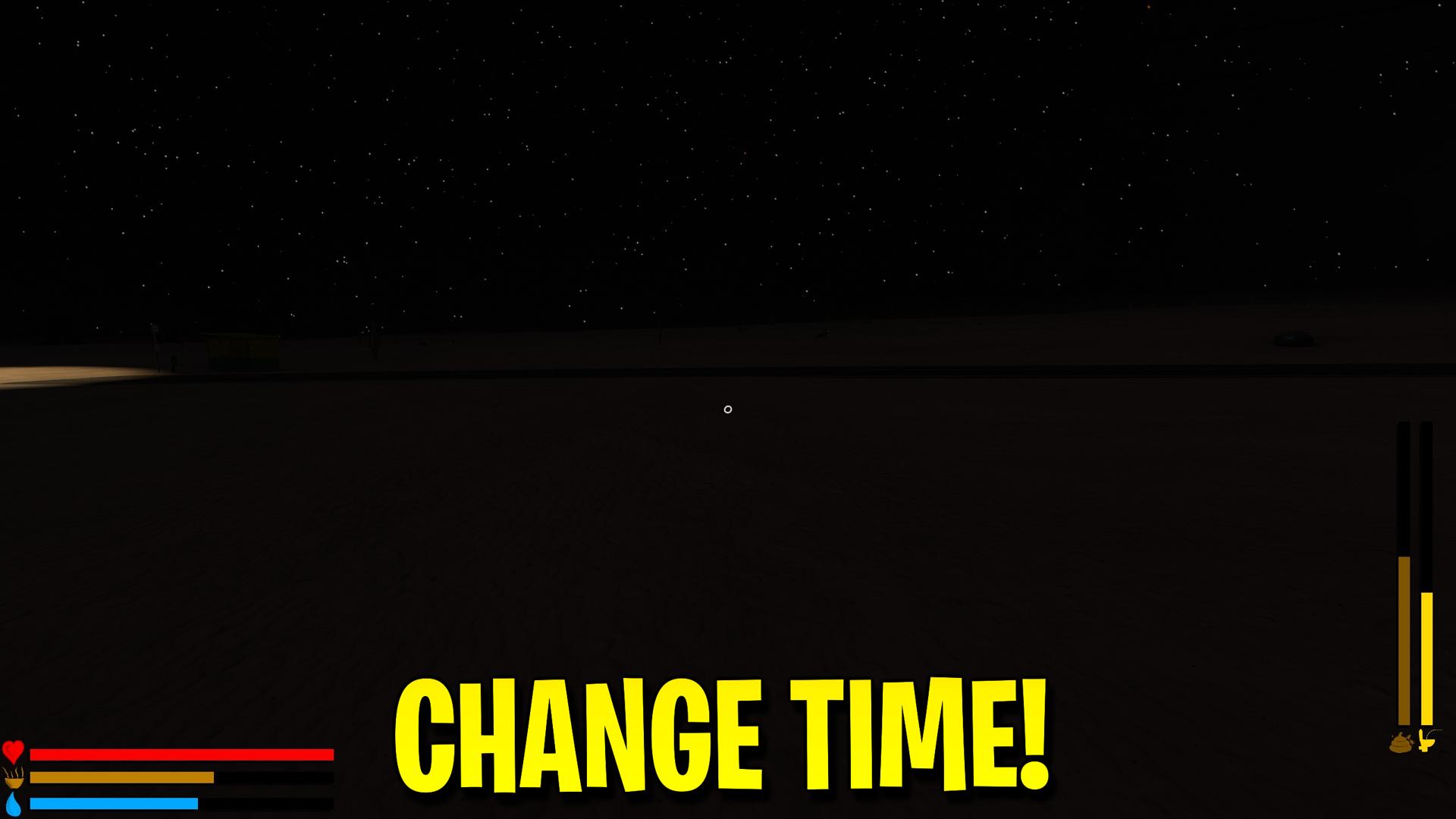
Never let the setting sun interrupt your road trip again. Time Control lets you choose the time of day in The Long Drive, whether you prefer driving under the midday sun, exploring during sunset, or travelling through the desert at night. Select your preferred hour using the 24-hour clock to change the world's time instantly. Skip the darkness when you need better visibility for roadside repairs, or switch to nighttime for a more atmospheric driving experience. Enable Freeze Time to hold your selected hour indefinitely. The day-night cycle stops progressing while you continue driving, exploring buildings, scavenging for supplies, and working on your vehicle. You can maintain permanent daylight or keep the desert under your favourite nighttime lighting conditions. Time Control is also ideal for screenshots and gameplay videos. Find the perfect hour for your scene and freeze it while positioning your vehicle or setting up a shot without worrying about changing sunlight. Disable Freeze Time whenever you want the natural day-night cycle to resume. Enjoy complete freedom over your preferred time of day throughout your single-player adventure.
</>What is Time Control?
The Time Control mod for The Long Drive is a world utility that allows PC players to change the in-game hour and freeze the natural day-night cycle during single-player gameplay. Using a 24-hour clock, players can switch between morning, afternoon, evening, and nighttime without waiting for the world clock to progress naturally. The Freeze Time setting holds the selected hour, maintaining consistent lighting conditions while normal gameplay continues. Players can maintain permanent daylight for vehicle maintenance and desert exploration, enjoy extended nighttime drives, or preserve sunrise and sunset lighting for screenshots and cinematic recordings. Unlike pausing the game, freezing the day-night cycle allows players to continue moving, driving, and interacting with the world. Available through ProjectMods, Time Control is a practical quality-of-life and sandbox utility for customising the atmosphere, visibility, and lighting of The Long Drive.
</>Common questions about Time Control
What does the Time Control mod do in The Long Drive?
It lets you choose the in-game hour and freeze the day-night cycle, allowing you to maintain your preferred time of day while continuing normal gameplay.
How do I change the time of day in The Long Drive?
Use the 24-hour clock setting in Time Control to select your preferred hour. The world's time changes to match your selection.
Can I make it permanently daytime in The Long Drive?
Yes. Set the clock to a daytime hour and enable Freeze Time to maintain daylight indefinitely.
Can I skip nighttime in The Long Drive?
Yes. Select a morning or daytime hour to immediately switch from darkness to daylight.
Can I make it permanently nighttime?
Yes. Choose a nighttime hour and enable Freeze Time to prevent the day-night cycle from progressing.
Does freezing time pause the entire game?
No. Freeze Time stops the progression of the day-night cycle while allowing you to continue driving, exploring, repairing vehicles, and interacting with the world.
Can I freeze sunrise or sunset for screenshots?
Yes. Select an hour with your preferred sunrise or sunset lighting and enable Freeze Time to preserve it while setting up screenshots or recording videos.
How do I restore the normal day-night cycle?
Disable Freeze Time to allow the in-game clock and natural day-night cycle to progress again.
Can I change the time without freezing it?
Yes. You can select a different hour while leaving Freeze Time disabled, allowing the day-night cycle to continue naturally from your chosen time.
Does Time Control support multiplayer?
Time Control works in single-player drives.
What options does Time Control include?
Time of Day
Choose a time on the 24-hour clock to apply with Set Time.
Freeze Time
Hold the current time of day while you keep playing.
Set Time
Jump to the selected time of day.
Time Control lets you set any hour of the day in The Long Drive and freeze the day-night cycle. Keep your preferred lighting conditions while driving, exploring, repairing vehicles, or taking screenshots in single-player.
System Requirements
What features does Time Control include?
- Instantly change the time of day using a 24-hour clock.
- Freeze the day-night cycle at your selected hour.
- Maintain permanent daylight while driving and exploring.
- Keep nighttime conditions without waiting for another sunset.
- Preserve sunrise or sunset lighting for screenshots and videos.
- Continue driving, repairing vehicles, and interacting with the world while time is frozen.
- Resume the natural day-night cycle by disabling Freeze Time.
Best For
- Keep daylight indefinitely during long-distance road trips.
- Skip nighttime when searching abandoned buildings for supplies.
- Maintain better visibility while repairing or restoring your vehicle.
- Create atmospheric nighttime driving sessions across the desert.
- Freeze golden-hour lighting for scenic vehicle screenshots.
- Record gameplay videos with consistent environmental lighting.
- Switch between day and night to experience familiar locations under different lighting conditions.
- Explore the desert at your preferred time without waiting for the natural day-night cycle.
More Mods for The Long Drive
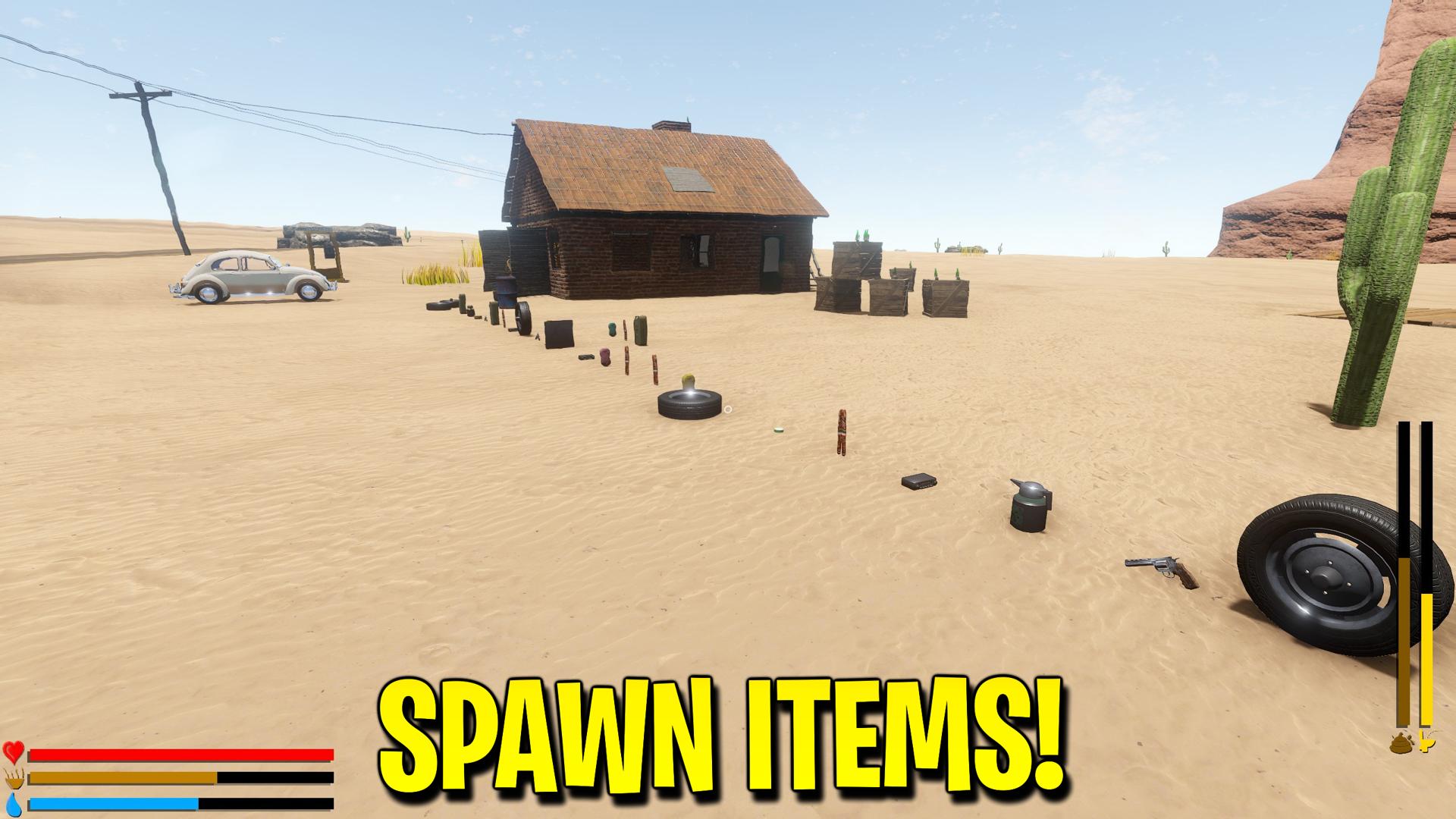
Spawn Items
Put a wheel, radiator, fuel can, or other supply on the ground where you need it.
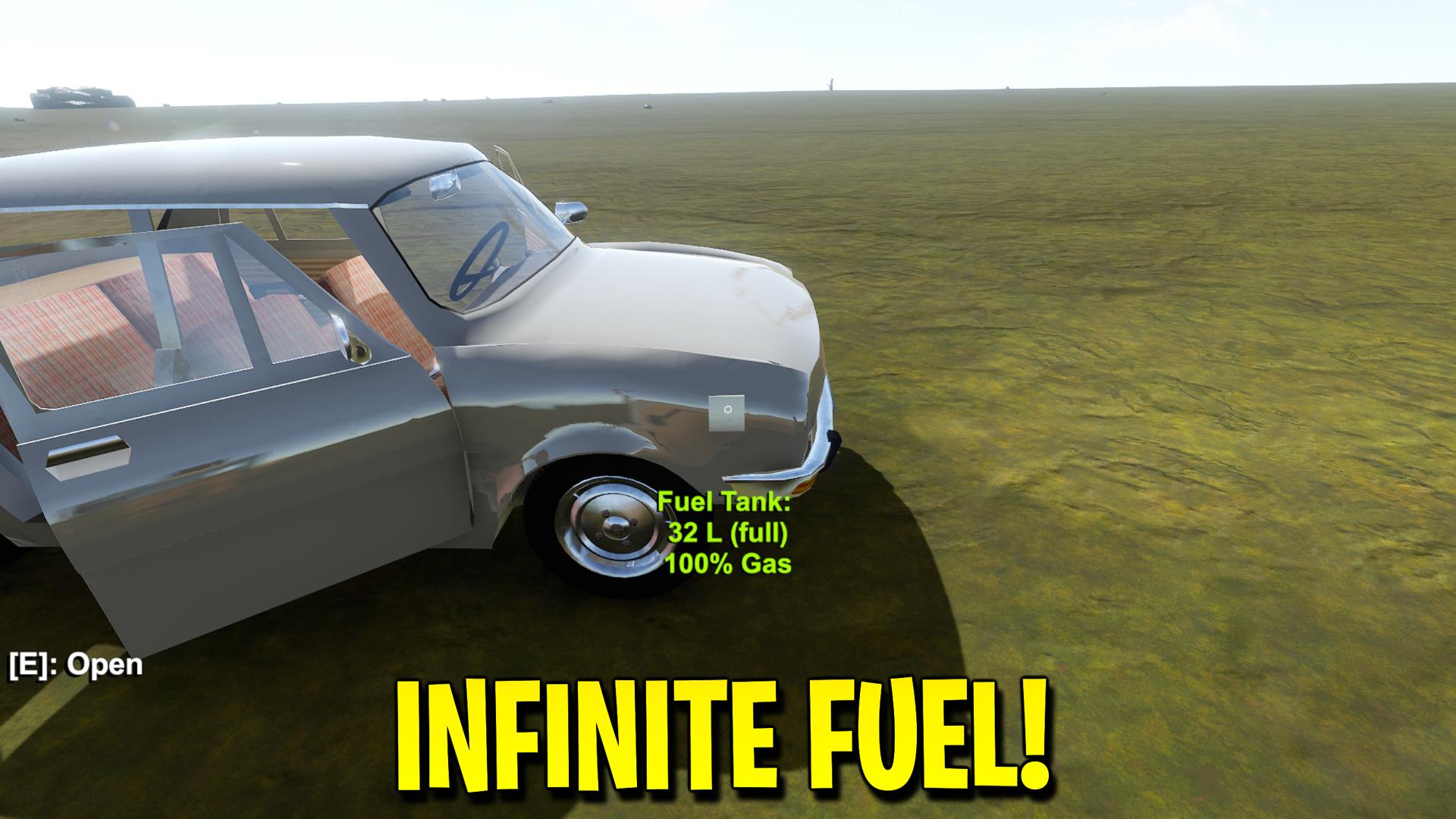
Infinite Fuel
Keep your tank, oil reservoir, and radiator full. A separate switch stops heat from costing the engine power.
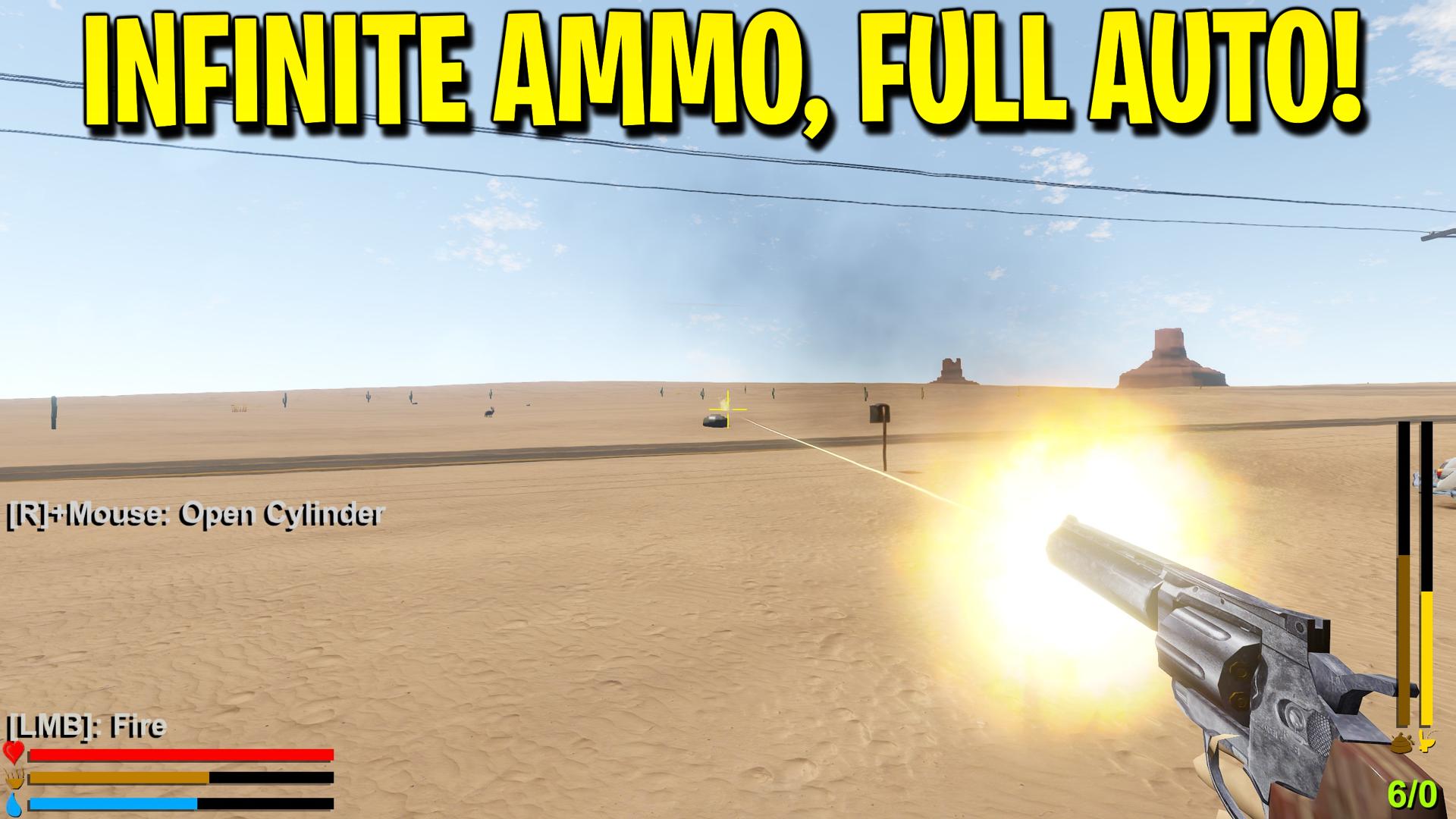
Unlimited Ammo
Save the ammo you reload with, fire without reloading, or hold the trigger to keep shooting.







