Want more mods for Timber Rush? Explore our entire collection!
Give Coins
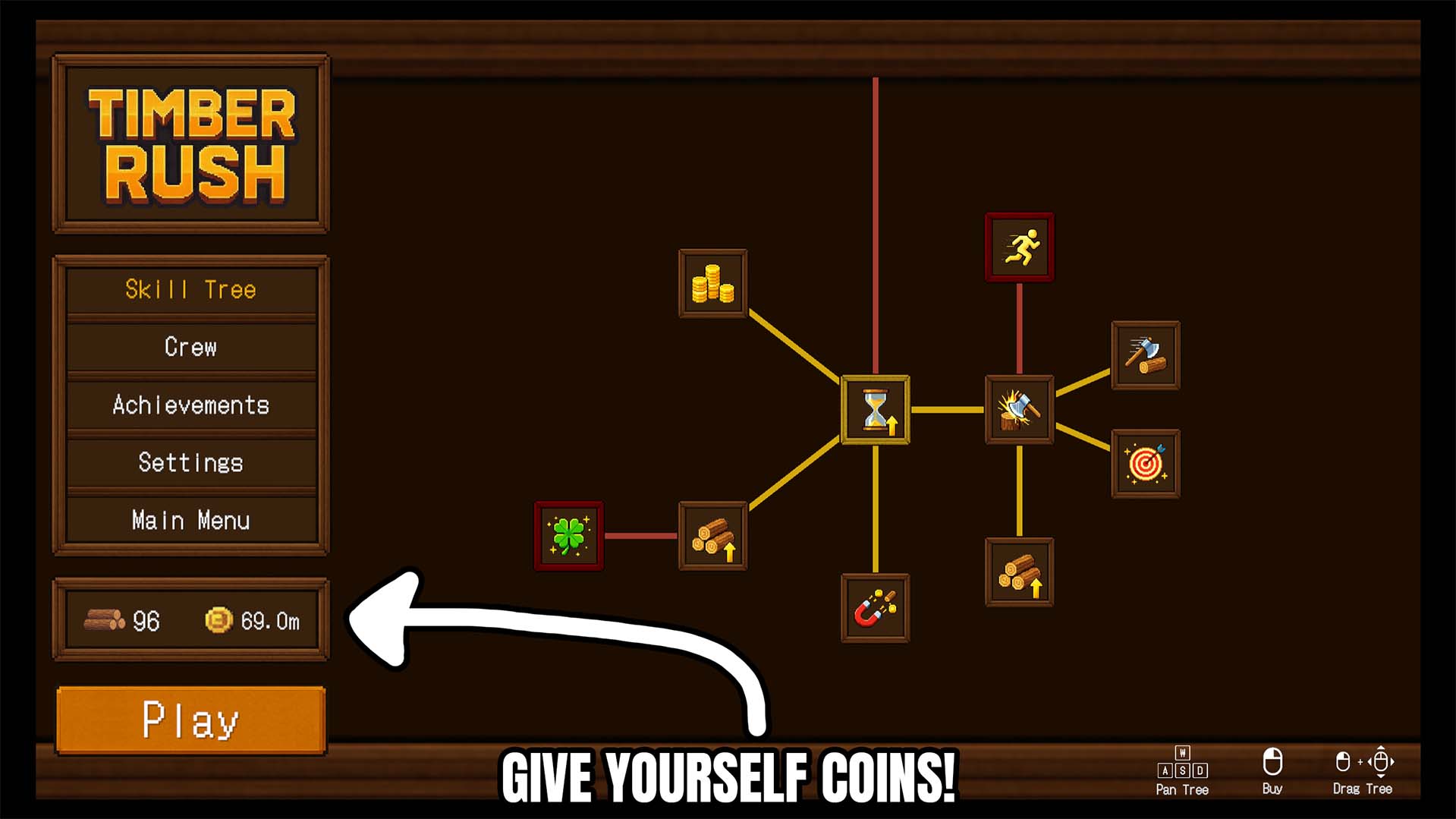
"Add coins instantly and keep the numbers climbing."
How do I install Give Coins?
Download the free ProjectMods desktop app, then install Give Coins for Timber Rush in one click.
</>What does Give Coins do?
Give Coins adds fast, direct coin controls to Timber Rush so you can boost your currency whenever you want without waiting for the usual grind. Choose an amount, hit Give, and the selected number of Coins is added immediately. When you want to clean things up, Reset sets your Coins back to zero for a fresh economy state. This is a practical resource utility for players who want to speed up progression, fund upgrades faster, or test different build paths without spending run after run farming currency. Instead of waiting for your coin count to catch up with the idea you want to try, you can jump straight to it and keep the momentum going. The reset option also makes the mod useful beyond simple progression skips. It gives you a quick way to return to a clean save state for challenge runs, controlled testing, or starting over without creating a brand new save. That makes it a flexible option for both relaxed play and more deliberate experimentation. If you want more control over your currency flow in Timber Rush, Give Coins is a clean way to add spending power on demand or wipe the balance for a proper reset whenever you need one.
</>What is Give Coins?
Looking for a Timber Rush mod that lets you add Coins instantly or reset your balance for a clean save? Give Coins adds quick currency controls so you can choose an amount, add it immediately, or set your Coins back to zero whenever needed. It is ideal for faster progression, upgrade testing, sandbox style play, and skipping repetitive coin grind in Timber Rush.
</>Common questions about Give Coins
What does Give Coins do in Timber Rush?
It lets you add the selected amount of Coins instantly and also reset your Coin total back to zero.
Can I choose how many Coins to add?
Yes. You select the amount first, then use Give to add that exact value.
What does Reset do?
Reset sets your Coins back to zero, giving you a clean economy state without starting a brand new save.
Is this useful for testing builds or upgrade paths?
Yes. It is ideal for quickly funding upgrades, trying different progression routes, and experimenting without repeated grinding.
What options does Give Coins include?
Reset Coins
Resets your Coins back to zero.
Amount
The amount of Coins you want to add.
Give Coins
Adds the selected amount of Coins.
Give Coins lets you add the selected amount of Coins instantly in Timber Rush, and also includes a reset option to set your Coins back to zero.
System Requirements
What features does Give Coins include?
- Add the exact amount of Coins you want instantly with quick give controls
- Reset your Coin total back to zero for clean saves, testing, or fresh starts
Best For
- Fund upgrades and progression instantly without waiting on normal coin income
- Reset an overfilled save to zero for testing, challenge runs, or a cleaner restart