Want more mods for Totally Accurate Battle Simulator? Explore our entire collection!
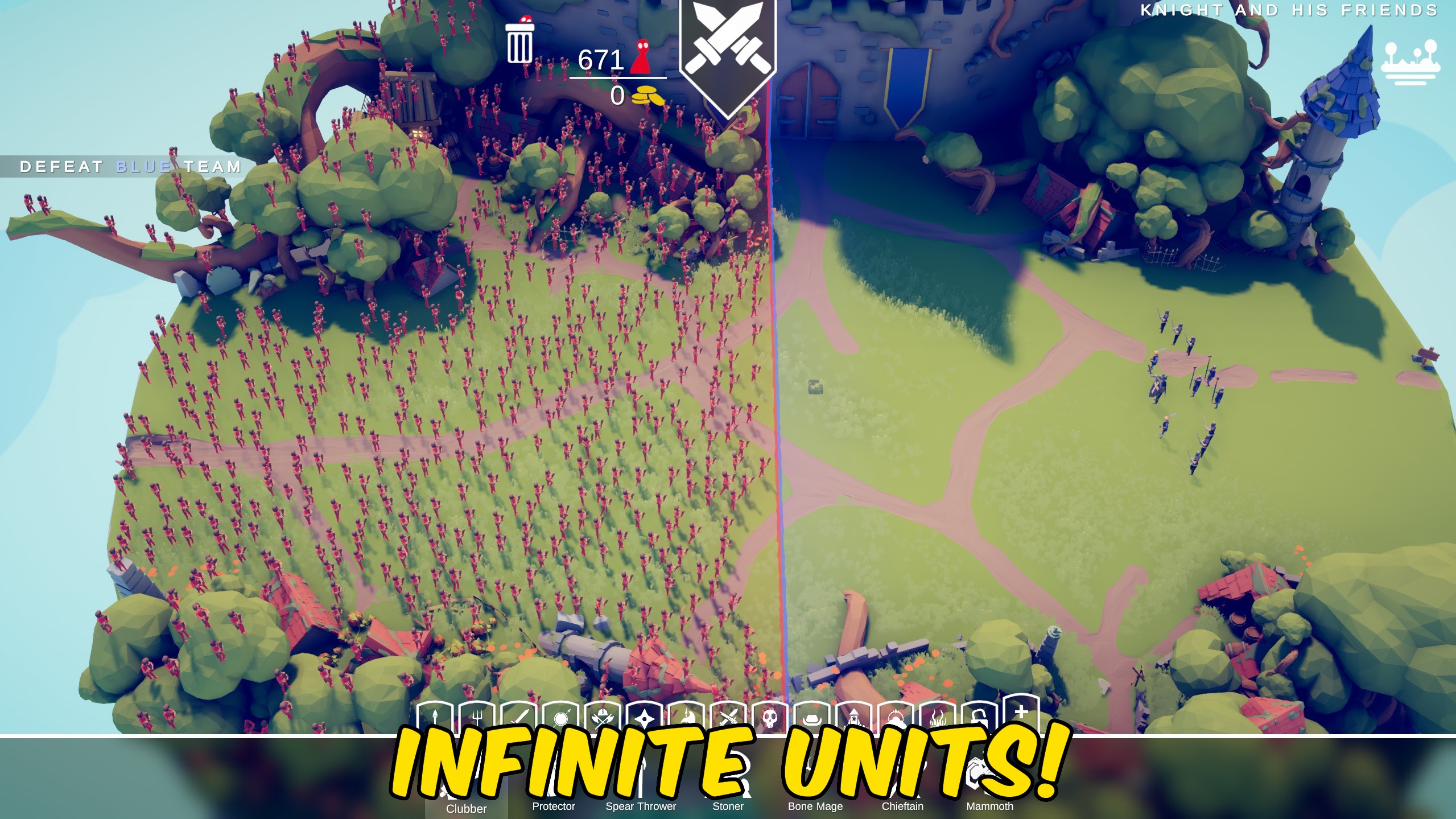
Infinite Unit Cap
"Ignore the placement unit limit and fill the battlefield."
How do I install Infinite Unit Cap?
Download the free ProjectMods desktop app, then install Infinite Unit Cap for Totally Accurate Battle Simulator in one click.
</>What does Infinite Unit Cap do?
Infinite Unit Cap lifts Totally Accurate Battle Simulator's placement max-units check. Enable the toggle to ignore the user placement limit and the gameplay override path the game already uses for unlimited armies. Pair it with Infinite Budget when you want a truly packed campaign field. Turn it off to restore the normal unit cap on the next placement check.
</>What is Infinite Unit Cap?
ProjectMods Infinite Unit Cap for Totally Accurate Battle Simulator removes the placement max-units gate so players can build oversized armies for sandbox chaos or stress tests.
</>Common questions about Infinite Unit Cap
Will performance drop?
Very large armies can slow the simulation. Start smaller if the frame rate dips.
Does it work in campaign?
Yes. Placement checks that enforce the user max units are skipped while enabled.
Is multiplayer supported?
Local placement benefits. Online matches may still enforce their own limits.
How do I turn it off?
Disable Infinite Unit Cap and the normal placement limit returns.
What options does Infinite Unit Cap include?
Infinite Unit Cap
Ignore the placement unit limit while this is enabled.
Enable Infinite Unit Cap to place units past the normal army size limit.
System Requirements
What features does Infinite Unit Cap include?
- Removes the placement unit limit while enabled
- Uses the game placement override path
- Restores the normal cap when disabled
Best For
- Build massive armies beyond the default cap
- Pair with Infinite Budget for full-field tests
More Mods for Totally Accurate Battle Simulator
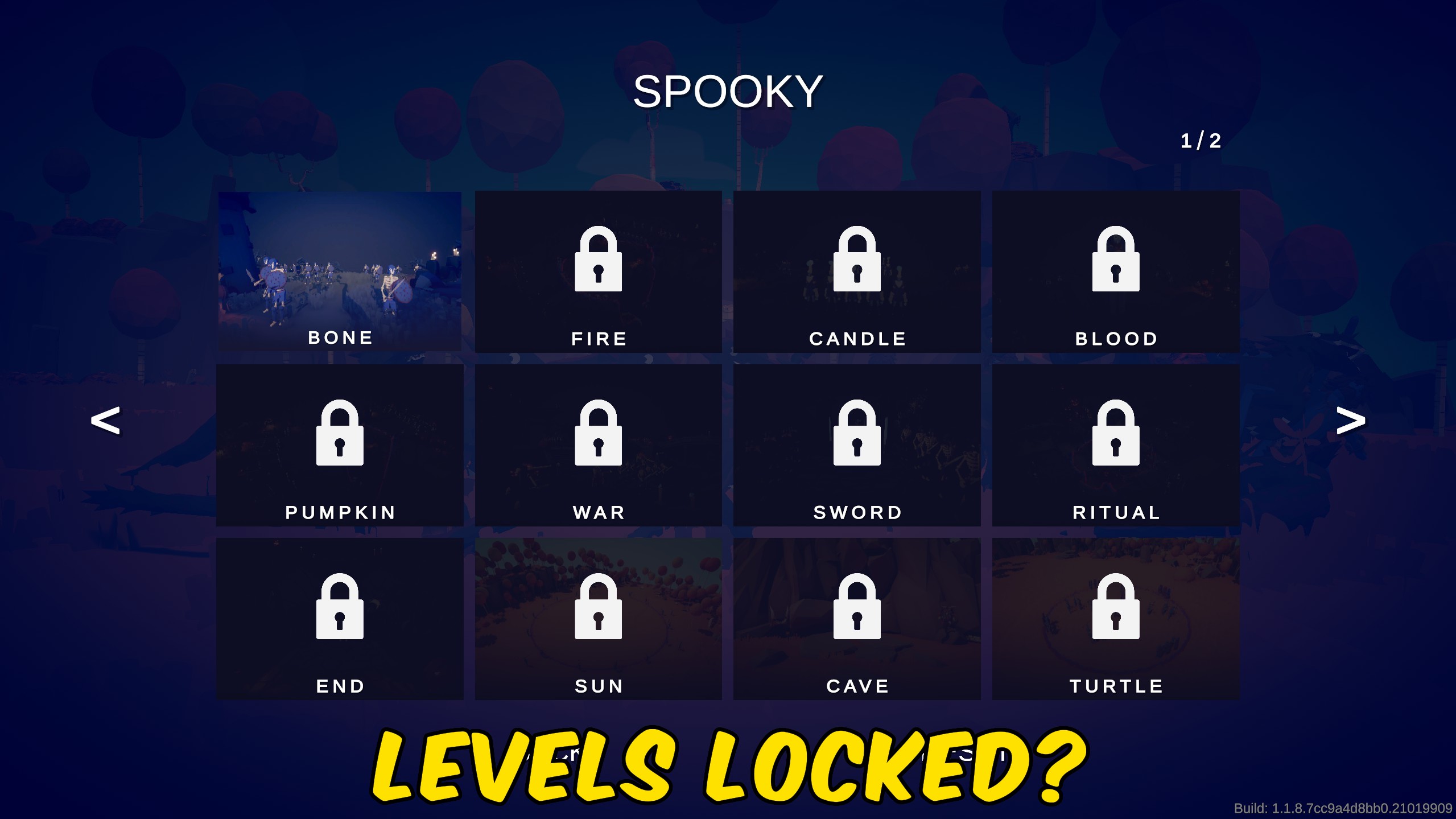
Unlock All Levels
Mark every official Totally Accurate Battle Simulator campaign level as beaten so the full campaign list opens.
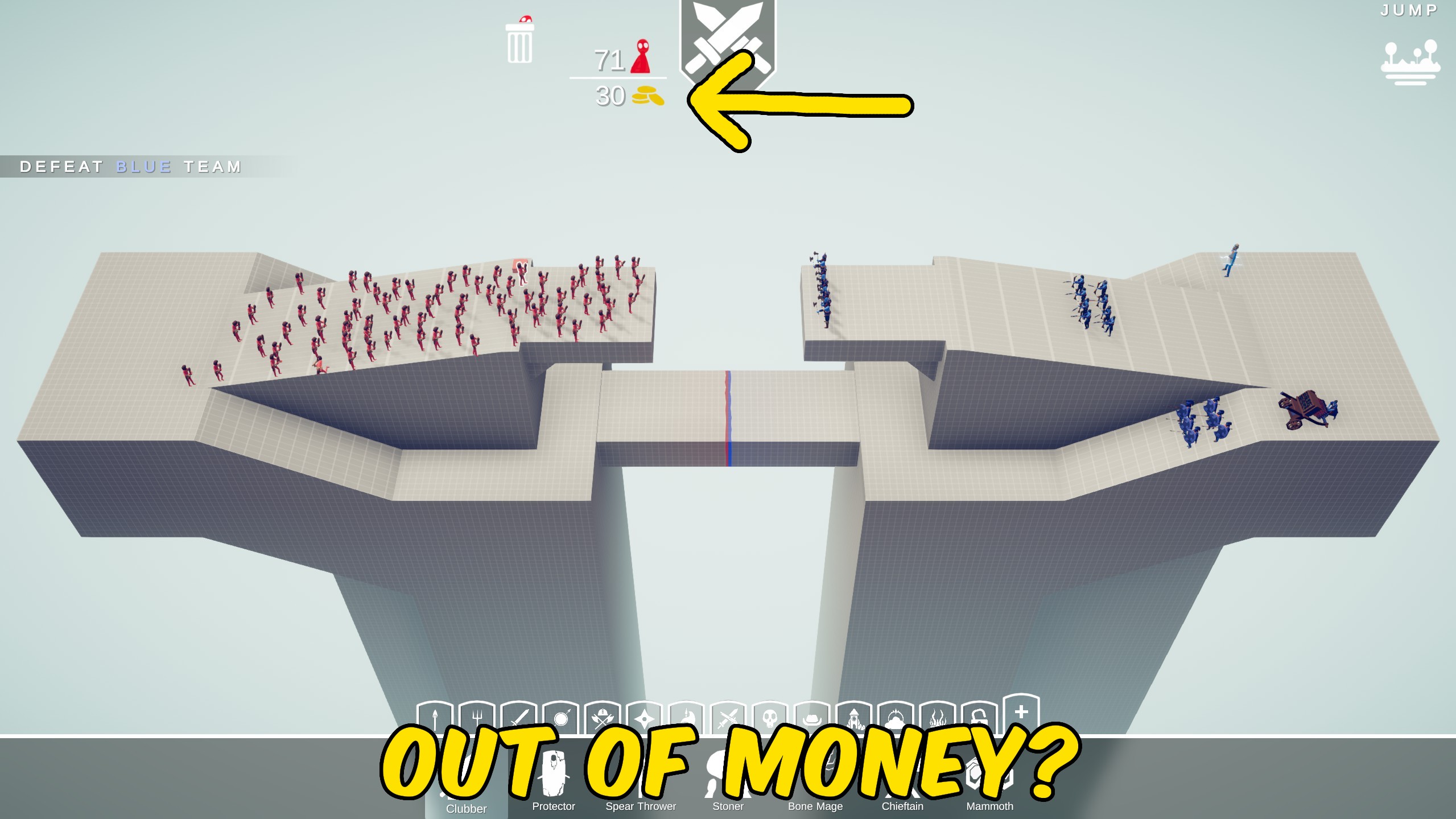
Infinite Budget
Keep campaign and local multiplayer army budgets infinite so unit placement never runs out of gold.
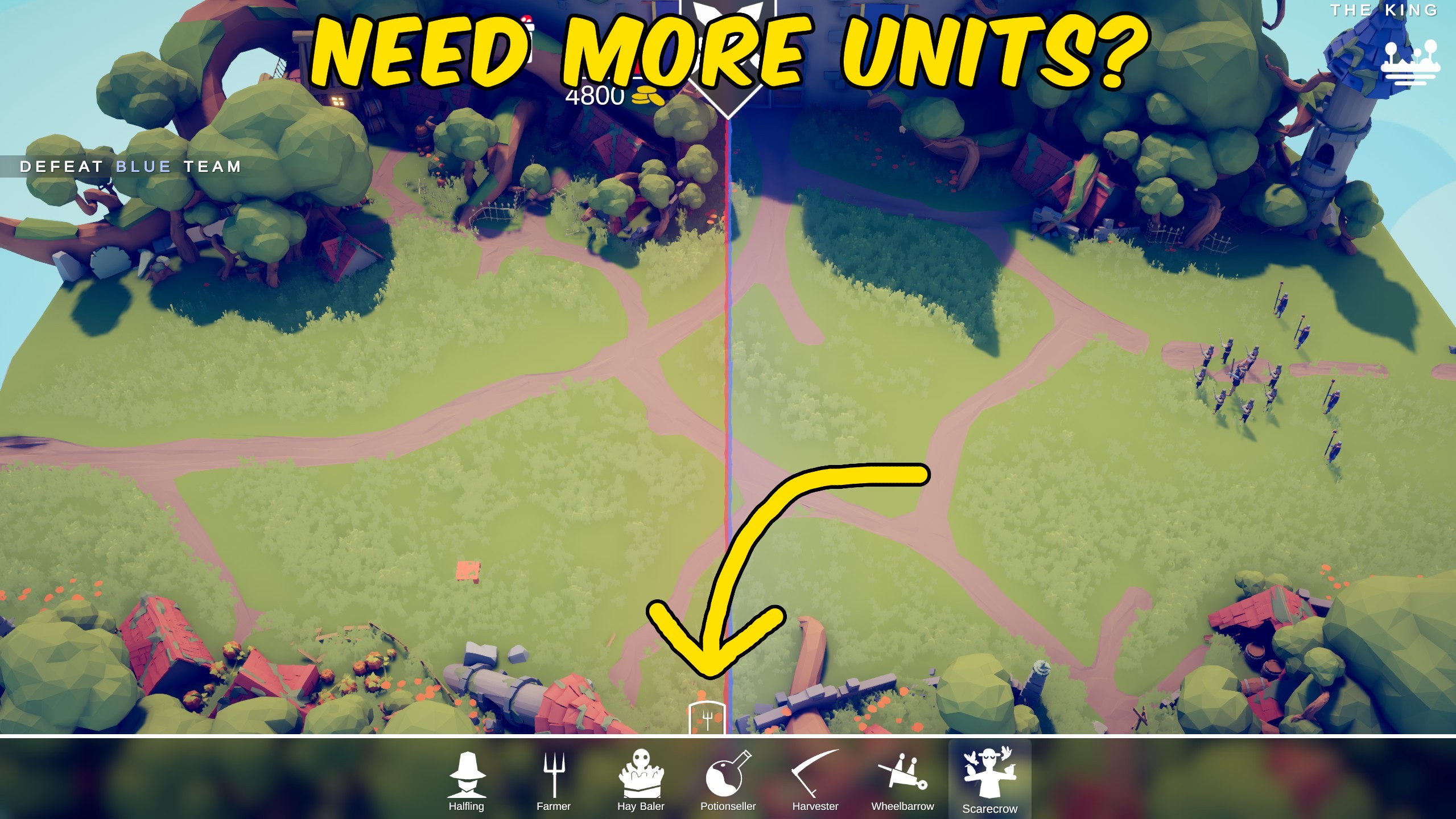
Unlock All Units
Unlock every campaign unit and secret wobbler for placement, including faction-restricted levels.



























































































































































































