Want more mods for Two Point Campus? Explore our entire collection!
Tuition Windfall
"Skip the bake sale. Fund the whole campus in one click."
How do I install Tuition Windfall?
Download the free ProjectMods desktop app, then install Tuition Windfall for Two Point Campus in one click.
</>What does Tuition Windfall do?
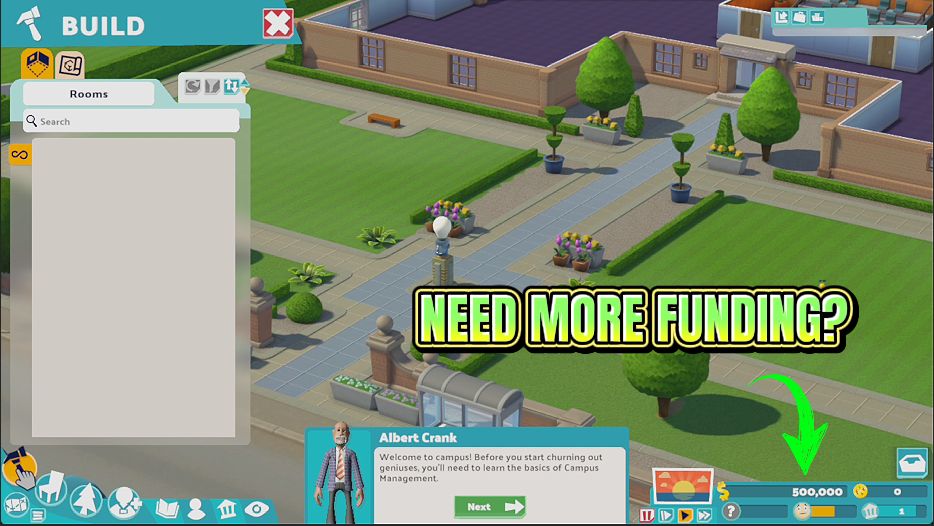
Every big idea in Two Point Campus costs money, and money arrives one tuition payment at a time. Tuition Windfall removes the waiting. Type in the amount you want, press the button, and your campus funds jump immediately. Use it to build the lecture hall you actually want instead of the one you can just about afford, to kit out every dorm with the good furniture, or to rescue a campus that has slid quietly into the red. There is also a reset that puts your balance back to zero, which is perfect if you like setting yourself a tight budget challenge and want a clean slate to start from. Both work on the campus you are currently running, and your existing save carries on exactly as it was.
</>What is Tuition Windfall?
Every big idea in Two Point Campus costs money, and money arrives one tuition payment at a time. Tuition Windfall removes the waiting: type an amount, press the button, and your campus balance jumps immediately, with the real before and after figures shown rather than a blind confirmation. A reset to zero is included. From ProjectMods, the community-first modding app with one-click mods for 400+ PC games.
</>Common questions about Tuition Windfall
What does Tuition Windfall do in Two Point Campus?
Tuition Windfall adds however much campus money you type straight to your Two Point Campus balance, and shows you the real before and after figures rather than a blind confirmation. Money in the normal game arrives one tuition payment at a time, which is fine until you want the lecture hall you actually planned instead of the one you can just about afford. This removes the wait. There is also a reset that puts the balance back to zero for players who like setting themselves a tight budget. Everything else about the save carries on exactly as it was.
Does adding money with Tuition Windfall confuse the campus finances?
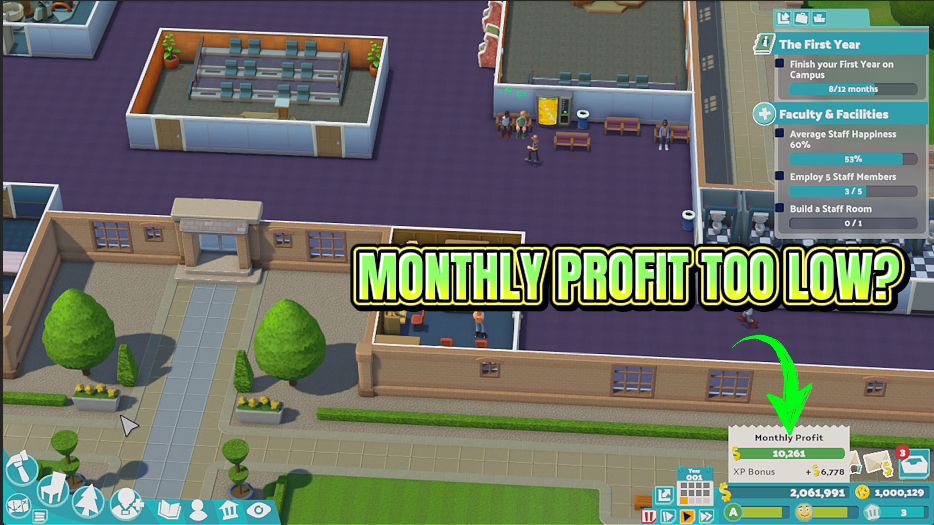
No. The money arrives as proper campus funds, so the on-screen balance updates immediately and the monthly finance breakdown still adds up afterwards. You will not end up with a figure in the corner that disagrees with the accounts screen, which is the usual worry with this kind of thing. Loans, expenses and income all keep working normally in Two Point Campus around it. The before and after figures the mod reports come from the balance itself, which is why they are worth reading: if a press ever did not land, the two numbers would be the same and you would know straight away.
Do I need to be in a campus for Tuition Windfall to work?
Yes. Tuition Windfall works on the campus you currently have open, not the main menu, because a campus balance only exists once a save is loaded. Load in first, then press Give Cash and the funds appear straight away. Two Point Campus is single-player, so there is nothing to think about regarding hosts or guests, and whatever you add is simply yours. If a press does not seem to do anything, being on the menu rather than in a campus is by far the most likely reason, and the before and after figures will make that obvious.
What does the Clear Balance option do?
Clear Balance sets your Two Point Campus funds back to zero, which sounds strange on a mod that gives you money until you have tried a budget challenge. Wipe the balance, then add exactly the amount you have decided a campus is allowed, and build inside that limit. It is also the quickest way to undo an overly generous top-up. The other two options are straightforward: Cash Amount is the figure you type, and Give Cash hands it over. Because the amount stays where you set it, you can press Give Cash repeatedly without retyping anything.
What is the Diagnose button for?
Diagnose is there for the rare occasion when something is not behaving as expected. Press it and Tuition Windfall saves a short status note in your ProjectMods mods folder, describing what it is finding in your campus right now. Most players will never touch it, and it exists so that if you do run into something odd, there is a concrete answer available rather than guesswork. If you ever report an issue to us, that note is the fastest way for us to work out what happened in your game. Otherwise it sits quietly in the options and stays out of your way.
What options does Tuition Windfall include?
Clear Balance
Sets your campus balance back to zero for a fresh budget challenge.
Give Cash
Adds your chosen amount to the campus balance right now.
Cash Amount
How much money to add each time you press the button.
Diagnose
Writes a short status file to your ProjectMods mods folder if something is not behaving.
Tuition Windfall drops whatever amount of campus money you type straight into your Two Point Campus balance, and shows the real balance before and after so you can be sure it landed. A reset to zero is included. Find it in the ProjectMods catalog.
System Requirements
What features does Tuition Windfall include?
- Type any amount and drop it straight into your campus funds, as many times as you like
- Shows your real before and after balance, so you can see exactly what landed
- Includes a reset that wipes the balance to zero for a self-imposed budget challenge
- Keeps your monthly finance breakdown tidy, so the numbers still add up when you check the books
- Works on the campus you currently have open and leaves the rest of your save exactly as it was
Best For
- Players who want to build the lecture theatre they actually pictured rather than the cheapest one that fits
- Anyone rescuing a campus that has quietly slid into the red and needs breathing room to fix the real cause
- Decorators kitting out every dorm with the good furniture instead of the version that fits the budget
- Challenge players who zero their balance on purpose and see whether they can run a campus from absolutely nothing