Want more mods for Vacation Cafe Simulator? Explore our entire collection!
Deep Breath (Never Drown)
"Dive for oysters and pearls as long as you like — your lungs never run out."
/VacationCafeSimulatorDeepBreath1.png)
How do I install Deep Breath (Never Drown)?
Download the free ProjectMods desktop app, then install Deep Breath (Never Drown) for Vacation Cafe Simulator in one click.
</>What does Deep Breath (Never Drown) do?
The best oysters are down deep, but your breath only lasts so long. Deep Breath keeps your air topped up while you're underwater, so you can search the seabed at your own pace without racing back to the surface. Perfect for oyster hunts, pearl diving and exploring every corner of the coast without a countdown hanging over you.
</>What is Deep Breath (Never Drown)?
The best oysters and pearls sit deep, but your breath only lasts so long. Deep Breath keeps your air full while you dive in Vacation Cafe Simulator, so you can comb the seabed at your own pace — perfect for oyster hunts and pearl diving with no countdown pulling you up. From ProjectMods, the community-first PC mod manager for 400+ games.
</>Common questions about Deep Breath (Never Drown)
What does Deep Breath do in Vacation Cafe Simulator?
Deep Breath keeps your air meter topped up while you're underwater in Vacation Cafe Simulator, so diving never cuts short. Normally your breath drains the longer you stay down, forcing a sprint back to the surface right when you've spotted the good oysters. With Deep Breath on, that timer stops being a problem — you can stay under and search the seabed at whatever pace you like. It's a single on/off toggle: flip it on before you dive and your lungs simply never run dry. Turn it off any time to go back to normal breath-holding. Great for anyone who'd rather explore the coast than watch an air gauge.
How does the air meter work with Deep Breath turned on?
With Deep Breath enabled in Vacation Cafe Simulator, your underwater air simply stops counting down. Instead of draining while you swim and dive, the meter stays full the entire time you're submerged, so there's no point where the game yanks you back up for breath. Nothing else about diving changes — you still swim, collect oysters, and surface exactly as normal. The only difference is that the countdown that usually limits each dive is off the table. This means you can plan longer routes across the seabed, wait out a pearl you're after, or double back for a spot you missed, all without a breath timer dictating when your trip ends.
Can I still surface and breathe normally while Deep Breath is on?
Yes. Deep Breath only removes the drowning risk in Vacation Cafe Simulator — it doesn't trap you underwater or change how swimming feels. You surface, climb out, and walk around exactly as you always would; the mod just makes sure your air never hits zero while you're down there. Because it's a simple toggle, you stay in full control: leave it on for a long oyster run, then switch it off when you want the normal challenge back. It doesn't touch other players' air in co-op, and it doesn't alter what you find on the seabed. Your hauls, oysters and pearls all behave the same — you just get unlimited time to collect them.
Does Deep Breath have any settings, or is it just on and off?
Deep Breath keeps it simple: there's a single Enabled toggle and nothing else to configure in Vacation Cafe Simulator. Flip it on to keep your diving air full, flip it off to return to the normal breath limit. There's no slider or number to tune because the mod does exactly one thing — stop your air from running out underwater. That makes it easy to use on the fly: turn it on before a deep oyster hunt, then turn it off if you'd like the tension of a countdown back for a session. If you want to move faster between dives as well, it pairs naturally with Espresso Shot, which speeds up how quickly you swim.
Why would I use Deep Breath instead of just surfacing for air?
Deep Breath is for anyone who finds the diving air limit more annoying than exciting in Vacation Cafe Simulator. The best oysters and pearls tend to sit in the deepest spots, and constantly racing back up for breath breaks the rhythm of a good hunt. With the mod on, you can settle into exploring — comb every corner of the seabed, chase a pearl you spotted at the edge of your range, or just enjoy the underwater scenery without a gauge counting down. It's especially handy when you're diving for a specific recipe ingredient or working toward a diving-related goal and don't want to redo a trip because your air ran out at the wrong moment.
What options does Deep Breath (Never Drown) include?
Enabled
Turn on to keep your air full while diving.
Deep Breath is a mod for Vacation Cafe Simulator from ProjectMods, the community-first PC mod manager for 400+ games. It keeps your diving air topped up so you can hunt oysters and pearls on the seabed for as long as you like, with no rush back to the surface.
System Requirements
What features does Deep Breath (Never Drown) include?
- Tops up your air the whole time you're under, so a dive never gets cut short
- Toggle it on before you head down and stay under as long as the oysters keep coming
- Explore the seabed at a relaxed pace instead of racing the surface every trip
- Flip it off any time to go back to holding your breath the normal way
Best For
- Pearl hunters combing the seabed for the rarest oysters without popping up for air every few seconds
- Completionists chasing the hundred-oysters milestone who don't want a good dive cut short
- Relaxed players who find the breath timer stressful and just want to soak in the underwater scenery
- Streamers showing chat the best diving spots while they talk, with no countdown pulling them up
More Mods for Vacation Cafe Simulator
/VacationCafeSimulatorSupplyRun1.jpg)
Supply Run (Give Any Item)
Choose any item from the game's list and hand yourself a stack of it. Press Refresh Items to load the list first.
Espresso Shot
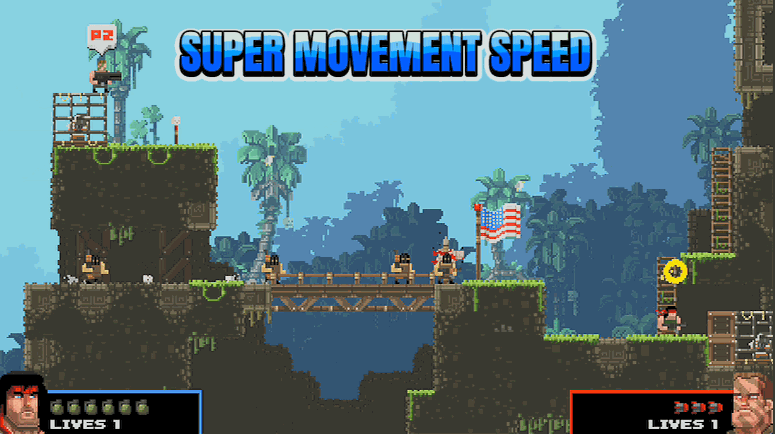
Move faster on foot and in the water. Dial the boost from a gentle jog to a full-on sprint.
Clean Sweep
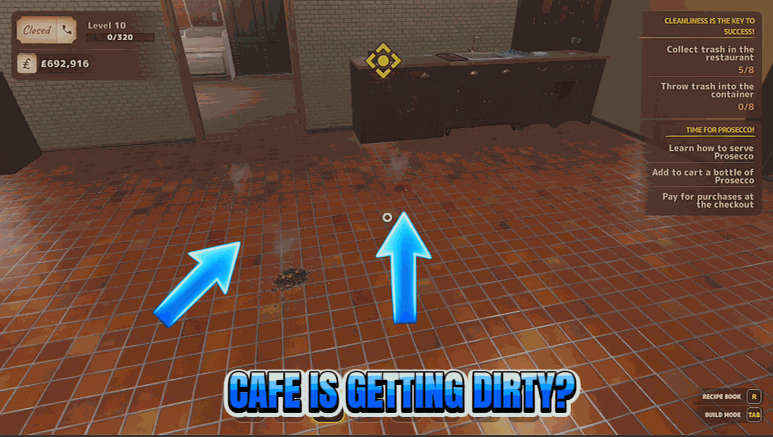
Wipe every mess in the restaurant spotless in a single tap, or leave auto-clean on to keep it that way.







