Want more mods for Wizard with a Gun? Explore our entire collection!
Summoning Circle
"Call anything in the world to come and stand next to you."
How do I install Summoning Circle?
Download the free ProjectMods desktop app, then install Summoning Circle for Wizard with a Gun in one click.
</>What does Summoning Circle do?
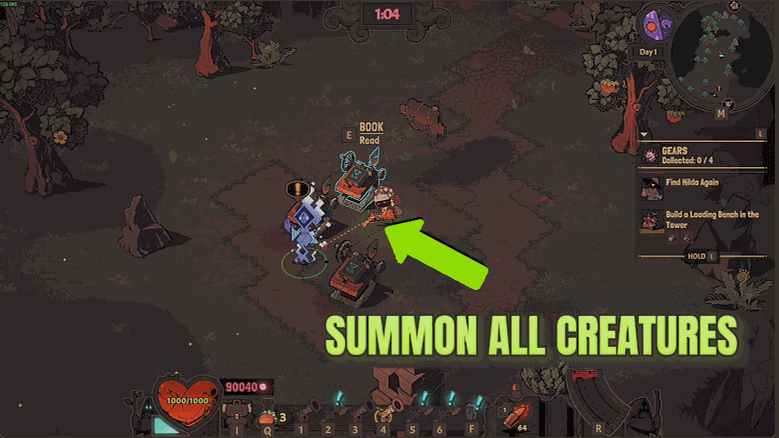
Some of the best things in Wizard with a Gun are things you meet once. A boss with a pattern you only half learned. A creature you shot before you got a good look at it. A piece of scenery you would love to put in your own corner of the world. Summoning Circle lets you call any of them in whenever you like. Press Refresh Creature List once you are in a world and the picker fills with everything the game can stand up on its own - creatures, animals, Mechana, bosses, traps, chests, crafting stations, Tower furniture and biome scenery. The names are the game's own, and where several things share a name you get a second label beside them so you can tell them apart. Find what you want with the search box, press Summon, and it walks in a couple of steps away from you. It lands somewhere sensible rather than somewhere silly. Before anything arrives, the mod looks for a patch of proper ground near you - clear of the void, clear of whatever is already standing there. If there is no clear spot nearby it uses the ground under your own feet, which is always safe. And what turns up is the real thing, fully alive and behaving exactly as it would out in the wild. Two honest notes. You need to be loaded into a world, because nothing can be called in from the main menu or a loading screen - the mod will tell you so rather than doing nothing. And there is a short beat between pressing Summon and the thing appearing, so give it a moment before deciding it did not work. And the obvious warning: whatever you call in is the real thing. A boss summoned in your back garden hits exactly as hard as the one in its own arena, and a pack of Mechana does not care that you were the one who called it in. There is no un-summon button, because what arrives behaves like anything the world spawned - kill it, charm it, or simply walk away. That is the fun of it: a boss you can practise against on your own terms, a proper monster parade for a screenshot, or the exact creature you need to test a new gun on.
</>What is Summoning Circle?
Summoning Circle calls anything in Wizard with a Gun over to stand next to you: creatures, animals, Mechana, bosses, traps, chests, crafting stations, Tower furniture and biome scenery. It lands on clear ground a couple of steps away and arrives as the genuine article, so a boss you practise against hits exactly as hard as it does at home. From the ProjectMods catalogue of 1,600+ mods.
</>Common questions about Summoning Circle
What does Summoning Circle do in Wizard with a Gun?
Summoning Circle lets you call anything in the game over to you. Press Refresh Creature List once you are in a Wizard with a Gun world and the picker fills with everything the game can stand up on its own: creatures, animals, Mechana, bosses, traps, chests, crafting stations, Tower furniture and biome scenery. Find what you want with the search box, press Summon, and it walks in a couple of steps away from you. What turns up is the genuine article, a fully working creature or object rather than a hollow copy of one.
Where does a summoned creature actually appear?
Somewhere sensible rather than somewhere silly. Before calling anything in, Summoning Circle looks for a piece of proper ground near you that is clear of the void and clear of anything already standing there. If it cannot find a clear spot nearby it uses the ground under your own feet, which is always safe. There is also a short beat between pressing Summon and the thing arriving in Wizard with a Gun, so give it a moment before deciding it did not work. If you want it somewhere specific, walk there first and summon from that spot.
Is a summoned boss as dangerous as the real one?
Yes. Whatever you call in is the real thing, so a boss summoned in your back garden in Wizard with a Gun hits exactly as hard as the one in its own arena, and a pack of Mechana is a pack of Mechana. There is no un-summon button either, because what arrives behaves like anything the world put there, so you kill it, charm it, or simply walk away from it. Plan accordingly: pick your ground, bring the gun you actually want to test, and do not summon something enormous next to the storage you spent an hour organising.
How do I find what I want in the list?
Press Refresh Creature List once after you load into a world, then type in the search box. The names are the game's own, and where several things in Wizard with a Gun share a name you get a second label beside them so you can tell them apart, which is handy when there are three versions of the same creature. If the list is empty you are on the main menu or a loading screen, and Summoning Circle tells you so rather than doing nothing at all. Refresh once per session and the picker stays filled.
Why would I summon things at all?
Because some of the best things in Wizard with a Gun are things you only meet once. A boss with a pattern you half learned before it killed you, now available to practise against on your own terms. A creature you shot before you got a proper look at it. A piece of biome scenery you would love to put in your own corner of the world. Summoning Circle also makes a fine screenshot tool, since you can stage a monster parade on demand, and it is the quickest way to test whether a new gun build performs against the thing you built it for.
What options does Summoning Circle include?
Creature
Search and pick whatever you want to appear - creatures, enemies, bosses, traps, chests, furniture and scenery are all in here.
Summon
Calls the chosen one in on clear ground a couple of steps from you. Give it a moment to arrive.
Refresh Creature List
Loads every creature and object in the game into the list below. Press this once you are in a world, then use the list's search box to find one.
Summoning Circle is a ProjectMods mod for Wizard with a Gun that lets you pick any creature, animal, boss, trap, chest or piece of scenery from a searchable list and have it appear on solid ground beside you.
System Requirements
What features does Summoning Circle include?
- Calls in anything the game can stand up - creatures, animals, Mechana, bosses, traps, chests, crafting stations and scenery.
- Searches the whole list by name, so you can find one thing among hundreds without scrolling forever.
- Places what arrives on clear ground a couple of steps away, or right where you stand if there is no clear spot nearby.
- Brings in the real thing - a boss in your back garden hits exactly as hard as the one in its arena.
- Has no un-summon button, so kill it, charm it or walk away, exactly as with anything the world spawned.
Best For
- Practising a boss pattern on your own terms instead of waiting for its arena to come round again.
- Getting a proper look at a creature you shot before you had any chance to see what it was.
- Dressing your own corner of the world with the exact piece of biome scenery you liked.
- Testing a freshly built gun on the specific enemy you built it to deal with.
- Content creators staging a monster parade for a thumbnail or a video cold open.
More Mods for Wizard with a Gun
Grand Grimoire
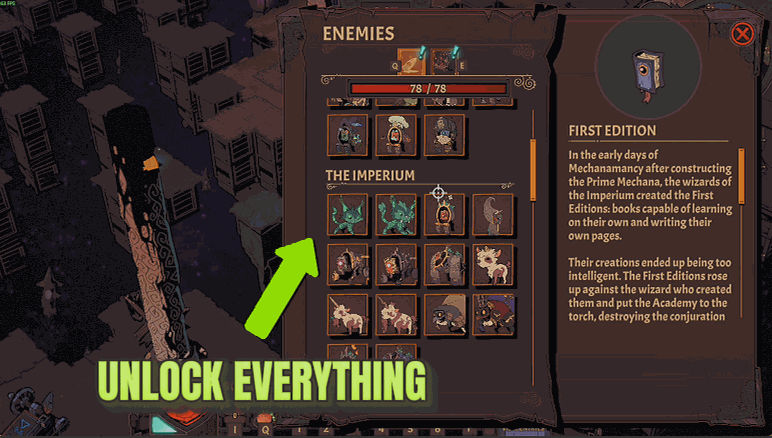
One press opens every craftable recipe, enchantment and bookshelf in the game, clears the blue new markers it would otherwise leave everywhere, and tells you the real count of what it opened.
Cartographer's Eye
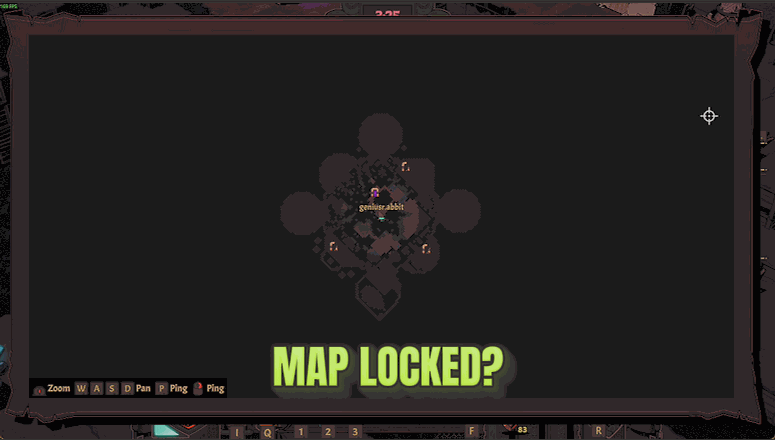
Uncovers the entire map and every icon on it the moment you press the button.
Endless Chamber
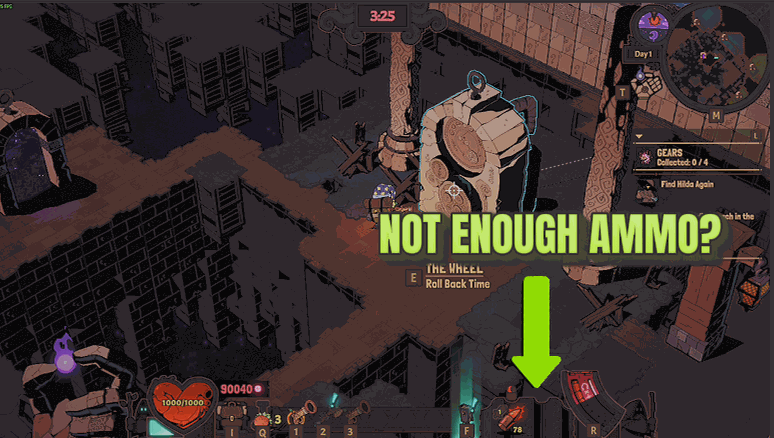
Endless Chamber stops your shots from drawing on your ammo supply, so one batch of bullets carries you through the whole apocalypse. Add Instant Reload and the wait on every reload shrinks to a blink.







