Want more mods for Wobbly Life? Explore our entire collection!
Emote Express
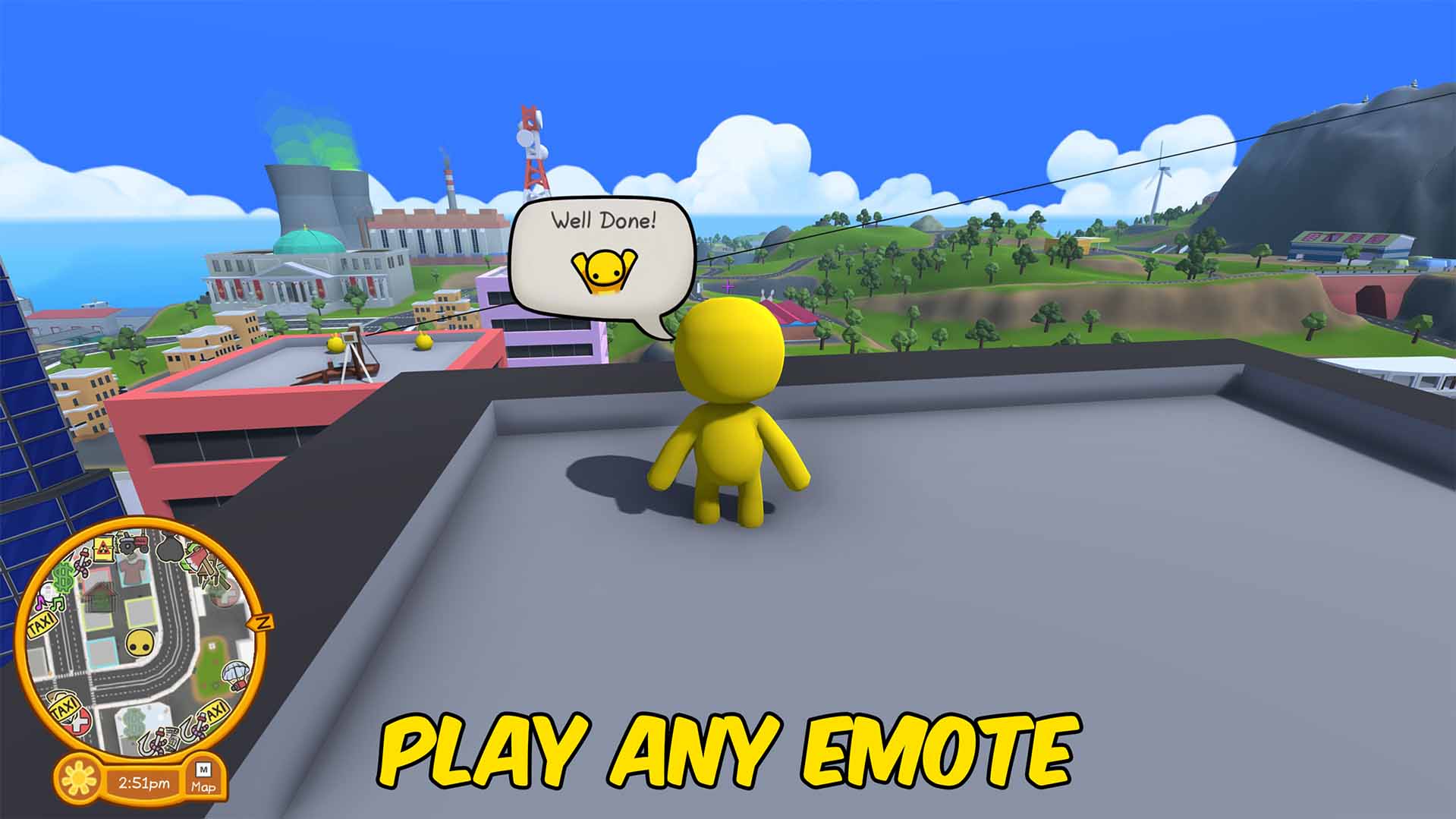
"Fire off any emote on command - and make your wobbly say whatever you type."
How do I install Emote Express?
Download the free ProjectMods desktop app, then install Emote Express for Wobbly Life in one click.
</>What does Emote Express do?
Wobbly Life's emotes are fun - Emote Express puts every one of them (and your own words) right at your fingertips. Pick any emote from the dropdown and hit Play Emote to fire it off instantly - no wheel, no fuss - and everyone in your world sees your wobbly do it. Then there's the fun part: type anything you like into Custom Line, hit Say The Line, and your wobbly says it out loud in a speech bubble above its head. Want a dramatic monologue? Pop a ~ between sentences and it'll play them one after another as separate lines. Great for roleplay, telling jokes, narrating your friends' misadventures, staging little scenes, or grabbing the perfect captioned screenshot. Bind Play Emote and Say The Line to keys and you've got instant reactions on tap. Tip: if the emote list looks empty, hit Refresh Emotes List once you're loaded into a world and every emote the game has will show up.
</>What is Emote Express?
Emote Express is a fun expression mod for Wobbly Life. It gives you a dropdown of every emote in the game so you can play any one instantly on command - everyone in your world sees it - plus a custom speech-bubble typer that makes your wobbly say whatever you type above its head, with ~ to split a message into multiple lines. It's built for roleplay, jokes, staged scenes, and captioned screenshots, and both the emote play and the say-the-line actions can be bound to keys for instant reactions.
</>Common questions about Emote Express
What does Emote Express do in Wobbly Life?
Two things: it lets you play any emote instantly from a dropdown (no emote wheel needed), and it lets you make your wobbly say custom text in a speech bubble. Pick an emote and hit Play Emote, or type a message in Custom Line and hit Say The Line.
How do I make my wobbly say something?
Type your message into the Custom Line box, then hit Say The Line and your wobbly says it in a speech bubble above its head. Want multiple lines? Put a ~ between them - for example 'Hello! ~ How are you?' plays as two lines in a row.
Why is the emote list empty?
The list fills in once you're loaded into a world. Hit Refresh Emotes List while you're actually playing (not on the menu) and every emote the game has will appear in the dropdown.
Do other players see my emotes and lines?
Everyone in your world sees the emotes you play - they're the game's real emotes. Your custom speech-bubble lines show on your own screen, which makes them perfect for screenshots, videos, and solo scenes.
Can I trigger emotes with a key instead of clicking?
Yes - the Play Emote and Say The Line buttons can be bound to keys in the ProjectMods app, so you can fire off your selected emote or your custom line instantly while you play.
What options does Emote Express include?
Refresh Emotes List
Fill the emote list above. Needed once you first load into a world.
Angry Tone
Say your line as an angry shout instead of a normal bubble - angrier style and sound. Great for dramatic outbursts.
Select Emote Express
Pick which emote to play. Hit Refresh Emotes List if this is empty.
Say The Line!
Make your wobbly say the custom text you typed, in a speech bubble. Tip: bind it to a key.
Play Emote!
Make your wobbly play the selected emote! Everyone in your world sees it. Tip: bind it to a key.
Custom Line
Type your own line for your wobbly to say! Use ~ to split it into several lines.
Emote Express is a ProjectMods mod for Wobbly Life that lets you play any emote on command and make your wobbly say custom text in a speech bubble - pick an emote and hit play, or type a line (use ~ for multiple lines) and hit say.
System Requirements
What features does Emote Express include?
- Play any emote in the game instantly from a dropdown - everyone sees it
- Make your wobbly say custom text in a speech bubble
- Use ~ to split your message into several lines, one after another
- Bind Play Emote and Say The Line to keys for instant reactions
Best For
- Roleplaying and staging little scenes with friends
- Telling jokes or narrating your friends' misadventures
- Grabbing the perfect captioned screenshot
More Mods for Wobbly Life
/WobblyLifeMoonhowler1.jpg)
Moonhowler (Werewolf Kit)
Turn into a werewolf when night falls on the island. Run faster, drop onto all fours at a sprint, leap far higher and howl hard enough to knock your friends off their feet, then sniff out every townsperson nearby through walls. You change back at sunrise.
Team LasseLP
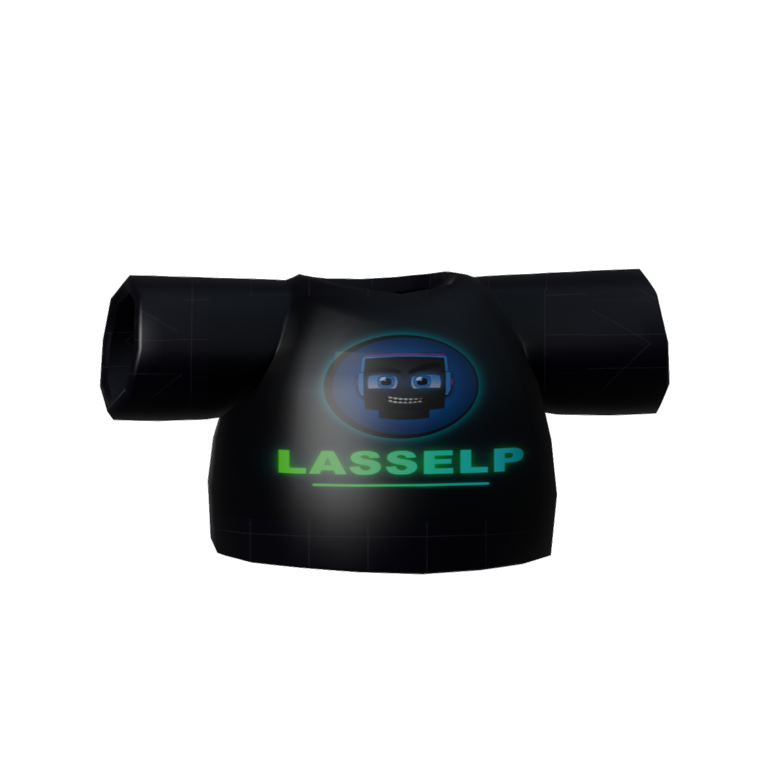
A dark crew tee for the LasseLP squad. Crest and name up front, "Team" on the back — matching fits for the whole gang.
Seasonal Decorations
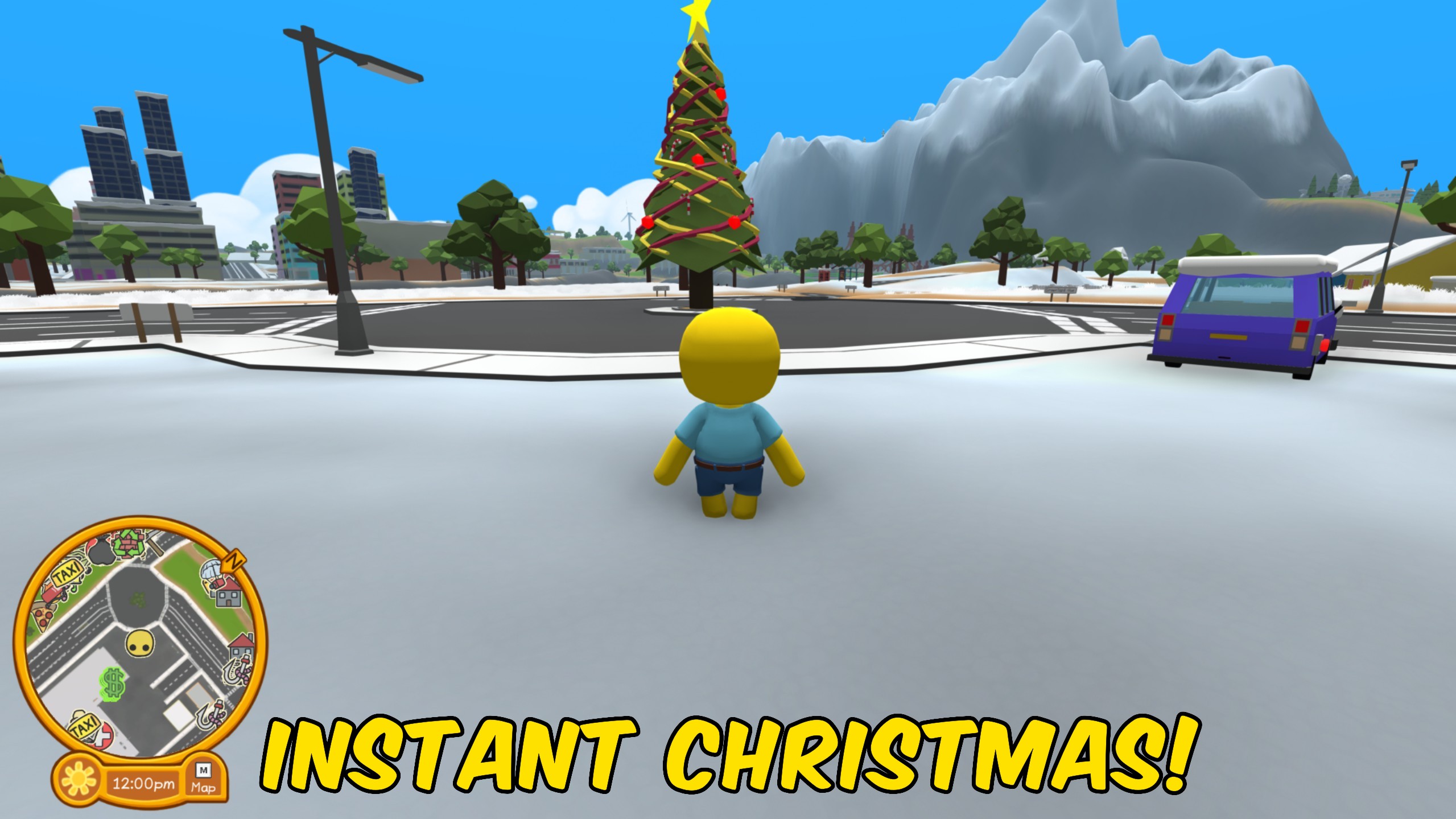
Switch the island between Normal and Christmas decorations with one button press.







