Want more mods for Wobbly Life? Explore our entire collection!
Graffiti Tool
"Spray color onto the world."
How do I install Graffiti Tool?
Download the free ProjectMods desktop app, then install Graffiti Tool for Wobbly Life in one click.
</>What does Graffiti Tool do?
Graffiti Tool is a custom item for spraying colored paint dots onto surfaces in Wobbly Life. Hold left click to continuously spray, right click clears sprayed graffiti, and R opens the same in-game color selector used by the Paint Tool.
</>What is Graffiti Tool?
Graffiti Tool is a Wobbly Life custom item for sandbox decoration. Players can choose a color in-game, hold left click to spray paint dots onto surfaces, and clear the graffiti decals later.
</>Common questions about Graffiti Tool
How do I choose a graffiti color?
Press R to open the in-game color selector, then choose a color from the circular picker.
How do I clear graffiti?
Right click with the Graffiti Tool equipped to clear sprayed decals.
Graffiti Tool lets players continuously spray colored paint dots onto surfaces, choose colors with R, and clear decals with right click.
System Requirements
What features does Graffiti Tool include?
- Hold left click continuously sprays graffiti
- Right click clears sprayed graffiti
- R opens an in-game color selector
- Sprayed decals stick to the surface they hit
Best For
- Decorate sandbox scenes
- Mark props and locations
- Create colorful screenshots
More Mods for Wobbly Life
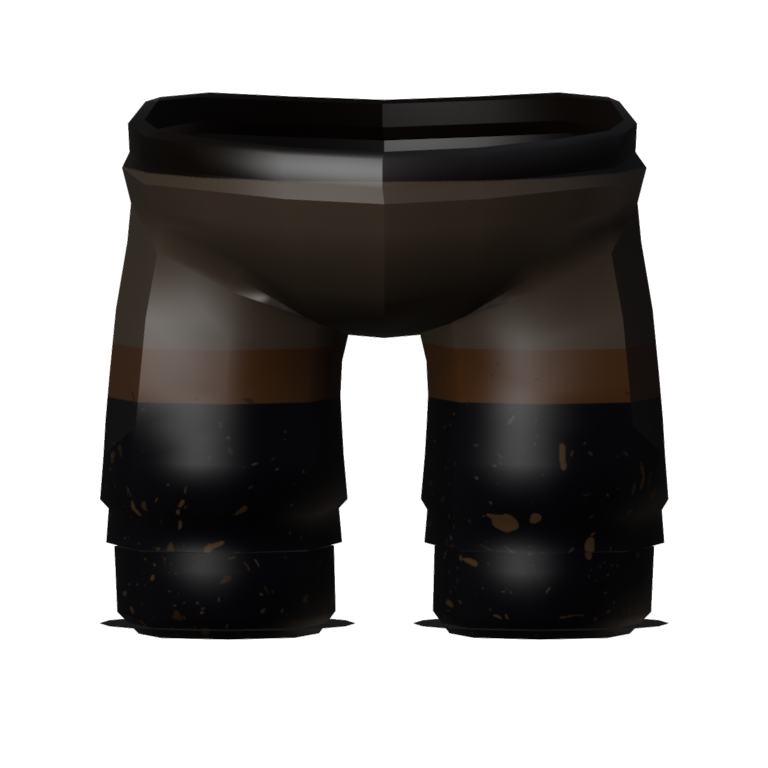
Hollow Rider Boots
Dark riding breeches and tall black boots with turned-down cuffs, splattered with mud up to the knee. Part of the Hollow Rider set.
/WobblyLifePhotographerKitFaceCam1.jpg)
Photographer Kit (Face Cam)
Take control of the follow camera and pose it however you like. Swing it around to face your wobbler for the perfect selfie, pull in for a close-up, tilt for a dramatic angle, and pick your lens - all without the camera clipping into walls or your character fading out.
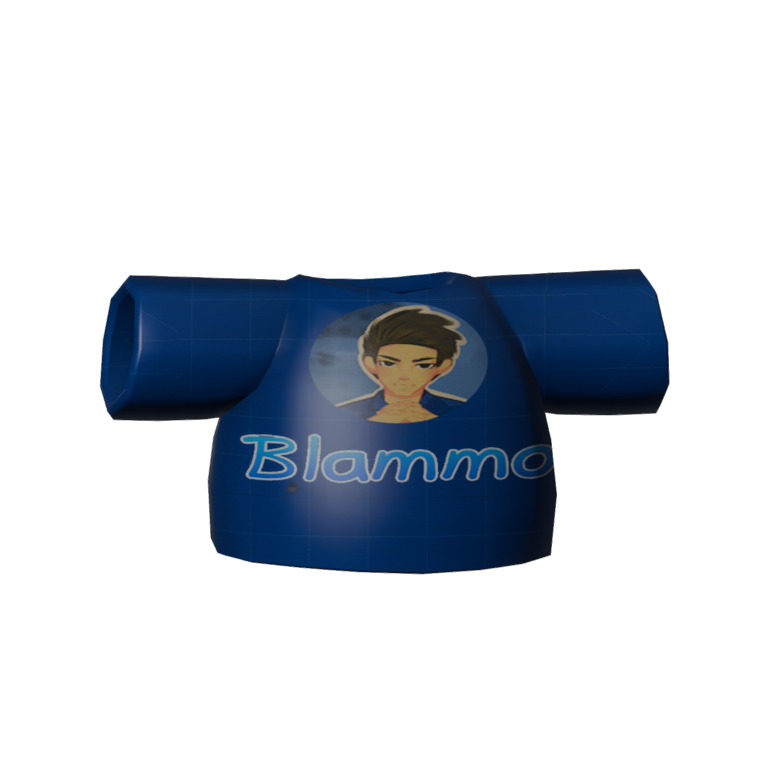
Team Blammo
Rock the Team Blammo fan tee, wear that badge with pride, and blow up your friends' group chat with ragdoll nonsense while you cheer on your favourite creator.



























































































































































































