Want more mods for Wobbly Life? Explore our entire collection!
Photographer Kit (Face Cam)
"Turn the follow camera around, frame your wobbler, and capture the perfect shot."
/WobblyLifePhotographerKitFaceCam1.jpg)
How do I install Photographer Kit (Face Cam)?
Download the free ProjectMods desktop app, then install Photographer Kit (Face Cam) for Wobbly Life in one click.
</>What does Photographer Kit (Face Cam) do?
Wobbly Life is packed with memorable characters and ridiculous moments, but the standard follow camera usually stays behind your wobbler. Photographer Kit (Face Cam) turns that camera around and gives you the framing controls needed for selfies, portraits, group photos, thumbnails, and cinematic gameplay shots. Enable Face Cam and use Camera Rotation to orbit around your character. Leave it at 0 degrees for the normal rear view, move it to 180 degrees for a face-to-face selfie, or choose any position in between for side profiles and angled compositions. Adjust the camera distance for tight close-ups or wider group shots, then tilt the view and change the FOV to create the right perspective. While Face Cam is active, the camera can pass through walls, vehicles, props, and other obstacles instead of being pushed away from your chosen position. Your wobbler also remains fully visible when the camera moves in close, preventing the usual character fade from ruining portraits. Both behaviours have separate switches, so they can also be used during normal gameplay without enabling the full Face Cam setup. Pair Photographer Kit with Screenshot Mode to hide the HUD and turn Wobbly Life into a practical photo studio for character portraits, multiplayer photos, video thumbnails, social posts, and cinematic captures.
</>What is Photographer Kit (Face Cam)?
Photographer Kit (Face Cam) expands the Wobbly Life camera with full orbit rotation, adjustable distance, vertical tilt, and FOV controls. It can place the follow camera in front of your wobbler for selfies, beside the character for profile shots, overhead for top-down framing, or below for dramatic low-angle captures. Optional camera noclip prevents walls, vehicles, and props from disrupting the composition, while the character visibility option stops your wobbler from fading during close-up photography. It is a complete camera toolkit for Wobbly Life screenshots, portraits, group photos, thumbnails, videos, and cinematic scenes.
</>Common questions about Photographer Kit (Face Cam)
Can I place the camera in front of my wobbler?
Yes. Set Camera Rotation to 180 degrees to place the follow camera directly in front of your character for a face-to-face selfie.
Can I rotate the camera to side angles?
Yes. Camera Rotation supports angles between the normal rear view and the front-facing view, allowing profile shots, three-quarter angles, and custom framing.
Can I zoom in for close-up portraits?
Yes. The camera distance control lets you pull in for tight portraits or move back for wider scenes and group photos.
Does it include FOV controls?
Yes. The FOV slider changes the camera lens perspective for wide-angle scenes, natural portraits, and tighter cinematic shots.
Will walls or vehicles push the camera away?
No while the camera collision override is enabled. The camera passes through walls, cars, props, and scenery instead of being forced out of position.
Will my character disappear when the camera gets too close?
No while the character visibility override is enabled. Your wobbler remains visible during close-ups instead of fading away.
Can I use the collision and visibility options without Face Cam?
Yes. Camera collision and character fading each have separate switches and can remain active during normal gameplay.
Does this mod hide the HUD?
No. Pair it with Screenshot Mode to remove the HUD for clean screenshots and cinematic captures.
Is this a free camera mod?
It modifies and repositions the follow camera around your wobbler rather than adding a completely detached free camera.
What options does Photographer Kit (Face Cam) include?
Keep Character Visible
Stops your wobbler fading away when the camera gets right up in their face - perfect for close-ups. On by default - turn it off to let your wobbler fade up close like the game normally does.
No-Clip Camera
Lets the camera glide through walls, cars, and props instead of getting shoved around by them, so you can frame a shot from anywhere. On by default - turn it off if you'd rather the camera bump into things like it normally does.
Vertical Tilt
Tilt the camera up or down. Positive numbers lift it for a look-down angle; negative numbers drop it low for a dramatic hero shot looking up. 0 keeps it level.
FOV / Lens
Your camera lens, used while Face Cam is on. Lower numbers zoom in for a tight, flattering portrait; higher numbers go wide to fit more of the scene. 70 is the normal game view.
Camera Distance
How far back the camera sits. Leave it at 0 for the game's normal distance. Small numbers pull the camera in tight for a close-up; big numbers push it back for a wide group shot.
Enable Face Cam
Take over the follow camera so you can pose it for photos. While it's on, use the sliders below to swing the camera around your wobbler, pull it in close, tilt it, and set the lens - and the camera automatically glides through walls and keeps your wobbler from fading out. Turn it off to hand the camera straight back to normal.
Camera Rotation
Swing the camera around your wobbler (on foot or in a vehicle). Starts at 180 for a face-to-face selfie; 0 sits behind them like normal, and 90 / 270 catch each side.
Photographer Kit (Face Cam) lets you rotate the Wobbly Life follow camera around your character, adjust its distance, tilt, and FOV, pass through obstacles, and keep your wobbler visible during close-ups.
System Requirements
What features does Photographer Kit (Face Cam) include?
- Rotate the follow camera through a full range of angles, including a 180-degree front-facing view for selfies.
- Move the camera closer for portraits or farther away for multiplayer group photos and wider compositions.
- Tilt the view vertically for overhead shots, eye-level framing, and dramatic low-angle scenes.
- Adjust the FOV to create wide shots, natural portraits, or tighter cinematic framing.
- Pass the camera through walls, cars, props, and scenery without collision pushing it out of position.
- Keep your wobbler visible during extreme close-ups instead of having the character fade away.
- Toggle camera collision and character fading separately for use during normal gameplay.
- Combine it with Screenshot Mode for clean, HUD-free Wobbly Life photography.
Best For
- Take front-facing selfies and close-up portraits of your wobbler.
- Frame multiplayer group photos without being locked behind one character.
- Create Wobbly Life thumbnails, social media images, and promotional screenshots.
- Capture cinematic camera angles for videos, machinima, and storytelling scenes.
- Photograph characters inside buildings, vehicles, or cramped spaces where camera collision normally interferes.
- Use custom camera angles during regular gameplay while keeping collision or character visibility overrides enabled.
More Mods for Wobbly Life
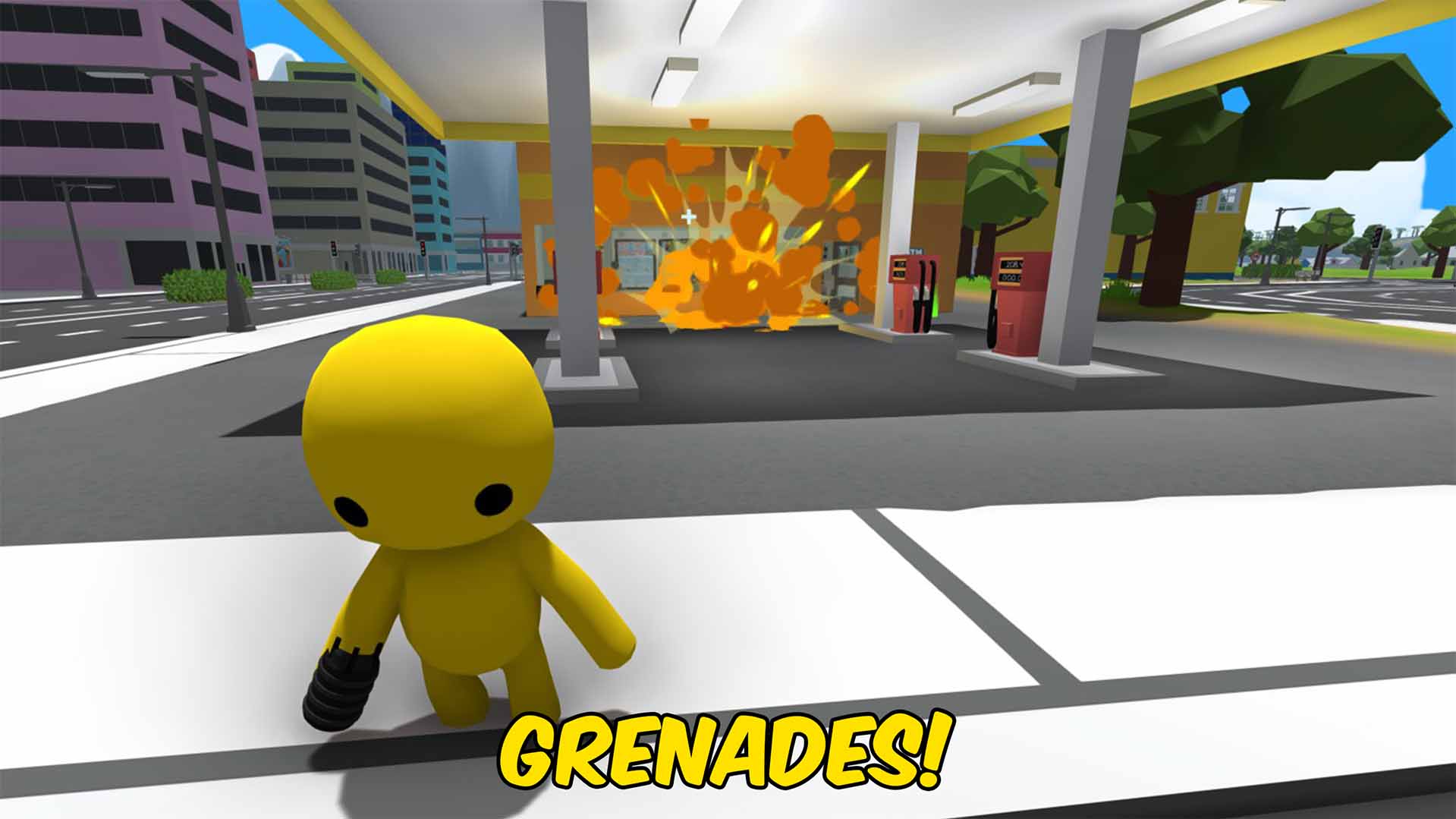
Grenade
A classic timed-fuse grenade that brings explosive chaos to Wobbly Life. Throw it across the map, bounce it around corners, or launch it from vehicles before the countdown ends in a powerful blast. Perfect for sandbox destruction, action scenes, multiplayer battles, and pure mayhem.
/WobblyLifeAquaLungNeverDrown1.jpg)
Aqua Lung (Never Drown)
Turn on Aqua Lung and your wobbly never drowns, no matter how long you stay under. Walk the seabed, explore the depths, or just hold your breath forever - the water can't touch you.
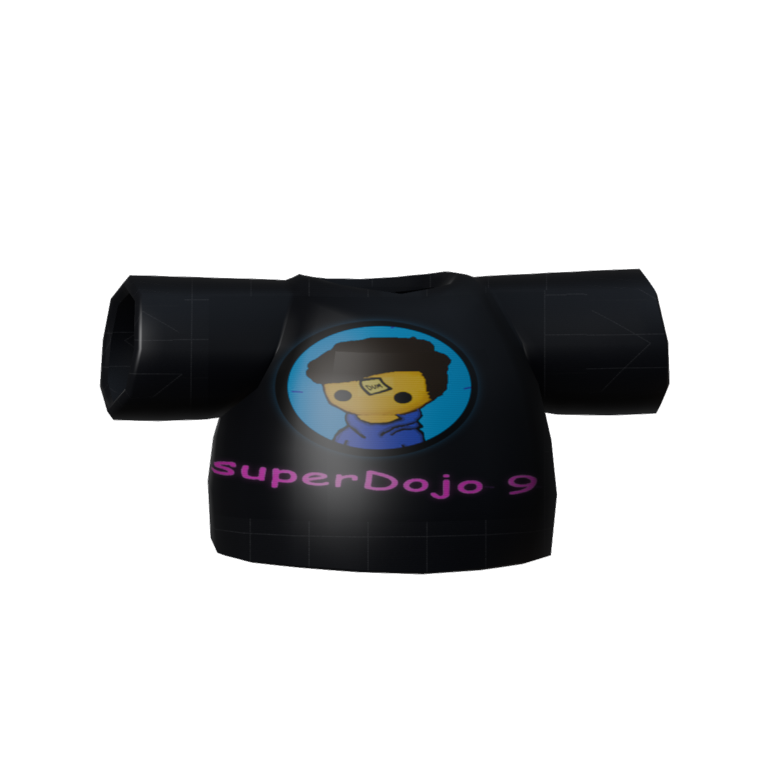
Team SuperDojo 9
Throw on the Team SuperDojo 9 fan tee, flex that glowing badge, and go cause gloriously clumsy mayhem while you hype up your favourite creator.







