Want more mods for Wobbly Life? Explore our entire collection!
Physics Gun
"Pose objects exactly where you want them."
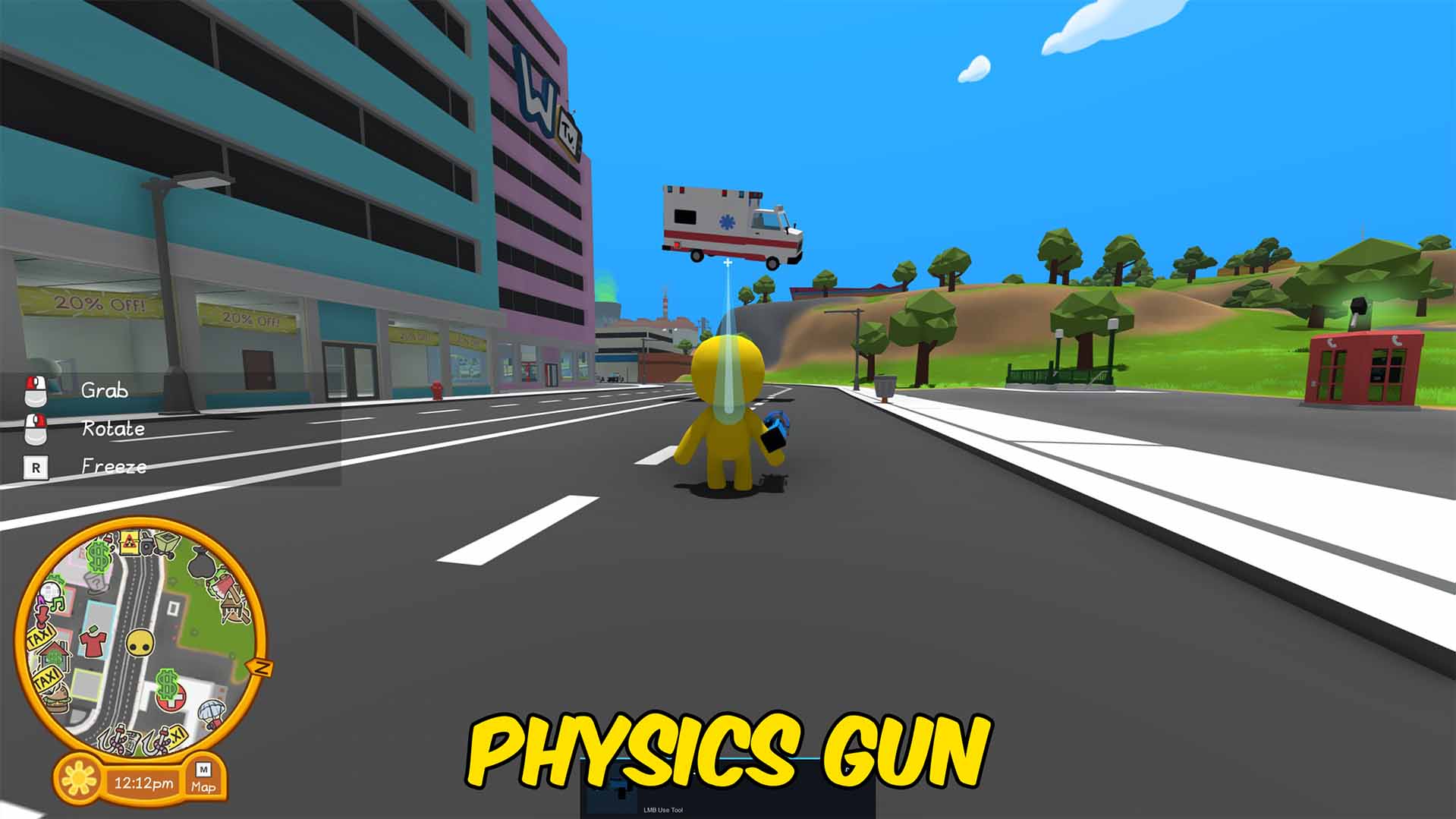
How do I install Physics Gun?
Download the free ProjectMods desktop app, then install Physics Gun for Wobbly Life in one click.
</>What does Physics Gun do?
Physics Gun is a custom item for precise physics manipulation. Left click grabs or releases an object, the mouse wheel moves it closer or farther, holding right click rotates the held object with mouse movement, and R freezes the held object in place.
</>What is Physics Gun?
Physics Gun is a Wobbly Life custom item focused on precise object posing and placement. It can grab objects, move them smoothly in front of the player, adjust hold distance, rotate while holding E, and lock objects in place.
</>Common questions about Physics Gun
How do I rotate an object?
Hold right click while holding an object, then move the mouse.
How do I freeze or unfreeze an object?
Press R while holding an object to freeze it. Grab an object with left click and then click left click again to unfreeze.
Physics Gun is a Wobbly Life custom item that lets players precisely position, rotate, and lock physics objects.
System Requirements
What features does Physics Gun include?
- Left click to grab or release
- Mouse wheel adjusts hold distance
- Hold right click and move the mouse to rotate
- R freezes the held object.
Best For
- Pose props for screenshots or videos
- Place objects precisely in the world
- Build sandbox scenes without throwing objects around
More Mods for Wobbly Life
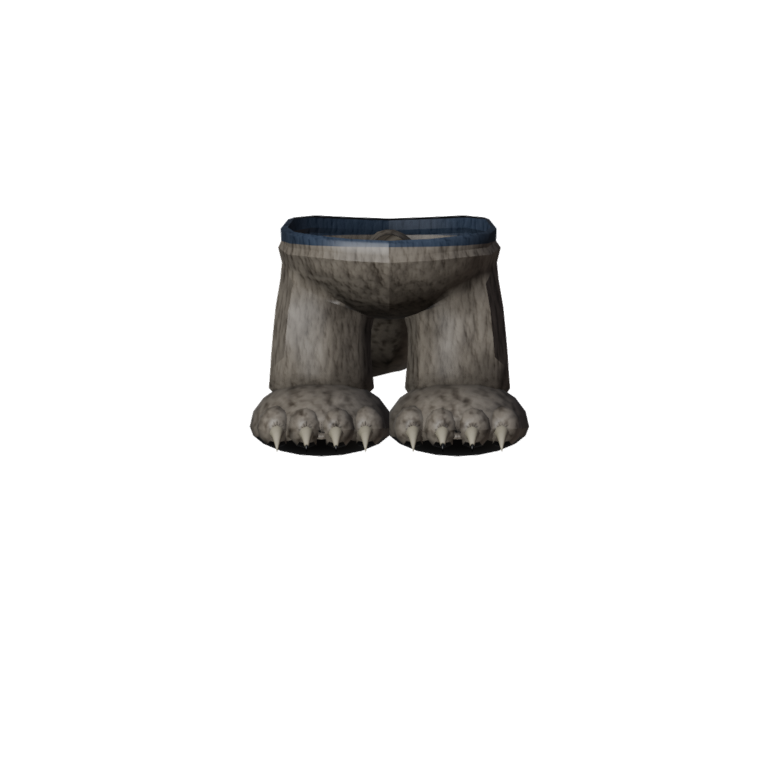
Moonhowler Ragged Legs
Trousers torn off at the shin with fur running all the way to the ankle, the last of the fabric hanging in strips. Part of the Moonhowler set.
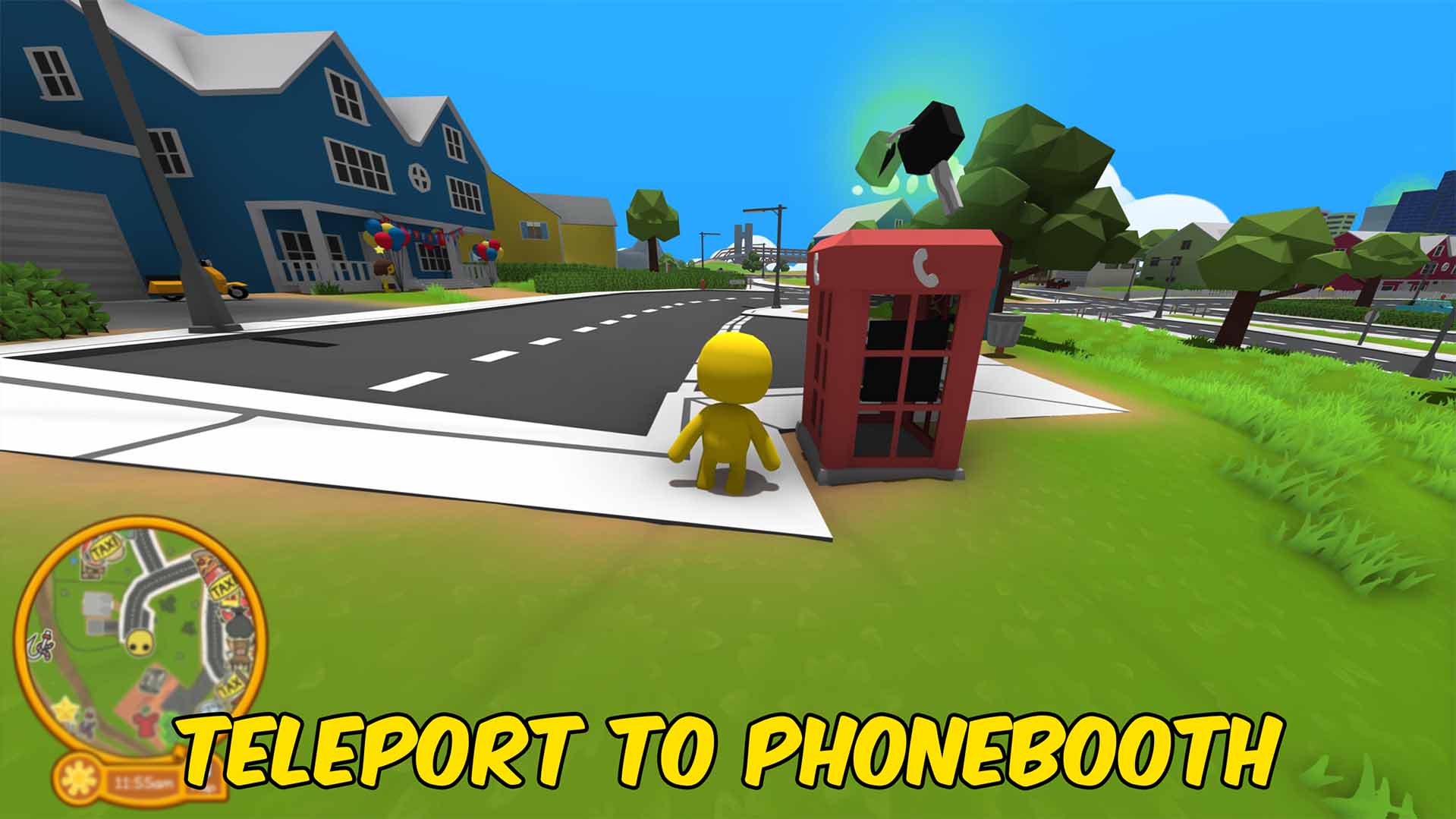
Vehicle Unlocker and Spawner
Unlock or lock the full Wobbly Life vehicle collection, choose any registered vehicle from a readable dropdown, and spawn it near your player.
/WobblyLifeSkyfallMeteorShower1.jpg)
Skyfall (Meteor Shower)
Rain flaming meteors from the sky and watch the chaos unfold. Glowing fireballs streak across the sky, smash into the ground, and blast everything nearby. Adjustable from gentle space pebbles to full extinction event.







