Want more mods for Wobbly Life? Explore our entire collection!
Screenshot Mode
"Ditch the HUD and let Wobbly Island be the whole shot."
/WobblyLifeScreenshotModeHideUI1.jpg)
How do I install Screenshot Mode?
Download the free ProjectMods desktop app, then install Screenshot Mode for Wobbly Life in one click.
</>What does Screenshot Mode do?
Wobbly Life is gorgeous, and sometimes you just want to soak it in - the sunset over the harbour, a pile-up of ragdolls at the top of a mountain, your freshly customised car parked outside your dream house. Trouble is, the money counter, job prompts, and HUD clutter are always in the frame. Screenshot Mode clears them off your screen with a single toggle. Flip Hide All on and the gameplay HUD vanishes - money, minimap, hints, job UI, world icons, and the names floating over your friends' heads. Flip it off and it all snaps straight back. Your full map (M), pause menu, and settings still open like normal. Want to keep some of your HUD? Use the individual toggles instead: Hide Minimap, Hide Player Icons, Hide Player Names, Hide Job Information, Hide Job Timer, and Hide Controls and Hints. Mix and match however you like. It's made for content creators grabbing clean footage, screenshot hunters chasing that perfect wallpaper shot, and anyone who wants to admire Wobbly Island without clutter in the way.
</>What is Screenshot Mode?
Screenshot Mode is a HUD toggle for Wobbly Life that clears on-screen interface off your screen on demand. The master Hide All switch hides gameplay HUD clutter at once - money, minimap, button prompts, job text, world icons, and player names - while leaving the full map, pause menu, and settings usable. Prefer surgical control? Separate toggles hide the minimap, player icons, player names, job information, job timer, or control hints on their own. Built for content creators, screenshot hunters, and anyone who wants clean Wobbly Island shots without UI in frame.
</>Common questions about Screenshot Mode
What does Screenshot Mode do in Wobbly Life?
It hides your on-screen gameplay HUD so you can capture clean screenshots and cinematic video. Hide All clears money, minimap, hints, job UI, world icons, and player names. The change happens live while you play, and when you switch the toggles off your HUD comes straight back. The full map (M), pause menu, and settings stay available.
Can I hide just part of the HUD instead of all of it?
Yes. Screenshot Mode for Wobbly Life gives you individual controls alongside Hide All: Hide Minimap, Hide Player Icons, Hide Player Names, Hide Job Information, Hide Job Timer, and Hide Controls and Hints. Turn on only the pieces you want removed and leave the rest of your interface visible. This is useful when a recording still needs navigation or job details but would look cleaner without names, markers, or button prompts covering the scene.
Does Hide All break the map?
No. Screenshot Mode for Wobbly Life keeps the full map available while Hide All is enabled. You can continue opening it with M, use it normally, and return to your clean gameplay view afterward. The small corner minimap is handled separately and can disappear through Hide Minimap or Hide All. The pause menu, settings, loading screens, and other major menus are also left visible, so hiding screenshot clutter does not remove the controls needed to navigate the game.
How do I hide the HUD in Wobbly Life with this mod?
Open Screenshot Mode for Wobbly Life in ProjectMods and enable Hide All for a completely clean gameplay view, or choose one of the individual HUD controls. The selected elements disappear while you play, without requiring a game restart. Turn the same control off when you want that part of the interface back. If a new job panel or player name appears after changing areas, the mod notices the new element and hides it shortly afterward.
Will I still be able to open menus with the HUD hidden?
Yes. Screenshot Mode for Wobbly Life leaves the pause menu, settings, loading screens, effects screens, and full map usable while gameplay HUD elements are hidden. Hide All focuses on the interface that sits over ordinary play, including money, the corner minimap, prompts, job details, world icons, and player names. You can pause, adjust settings, check the map, and then return to the same clean view without disabling every screenshot option first.
What options does Screenshot Mode include?
Hide Job Info
Hide just the on-screen job objective (the 'what to do next' indicator) while keeping the rest of your HUD. Perfect for a clean action shot in the middle of a job.
Hide HUD
The master switch. Turn this on to hide everything on your screen at once - money, prompts, mission text, map markers, and the names above players' heads - for a totally clean shot. Turn it off to bring your HUD back.
Hide Job Timer
Hide the job countdown clock and race stopwatch so a ticking timer never sneaks into your shot.
Hide Player Icons
Hide world / overhead player icons and markers (not the text names).
Hide Minimap
Hide just the corner minimap while keeping the rest of your HUD. The full map still opens with M.
Hide All
Master switch. Hides gameplay HUD clutter at once - money, minimap, control hints, job UI, world icons, and player names - for a totally clean shot. The full map (M), pause menu, and settings still work. Turn off to bring your HUD back.
Hide Controls and Hints
Hide on-screen control prompts and input hints.
Hide Player Names
Hide the names floating above players' heads - great for clean group photos and multiplayer footage.
Hide Job Information
Hide on-screen job objectives and job info UI while keeping the rest of your HUD.
Screenshot Mode is a ProjectMods mod for Wobbly Life that hides on-screen HUD for clean screenshots and video. Hide All clears the gameplay HUD at once, plus separate toggles for minimap, player icons, player names, job information, job timer, and control hints. The full map still opens with M.
System Requirements
What features does Screenshot Mode include?
- Hide All clears gameplay HUD clutter in one toggle while keeping the full M-key map and pause menus working
- Individual switches for minimap, player icons, player names, job information, job timer, and control hints
- Flip anything back off and it returns instantly - no restart needed
Best For
- Content creators grabbing clean Wobbly Life footage with no UI in frame
- Streamers who want a clean action shot but still need the full map on M
- Local co-op group photos with your wobbly crew, names and clutter switched off
More Mods for Wobbly Life
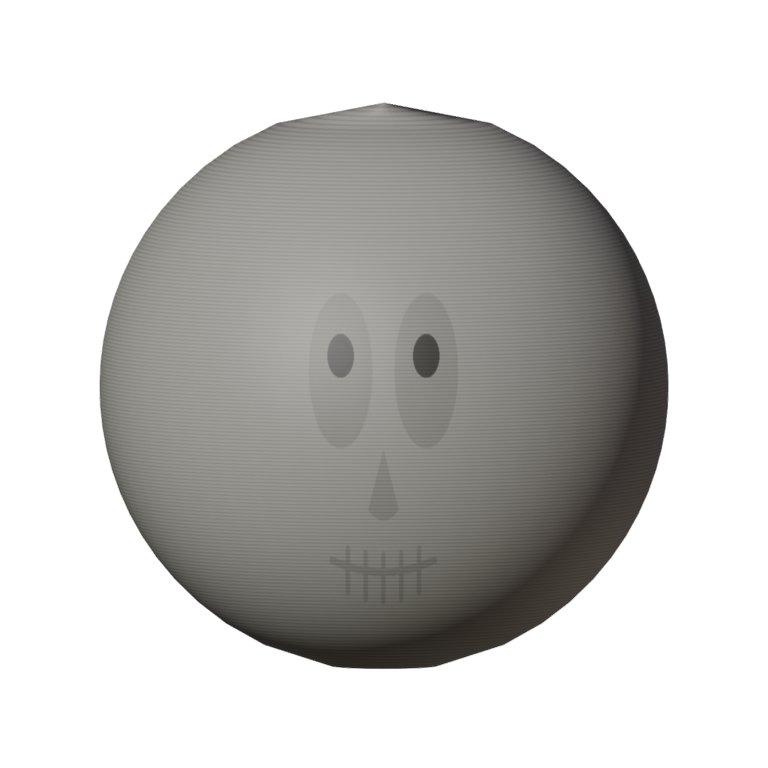
Bone Zone Skull
A bone-white full-head skull with hollow sockets and a toothy grin. Tops off the Bone Zone set — spooky, wobbly, unstoppable.
/WobblyLifeSkyfallMeteorShower1.jpg)
Skyfall (Meteor Shower)
Rain flaming meteors from the sky and watch the chaos unfold. Glowing fireballs streak across the sky, smash into the ground, and blast everything nearby. Adjustable from gentle space pebbles to full extinction event.
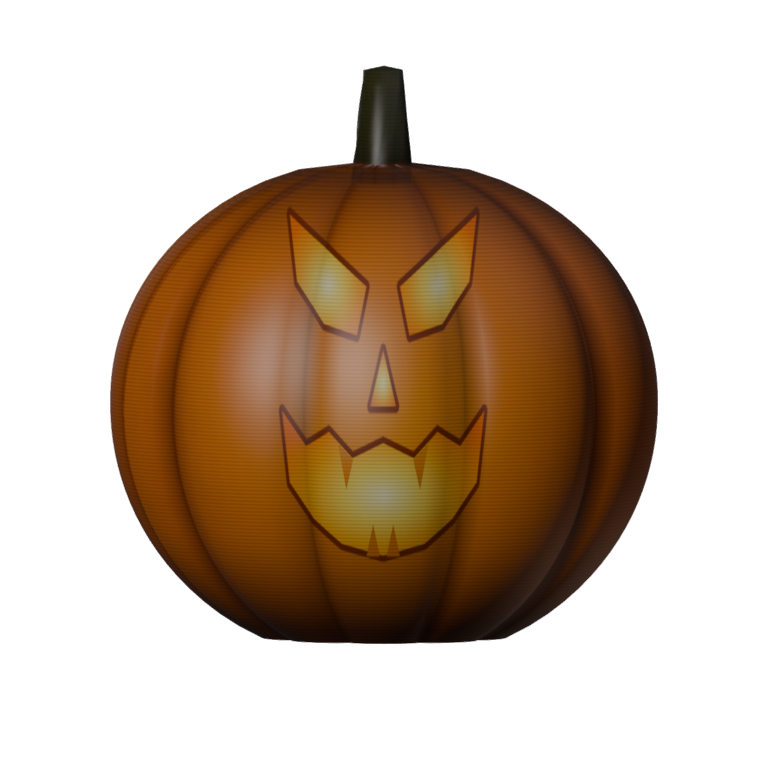
Hollow Rider Lantern
A carved jack-o'-lantern worn as your head: deep ribs, a curling stem and a wicked grin that glows like there's a candle burning inside. Part of the Hollow Rider set.







