Want more mods for Wobbly Life? Explore our entire collection!
Set Player Color
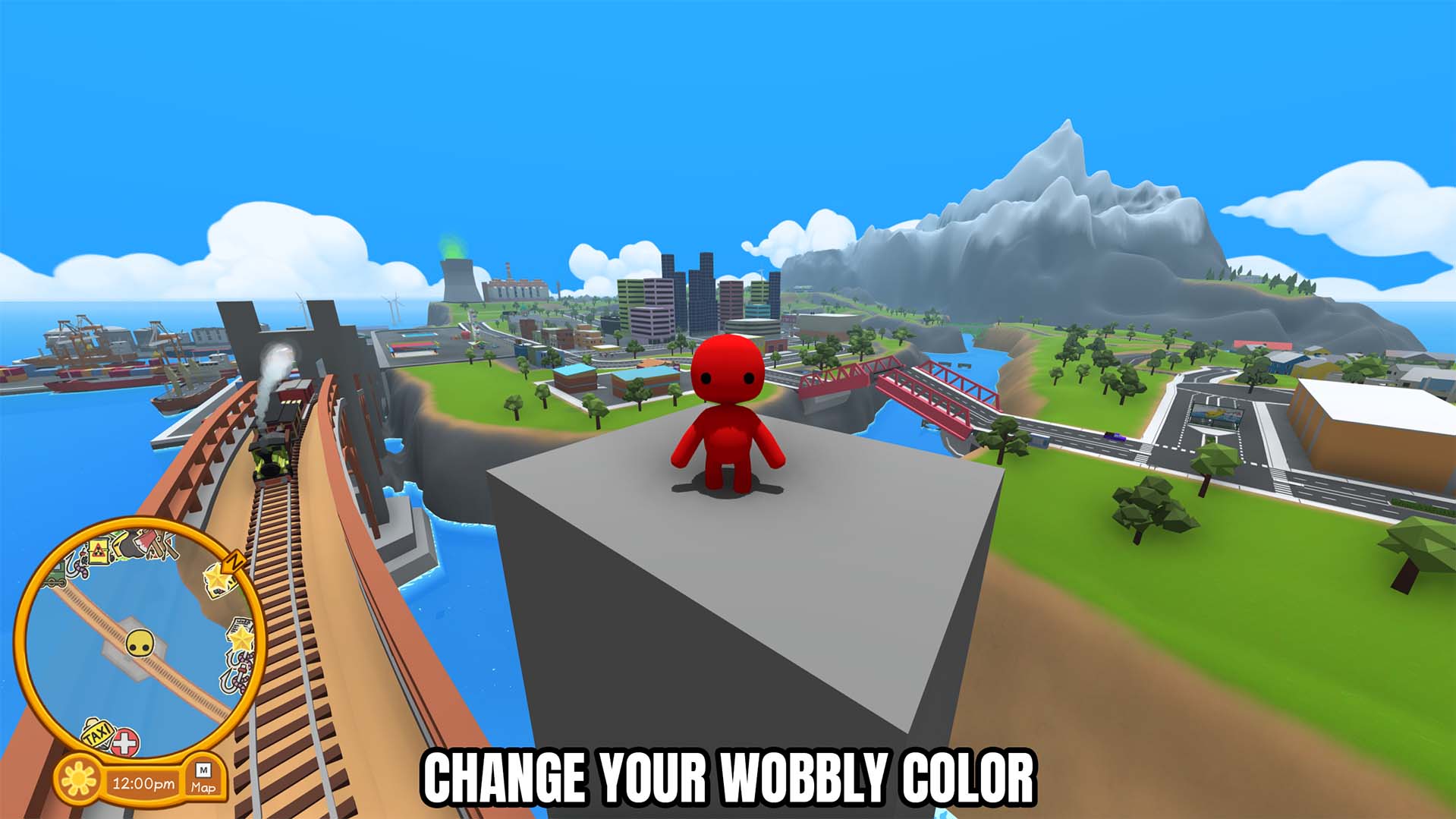
"Give your Wobbly a custom color that everyone in the lobby can see."
How do I install Set Player Color?
Download the free ProjectMods desktop app, then install Set Player Color for Wobbly Life in one click.
</>What does Set Player Color do?
Set Player Color lets you choose a custom body color for your Wobbly while you are playing. Pick the exact shade you want with the color selector, then apply it instantly without returning to a wardrobe or restarting the game. When you are hosting, Wobbly Life shares the new color with everyone in the lobby through its normal character-color system. If you joined another player's game, you can still change your own color when the host also has the mod installed. Other players do not need the mod simply to see the new color. Use it to match a team color, create a recognizable multiplayer look, coordinate outfits, stand out during community events, or swap colors whenever you want a different style during the session.
</>What is Set Player Color?
Looking for a Wobbly Life player color mod? Set Player Color adds an in-game color picker that lets you recolor your Wobbly instantly. Host color changes are synchronized across the current lobby, and non-host players can change their own color when the host also uses the mod. It is useful for team colors, multiplayer identification, coordinated outfits, roleplay characters, creator sessions, and custom Wobbly appearances without leaving the game.
</>Common questions about Set Player Color
Will other players see my custom color?
Yes. The host shares the color through Wobbly Life's normal multiplayer character update.
Can non-host players change their own color?
Yes. A joined player can change their own color when the lobby host also has the mod installed.
Do all players need the mod to see my color?
No. Other players can see the synchronized color without installing the mod themselves.
Can I choose an exact color?
Yes. Use the color picker to select the exact shade you want before applying it.
What options does Set Player Color include?
Set Player Color
Apply the selected color to your player.
Player Color
Choose the color you want for your Wobbly.
Choose a color and press Set Player Color. Hosts share the change with everyone, while joined players need the host to have the mod too.
System Requirements
What features does Set Player Color include?
- Choose an exact Wobbly body color with an in-game color picker.
- Apply the selected color instantly to your local player.
- Shares host color changes with everyone in the current lobby.
- Supports non-host color requests when the lobby host also has the mod.
Best For
- Give each player a recognizable color during a multiplayer session.
- Match your Wobbly's body color to an outfit or team theme.
- Use a distinctive color for community events, roleplay, or creator lobbies.
More Mods for Wobbly Life
/WobblyLifeFastNFuriousInfiniteBoost1.jpg)
Motor Mayhem (Vehicle Overhaul)
The complete vehicle toolkit. Crank up your engine power, remove the speed limit, get infinite nitro and double your steering, make your vehicle indestructible, and even drive boats on dry land. Then repaint your ride (or every vehicle on the island) any colour you like - and when you're done, blow them all sky-high with one button. Total control over every car, boat and truck.
/WobblyLifeHulkHandsPickUpThrowAnything1.jpg)
Hulk Hands (Pick Up & Throw Anything)
Pick up and throw anything, no matter how heavy. Cars, giant props, your wobbly mates - if you can get your hands on it, you can hoist it over your head and launch it across the island. Flip on Hulk Mode and go wild.
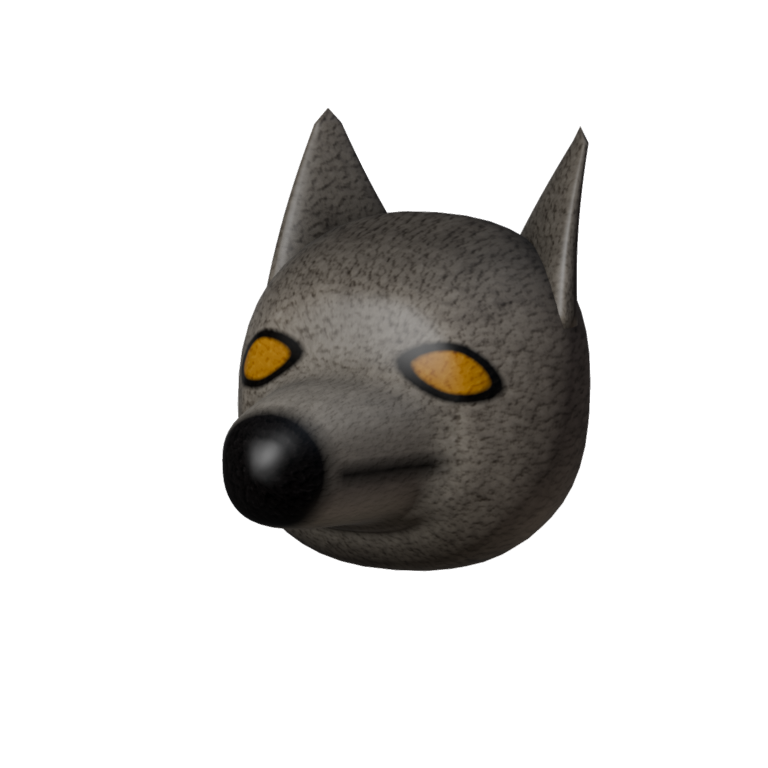
Moonhowler Head
A snarling wolf head worn over your own: long muzzle, black nose, ears swept back and amber eyes that catch the light. Part of the Moonhowler set.







