Want more mods for Wobbly Life? Explore our entire collection!
Steady Shot (Tripod)
"Plant the camera anywhere, step into the shot, and capture hands-free photos and cinematic scenes."
How do I install Steady Shot (Tripod)?
Download the free ProjectMods desktop app, then install Steady Shot (Tripod) for Wobbly Life in one click.
</>What does Steady Shot (Tripod) do?
Set up your own virtual camera crew and finally put your wobbler in the shot. Steady Shot (Tripod) replaces the normal follow camera with a fixed camera that stays exactly where you place it, allowing you to walk, drive, dance, or perform stunts while the camera continues filming from the chosen location. Enable Fixed Camera and the camera stops following your character. Your wobbler still looks around normally with the mouse, so gameplay remains familiar while the camera stays planted in the world. Fine-tune the framing using six movement controls to move the camera forward, backward, left, right, up, and down. The Nudge Step setting controls how far each movement travels, making it easy to perform tiny framing adjustments or large repositioning moves. Once the shot is perfect, Record Position saves the camera location. The next time Fixed Camera is enabled, it returns directly to the saved position without requiring another setup. Track Wobbler automatically rotates the camera to keep your character in frame while you move, making it ideal for filming gameplay, dances, races, or stunts without needing another player behind the camera. When you want a completely static composition, enable Lock Angle to keep the camera pointed in exactly the same direction throughout the entire shot. Adjust the FOV/Lens slider to create tighter portraits, wider environmental shots, or cinematic perspectives. Pair the mod with Screenshot Mode to hide the HUD and create polished screenshots, thumbnails, machinima, trailers, and promotional footage.
</>What is Steady Shot (Tripod)?
Steady Shot (Tripod) adds a fixed world camera to Wobbly Life for photography and cinematic recording. Players can position the camera using precise movement controls, save its location for later reuse, optionally track their wobbler as they move, or completely lock the viewing angle for static compositions. Adjustable FOV provides additional framing flexibility for portraits, gameplay footage, group photos, machinima, and promotional videos. Unlike the standard follow camera, the tripod remains planted while your character moves freely through the scene, making it ideal for self-recording and hands-free photography.
</>Common questions about Steady Shot (Tripod)
Does the camera stop following my character?
Yes. Fixed Camera plants the camera at a chosen location instead of following your wobbler.
Can I still control my character normally?
Yes. Your wobbler continues to look around with the mouse while the camera remains fixed.
Can I move the tripod camera after placing it?
Yes. Dedicated movement controls let you reposition it forward, backward, sideways, upward, and downward.
What does Nudge Step do?
It changes how far each camera movement travels, allowing either fine adjustments or larger repositioning steps.
Can I save my camera position?
Yes. Record Position saves the current framing so it can be restored the next time Fixed Camera is enabled.
What does Track Wobbler do?
It rotates the planted camera automatically to keep your character in view while you move around.
What does Lock Angle do?
Lock Angle keeps the camera pointing in exactly the same direction, creating a completely static shot.
Can I adjust the camera lens?
Yes. The FOV/Lens slider changes the viewing angle for wide shots, portraits, and cinematic framing.
Can I use it for screenshots and videos?
Yes. It is ideal for self-recording, group photos, machinima, trailers, thumbnails, and cinematic gameplay.
Does it replace Photographer Kit (Face Cam)?
No. Tripod plants the camera in the world, while Face Cam rotates the camera around your wobbler. They are intended to be used separately.
Can I hide the HUD while recording?
Yes. Pair the mod with Screenshot Mode to remove the interface from your shots.
What options does Steady Shot (Tripod) include?
Move Left
Slide the planted camera to the left.
Nudge Step
How far the camera jumps each time you press a Move button. Keep it small for fine framing tweaks; turn it up to reposition the camera fast.
Enable Fixed Camera
Plant the camera at one spot so it stops trailing behind you - your wobbler can then move around in front of it. You still look around normally with your mouse; the camera just stays put instead of following you. Turn it off to hand the camera back. Once you've saved a spot with Record Position, switching this on drops you straight back to that framing.
Move Backward
Pull the planted camera back, away from what it's pointing at.
Lock Angle
Freeze the camera's angle for a dead-still cinematic frame - the view stops following your mouse and holds exactly where it's pointing, so you can set up a shot and run into it. Leave it off to look around freely from the tripod. Ignored while Track Wobbler is on.
Move Down
Lower the planted camera straight down.
Move Forward
Push the planted camera forward, toward whatever it's pointing at.
Record Position
Save the camera's current spot and angle as your framing. Switch the tripod off and on to snap right back to it.
FOV / Lens
Zoom the shot. Lower numbers pull in tight for a close portrait; higher numbers go wide to fit more in. 70 is the normal game view.
Move Up
Raise the planted camera straight up.
Move Right
Slide the planted camera to the right.
Track Wobbler
Keep the planted camera aimed at your wobbler as you move around, so you never wander out of shot - perfect for filming yourself. Turn it off to aim the camera yourself with the mouse.
Steady Shot (Tripod) lets you place a fixed camera anywhere in Wobbly Life, adjust its position, save the framing, optionally track your wobbler, lock the camera angle, and change the lens FOV.
System Requirements
What features does Steady Shot (Tripod) include?
- Place a fixed camera anywhere in the world instead of following your wobbler.
- Move the camera forward, backward, left, right, up, and down with dedicated controls.
- Adjust Nudge Step for precise framing tweaks or larger camera movements.
- Save the current camera position and restore it instantly later.
- Track your wobbler automatically while keeping the camera fixed in place.
- Lock the camera angle for completely static cinematic shots.
- Adjust the FOV/Lens to create wide environmental scenes or tighter portraits.
- Walk, drive, dance, and perform stunts while remaining fully visible in the shot.
- Pair with Screenshot Mode for clean HUD-free photos and videos.
- Use independently from Photographer Kit (Face Cam) for fixed-camera productions.
Best For
- Record yourself performing stunts without needing another player behind the camera.
- Set up a group photo and walk into frame before taking the shot.
- Create cinematic establishing shots with a completely stationary camera.
- Film races, roleplay scenes, dances, and multiplayer events from custom viewpoints.
- Capture YouTube thumbnails, trailers, machinima, and promotional footage.
- Save favourite camera positions for repeated recordings.
- Follow your wobbler automatically while keeping the camera planted.
- Build professional-looking screenshots with carefully composed framing.
More Mods for Wobbly Life
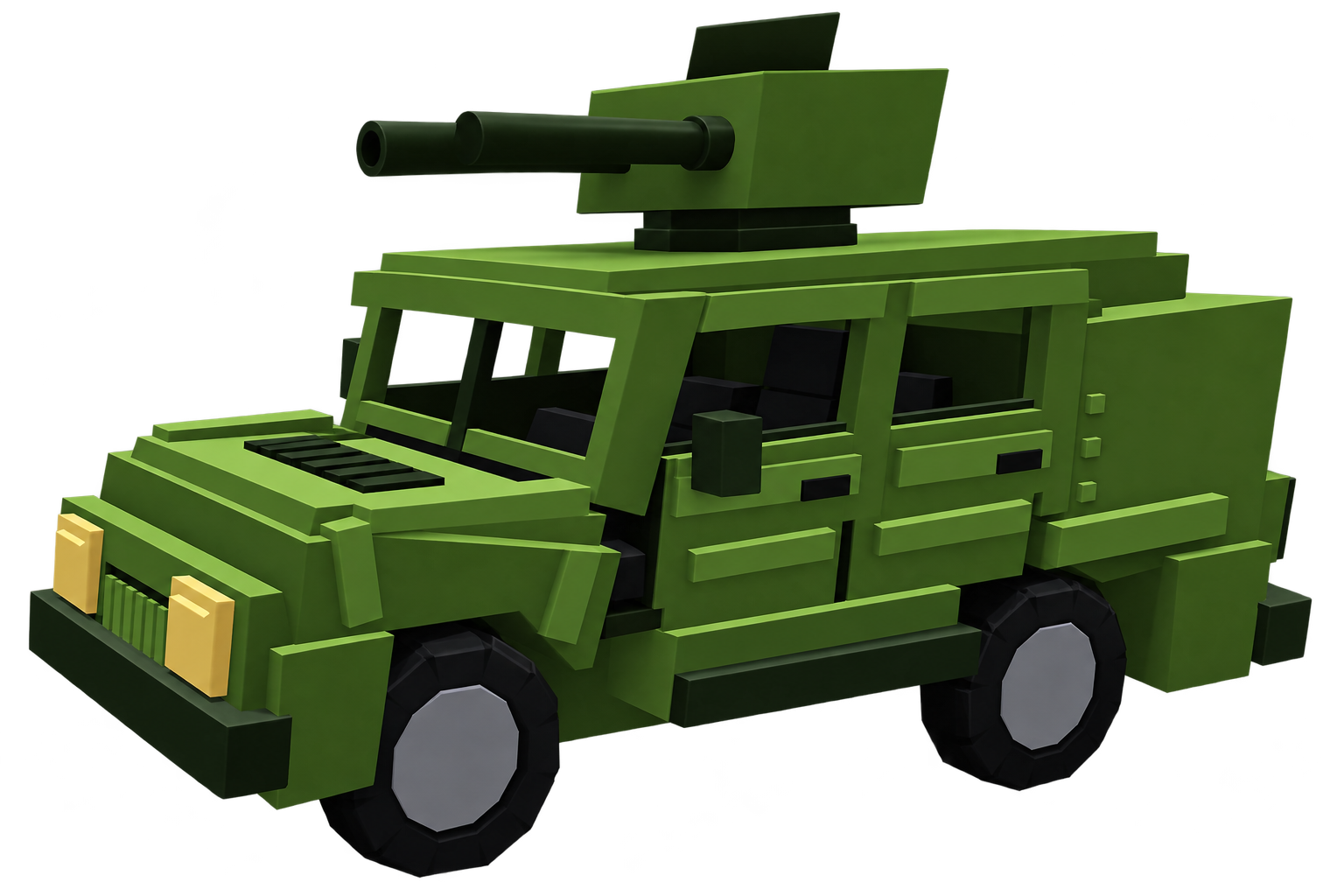
Wobbly Humvee (Missiles)
A heavy off-road Humvee fitted with a twin-barrel missile launcher.
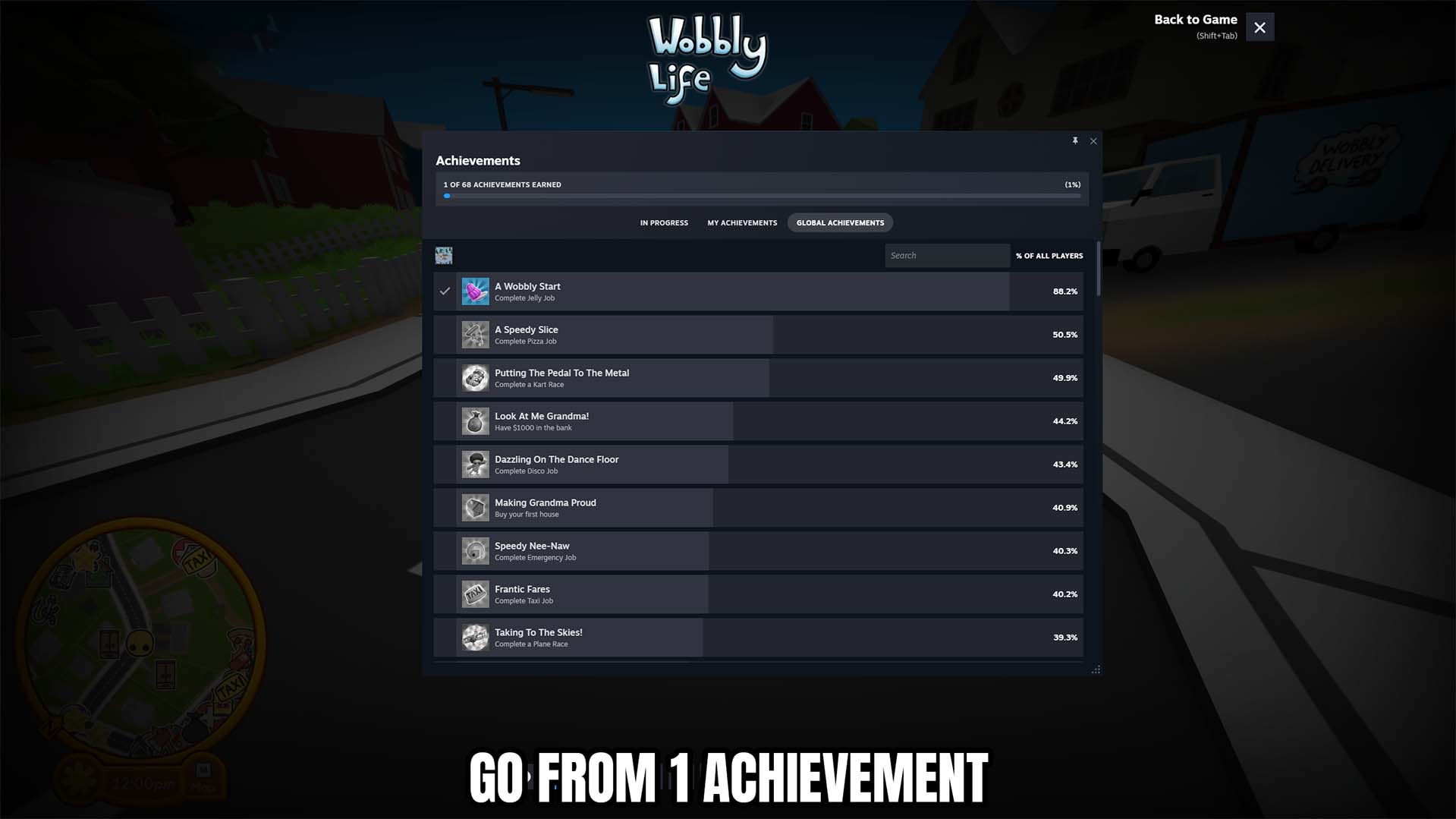
Achievement Unlocker
Unlock any selected Wobbly Life achievement, complete all 68 achievements at once, or lock the full collection for a fresh start.
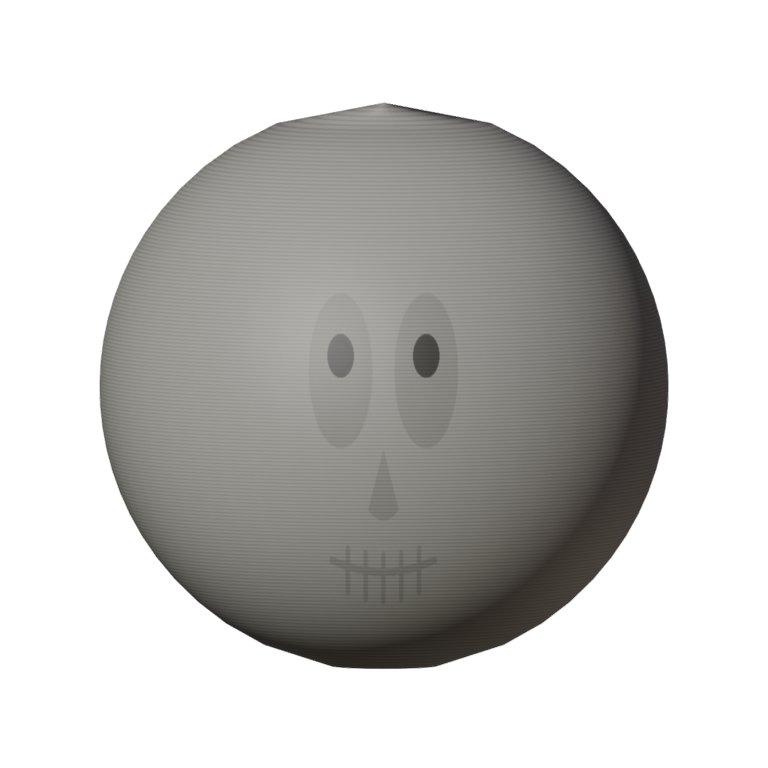
Bone Zone Skull
A bone-white full-head skull with hollow sockets and a toothy grin. Tops off the Bone Zone set — spooky, wobbly, unstoppable.







