Want more mods for Wobbly Life? Explore our entire collection!
Traffic Control (NPC Vehicle)
"Clear the roads, create rush-hour gridlock, or spawn fresh NPC traffic whenever the island needs more chaos."
/WobblyLifeTrafficControlNPCVehicle1.jpg)
How do I install Traffic Control (NPC Vehicle)?
Download the free ProjectMods desktop app, then install Traffic Control (NPC Vehicle) for Wobbly Life in one click.
</>What does Traffic Control (NPC Vehicle) do?
Take control of the cars travelling around Wobbly Island. Traffic Control (NPC Vehicle) lets you reduce the roads to an empty ghost town, restore the usual amount of traffic, or pack the streets with far more AI vehicles than normal. Use the Max Traffic slider to choose how busy the island should be. Set it to 0 for empty roads, leave it at 5 for the normal traffic level, or increase it toward 100 for packed streets and near-constant vehicles. This makes it easy to prepare a quiet driving route, build a crowded city scene, or create a chaotic traffic challenge. Need every road cleared immediately? Enable No NPC Traffic to remove the active AI cars and prevent new ones from appearing until the option is switched off. For a temporary cleanup, use Remove All Vehicles to wipe the current traffic without disabling the system. When traffic remains enabled, replacement vehicles will begin returning naturally. Spawn Random Vehicle adds a fresh NPC car to a nearby road on demand. Use it to repopulate an empty scene, test vehicle behaviour, or introduce another moving obstacle without waiting for the normal traffic system. NPC traffic is controlled by the host, so the mod is best used in single-player or while hosting a multiplayer session. It is ideal for stunt setups, clean screenshots, cinematic road scenes, peaceful cruises, traffic-dodging challenges, and high-density physics chaos.
</>What is Traffic Control (NPC Vehicle)?
Traffic Control is a Wobbly Life NPC vehicle manager for changing the number of AI cars active across the island. The Max Traffic setting ranges from 0 for empty streets to 100 for extremely crowded roads, with 5 representing the standard traffic level. No NPC Traffic immediately clears AI vehicles and blocks further spawns, while Remove All Vehicles deletes only the current batch and allows traffic to return naturally when enabled. Spawn Random Vehicle places a new NPC car on a nearby road. Because the traffic system runs through the host, these controls are intended for solo play and hosted multiplayer sessions.
</>Common questions about Traffic Control (NPC Vehicle)
Can I remove all NPC traffic from Wobbly Life?
Yes. Enable No NPC Traffic to clear the active AI cars and stop new traffic vehicles from appearing.
Can I change how many traffic cars spawn?
Yes. Max Traffic can be adjusted from 0 for empty roads up to 100 for extremely crowded streets.
What is the normal Wobbly Life traffic setting?
A Max Traffic value of 5 matches the normal traffic amount.
What is the difference between No NPC Traffic and Remove All Vehicles?
No NPC Traffic clears the roads and prevents new AI cars from spawning. Remove All Vehicles deletes the current cars, but replacements can return naturally while traffic remains enabled.
Can I spawn an NPC car manually?
Yes. Spawn Random Vehicle places a fresh traffic vehicle on a nearby road.
Can I create heavy rush-hour traffic?
Yes. Raise Max Traffic above the normal value to increase the number of AI vehicles, with settings toward 100 producing the busiest roads.
Does this affect player-owned or player-driven vehicles?
The controls target the island's NPC traffic vehicles.
Will traffic return after I remove the current cars?
Yes. When traffic remains enabled, new NPC vehicles gradually begin appearing again.
Does it work in multiplayer?
Yes. The traffic system runs through the host, so use the mod while hosting the session.
Can joining players control the traffic?
Traffic settings are handled by the host's game, making the host responsible for changing density, clearing cars, and spawning vehicles.
What options does Traffic Control (NPC Vehicle) include?
Max Traffic
How many NPC cars roam the island at once. 0 clears the streets completely, 5 is the normal amount, and 100 crams every road with as many cars as it can hold. Set it back near 5 for the usual feel.
Remove All Vehicles
Clears every NPC car currently on the road in one tap. If traffic is still switched on, new ones will gradually drift back in.
Spawn Random Vehicle
Drops one fresh NPC car onto a road near you. Handy when the streets are looking a little empty.
No NPC Traffic
Instantly clears every NPC car off the roads and stops new ones spawning. Turn it off to let traffic flow again.
Traffic Control lets the host adjust NPC vehicle density from 0 to 100, disable AI traffic completely, remove every current traffic car, or spawn a random vehicle on a nearby road.
System Requirements
What features does Traffic Control (NPC Vehicle) include?
- Adjust the maximum NPC traffic level from 0 to 100.
- Use 0 for empty roads, 5 for normal traffic, or higher values for increasingly crowded streets.
- Disable NPC traffic completely and stop new AI cars from spawning.
- Remove every currently active traffic vehicle with one action.
- Allow traffic to repopulate naturally after clearing the current vehicles.
- Spawn a random NPC vehicle on a nearby road whenever one is needed.
- Control the island's host-run traffic system during solo or hosted multiplayer play.
- Switch between quiet roads, standard traffic, and packed rush-hour conditions.
Best For
- Clear the roads before attempting vehicle stunts or high-speed runs.
- Create empty-street screenshots and cinematic driving footage.
- Increase traffic density for dodge-the-car challenges and physics chaos.
- Build crowded rush-hour scenes for videos, thumbnails, and multiplayer events.
- Temporarily reset stuck or unwanted NPC vehicles without disabling traffic.
- Spawn a nearby AI car for testing, filming, or scene setup.
- Enjoy a quiet cruise across Wobbly Island with no ambient vehicles.
- Control traffic conditions while hosting friends in a multiplayer world.
More Mods for Wobbly Life
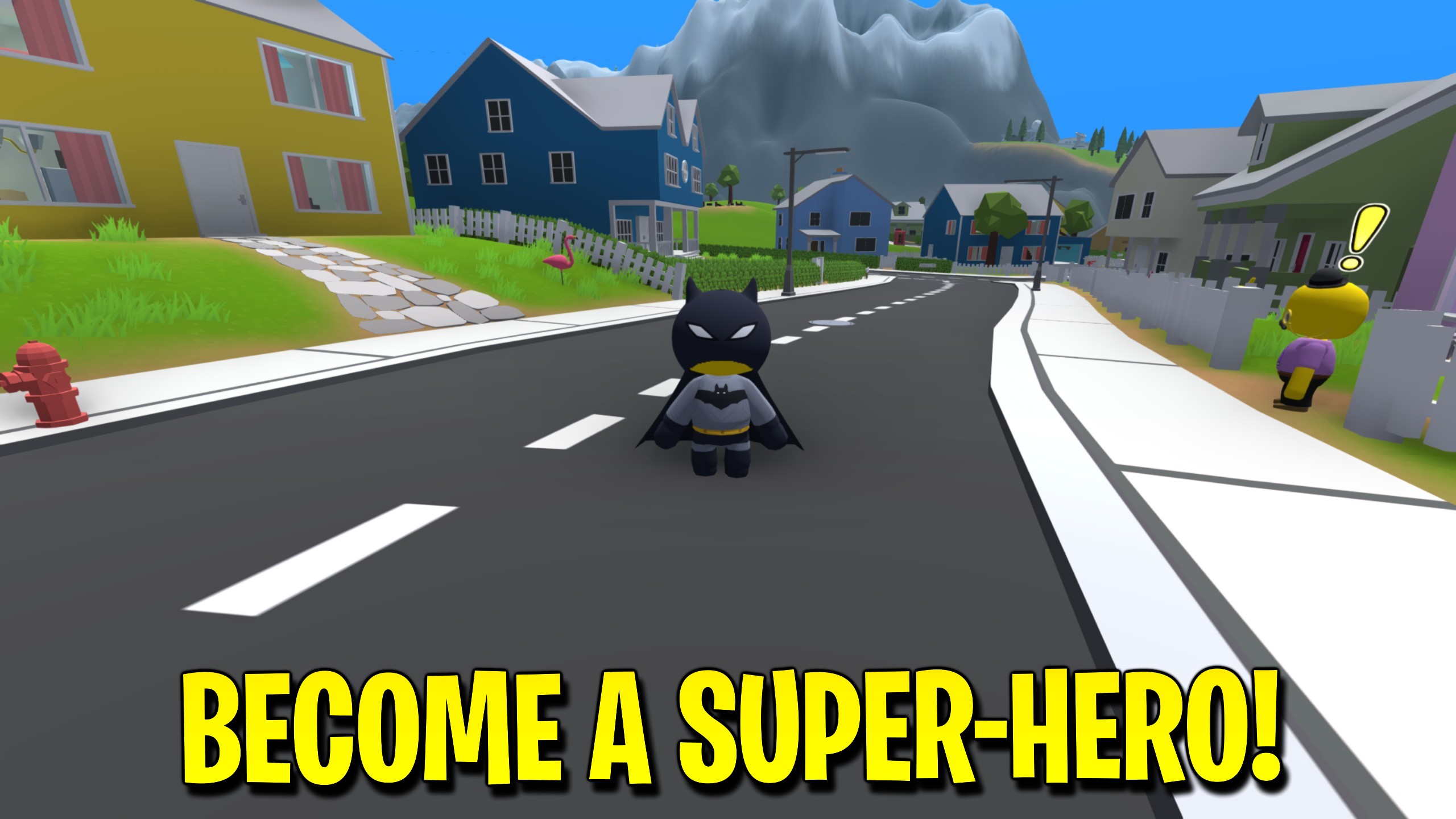
Bat Wobbler Cowl
A midnight cowl with pointed bat ears and a steely white glare. Pull it on and every rooftop on Wobbly Island becomes a lookout post. Part of the Bat Wobbler set.
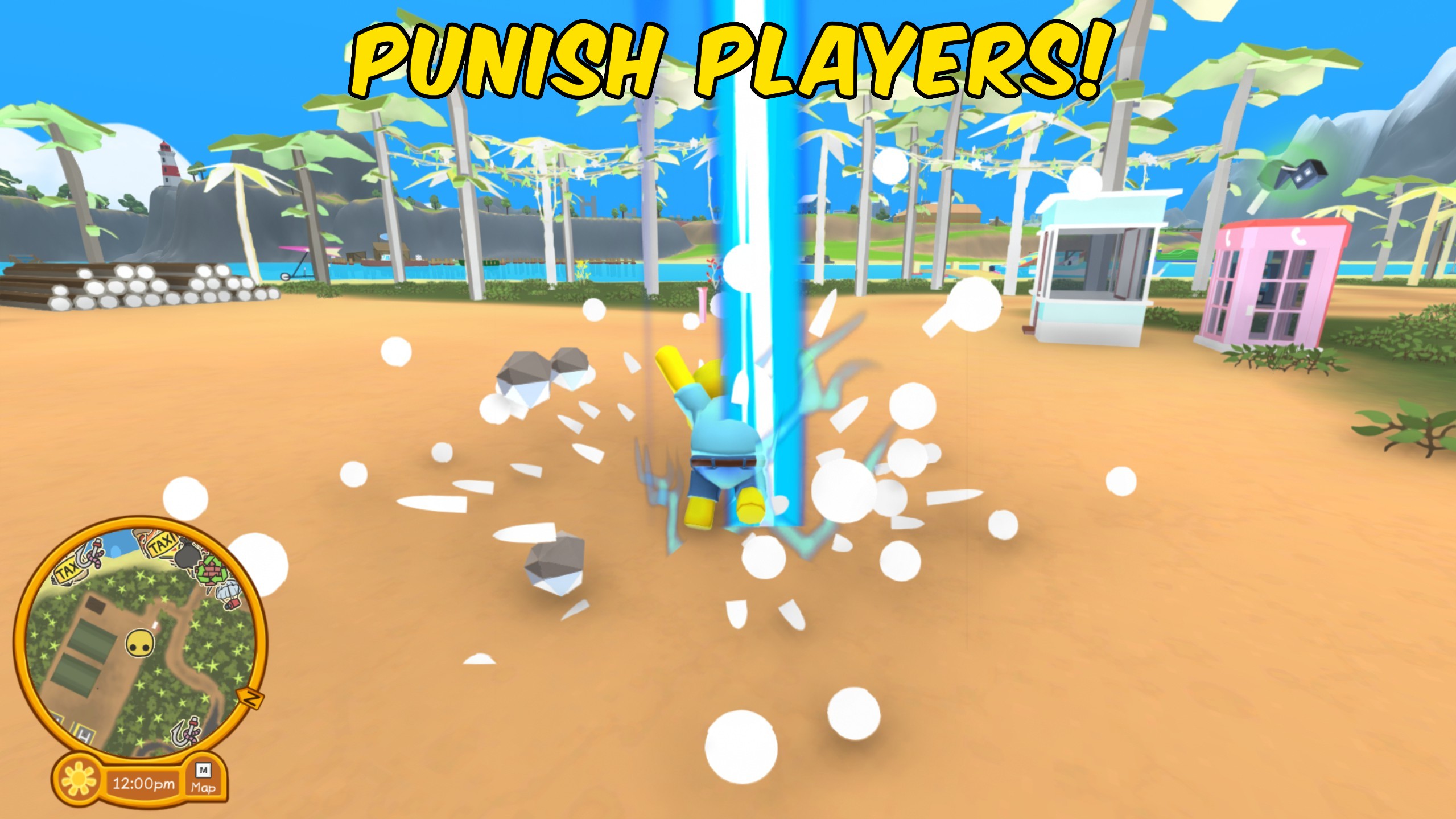
Punish Players
Punish Players lets you select any player in Wobbly Life and unleash ridiculous over the top punishments with the press of a button. Explosions, lightning, teleports, respawns, and physics launches—all in one control panel.
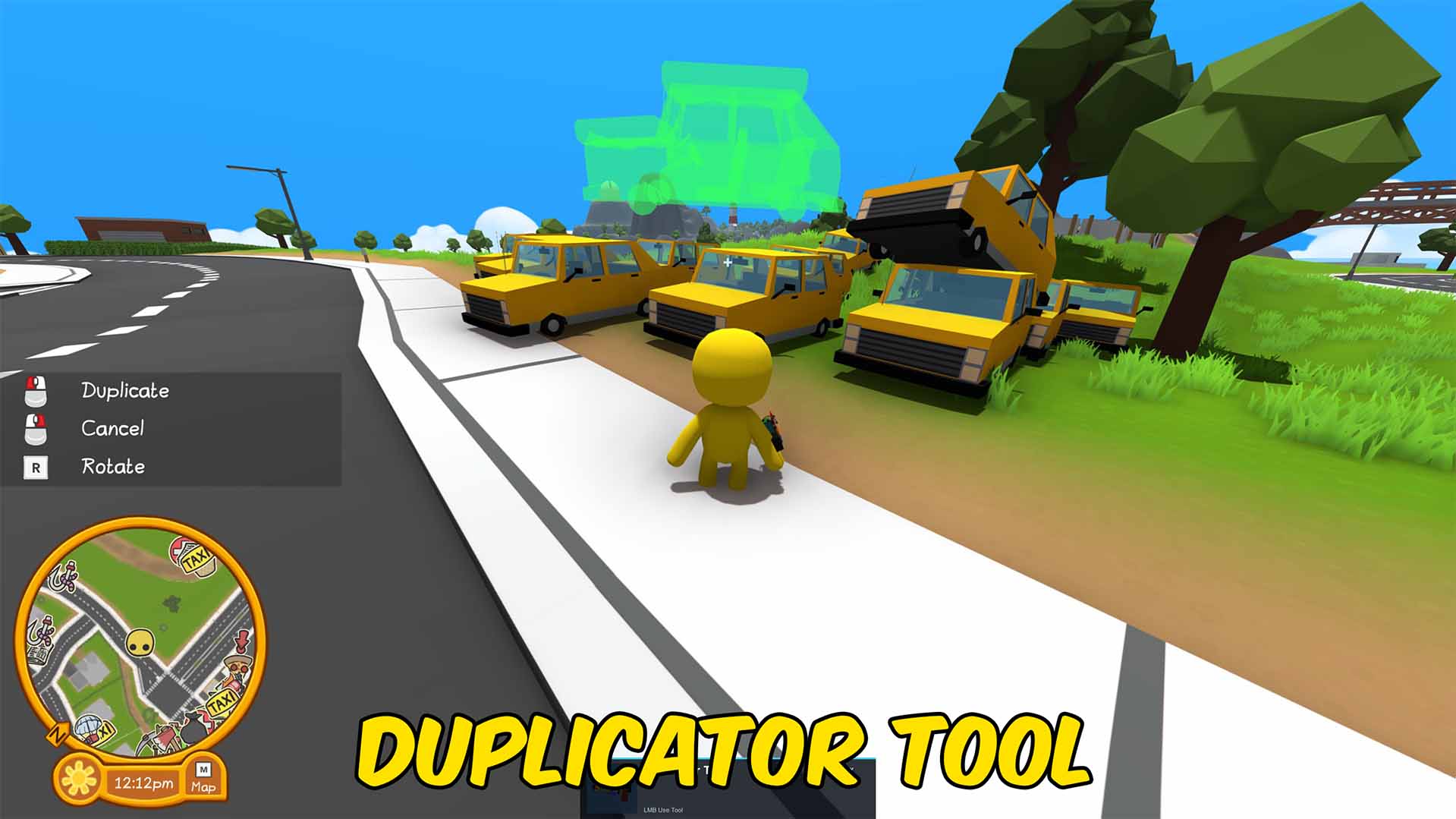
Duplicator Tool
Select an object, preview where the duplicate will land, then place copies into the world.







