Want more mods for Wobbly Life? Explore our entire collection!
Train Control
"Take charge of Wobbly Island's trains with remote throttle, speed tuning, and AI overrides."
How do I install Train Control?
Download the free ProjectMods desktop app, then install Train Control for Wobbly Life in one click.
</>What does Train Control do?
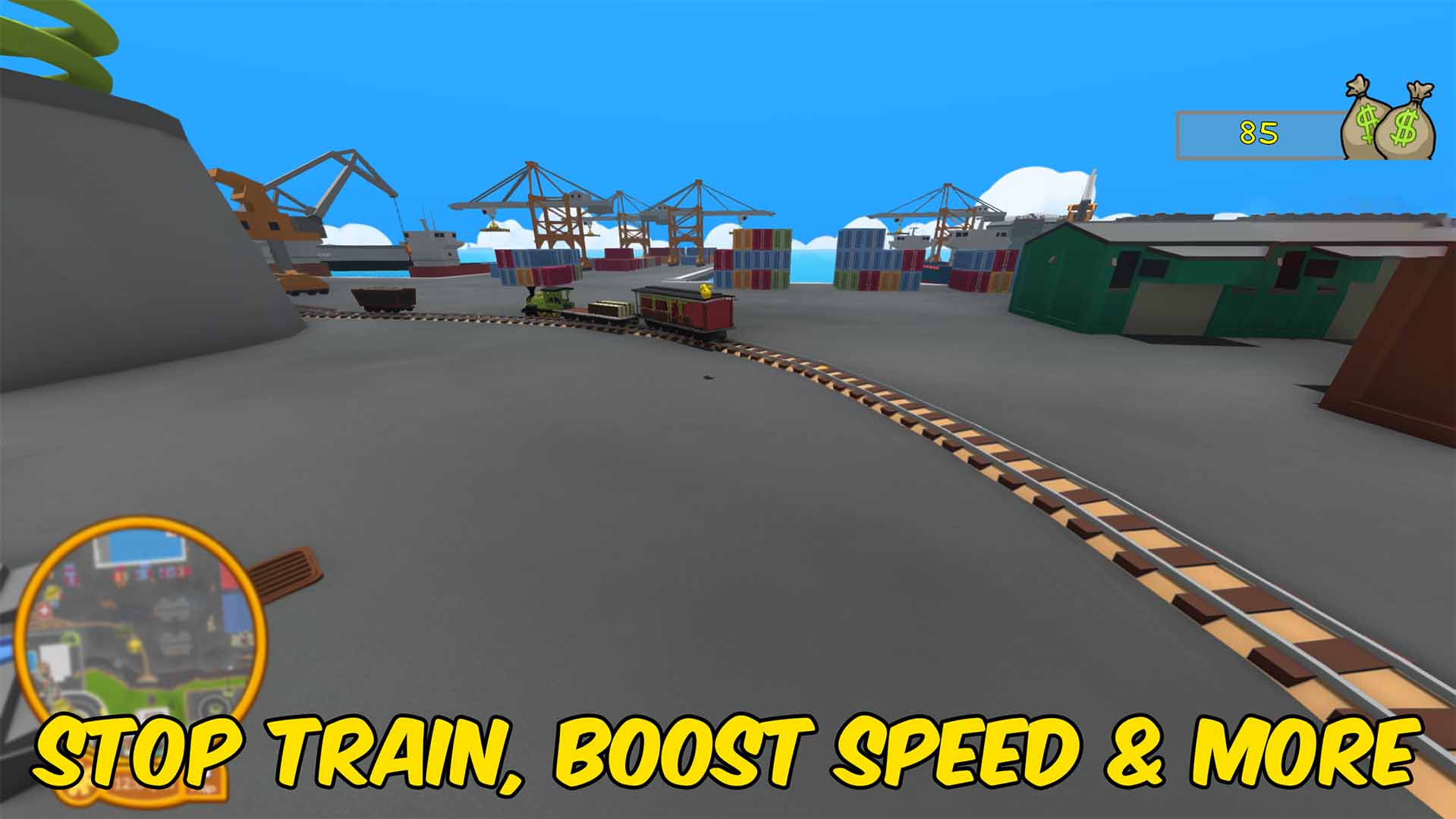
Train Control gives the session host direct tools for Wobbly Life's island train. Turn off the built-in train AI so routes stop driving themselves, silence the automatic horn, and take over with a remote throttle slider. Raise or lower the train's top speed and acceleration, slam the brakes with Stop All Trains, or sound the horn on demand when you want everyone to hear you coming. This mod is built for hosts and solo play because Wobbly Life only lets the world owner run vehicle simulation. Joining someone else's game will not let your train changes stick.
</>What is Train Control?
Train Control is a Wobbly Life world mod for players who want full command over the island train. Hosts can disable automatic train AI, adjust max speed and acceleration, remotely throttle every loaded train, stop all trains instantly, and sound the horn.
</>Common questions about Train Control
Who can use Train Control?
Only the session host or solo player can apply train changes because Wobbly Life runs train physics on the world owner.
What does Remote Control Trains do?
While it is enabled, the host applies the Throttle slider to every loaded train.
Will Disable Train AI stay on after I turn it off?
Yes. Turning the option off restores the train AI components to their previous enabled state.
Do speed changes reset when I unload the mod?
Yes. The mod restores each train's original max speed and acceleration when it unloads.
What options does Train Control include?
Remote Control Trains
Lets the host drive trains with the Throttle slider below.
Disable Auto Horn
Prevents trains from automatically honking while AI or remote control is active.
Sound Horn
Sounds the horn on every loaded train for a short burst.
Disable Train AI
Stops the built-in train AI from driving routes on its own.
Acceleration
How quickly trains speed up and slow down.
Max Speed
Top train speed applied to every loaded train.
Stop All Trains
Instantly sets every loaded train speed to zero.
Throttle
Remote acceleration from reverse (-1) to full forward (1) while Remote Control Trains is on.
Train Control lets the host disable train AI, tune speed and acceleration, remote-drive trains with a throttle slider, and use stop or horn actions.
System Requirements
What features does Train Control include?
- Disables automatic train AI and optional auto-horn behavior for every loaded train.
- Provides a remote throttle slider with max speed and acceleration tuning for host-side train driving.
- Adds one-click actions to stop trains and sound the horn.
Best For
- Run a custom train route without the default AI stopping at every station.
- Stop the island train during jobs, events, or multiplayer hangouts.
- Sound the horn before rolling through a station or job area.
More Mods for Wobbly Life
Portal Gun
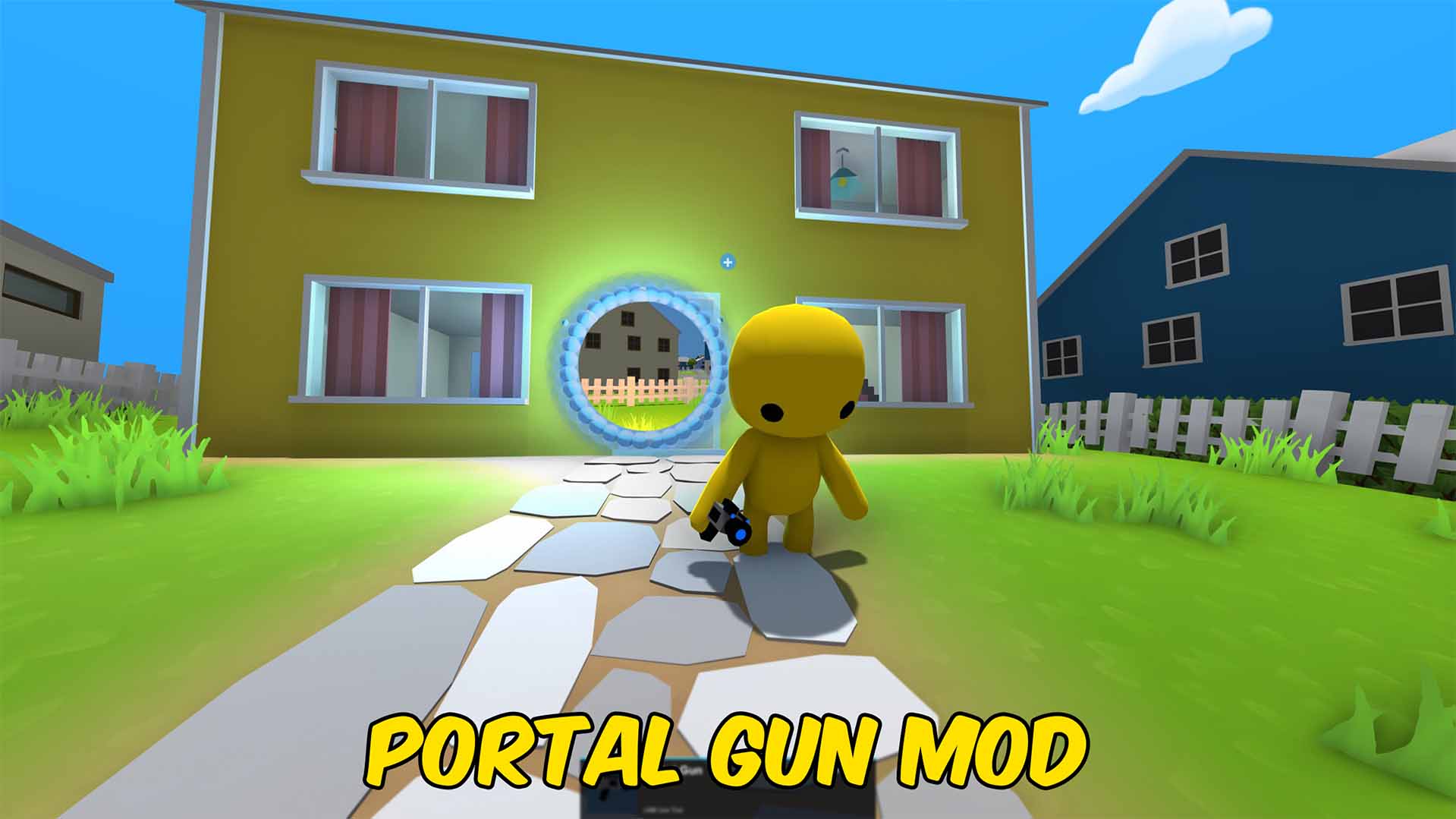
A Portal Gun - you can open two portals, you will be instantly teleported between the portals when you walk into one.
Bone Zone Skull
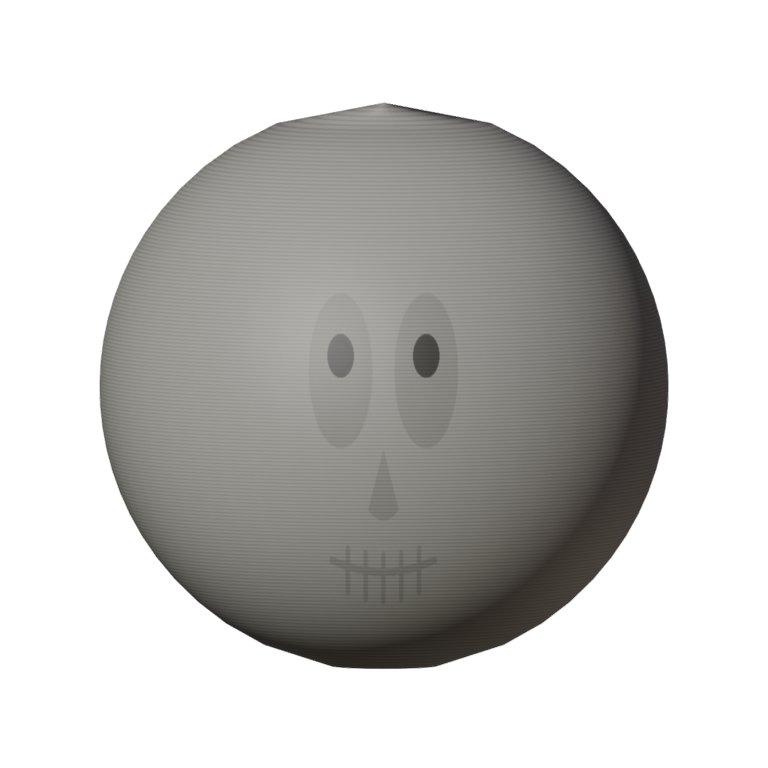
A bone-white full-head skull with hollow sockets and a toothy grin. Tops off the Bone Zone set — spooky, wobbly, unstoppable.
Team LasseLP
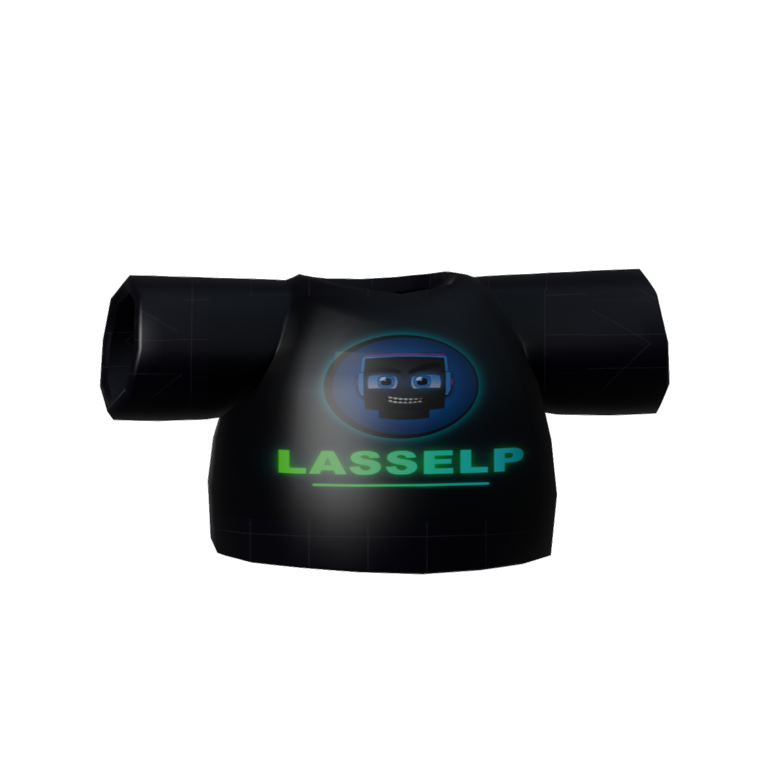
A dark crew tee for the LasseLP squad. Crest and name up front, "Team" on the back — matching fits for the whole gang.







