Want more mods for Wobbly Life? Explore our entire collection!
Weather Wizard (Weather & Time Control)
"Freeze the clock, command the weather, tune rain and fog, and summon lightning whenever Wobbly Island needs more drama."
/WobblyLifeWeatherWizardWeatherTimeControl1.jpg)
How do I install Weather Wizard (Weather & Time Control)?
Download the free ProjectMods desktop app, then install Weather Wizard (Weather & Time Control) for Wobbly Life in one click.
</>What does Weather Wizard (Weather & Time Control) do?
Take command of Wobbly Island's sky with full control over time, weather, rain, fog, thunder, and lightning. Weather Wizard (Weather & Time Control) lets you create the exact atmosphere you want and keep it in place for as long as needed. Freeze the clock at any hour and move the time of day to suit the scene. Hold the world at bright midday, warm golden hour, deep night, or any point in between without waiting for the normal day-night cycle. Choose from the game's available weather conditions and lock your selection so the world cannot switch away from it automatically. This makes it easy to preserve consistent lighting for screenshots, videos, roleplay scenes, and multiplayer events. Rain and fog can be adjusted independently. Clear the skies completely, build a steady shower, push the rain into a heavy downpour, remove haze for long-distance visibility, or cover the island in dense fog for a darker and more atmospheric look. Storm Mode adds rolling thunder and repeated lightning. Adjust how often bolts strike and how likely they are to target a wobbler, or use Strike Now! to call down a bolt on your own character immediately. Wobbly Life assigns weather and time to the world owner, so the full toolset works in single-player and while hosting multiplayer. Changes made while joining another player's world will not remain because their game controls the environment. Use it to capture cinematic storm footage, preserve perfect photography lighting, create permanent night sessions, build foggy roleplay scenes, or turn an ordinary day into nonstop thunder and lightning.
</>What is Weather Wizard (Weather & Time Control)?
Weather Wizard is a Wobbly Life weather and time control mod for solo players and multiplayer hosts. It can freeze the day-night cycle at any chosen hour, force and lock any available weather condition, adjust rain and fog intensity, enable recurring thunderstorms, tune lightning frequency and targeting chance, and trigger an immediate strike on the player. Because the host owns the world's environmental state, the controls apply fully in single-player and hosted sessions. It is suited to screenshots, cinematic videos, roleplay, event setup, visibility changes, permanent weather conditions, and physics chaos.
</>Common questions about Weather Wizard (Weather & Time Control)
Can I freeze time in Wobbly Life?
Yes. Set the time to any hour and freeze it so the day-night cycle stops advancing.
Can I force a specific weather condition?
Yes. Choose an available weather type and apply it to the host's world.
Can I stop the weather from changing automatically?
Yes. Lock the active weather to keep the selected condition in place.
Can I control how heavily it rains?
Yes. Rain intensity can be adjusted from completely dry conditions to a strong downpour.
Can I remove or increase the fog?
Yes. Fog density can be reduced for clear visibility or increased to create thick atmospheric cover.
What does Storm Mode do?
Storm Mode enables recurring thunder and lightning across the world.
Can I change how often lightning strikes?
Yes. The lightning interval controls how frequently strikes occur while Storm Mode is active.
Can lightning target players?
Yes. You can adjust the chance that a strike targets a wobbler.
Can I summon lightning instantly?
Yes. Strike Now! calls down a bolt on your own wobbler immediately.
Does it work in multiplayer?
Yes. It works fully while you are hosting because the host controls the world's weather and time.
Will it work when I join someone else's world?
No. The other player's game owns the environment, so your weather and time changes will not persist.
Can I use it for screenshots and videos?
Yes. Frozen time, locked weather, adjustable fog, and controlled storms are ideal for consistent cinematic lighting and atmospheric scenes.
What options does Weather Wizard (Weather & Time Control) include?
WEATHER: Refresh Weather List
Load every weather style the game has into the list above. Do this once after you get into your world.
TIME: Override Time Flow
Turn on to freeze time and hold it at the hour you set below. Turn off to let day and night flow normally again.
LIGHTNING: Hit Chance
How likely each automatic storm strike is to land right on a wobbler (0 = always misses, 100 = always a direct hit). Only matters while Storm Mode is on.
WEATHER: Set Selected Weather
Instantly change the sky to the weather style you picked above.
WEATHER: Weather Type
Pick a weather style, then press Set Selected Weather to make it happen. If the list only shows a placeholder, press Refresh Weather List first.
LIGHTNING: Max Strike Delay
The longest gap, in seconds, between automatic storm strikes - lower means more frequent lightning. Only matters while Storm Mode is on.
LIGHTNING: Storm Mode
Turn the current weather into a thunderstorm so lightning starts striking on its own. The two sliders below tune it. Turn off to calm things down.
TIME: Time of Day
The time of day on a 24-hour clock - 12 is high noon, 18 is sunset, 0 is midnight. Turn on Override Time Flow above for this to take effect.
RAIN: Rain Level
How hard it's raining right now: none, light, or heavy. Leave it on 'Don't Override' to keep whatever the current weather brings.
WEATHER: Lock Weather
Stop the weather from randomly changing on its own, so whatever you set stays put. Turn off to let it drift naturally again.
FOG: Override Fog
Turn on to take control of the fog with the distance slider below. Turn off to hand fog back to the game.
FOG: Visible Distance
How far you can see through the fog - lower is thicker, soupier fog; higher clears the air. Only applies while Override Fog is on.
LIGHTNING: Strike Now!
Drop a lightning bolt on your own wobbler right now, storm or no storm.
Weather Wizard lets the host freeze time at any hour, choose and lock the current weather, adjust rain and fog intensity, control storm frequency, and trigger lightning instantly.
System Requirements
What features does Weather Wizard (Weather & Time Control) include?
- Freeze the day-night cycle at any selected hour.
- Set the world to midday, sunset, midnight, or any custom time.
- Choose from the available in-game weather conditions.
- Lock the selected weather so it cannot change automatically.
- Adjust rain intensity from completely dry to a heavy downpour.
- Increase or reduce fog density for clear views or near-zero visibility.
- Enable Storm Mode for recurring thunder and lightning.
- Control how frequently lightning strikes during storms.
- Adjust the chance that lightning targets a wobbler.
- Use Strike Now! to summon an immediate bolt on your character.
Best For
- Freeze golden hour while capturing screenshots, thumbnails, and promotional images.
- Keep Wobbly Island at permanent day or night during a hosted session.
- Create heavy rain and fog for cinematic videos and dramatic roleplay scenes.
- Clear fog and rain to improve visibility across the island.
- Run a permanent thunderstorm for multiplayer chaos and physics reactions.
- Trigger lightning on demand for timed stunts, scenes, or reactions.
- Preserve consistent environmental conditions throughout a long recording.
- Pair it with Photographer Kit for controlled lighting and storm cinematography.
More Mods for Wobbly Life
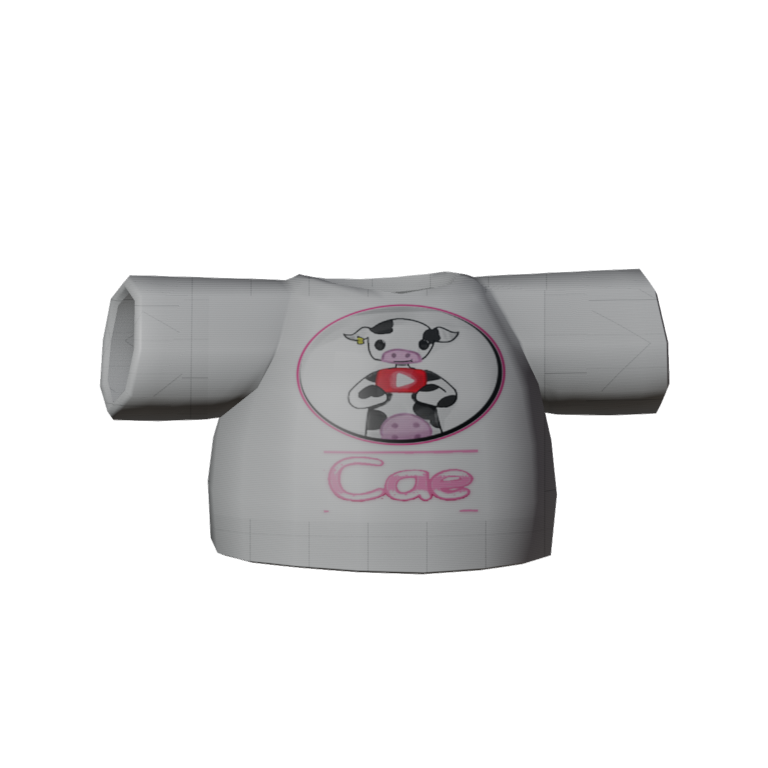
Team Cae
Pull on the Team Cae fan tee, rock that little cow badge with pride, and cause loveable ragdoll chaos while you cheer on your favourite creator.
/WobblyLifeHulkHandsPickUpThrowAnything1.jpg)
Hulk Hands (Pick Up & Throw Anything)
Pick up and throw anything, no matter how heavy. Cars, giant props, your wobbly mates - if you can get your hands on it, you can hoist it over your head and launch it across the island. Flip on Hulk Mode and go wild.
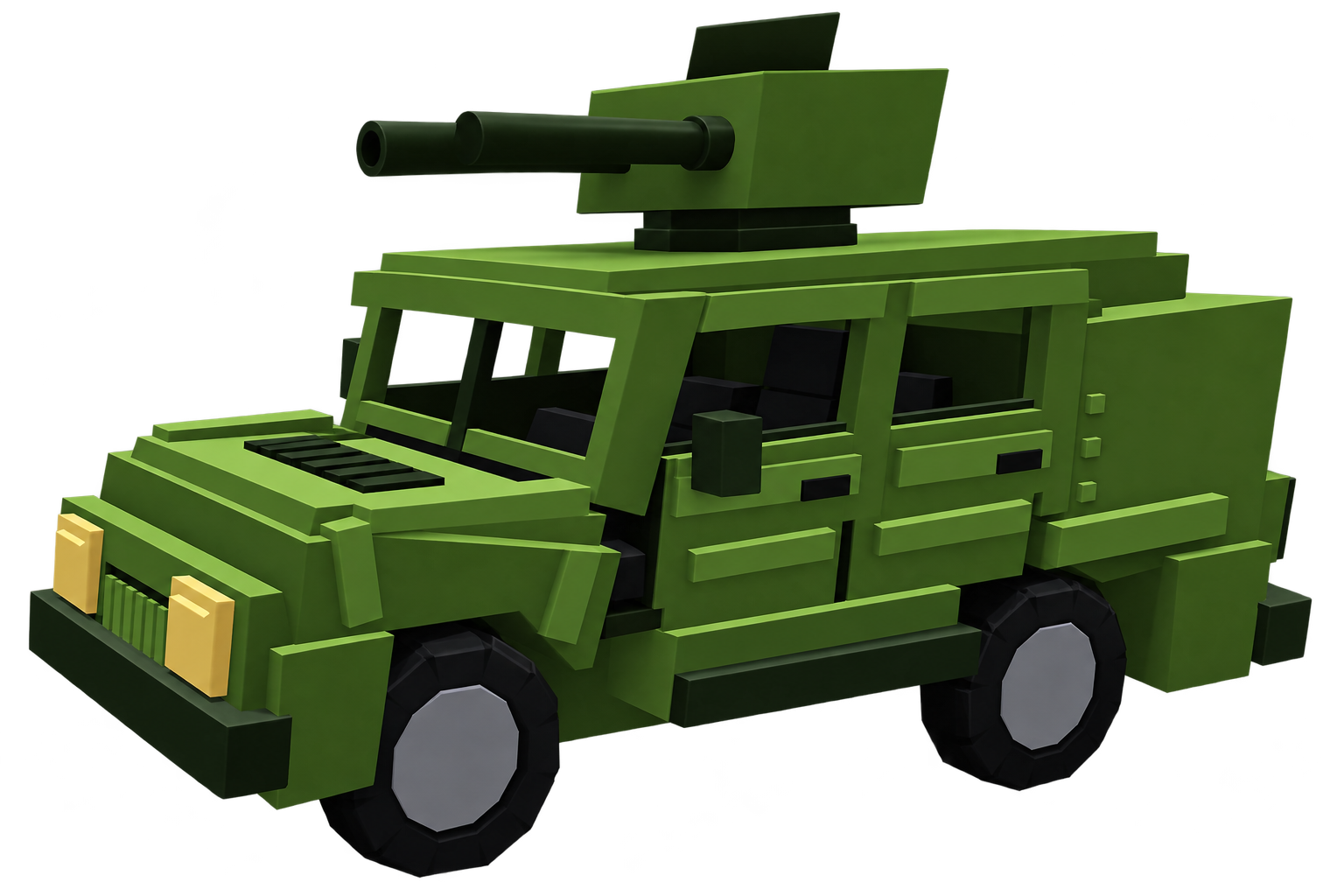
Wobbly Humvee (Missiles)
A heavy off-road Humvee fitted with a twin-barrel missile launcher.







